AI Video Generation Tools

AI Tools for Video Generation

Discover the best Video Generation AI tools to enhance your productivity and creativity.

Page 2 of 27 • 316 total tools
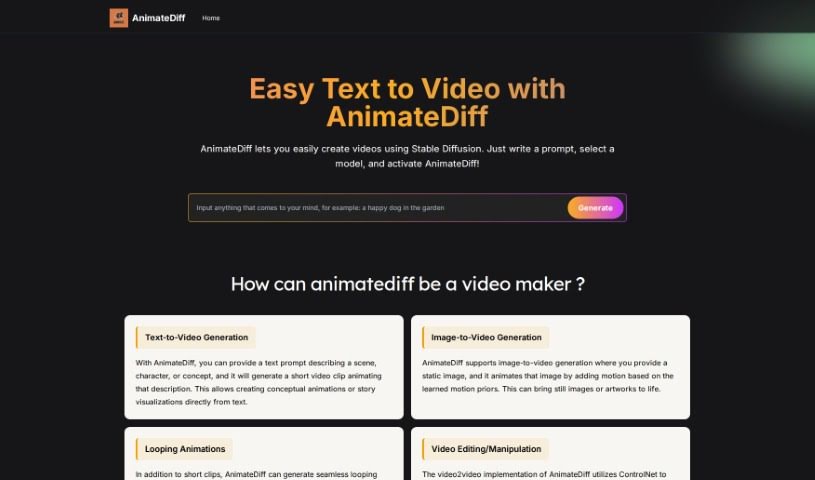
Screenshot of Animatediff Web Online

Animatediff Web Online

Freemium

AnimateDiff Web Online converts text descriptions into videos using Stable Diffusion models. It integrates with the AUTOMATIC1111 Stable Diffusion WebUI and is free to use—no account or login required. It supports options such as endless loops, reverse frame addition, and frame interpolation for smoother animations.

Video Generation View Tool →
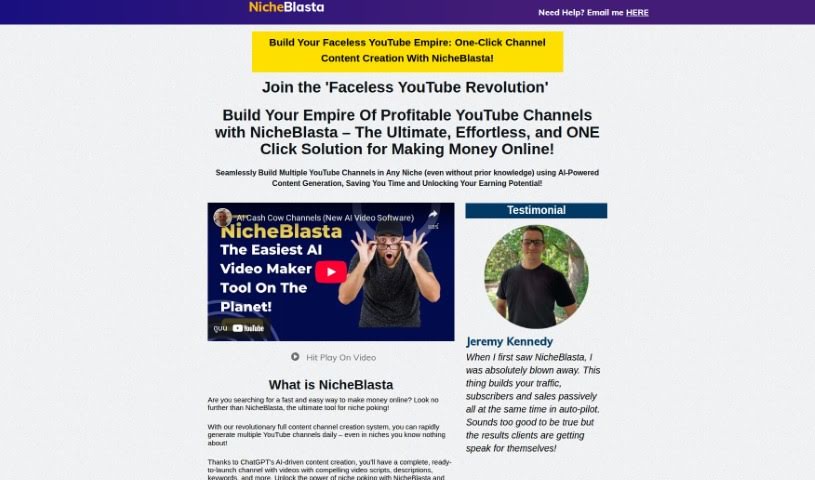
Screenshot of anthonyhaye Nicheblasta

anthonyhaye Nicheblasta

Freemium

Nicheblasta is an AI tool that creates entire YouTube channels with a single click. Powered by ChatGPT, it handles titles, descriptions, keywords, and timestamps, and is built to help users launch, optimize, and grow YouTube channels without prior niche expertise.

Video Generation View Tool →
Screenshot of AnyClip

AnyClip

Freemium

AnyClip is a video platform that uses artificial intelligence to turn standard videos into dynamic, data-rich content. It offers two main products: Genius+ for customer-facing communications and GeniusWork for internal team communications. Its AI tools make videos searchable, measurable, personalizable, merchandisable, and interactive.

Video Generation View Tool →
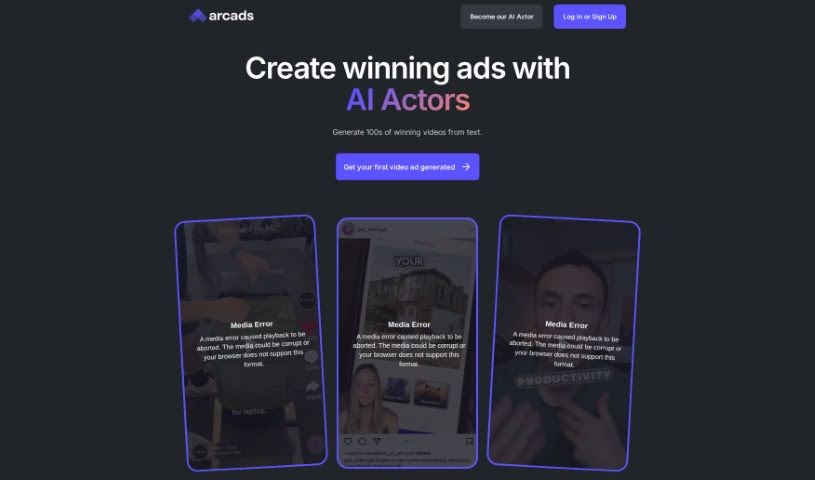
Screenshot of Arcads

Arcads

Freemium

Arcads is a text-to-video platform that turns scripts into video ads using expressive AI actors. It also serves as an all-in-one hub for managing advertising campaigns — software for creating, tracking, and fine-tuning strategies across channels. A separate creator section focuses on the gaming world.

Video Generation View Tool →
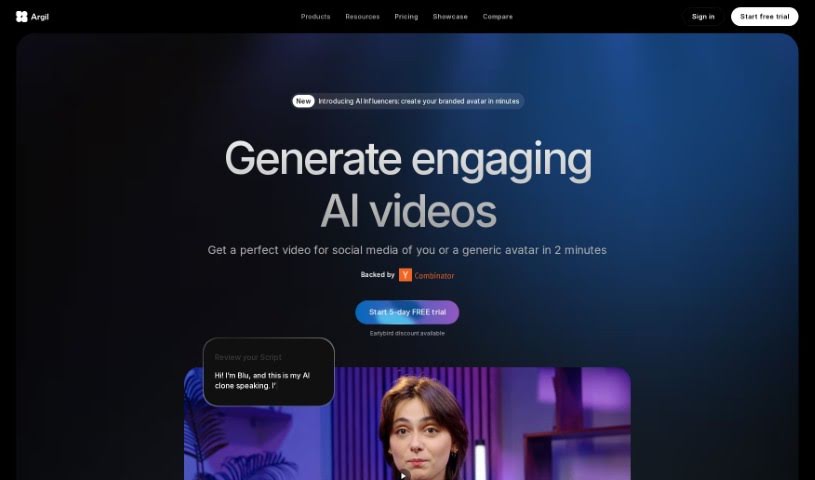
Screenshot of Argil AI

Argil AI

Freemium

Argil AI is a no-code AI automation tool that helps users automate repetitive tasks and build custom automations, including apps and AI features that work with their own data.

Video Generation View Tool →
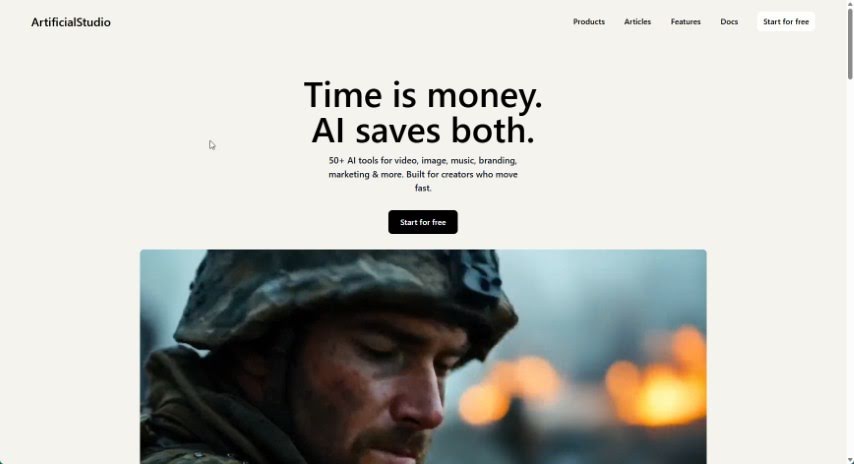
Screenshot of ArtificialStudio

ArtificialStudio

Freemium

ArtificialStudio is a platform for automating creative projects, bringing AI tools for image, video, audio, and 3D work together in one place:

Video Generation View Tool →
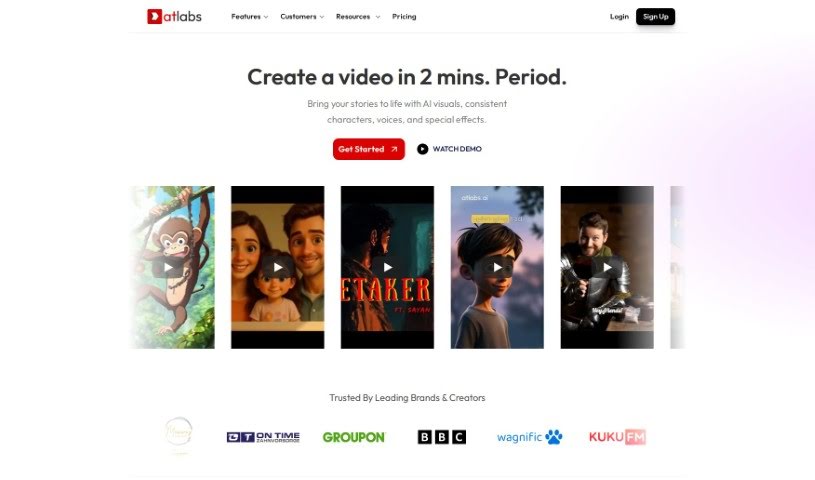
Screenshot of Atlabs AI

Atlabs AI

Freemium

Atlabs AI is a complete AI video platform built for businesses. It is designed to help companies create engaging, on-brand videos without advanced technical skills. Users type in text or import existing content, and the AI generates a script and assembles the video. The platform includes an AI Assets Generator, brand-consistent motion graphics, support for over 40 languages, AI voiceovers, captions, one-click video translations, a consistent character library, video overlays, resizing and instant export in various aspect ratios, and intelligent keyword highlighting. It can also create personalized videos for businesses based on their website URL. Atlabs AI is accessed by logging in, and customer support is available on the platform.

Video Generation View Tool →
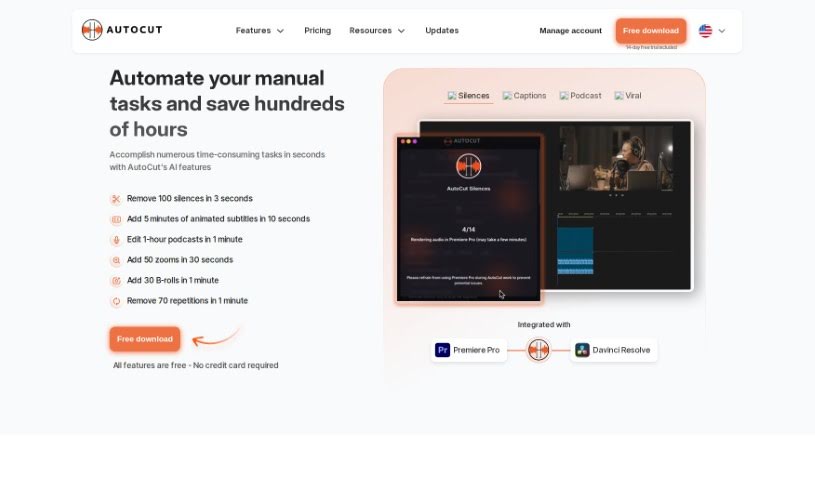
Screenshot of AutoCut

AutoCut

Freemium

[AutoCut](https://www.autocut.com/en/) is an AI plugin for Adobe Premiere Pro that automates repetitive editing tasks: cutting silences, editing podcasts, adding zooms, flagging repeated words, and generating animated captions. It runs on Windows and macOS and suits both beginners and professional videographers.

Video Generation View Tool →
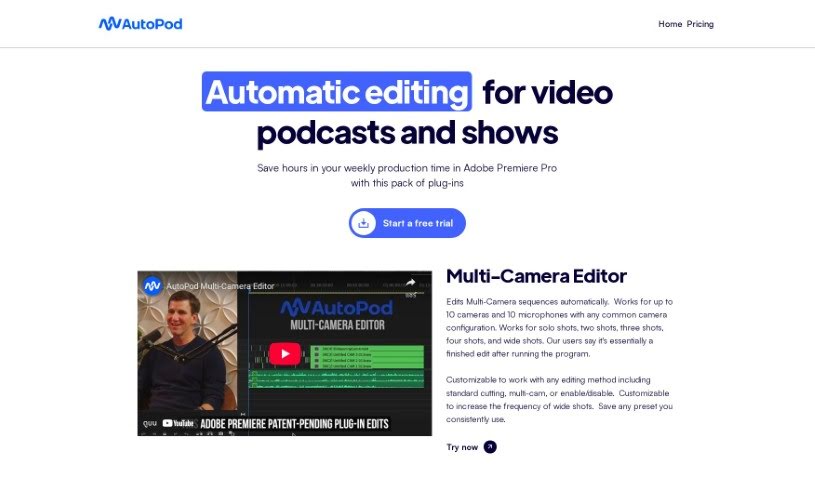
Screenshot of Autopod

Autopod

Freemium

Autopod is a smart editing assistant for podcasters and show creators who use Adobe Premiere Pro. It's a collection of plug-ins that automate repetitive editing tasks: detecting silence to create jump cuts, handling multi-camera setups (up to 10 cameras and 10 microphones), and generating social media clips in various aspect ratios. You can customize how it edits to match your style.

Video Generation View Tool →
Screenshot of Avais

Avais

Freemium

Avais is a volleyball training app that uses AI for real-time tracking, performance analysis, and personalized coaching. It tracks matches, provides instant stats, suggests drills, automatically creates highlight clips, and can help players connect with college scouts. The platform is designed to help athletes improve with specific feedback and make training more engaging through friendly competition.

Video Generation View Tool →
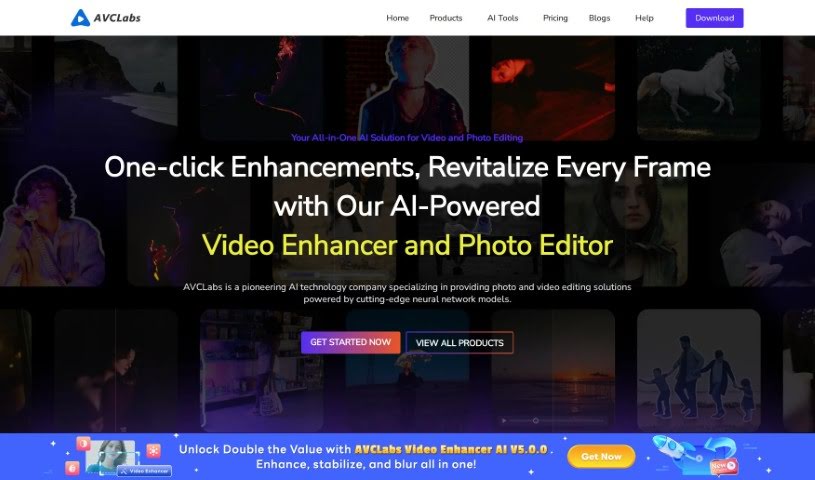
Screenshot of Avclabs

Avclabs

Freemium

AVCLabs develops AI-powered tools for improving video and photo quality. Its product lineup includes Video Enhancer AI, Photo Editor AI (PhotoPro AI), Photo Enhancer AI, and Video Blur AI.

Video Generation View Tool →
Screenshot of Bhuman

Bhuman

Freemium

Bhuman is an AI platform for creating personalized videos that look realistic even when reaching large audiences. The system analyzes customer data and generates a video tailored to each recipient based on their preferences, interests, and needs. This individualized approach helps build trust, deepen customer relationships, and drive engagement.

Video Generation View Tool →

About Video Generation tools

Setting up physical camera rigs, arranging scene lighting, hiring actors, and waiting for long video renders can make video production an expensive, time-consuming effort. Whether you need custom visual clips for a marketing campaign, animated scenes for a digital story, or background b-roll for a presentation, turning abstract ideas into moving images takes serious work. It’s easy to stall creative projects when traditional video shoots require big budgets and full production crews.

These generative video platforms act as capable creative partners. They convert written prompts and reference images into fluid video scenes, helping you test visual directions faster and produce high-quality video content without a full crew.

Text-to-Video, Image Animation, and Style Consistency

Creating custom video scenes without a physical camera crew used to be nearly impossible for small teams. Generative video tools take descriptive text prompts, script outlines, or static images and turn them into realistic motion clips, digital animations, and cinematic sequences in seconds. Instead of starting with a blank project timeline or searching through generic stock libraries, you get custom video drafts ready to edit, polish, and include in your final export.

Maintaining visual consistency across multiple shots and scenes gets much easier, as well. Early generative video tools often suffered from sudden visual shifts between clips, making long-form content feel disjointed. Advanced video platforms allow you to lock in character appearances, lighting conditions, and art styles across sequential generations, helping you build coherent multi-shot stories or product showcases that keep a unified visual identity.

Prototyping visual ideas and producing custom b-roll also becomes far more practical. Developing storyboards or testing different aesthetic styles for a commercial project used to take extensive pre-production work. AI video platforms let you quickly generate dozens of concept clips, experiment with dynamic camera angles, and build interactive visual previews before spending time on full-scale edits.

Practical Features to Look For:

  • Text-to-video rendering: Systems that convert written prompts and script outlines into realistic video clips and animated scenes.
  • Image-to-video animation: Tools that take static photos, artwork, or product shots and add realistic camera motion and subject movement.
  • Style and camera movement controls: Settings that let you specify camera angles, movement speed, lighting styles, and visual aesthetics.
  • Character and visual consistency: Features that preserve key subject traits, facial features, and clothing across multiple generated clips.
  • Multi-format aspect ratio exports: Options for generating footage sized specifically for widescreen displays, square social posts, or vertical mobile feeds.

Creating high-impact video content will always depend on your imagination, emotional intuition, and director’s eye. Software can’t replace original human vision or an understanding of what moves an audience, but handing off initial scene rendering and rapid video drafting gives you back the time needed to shape a great story.

Take a look through the video generation tools below to turn your written ideas into dynamic video clips.

The Best AI Video Generators

  1. VEED: for creating custom thumbnails for videos
  2. Wondershare: for video content creation and editing.
  3. Runway: for dynamic video content creation
  4. Invideo AI: for effortless content creation for brands
  5. Pix Verse AI: for text-to-video creation with style options
  6. Hey Gen: for effortless personalized video outreach
  7. Vidnoz AI: for creating engaging social media videos fast
  8. Media.io: for engaging video content creation
  9. 10LevelUp: Turns long videos into short captioned clips automatically.
  10. Digen AI: for creating targeted marketing videos.
  11. Vmake: for video ad creation for social media campaigns
  12. Descript: for video content creation with ease
  13. Pictory: for generating videos from scripts effortlessly.
  14. Synthesia: for creating training videos with AI avatars
  15. Napkin AI: for dynamic visuals for engaging videos
New tools, in your inbox.

Weekly picks of the best AI tools we've researched and added — no spam, unsubscribe anytime.

Join 25,000+ AI enthusiasts. No spam, unsubscribe anytime.