V
Videofa.st Automatic Subtitles
FreemiumVideofa.st's Automatic Subtitles feature automatically generates subtitles for short videos. Key capabilities include:
Video Editing
View Tool →
Discover the best Video Editing AI tools to enhance your productivity and creativity.
Videofa.st's Automatic Subtitles feature automatically generates subtitles for short videos. Key capabilities include:
Videoleap is a video editor and maker that combines ready-made templates with advanced editing tools. You can trim clips, add text, apply filters, and add music or sound effects. It also includes AI features such as automatic color correction, object removal, and background replacement, which help speed up the editing process.
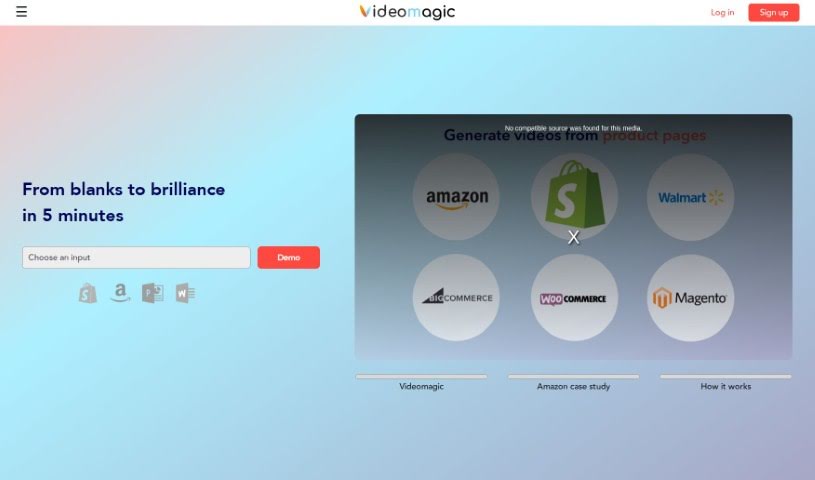
Videomagic is an online platform for video editing and production, built to serve both beginners and experienced creators. It covers the full editing workflow: applying effects, filters, and transitions; trimming, merging, and rearranging clips; adding text and captions; and layering multiple audio tracks for a richer soundtrack.
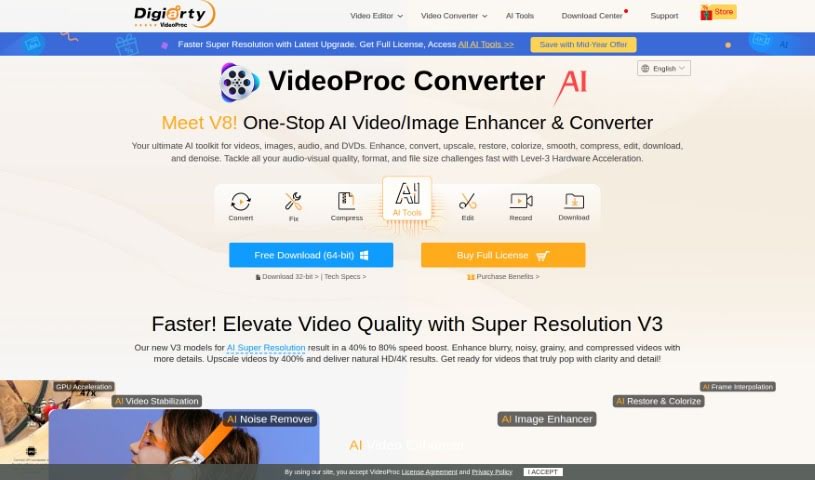
VideoProc Converter is an all-in-one software tool that uses AI to edit, convert, download, record, enhance, and compress video files. Its AI features include Super Resolution (upscales footage to 4K), Frame Interpolation (produces smoother playback), and Video Stabilization (fixes shaky footage). Level-3 Hardware Acceleration lets it process formats such as MP4, 4K, and 8K efficiently, and it supports many devices and languages.
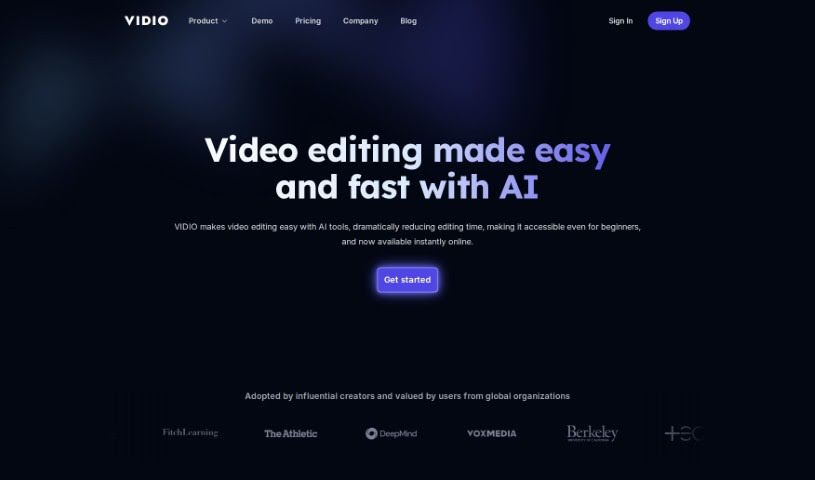
Vidio is an online video editing tool that uses AI to make video editing accessible to people of all backgrounds. It bridges the gap between complicated traditional editing software and users' creative goals: the platform analyzes uploaded videos, spots patterns, and offers editing suggestions through a chat-based interface with automated guidance.
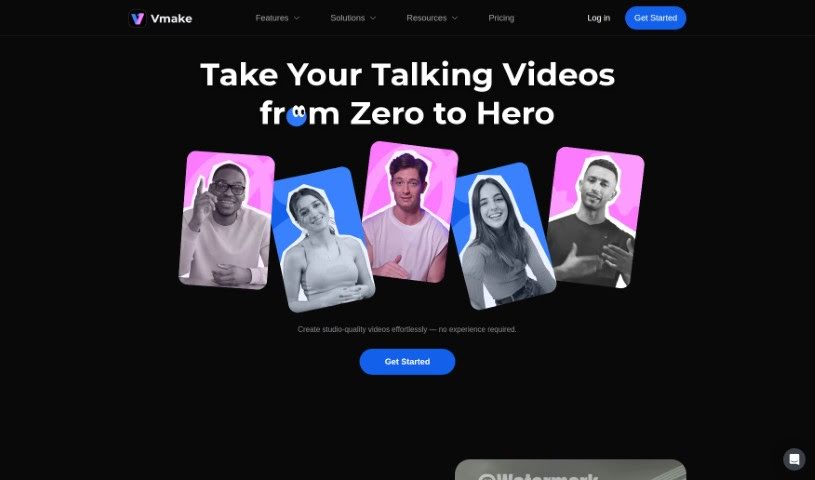
Vmake is an AI-powered editing suite for video and image content. It bundles automated tools — enhancement, background removal, watermark removal, and content generation — behind a simple interface, so creators and businesses can produce polished visuals without advanced editing skills. A dedicated mobile app supports editing on the go.
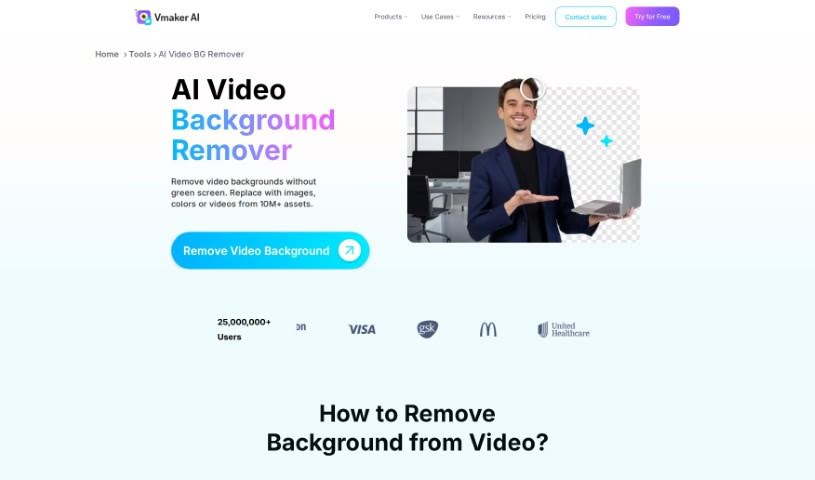
Vmaker AI's Video Background Remover uses artificial intelligence to automatically cut out the background from your videos in just a few clicks. It accurately identifies the main subject and the background, allowing precise removal even without a green screen. The result leaves no trace of the old background, preserving video quality.
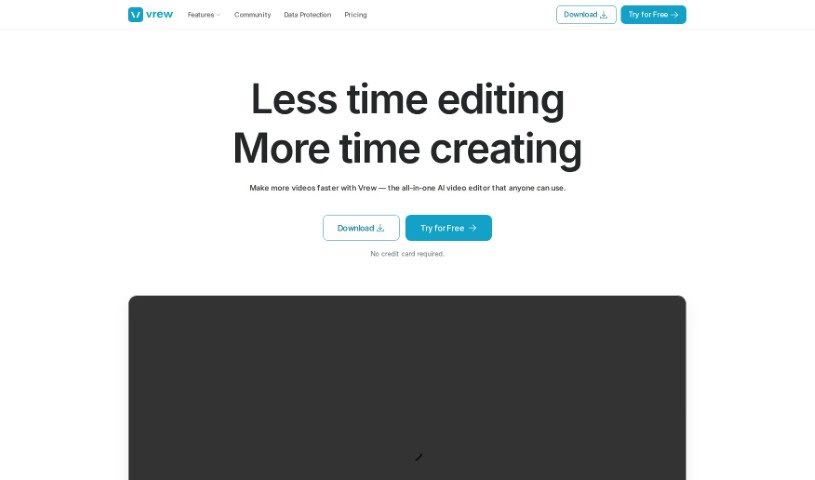
Vrew is an AI-powered video editing software designed to simplify video production. Its core features include automatic subtitle generation via speech recognition, quick cut editing, and a document-style interface that makes editing feel like working with text. It runs on Mac, Windows, and Ubuntu.
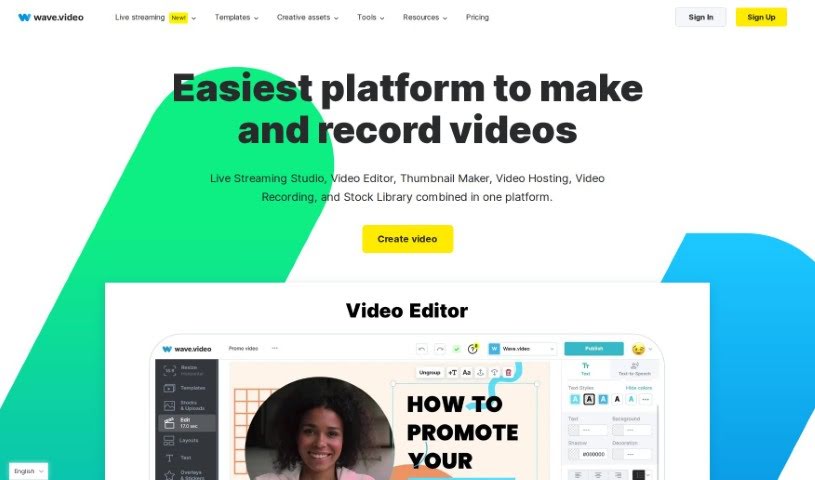
Wave.video is an online platform for creating, editing, recording, and live streaming videos. It combines a video editor, a customizable live streaming studio, a free thumbnail maker, secure video hosting, a screen recorder, and a stock media library of images, video clips, and audio tracks. The editor supports visual effects and graphics, making it accessible to users new to video editing.
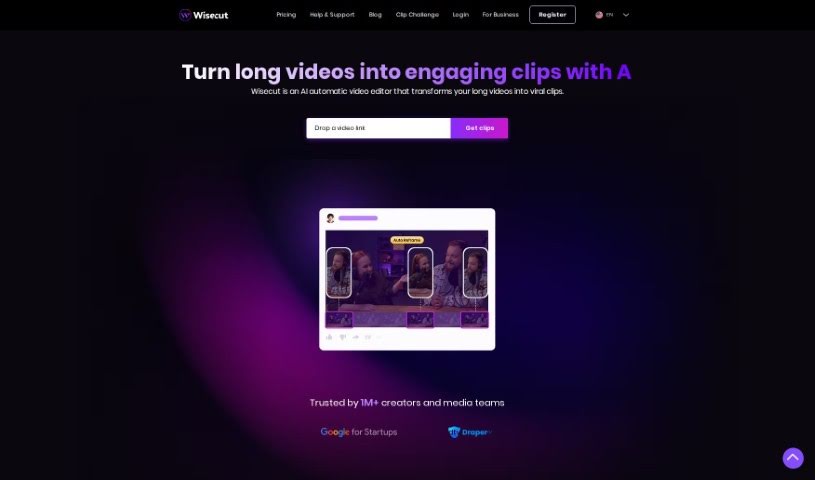
Wisecut is cutting software designed for a range of industries, including signage, woodworking, and metalworking. It uses algorithms to determine optimal cutting paths, taking into account material properties, the tools being used, and production constraints. The goal is to streamline cutting processes, reduce wasted material, and improve overall efficiency.
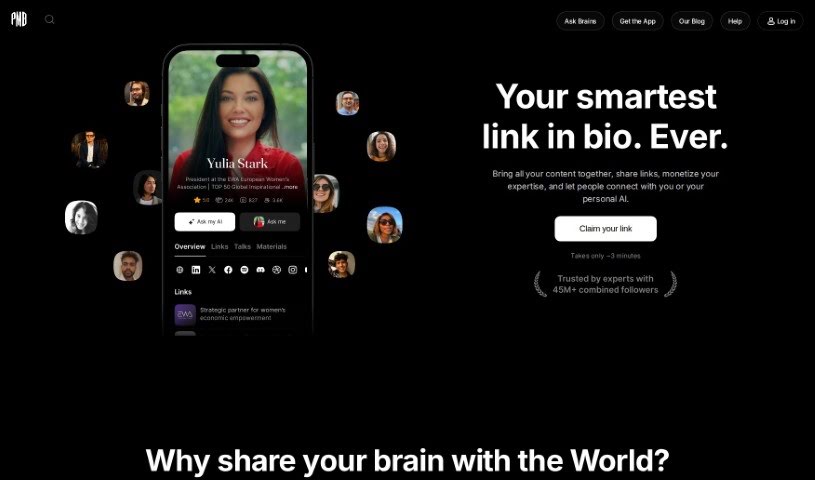
Wois is a service that works with public recordings and data, with a strong focus on protecting your personal information. You can record videos privately, and those recordings won't be used to train your AI twin unless you choose to share them. The service includes recording videos, getting your own profile and AI twin, and free 1:1 video connections with other members. Subscribers get unlimited video publishing, editing, and automated content generation, starting at $9 a month. You can also add data in any format, as long as you can verify its origin — this may cost extra. Wois also plans to let users set their own prices for 1:1 asynchronous video connections with themselves.
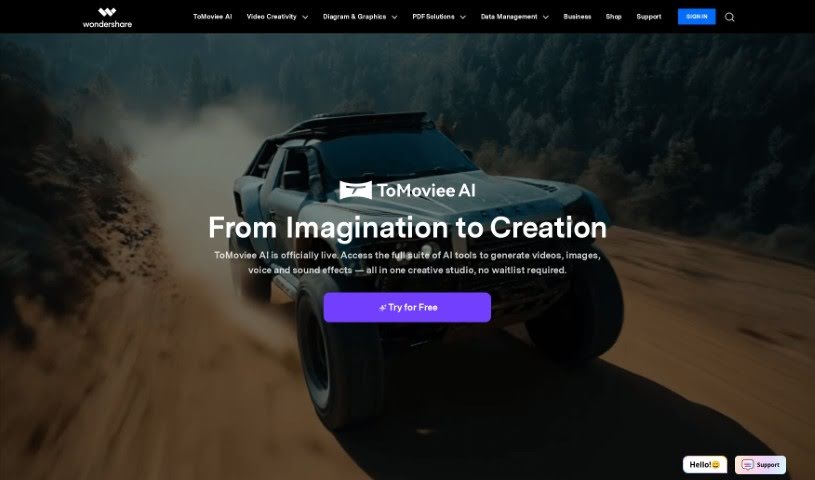
Wondershare EdrawMax is a diagramming tool for creating flowcharts, mind maps, organization charts, Gantt charts, and more. Its AI generates diagrams automatically, speeding up the creation process. EdrawMax runs on desktop, in a web browser, and on mobile, so teams can collaborate in real time from anywhere. It is built for businesses, individuals, and schools, with features tailored to each group.
Scrubbing through hours of raw video, trimming dead air, and manually matching color grades across multiple clips can turn post-production into a slow grind. Whether you’re editing a podcast episode, polishing a client project, or cutting down a long interview for social media, shaping raw recordings into a seamless story takes hours of timeline work. It’s easy to spend an entire afternoon fixing awkward jump cuts and cleaning up background noise before you even touch the actual story flow.
Think of the tools in this category as capable editing assistants. They handle tedious clip trimming, transcribe audio for text-based editing, and clean up messy audio tracks in minutes without replacing human storytellers.
Trimming rough footage and removing awkward silences used to require repetitive manual slicing. Smart editing platforms generate full transcriptions of your media, allowing you to edit video simply by deleting text from a transcript. When you remove unwanted words or filler sounds from the text, the software automatically cuts the corresponding video frames, creating a clean rough cut in a fraction of the time.
Cleaning up distorted audio and balancing visual profiles gets much easier, as well. Background hums, echoes, and sudden volume drops often ruin otherwise great takes. AI audio processors isolate spoken voices, eliminate unwanted room noise, and balance sound levels without needing complex audio plugins. At the same time, automated color tools match lighting and tone across different cameras, giving your project a cohesive look across every scene.
Adapting your finished edit for multiple social platforms also becomes far less painful. Resizing horizontal footage into vertical feeds usually means manually repositioning focal points for every shot. Intelligent auto-framing tools track speaker movements and adjust video boundaries automatically, keeping main subjects centered across widescreen, square, and vertical formats while generating matching, styled captions on the fly.
Practical Features to Consider:
- Text-based video editing: Systems that transcribe audio tracks so you can edit video clips directly by modifying the text draft.
- Automated silence and filler word removal: Tools that scan audio to spot pauses, stuttering, and filler sounds, cutting them out with a single click.
- Smart auto-reframing: Settings that track subjects and automatically adjust aspect ratios for vertical, square, or widescreen platforms.
- AI audio repair and noise reduction: Features that isolate dialogue, remove background static or echo, and equalize audio levels automatically.
- Automated captions and subtitles: Generators that create time-synced subtitles in multiple languages with customizable visual styles.
Crafting an engaging video will always depend on your sense of pacing, narrative judgment, and creative vision. Software can’t replace emotional timing or artistic taste, but handing off routine clip trimming, noise cleanup, and multi-format resizing gives you back the time needed to tell great stories.
Explore the video editing tools below to speed up your post-production workflow.
Weekly picks of the best AI tools we've researched and added — no spam, unsubscribe anytime.
Join 25,000+ AI enthusiasts. No spam, unsubscribe anytime.