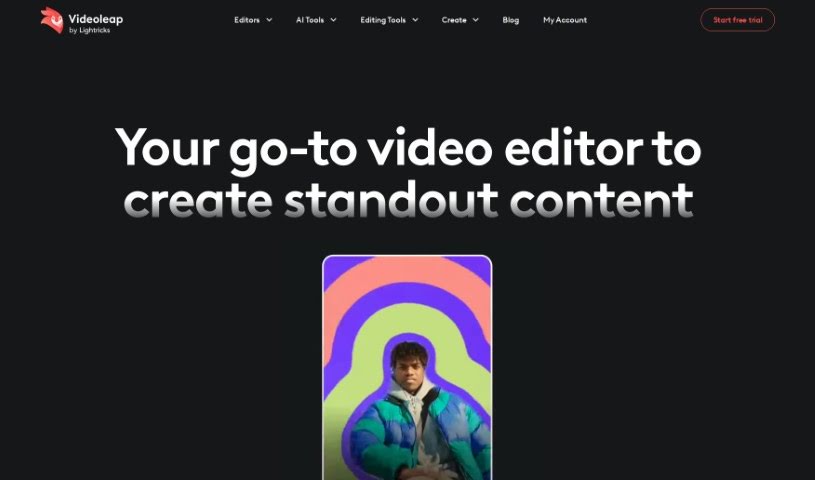
Screenshot of Videoleap

Videoleap

Discover what Videoleap is and how to use its powerful features for video editing in 2025. We'll cover its tools, AI capabilities, and how it stacks up against other video editing software.

Screenshot

What is Videoleap?

Videoleap is a really versatile video editor and maker, packed with features to help you create eye-catching videos without a lot of fuss. It offers ready-made templates that are super easy to tweak, plus advanced editing tools. You can trim clips, add text, apply cool filters, and drop in music or sound effects. What’s neat is that Videoleap also uses AI to do things like automatically correct colors, remove unwanted objects, or swap out backgrounds. This means you can quickly get a professional polish on your videos. Whether you’re a seasoned pro or just starting out, Videoleap gives you the tools to make your videos really pop and impress your audience. Want to learn more or get started? Check out their website at https://www.videoleapapp.com/ .

Who created Videoleap?

Videoleap is a versatile video editing app designed to help users create captivating videos with ease. It provides a variety of premade templates, all crafted by professional videographers. On top of that, it offers advanced editing features like trimming, adding text, applying filters, and incorporating music. Videoleap also uses AI tools to simplify tasks such as color correction, object removal, and background replacement, making the editing process much smoother. While we couldn’t find specific details about the founder, the company behind Videoleap is committed to helping users bring their creative ideas to life. They achieve this by offering user-friendly and innovative video editing tools.

What is Videoleap used for?

  • Editing videos like a pro
  • Swapping out video backgrounds
  • Making videos that grab attention
  • Customizing pre-made video templates
  • Trimming and cropping your video clips
  • Adding text and captions to your videos
  • Applying various filters and effects
  • Adding music and sound effects to your projects
  • Using AI for automatic color correction
  • Removing objects from your videos with AI
  • Creating videos that look professional
  • Using AI to adjust colors automatically
  • Taking objects out of videos
  • Changing video backgrounds
  • Using AI to remove unwanted objects
  • Using AI to replace video backgrounds
  • Creating videos for social media, presentations, or personal use

Who is Videoleap for?

  • Professional videographers
  • Anyone who makes videos
  • Content creators
  • Social media managers
  • People who give presentations
  • Freelancers
  • Marketing professionals

How to use Videoleap?

Looking to create amazing videos without the hassle? Videoleap is the perfect tool for you! Here’s a simple guide to get you started:

  1. Start with Premade Templates: Begin by picking a template from Videoleap’s collection, which was put together by pros. You can then customize it with your own videos, photos, colors, fonts, and animations to create a video that truly reflects your personal style.
  2. Dive into Advanced Editing: Use Videoleap’s easy-to-navigate interface to trim, crop, add text, captions, filters, effects, music, and sound effects. You’re in full control, so you can make sure your video looks exactly how you imagined it.
  3. Try the AI Enhancement Tools: Videoleap includes AI-powered features for automatic color correction, object removal, and background replacement. These tools really speed up editing, helping you turn your raw footage into professional-quality videos efficiently.
  4. Ready to Create? If you’re eager to get creative, sign up for Videoleap to begin your video editing adventure. Whether you’re making content for social media, presentations, or just for fun, Videoleap provides all the tools you need to bring your ideas to life.

With Videoleap, you have the power to produce engaging and impactful videos that really capture your audience’s attention. Head over to the official website at Videoleap Website to explore more and start creating your standout videos today.

Related AI Tools

Discover more tools in similar categories that might interest you

Stay Updated with AI Tools

Get weekly updates on the latest AI tools, trends, and insights delivered to your inbox

Join 25,000+ AI enthusiasts. No spam, unsubscribe anytime.