Top AI Video Editing Tools: Reviews & Comparison

AI Tools for Video Editing

Discover the best Video Editing AI tools to enhance your productivity and creativity.

Page 2 of 10 • 111 total tools
Screenshot of Canva AI Video Editor

Canva AI Video Editor

Freemium

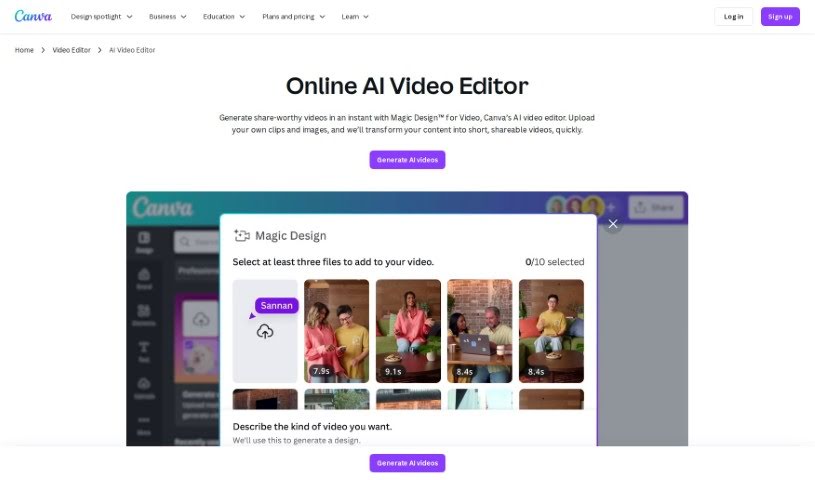
Canva's AI Video Editor is a browser-based tool that uses artificial intelligence to help you edit videos faster. It analyzes your footage to identify scenes, objects, and people, then suggests or applies edits automatically — cutting dead air, adding transitions, and applying effects. The goal is to remove the tedious, repetitive parts of editing so video creation is more accessible, whether you're a beginner or an experienced editor.

Video Editing View Tool →
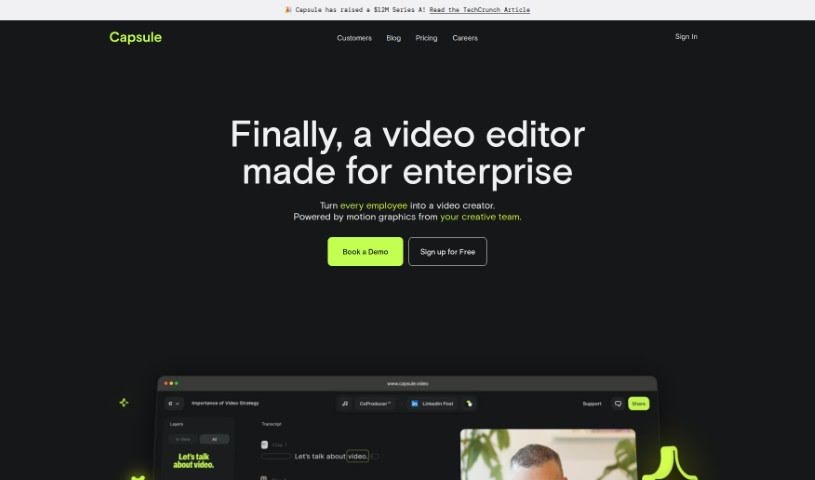
Screenshot of Capsule

Capsule

Freemium

Capsule is an AI-powered video editing platform built for content and marketing teams. Its stated goal is to make video editing up to 10 times faster while keeping output on-brand and supporting team collaboration.

Video Editing View Tool →
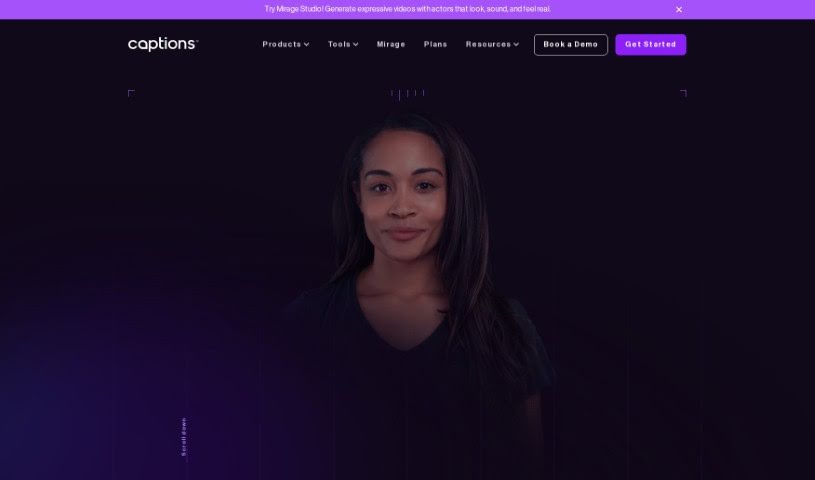
Screenshot of Captions

Captions

Freemium

Captions is an AI-powered video creation platform designed to simplify video production. It analyzes raw footage to automatically generate captions, taking into account the context, emotions, and pacing of the video. Beyond captioning, it offers AI-driven features like adding music, sound effects, and transitions, along with editing tools for trimming clips, merging footage, and applying visual effects and filters.

Video Editing View Tool →
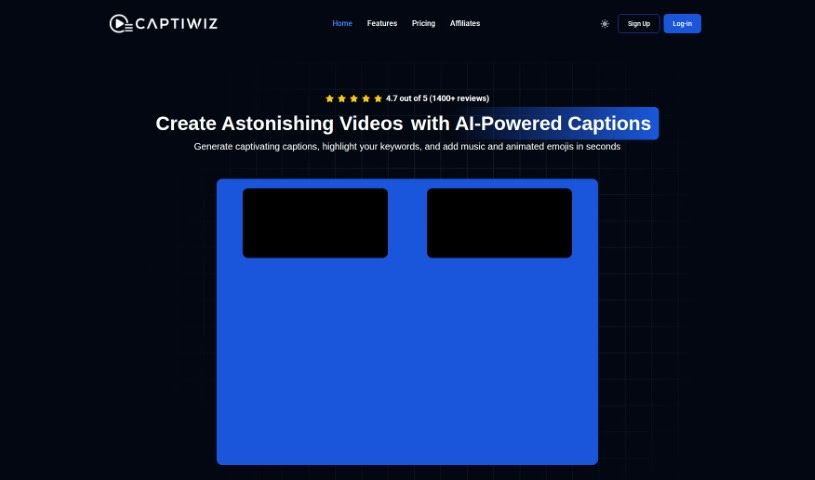
Screenshot of Captiwiz

Captiwiz

Freemium

Captiwiz is a video editing tool that uses AI to automatically generate captions, highlight important keywords, and add music, animated emojis, and sound effects. It also creates descriptions for social media platforms like Facebook, Instagram, YouTube, and TikTok. Videos can be customized with trendy fonts, animations, emojis, and sound effects to help boost audience engagement.

Video Editing View Tool →
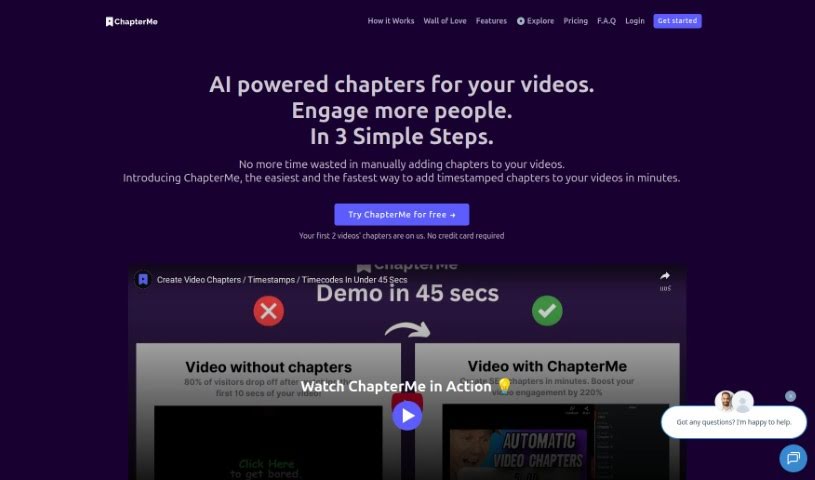
Screenshot of Chapterme

Chapterme

Freemium

ChapterMe is a tool that uses ChapterGPT to automatically add time-stamped chapters to videos and podcasts. It cuts down the time spent creating chapters manually, helping creators speed up production and make content easier to navigate. Chapters are generated automatically in minutes, and the video player can be customized to match your brand, which may help increase plays.

Video Editing View Tool →
Screenshot of Chillin

Chillin

Freemium

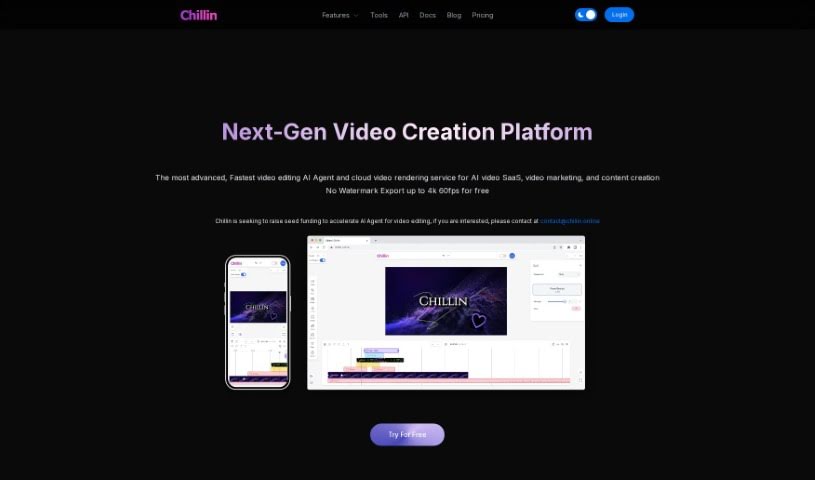
Chillin is an online, AI-powered video editor that lets anyone create polished videos without watermarks. It combines non-linear video editing with vector motion capabilities, supporting complex animations, effects, keyframes, and smooth transitions. Beyond editing, it can automatically generate captions, compress images and GIFs, and convert videos to GIFs. Exports reach up to 4K at 60fps on desktop or 1080p at 60fps on mobile, and the platform supports many languages for both captions and its interface.

Video Editing View Tool →
Screenshot of Chopcast

Chopcast

Freemium

Chopcast is a content repurposing platform that uses natural language processing (NLP) to automatically find, edit, and share the most important moments from longer recordings. Those highlights can then be used for marketing and sales. The platform is aimed primarily at B2B founders and small marketing teams who want to create personalized clips for their brands.

Video Editing View Tool →
Screenshot of ClipBuddy

ClipBuddy

Freemium

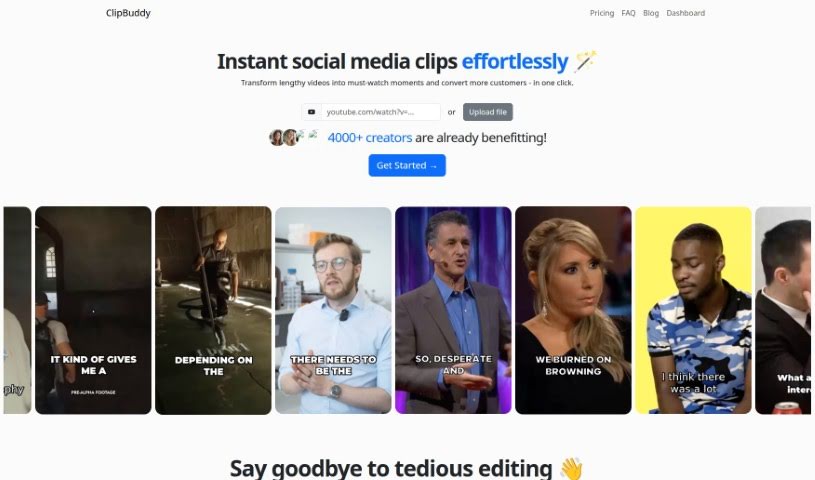
ClipBuddy is an AI-powered tool that turns long videos into short clips for social media platforms including TikTok, Instagram Reels, YouTube Shorts, Facebook, LinkedIn, and Snapchat. It identifies the most engaging moments in your footage, adds dynamic captions, ensures smooth transitions between visuals and audio, and automatically resizes videos to the 9:16 vertical format.

Video Editing View Tool →
Screenshot of Clipchamp

Clipchamp

Freemium

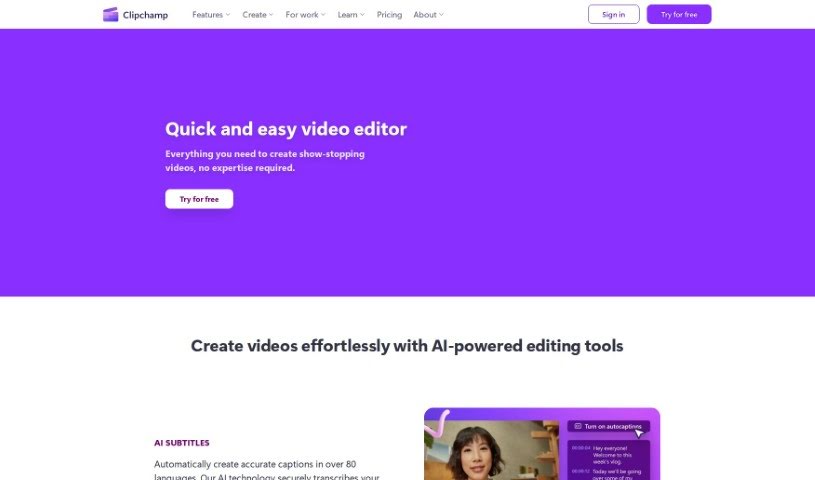
Clipchamp is an online video editing platform designed to be easy to use, even for beginners. It lets you create and edit videos without requiring technical expertise. Core features include trimming clips, cutting unwanted sections, adding text overlays, transitions between scenes, and filters to adjust the look of your videos.

Video Editing View Tool →
Screenshot of Clipfly AI

Clipfly AI

Freemium

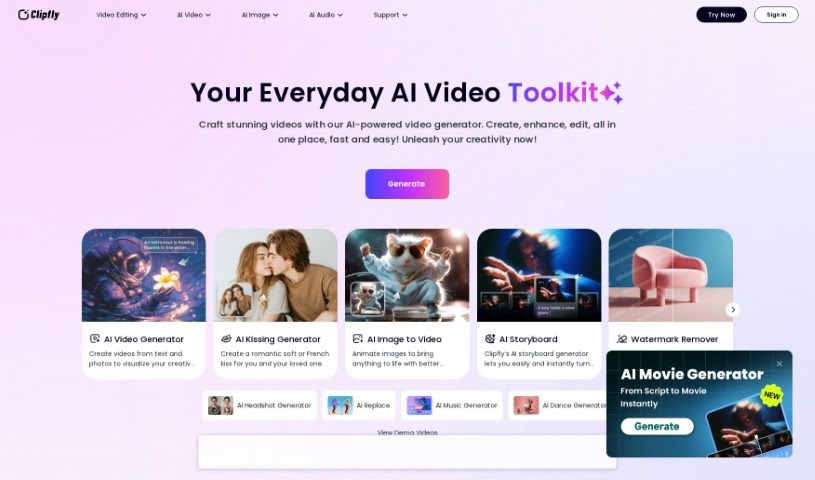
Clipfly AI is an AI-powered video editing platform that automates many of the tedious parts of video production. It uses machine learning to offer features like automatic scene detection, object tracking, and speech-to-text transcription. The goal is to make video editing simpler and more accessible, letting creators produce professional-looking results without needing extensive experience.

Video Editing View Tool →
Screenshot of ClipFM

ClipFM

Freemium

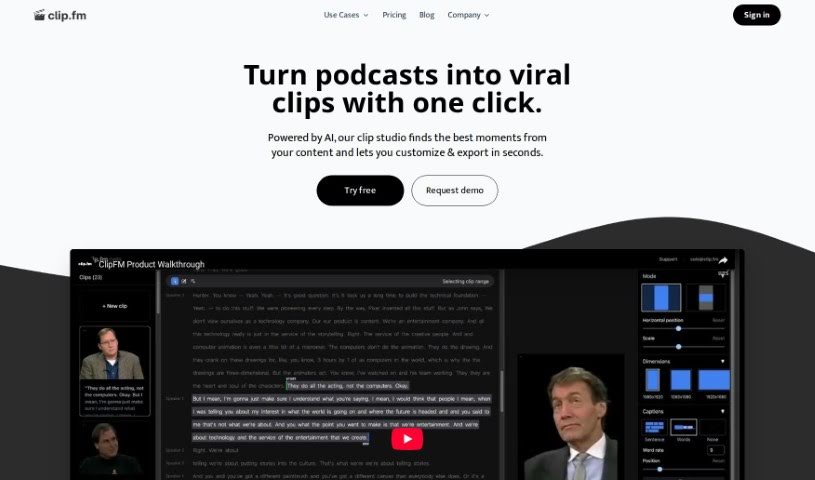
ClipFM is an AI tool that turns long videos and podcasts into short, shareable clips for social media. Its AI identifies the most interesting parts of your footage and produces ready-to-post clips in minutes, which you can adjust and share. It targets podcasters, video editors, marketers, agencies, and studios, and serves as a more affordable alternative to hiring traditional editing services. The interface also lets you fine-tune the AI's clip selections, including manually adjusting start and end points.

Video Editing View Tool →
Screenshot of Clips AI

Clips AI

Freemium

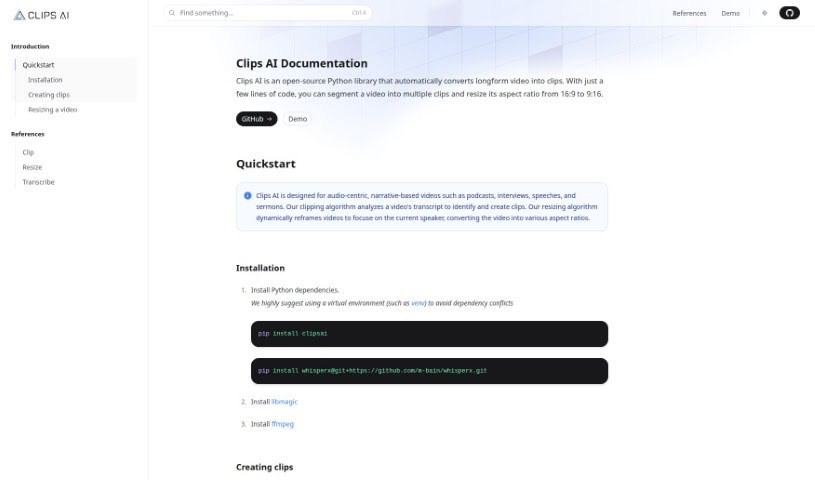
Clips AI is an open-source Python library that splits long videos into smaller clips and resizes them to different aspect ratios with just a few lines of code. It is built for narrative, audio-driven videos such as podcasts, interviews, speeches, and sermons.

Video Editing View Tool →

About Video Editing tools

Scrubbing through hours of raw video, trimming dead air, and manually matching color grades across multiple clips can turn post-production into a slow grind. Whether you’re editing a podcast episode, polishing a client project, or cutting down a long interview for social media, shaping raw recordings into a seamless story takes hours of timeline work. It’s easy to spend an entire afternoon fixing awkward jump cuts and cleaning up background noise before you even touch the actual story flow.

Think of the tools in this category as capable editing assistants. They handle tedious clip trimming, transcribe audio for text-based editing, and clean up messy audio tracks in minutes without replacing human storytellers.

Text-Based Editing, Audio Repair, and Auto-Framing

Trimming rough footage and removing awkward silences used to require repetitive manual slicing. Smart editing platforms generate full transcriptions of your media, allowing you to edit video simply by deleting text from a transcript. When you remove unwanted words or filler sounds from the text, the software automatically cuts the corresponding video frames, creating a clean rough cut in a fraction of the time.

Cleaning up distorted audio and balancing visual profiles gets much easier, as well. Background hums, echoes, and sudden volume drops often ruin otherwise great takes. AI audio processors isolate spoken voices, eliminate unwanted room noise, and balance sound levels without needing complex audio plugins. At the same time, automated color tools match lighting and tone across different cameras, giving your project a cohesive look across every scene.

Adapting your finished edit for multiple social platforms also becomes far less painful. Resizing horizontal footage into vertical feeds usually means manually repositioning focal points for every shot. Intelligent auto-framing tools track speaker movements and adjust video boundaries automatically, keeping main subjects centered across widescreen, square, and vertical formats while generating matching, styled captions on the fly.

Practical Features to Consider:

  • Text-based video editing: Systems that transcribe audio tracks so you can edit video clips directly by modifying the text draft.
  • Automated silence and filler word removal: Tools that scan audio to spot pauses, stuttering, and filler sounds, cutting them out with a single click.
  • Smart auto-reframing: Settings that track subjects and automatically adjust aspect ratios for vertical, square, or widescreen platforms.
  • AI audio repair and noise reduction: Features that isolate dialogue, remove background static or echo, and equalize audio levels automatically.
  • Automated captions and subtitles: Generators that create time-synced subtitles in multiple languages with customizable visual styles.

Crafting an engaging video will always depend on your sense of pacing, narrative judgment, and creative vision. Software can’t replace emotional timing or artistic taste, but handing off routine clip trimming, noise cleanup, and multi-format resizing gives you back the time needed to tell great stories.

Explore the video editing tools below to speed up your post-production workflow.

The Best AI Video Editing Tools

  1. VEED: Great for editing images to make eye-catching video thumbnails.
  2. Wondershare: Perfect for creating and editing video tutorials.
  3. Media.io: Ideal for quick edits for social media videos.
  4. 10LevelUp: Turns long videos into short captioned clips automatically.
  5. Vmake: Offers tools for creating dynamic video content.
  6. Descript: Makes editing video clips super easy.
  7. Pictory: Helps you create engaging short clips from longer videos.
  8. Clipfly AI: Lets you trim and split video clips smoothly.
  9. Clipchamp: Good for making social media videos fast.
  10. HitPaw: Easily removes logos from videos.
  11. Captions: Provides tools for trimming and merging video clips seamlessly.
  12. D-ID: Boosts video storytelling with avatars.
  13. Tenorshare 4DDiG: (No specific best use provided in original text)
  14. Topview.ai: For professional video editing aimed at marketers.
  15. Aiseesoft: Helps convert and improve videos for sharing.
New tools, in your inbox.

Weekly picks of the best AI tools we've researched and added — no spam, unsubscribe anytime.

Join 25,000+ AI enthusiasts. No spam, unsubscribe anytime.