AI Video Creation Tools: Features, Editing, and Automation

AI Tools for Video Creation

Discover the best Video Creation AI tools to enhance your productivity and creativity.

Page 5 of 11 • 127 total tools
Screenshot of Hippo Video

Hippo Video

Freemium

Hippo Video is a business video platform for creating, personalizing, and distributing videos across marketing, sales, and customer service workflows. Its feature set includes an AI Editor, Video Flows, Video Emails, a Video SDK, video personalization tools, and a Humanize AI feature for more natural-sounding videos. The platform integrates with Salesforce, HubSpot, and Salesloft.

Video Creation View Tool →
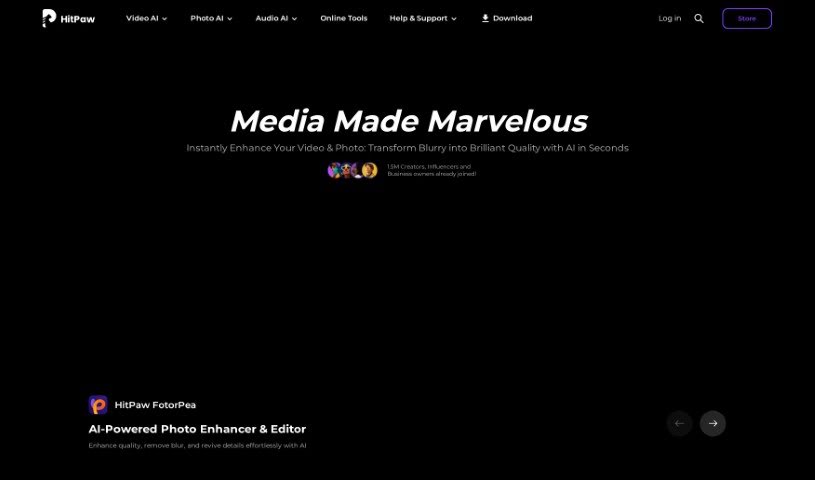
Screenshot of HitPaw

HitPaw

Freemium

HitPaw Watermark Remover is an online tool that uses AI to remove watermarks from images. It handles logos, text, emojis, memes, and stickers, and can process multiple photos at once. A brush selection tool lets you precisely erase the areas you want to clean, and it can also remove unwanted people or tourists from pictures.

Video Creation View Tool →
Screenshot of Idatapp

Idatapp

Freemium

Idatapp's 2D&3D Video Converter converts videos between 2D and 3D formats. It can turn standard videos into 3D for a more cinematic viewing experience, and convert existing 3D videos back to 2D for playback on any device. It supports popular formats including MPEG-4, H.264, MOV, and AVI, and lets you adjust 3D color settings to fine-tune the output.

Video Creation View Tool →
Screenshot of Imaginario.ai

Imaginario.ai

Freemium

Imaginario.ai is a platform that uses AI to help manage and edit videos. Founded in 2021 by a team with over 25 years of combined experience in video and multimodal AI, it offers features like searching within your videos, quickly creating clips, and transcribing audio with 99% accuracy. It also includes tools to transform videos for social media and an API for connecting with existing systems. It is designed for marketers, content creators, and developers who work with video.

Video Creation View Tool →
Screenshot of Inksprout Video

Inksprout Video

Freemium

Inksprout Video transforms written content into videos. It converts blog posts into video format, adds captions automatically, and supports sharing across social media platforms including Instagram, TikTok, YouTube, and LinkedIn. The tool helps content creators and marketers repurpose existing content, maintain a consistent posting schedule, and increase brand visibility and audience engagement.

Video Creation View Tool →
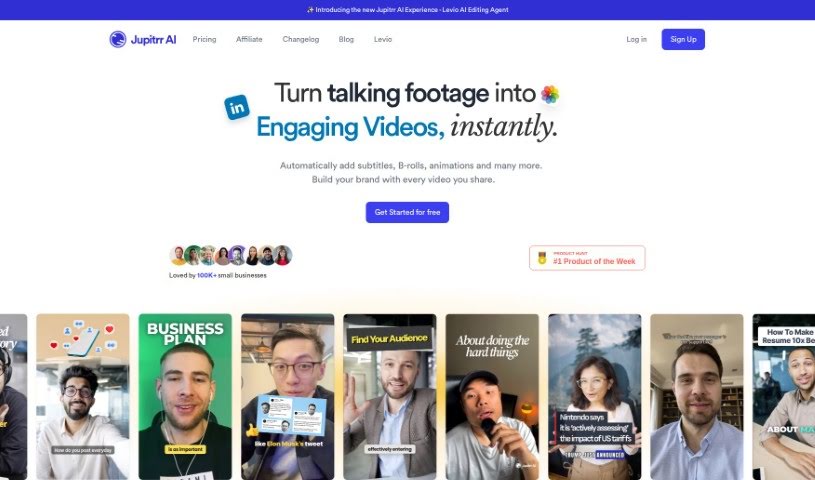
Screenshot of Jupitrr AI

Jupitrr AI

Freemium

Jupitrr AI is a platform of AI-powered tools for creating and editing videos, built with beginners in mind. It includes an AI Video Maker and an Audiogram Maker, with plans ranging from a free tier to pro levels. Stock videos and images are sourced from Pexels to help avoid copyright issues. The platform was started by a founding team and has been officially launched.

Video Creation View Tool →
Screenshot of Kapkap

Kapkap

Freemium

KapKap is an AI-powered tool for creating lip-sync videos, built to help creators produce marketing content that drives sales. Developed by Starii, it combines video shooting, scriptwriting, a teleprompter, editing, subtitles, and translation in a single workflow.

Video Creation View Tool →
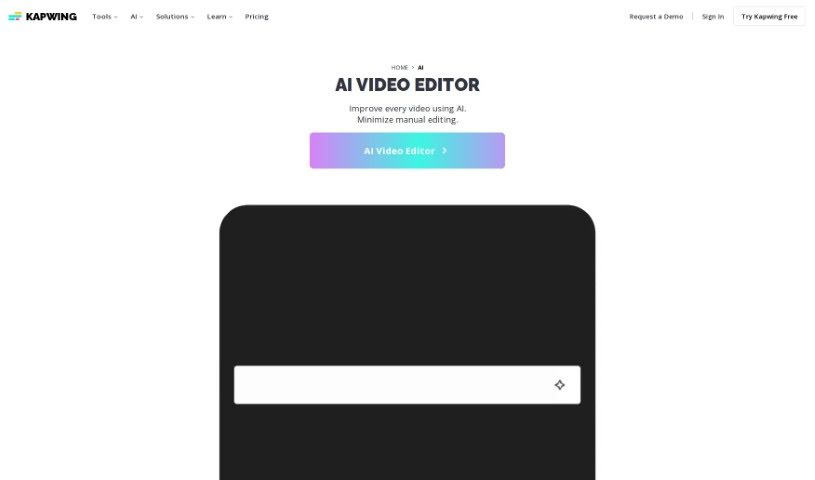
Screenshot of Kapwing

Kapwing

Freemium

Kapwing is a browser-based video creation platform built for both teams and individuals. Its AI tools and templates automate many of the time-consuming parts of making videos, so you can produce quality content without being a video editing expert or using specialized software.

Video Creation View Tool →
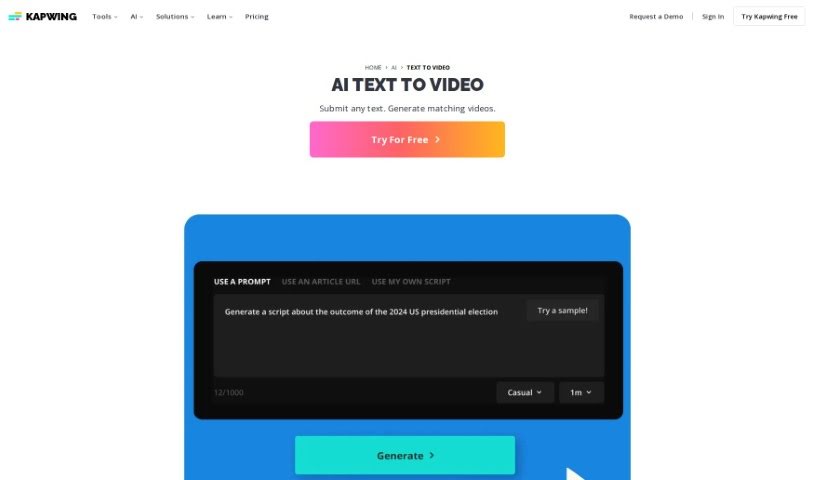
Screenshot of Kapwing AI Text to Video

Kapwing AI Text to Video

Freemium

Kapwing's AI Text to Video tool turns documents, essays, scripts, or blog posts into short video summaries. Paste your text into the platform and it automatically generates a video with stock footage, background music, text overlays, subtitles, and transitions.

Video Creation View Tool →
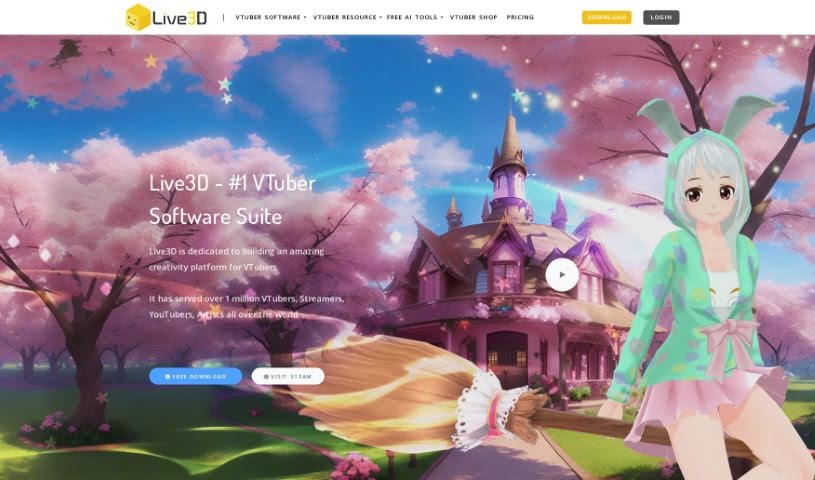
Screenshot of Live3D

Live3D

Freemium

Live3D, also known as AnimeGenius, is a free tool for creating anime AI art. It generates fantasy anime worlds and characters, with customization for details like hair, outfits, and scenery. You can produce anime art from a text prompt in seconds or convert real photos into anime-style art. No drawing skills or AI knowledge are required.

Video Creation View Tool →
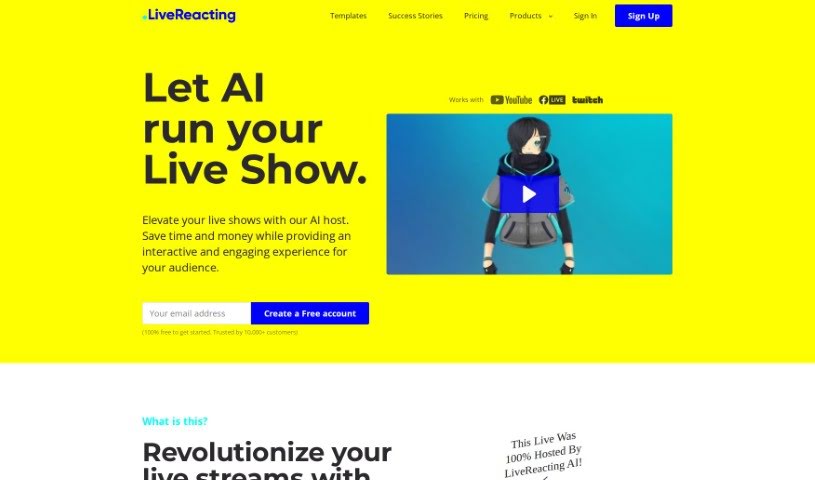
Screenshot of LiveReacting AI Host for live Streaming

LiveReacting AI Host for live Streaming

Freemium

LiveReacting's AI Host is a tool for live streaming that uses AI to understand what's happening in your stream and interact with viewers in real time. It can start quizzes, read out viewer questions, chat with participants, and announce winners — all automatically, without a human host glued to the screen.

Video Creation View Tool →
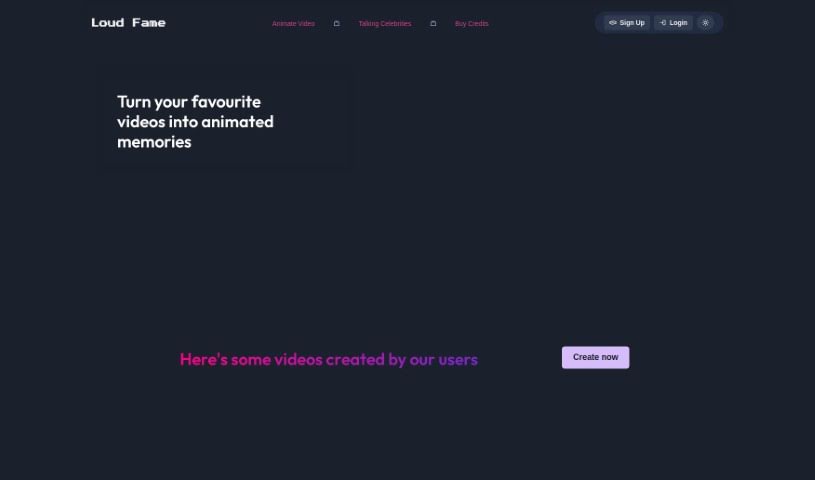
Screenshot of Loud Fame

Loud Fame

Freemium

Loud Fame is an AI tool that uses Generative AI to transform and enhance your videos. Its two headline features are 'Video to Anime,' which turns your videos into anime-style renditions, and 'Talking Celebrities,' which creates lifelike videos of famous people with natural voices, accurate lip-syncing, and head movements. The platform aims to make it easy to create unique video content, with user-friendly tools and customization options for high-quality results.

Video Creation View Tool →

About Video Creation tools

Setting up camera gear, editing timeline clips, fixing audio sync, and assembling footage can quickly eat up your entire week. Whether you’re creating promotional videos for a business, producing YouTube tutorials, or building social clips, video production takes significant time and technical effort. It’s easy to spend hours trimming clips, adjusting colors, and rendering files when you’d rather focus on new creative ideas.

These specialized creative assistants streamline raw footage editing, automate scene transitions, and help you generate polished video content faster without replacing directors or video editors.

Speeding Up Rough Cuts, Visual Tweaks, and Multi-Format Exports

Assembling rough cuts from hours of unedited footage used to take days of tedious trimming. Smart video creation tools analyze raw recordings, highlight key moments, and assemble initial timeline edits in seconds. Instead of scrubbing through endless video tracks to find the right take, you get a clean rough cut ready to polish and re-sequence.

Improving video quality and applying visual effects gets much simpler, too. Upgrading low-resolution clips, removing unwanted background objects, or balancing color profiles normally requires advanced editing skills and expensive software. AI-powered video editors fix lighting issues, isolate subjects, and clean up background noise with a few clicks, giving your footage a professional look without hours of frame-by-frame work.

Scaling your video content for different platforms and audiences also becomes far more efficient. Turning a long horizontal video into multiple vertical clips for different channels often means starting from scratch. Video creation assistants automatically reframe subjects for square or vertical feeds, generate matching subtitles, and translate spoken audio into multiple languages, keeping your content pipeline active without extra shoot days.

Key Capabilities to Look For:

  • Automated scene cutting and assembly: Systems that analyze raw footage to identify key moments, remove silences, and generate rough timeline cuts automatically.
  • Smart subject and background removal: Features that let you isolate subjects, swap background elements, or remove unwanted objects without manual rotoscoping.
  • Audio cleanup and balancing: Tools that isolate spoken dialogue, cancel out background noise, and match audio levels across different clips.
  • Auto-reframing and multi-format export: Controls that adjust video aspect ratios for vertical, square, or widescreen formats while keeping the main subject centered.
  • Subtitle and translation integration: Features for generating accurate closed captions, styled subtitles, and translated voiceovers in multiple languages.

Creating compelling video content will always depend on your creative vision, emotional intuition, and knack for storytelling. Software can’t replace genuine human emotion or the spark of an original idea, but letting smart tools handle repetitive clip trimming, audio balancing, and multi-platform formatting gives you back the time needed to bring your vision to life.

Check out the video creation tools below to find the right assistant for your projects.

The Best AI Video Creation Tools

  1. Runway: Great for dynamic scene transition effects.
  2. HeyGen: Makes studio-quality video creation effortless.
  3. Vidnoz AI: For quickly generating AI video content.
  4. Digen AI: Automates video editing and production.
  5. Synthesia: Streamlines creating internal training videos.
  6. Magic Hour: Easily creates engaging promotional videos.
  7. Animaker: Helps you create eye-catching social media videos.
  8. AKOOL: Perfect for personalized holiday video messages.
  9. Live3D: Converts AI art into animated videos.
  10. HitPaw: Enhances videos with watermark-free editing.
  11. Clipchamp: Ideal for social media video editing.
  12. Captions: Streamlines editing for stunning videos.
  13. D-ID: Effortlessly produces marketing videos.
  14. DreamFace: Animates faces for engaging videos.
  15. DeepBrain AI: Quickly turns articles into engaging videos.

New tools, in your inbox.

Weekly picks of the best AI tools we've researched and added — no spam, unsubscribe anytime.

Join 25,000+ AI enthusiasts. No spam, unsubscribe anytime.