AI Text to Image Tools: Top Generators Compared

AI Tools for Text To Image

Discover the best Text To Image AI tools to enhance your productivity and creativity.

Page 5 of 10 • 109 total tools
Screenshot of Google Imagen

Google Imagen

Freemium

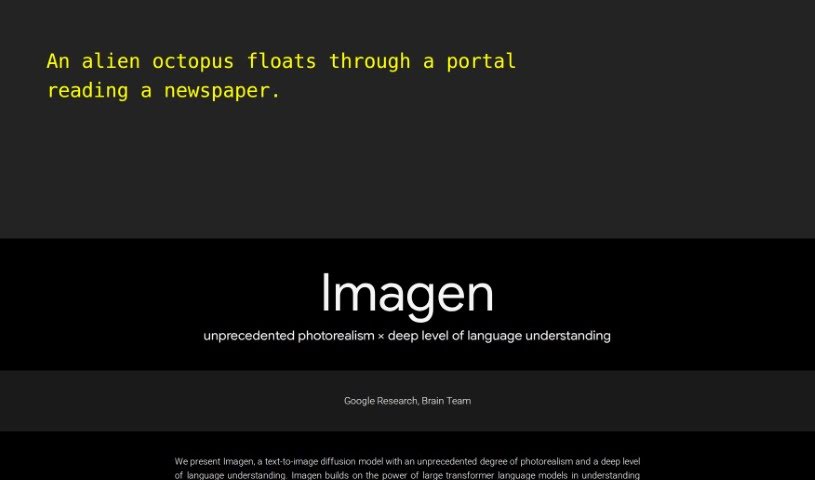
Google Imagen is a text-to-image model developed by the Brain Team at Google Research. It is a diffusion model that generates images with a high degree of photorealism and a strong understanding of language. Imagen combines large transformer language models, such as T5, with diffusion models to turn text descriptions into high-quality images that closely match the prompt.

Text To Image View Tool →
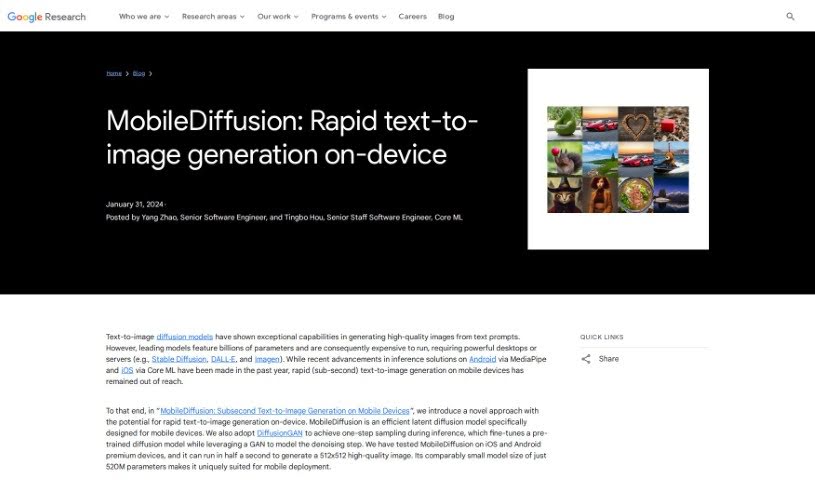
Screenshot of Google MobileDiffusion

Google MobileDiffusion

Freemium

MobileDiffusion is a text-to-image model designed specifically for fast on-device generation on mobile phones. It is a compact latent diffusion model with only 520 million parameters, made up of three main components: a text encoder, a diffusion UNet, and an image decoder.

Text To Image View Tool →
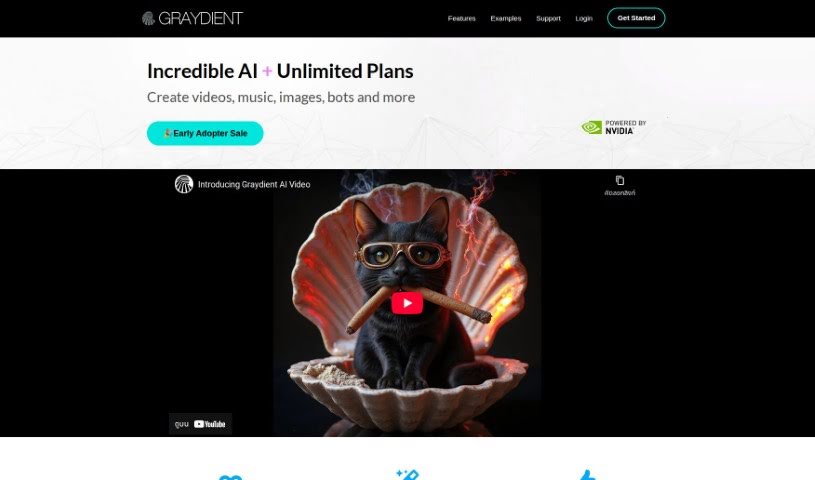
Screenshot of Graydient

Graydient

Freemium

Graydient is an AI platform built for creators, offering image generation tools that run entirely in the cloud — no powerful GPU required. You can create AI images through the web app or a chatbot interface, from any device, with work synced between your phone and PC.

Text To Image View Tool →
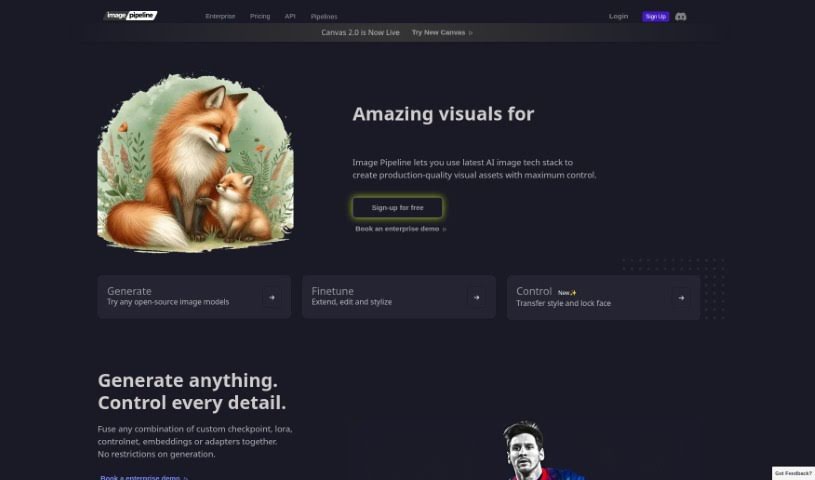
Screenshot of Imagepipeline

Imagepipeline

Freemium

Imagepipeline is an AI tool for generating images at scale. It combines stable diffusion, controlnets, LoRA technology, embeddings, and custom model creation, all accessible through a REST API. Because you don't need to manage your own GPUs, it reduces operational complexity and cost.

Text To Image View Tool →
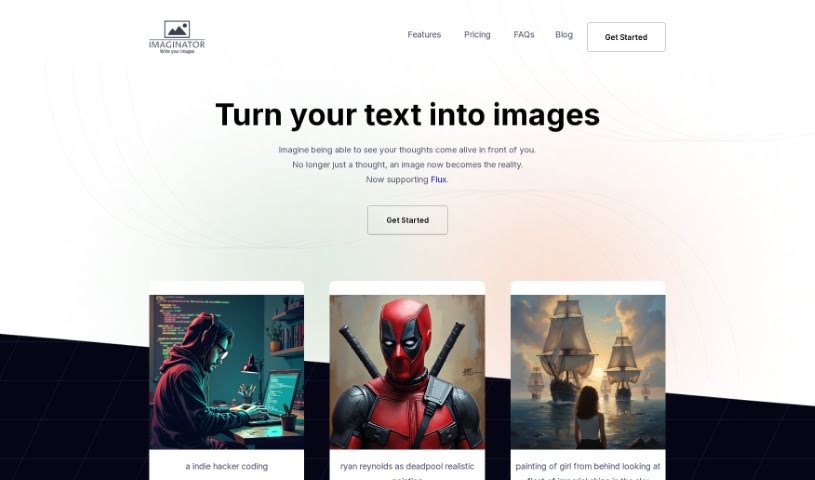
Screenshot of Imaginator

Imaginator

Freemium

Imaginator is an AI tool that turns text descriptions into detailed, realistic images. It runs on a credit system: each credit generates one image, with different pricing plans available and the option to buy more credits when you run out. You own every image you create, for both commercial and personal use.

Text To Image View Tool →
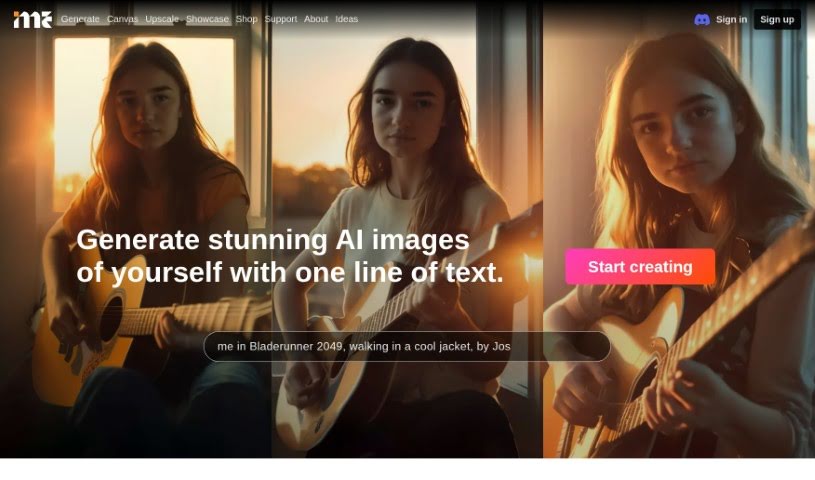
Screenshot of ImagineMe

ImagineMe

Freemium

ImagineMe is an AI system for creating personalized art. It trains a private AI model just for you using photos you upload — about 10 to 20 varied pictures of yourself. Once trained, the model can generate images of you in different scenarios and styles from simple text descriptions.

Text To Image View Tool →
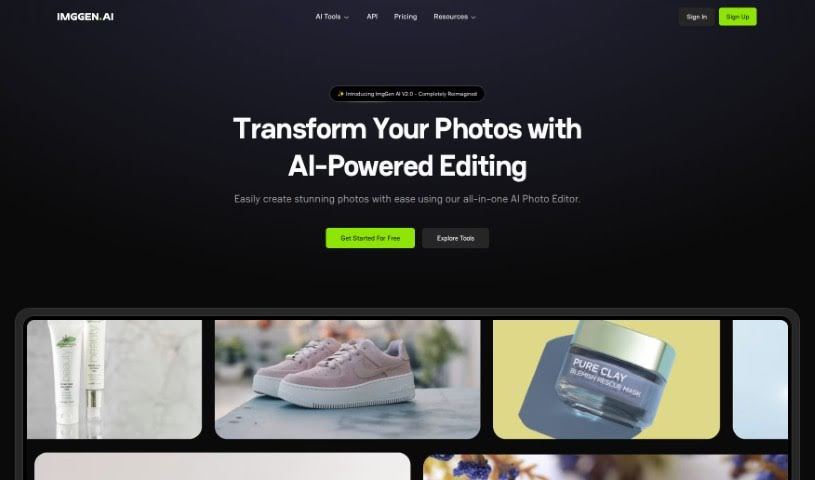
Screenshot of ImgGen AI

ImgGen AI

Freemium

ImgGen AI is a tool that creates images from text descriptions. Founded by Ramandeep Singh, it aims to make image creation easy, fast, and accessible. Its model, trained on millions of images, generates a unique picture based on your prompt, achieving over 85% accuracy when translating text into visuals.

Text To Image View Tool →
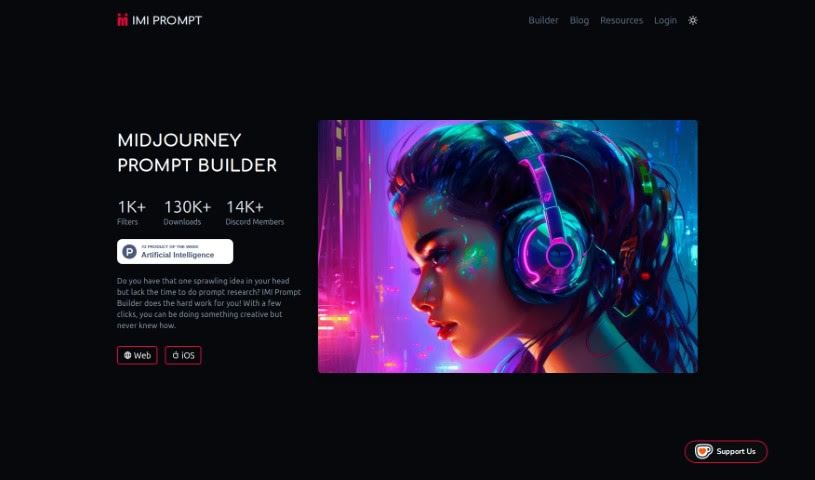
Screenshot of IMI Prompt

IMI Prompt

Freemium

IMI Prompt is a prompt generator built for Midjourney v5. It helps users craft personalized artwork with prompts across categories such as nature, fantasy, sci-fi, and abstract themes. The tool uses AI to suggest prompts based on your preferences and past creations, and its interface works for both beginners and experienced artists. It is available on the web, Android, and iOS.

Text To Image View Tool →
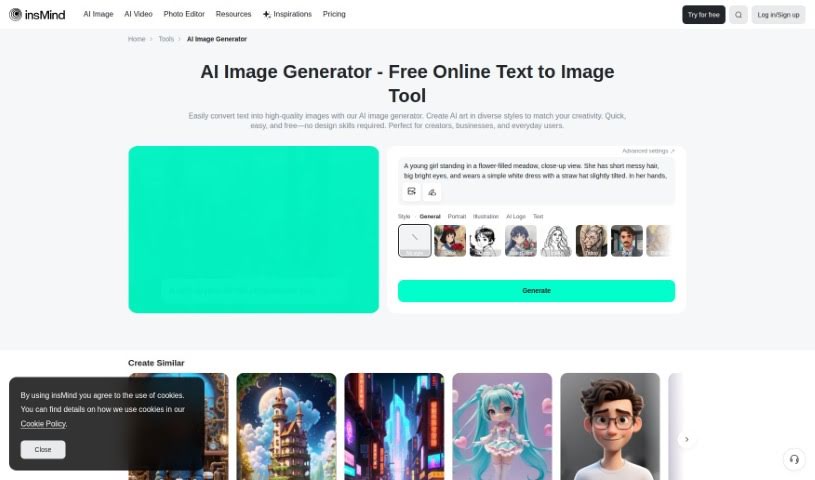
Screenshot of insMind AI Image Generator

insMind AI Image Generator

Freemium

insMind's AI Image Generator turns text descriptions into images and offers a free tier. It targets casual users, artists, social media creators, and graphic designers who want to produce visuals without advanced design skills. The tool supports a range of artistic styles, from realistic photos to abstract pieces and cartoon illustrations, and the underlying AI models are continuously updated to improve output quality.

Text To Image View Tool →
Screenshot of Instantgen AI

Instantgen AI

Freemium

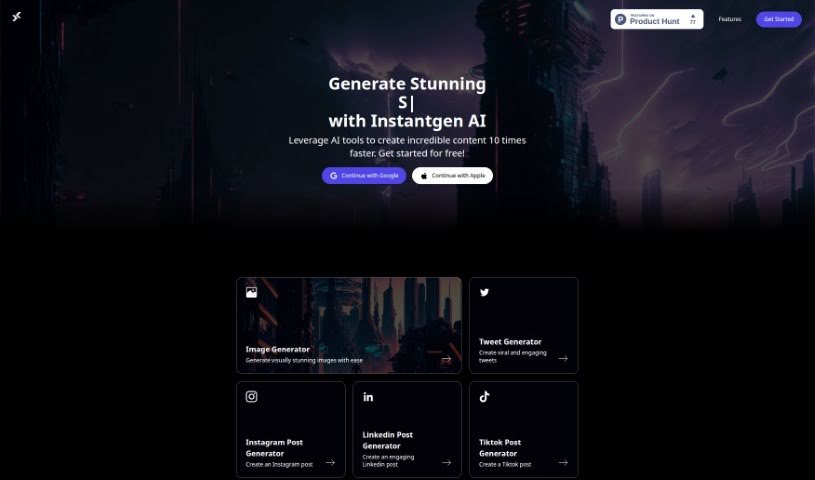
Instantgen AI is a free, web-based tool that generates both images and text. Image generation runs on DALLE and Stable Diffusion, and the tool is built for creating content for social media and online stores. Nothing needs to be installed — you sign in with a Google or Apple account. The creators claim a 10X speed improvement over traditional content creation methods, and product updates are shared through newsletters and social media.

Text To Image View Tool →
Screenshot of Ip Adapter Faceid

Ip Adapter Faceid

Freemium

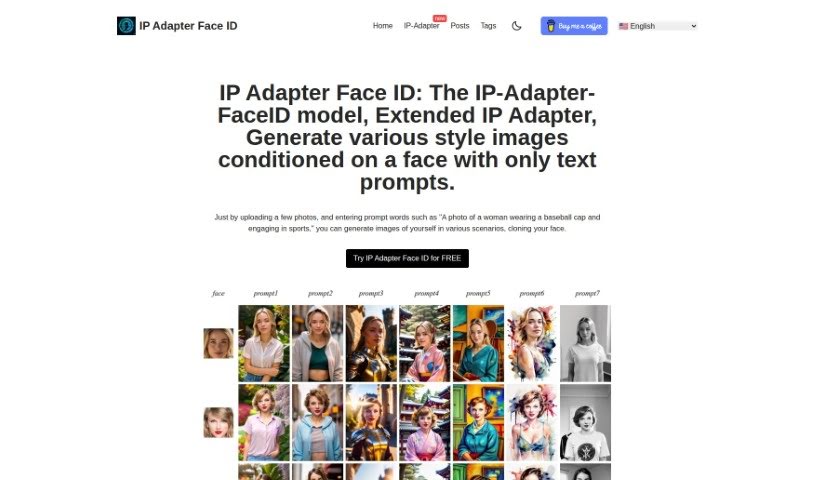
IP Adapter Face ID is a model that generates images in various styles based on a provided facial image and text prompts. Users upload photos and add descriptions to produce images showing their face in new situations. The tool supports multiple styles, role changes for the subject, and generates several variations for each result.

Text To Image View Tool →
Screenshot of KidsAIStory

KidsAIStory

Freemium

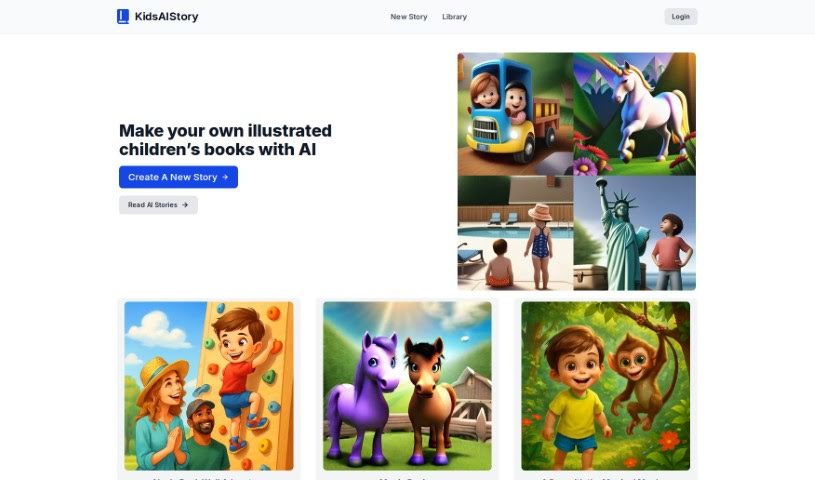
KidsAIStory is an online platform that uses AI to create illustrated children's stories. You can write your own personalized stories, read AI-generated tales, and generate illustrations that match the text.

Text To Image View Tool →

About Text To Image tools

Finding the right stock photo, sketching out rough concept art, or explaining a complex visual idea to a designer can take days of back-and-forth iteration. Whether you need custom graphics for a blog post, visual assets for a marketing campaign, or quick storyboard sketches, turning abstract concepts into finished visuals often hits a bottleneck. It’s easy to spend hours searching through royalty-free libraries without finding an image that quite fits your vision.

These text-to-image platforms act as flexible creative partners. They don’t replace human artists, photographers, or graphic designers, but they turn detailed text descriptions into unique visual concepts in seconds so you can explore ideas faster.

Prompt-Based Visuals, Style Controls, and Custom Marketing Assets

Turning rough ideas into visual concepts is often the most time-consuming part of creative work. Smart image generators analyze descriptive text prompts and produce high-resolution visuals, artwork, and photorealistic imagery in moments. Instead of staring at an empty canvas or struggling to translate a vision into a sketch, you get several distinct visual directions to build upon, refine, or share with your team.

Customizing style and maintaining visual control becomes far more intuitive, as well. Modern image engines support wide-ranging artistic styles, from digital painting and watercolor to 3D rendering and studio photography. By adjusting prompt details, camera angles, lighting conditions, or aspect ratios, you can tailor generated artwork to fit specific design guidelines without starting over.

Creating custom graphics for commercial and digital projects also gets much easier. Searching for stock images often leads to generic photos that don’t match your brand. Text-to-image tools let you generate tailored marketing assets, website banners, social graphics, and product mockups that align precisely with your topic, saving both time and stock licensing fees.

Key Capabilities to Look For:

  • Prompt-based image generation: Systems that transform detailed written descriptions into high-quality illustrations, photos, and digital art.
  • Style and aesthetic controls: Settings that let you specify artistic modes, lighting effects, camera angles, and color palettes.
  • Image-to-image prompting: Tools that allow you to upload reference images alongside text prompts to guide composition, pose, or layout.
  • Aspect ratio and resolution options: Features for generating visuals sized specifically for web headers, mobile screens, or social media formats.
  • Inpainting and outpainting tools: Controls that let you edit specific regions of an image or expand canvas boundaries seamlessly.

Creating impactful visual content will always depend on your imagination, taste, and creative direction. Software cannot replace artistic intuition or brand strategy. But letting smart tools handle initial rendering, concept exploration, and asset creation gives you back the time and energy needed to refine your visual vision.

Explore the text-to-image tools below to start turning your ideas into striking visuals.

The Best AI Text To Image Tools

  1. Bing Image Creator: for custom illustrations for creative projects.
  2. Yodayo: for creating custom illustrations quickly.
  3. Night Cafe Creator: for turning text prompts into stunning visuals.
  4. Artguru AI: for anime-style character design.
  5. Deep AI AI Text to Image: for creative visual content creation.
  6. AI-Flow: Connects models like GPT-4, DALL-E and Stable Diffusion in a drag-and-drop flow.
  7. Freepik AI Image Generator: for creating unique visuals for marketing materials.
  8. Craiyon: for creating unique artwork from prompts.
  9. Getimg AI: for turning words into stunning visuals.
  10. Stable Diffusion: for crafting visuals from descriptive text prompts.
  11. Prompt Hero: for creating custom visuals for client projects.
  12. Dezgo: for creating images from text descriptions.
  13. Starry AI: for book cover art design.
  14. Fotor AI Image Generator: for creating art from written descriptions.
  15. Img Gen AI: for creating custom book covers.
New tools, in your inbox.

Weekly picks of the best AI tools we've researched and added — no spam, unsubscribe anytime.

Join 25,000+ AI enthusiasts. No spam, unsubscribe anytime.