What is Google Imagen?
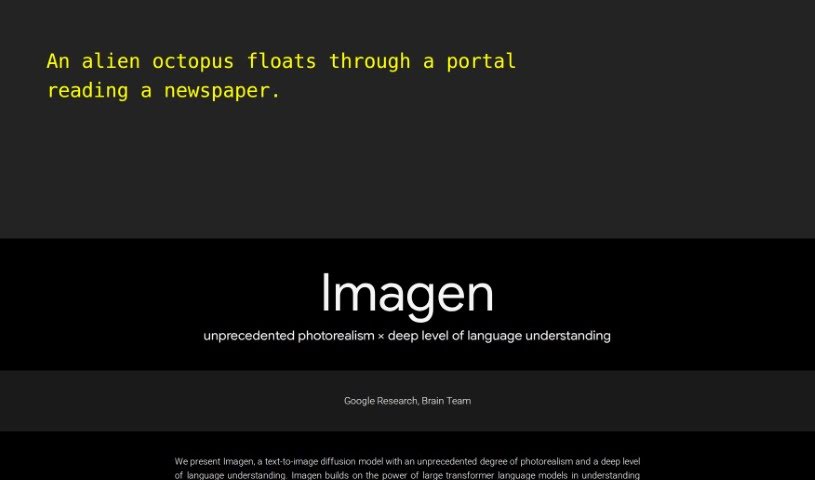
Google Imagen is a really advanced text-to-image model, developed by the Brain Team at Google Research. It’s a type of diffusion model, and honestly, it creates images with an incredible level of photorealism. Plus, it has a deep understanding of language, which really sets it apart from others in this field. It works by using big transformer language models, like T5, alongside diffusion models. This combination helps Imagen turn your text descriptions into high-quality images that match what you wrote, and do it really well. What makes Imagen special is how effectively it can process text for image creation – the bigger the language model, the better the image quality and accuracy tend to be. Imagen has already hit some amazing milestones, achieving a top-tier FID score on the COCO dataset. This shows just how good it is at aligning images with text, even without being specifically trained on that dataset beforehand.
Who created Google Imagen?
The Brain Team at Google Research is behind Google Imagen. This impressive text-to-image diffusion model offers an unprecedented level of photorealism in the images it generates, combined with a sophisticated understanding of language. By using large transformer language models like T5 and diffusion models, Imagen really shines when it comes to turning text descriptions into high-fidelity images that closely match the provided text. It’s worth noting that Imagen has achieved a state-of-the-art FID score on the COCO dataset, which is a significant achievement, especially since it wasn’t trained on that dataset beforehand. This really sets new benchmarks for what’s possible in this area.
What is Google Imagen used for?
Imagen is pretty versatile! Here’s a breakdown of what it’s good for:
- Understanding Text Flexibly: It uses strong transformer language models to really get what your text means.
- Better Image Generation: It leverages diffusion models to create high-quality, photorealistic images.
- New Evaluation Tools: It introduced DrawBench, which is a new way to test and evaluate text-to-image models.
- Impressive FID Score: Imagen achieved a new state-of-the-art FID score on the COCO dataset, showing its excellent ability to match images to text.
- Language Model Power: It demonstrated that making the language model bigger has a greater impact on image quality than just making the diffusion model bigger.
- Text Encoding: It’s effective at encoding text specifically for creating images.
- Advanced Tools: It also offers Imagen Video and Imagen Editor for more image generation capabilities.
- Creative Intersection: It represents a significant step forward where language and visual creativity meet.
- High-Quality Photos: It generates photorealistic images that closely match the text you provide.
- Top-Notch Fidelity: You get state-of-the-art image fidelity and accuracy.
- Nuanced Text Understanding: Imagen uses robust transformer language models for a nuanced understanding of text.
- High-Quality Images: It utilizes diffusion models for generating high-quality photorealistic images.
- Setting Evaluation Standards: DrawBench was introduced, setting new standards for evaluating text-to-image models.
- Exceptional Alignment: It achieved a new state-of-the-art FID score on the COCO dataset, demonstrating exceptional image-text alignment.
- Scaling Benefits: It shows that scaling up the language model significantly enhances image synthesis compared to scaling the image diffusion model.
- Addressing Ethics: It tackles ethical challenges related to how the model is used and potential biases in the data.
- Responsible AI: It considers responsible ways to share the model and the need for external auditing.
- Bias Evaluation: It highlights how important it is to check for social biases in text-to-image models.
- Outperforming Others: Imagen’s state-of-the-art COCO FID score means it performs better than other models not trained on COCO.
- Efficient Design: It introduces a new Efficient U-Net architecture for better efficiency and faster results.
Who is Google Imagen for?
Imagen is a fantastic tool for a variety of people, including:
- Artists
- Graphic designers
- Content creators
- Creative professionals
- Visual storytellers
- Authors
- Machine learning researchers
- Designers
How to use Google Imagen?
Using Google Imagen is pretty straightforward. Just follow these simple steps:
- Access Imagen: First, head over to the Google Imagen platform using your web browser.
- Enter Your Text: Start by typing what you want to see into the text box. This description is what Imagen will use to create your image.
- Pick a Style: You can choose from different image styles or options available on the platform. Pick the one that best fits the idea behind your text.
- Generate the Image: Once you’ve typed your text and chosen a style, just hit the button to start generating. The platform will use its advanced technology to turn your words into a picture.
- Check and Save: After the image is ready, take a look to make sure it’s what you had in mind. If you like it, you can download it to your device.
- Tweak if Needed (Optional): Depending on what the platform offers, you might be able to make small adjustments or fine-tune the image before you download it.
- Save and Share: Save the image wherever you like on your device. You can also share it right from the platform to social media or send it to friends and colleagues.
By following these steps, you can easily use Google Imagen to turn your text ideas into great-looking images.