AI Text to Image Tools: Top Generators Compared

AI Tools for Text To Image

Discover the best Text To Image AI tools to enhance your productivity and creativity.

Page 2 of 10 • 109 total tools
Screenshot of AISixteen

AISixteen

Freemium

AISixteen Studio is an AI-powered image generator that creates images from text descriptions. It targets digital marketers, graphic designers, and content creators who need visuals such as website banners, social media posts, product photos, and digital art. The platform emphasizes a user-friendly interface and uses AI to produce high-quality images.

Text To Image View Tool →
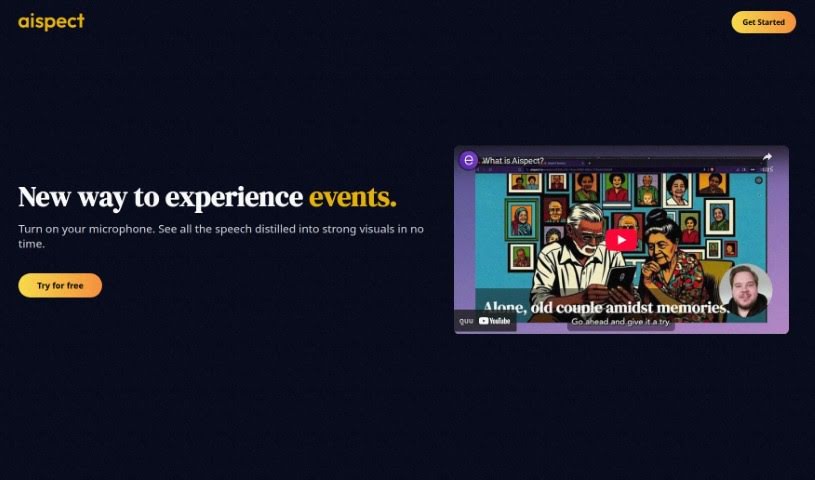
Screenshot of Aispect

Aispect

Freemium

Aispect is an AI tool that turns live audio into visual illustrations. It captures key points from a discussion and presents them as visuals in real time, making events more engaging. It works for webinars, meetings, and news feeds, and supports over 30 languages.

Text To Image View Tool →
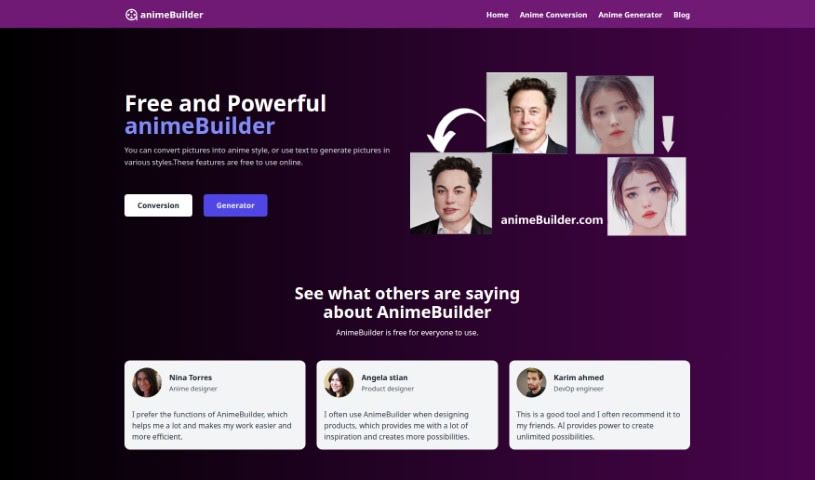
Screenshot of animeBuilder

animeBuilder

Freemium

animeBuilder is an online tool for creating anime-style artwork with AI. It requires no sign-up or download — visit animebuilder.com and start using it immediately. The platform can generate anime art from text descriptions or convert existing images into anime style, and it includes a dedicated Text-to-Art Generator. Privacy is a stated priority: no personal information is saved, and data is not stored. The team behind it was built around user privacy and data security, and continues to add features and improve the service.

Text To Image View Tool →
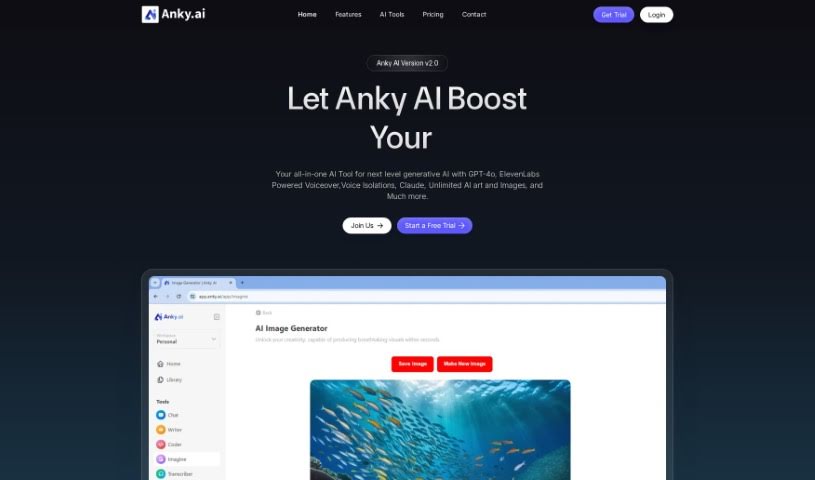
Screenshot of Anky AI

Anky AI

Freemium

Anky AI is a text-to-image platform that uses deep learning to turn text prompts into images. It is built to fit into existing workflows and includes design tools, a range of art styles, and historical design influences spanning Renaissance looks to Modernist minimalism.

Text To Image View Tool →
Screenshot of AppyHigh Prime

AppyHigh Prime

Freemium

AppyHigh Prime is a membership club for AI tools. It bundles generative AI tools — ImagineGO for text-to-image generation, PixelGO for photo and video enhancement, and an AI Avatar Maker — with PRO access to productivity, social media, and utility apps. Membership perks include exclusive coupons, cross-device support, an ad-free experience, and data privacy protections. The membership costs $299 per year and works on Android and iOS.

Text To Image View Tool →
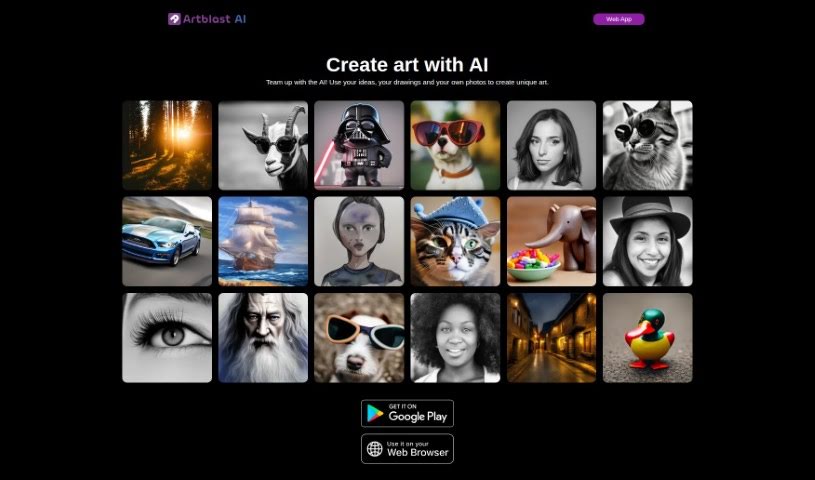
Screenshot of ArtBlast AI

ArtBlast AI

Freemium

ArtBlast AI is a web platform developed by Swiss company SciFork that uses artificial intelligence to create visual art from text descriptions, sketches, or photos. It was built as a space for artists and innovators to explore and share their creative visions.

Text To Image View Tool →
Screenshot of Artguru AI

Artguru AI

Freemium

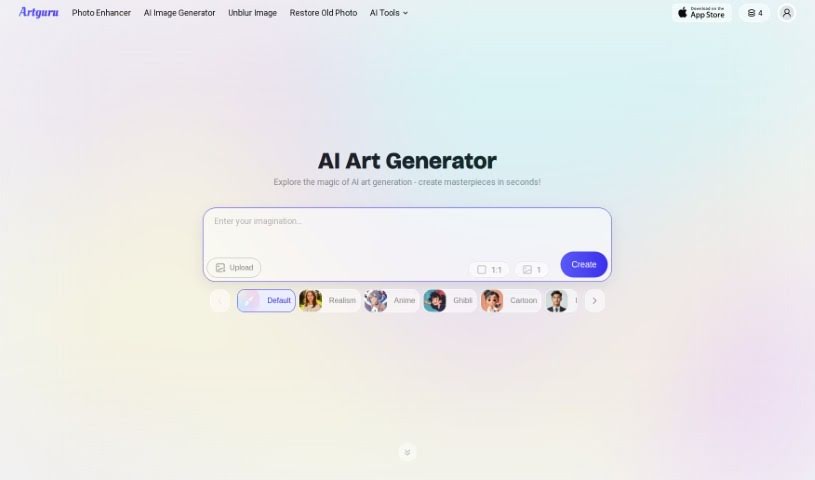
Artguru AI's Anime Generator converts text prompts or uploaded images into anime artwork using deep learning technology. Styles include Anime, Ghibli Studio, and Anime Portrait, and settings let you adjust the art style, image size, and reference pictures. No drawing skills are required. An AI Chat feature provides step-by-step guidance during creation, and finished images can be downloaded and used without limits.

Text To Image View Tool →
Screenshot of Artiversehub Ai

Artiversehub Ai

Freemium

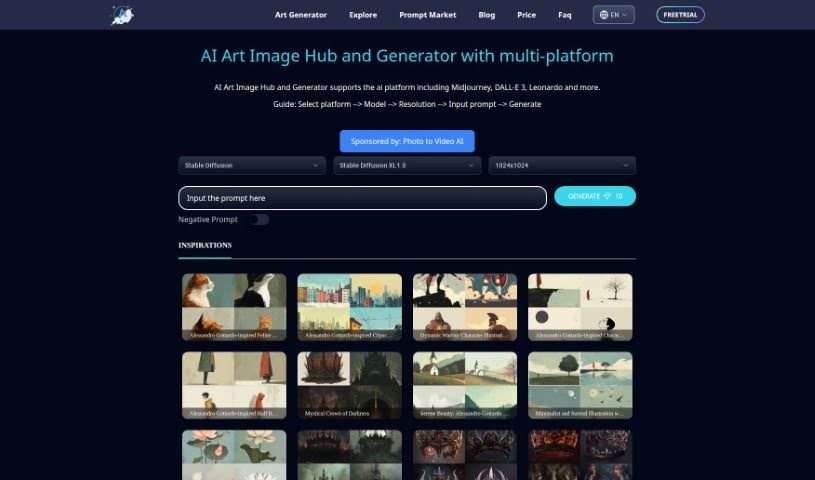
ArtiverseHub AI is an online tool that generates original images from text prompts. It connects to several AI platforms — including DALL·E (from ChatGPT), Leonardo.ai, and Stability.ai — with plans to add more models over time. The platform emphasizes ease of use, letting users switch between AI models in one place, and future personalization options will let users choose their preferred model. It produces high-resolution images suitable for both personal and commercial use, and new users can start with a free trial after signing up on the website.

Text To Image View Tool →
Screenshot of Artspace

Artspace

Freemium

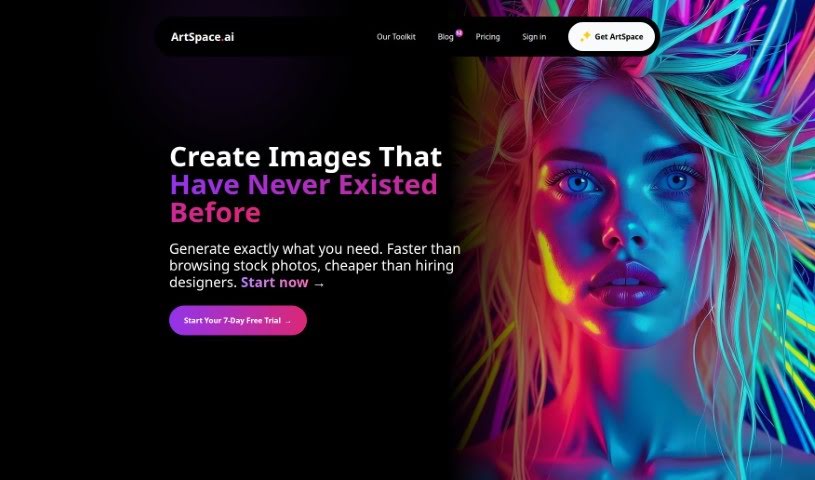
ArtSpace.ai is an AI platform that generates realistic artwork from text descriptions. Describe what you want, and the platform produces a matching image — no painting or Photoshop experience required. It serves both beginners and professionals.

Text To Image View Tool →
Screenshot of Bing Image Creator

Bing Image Creator

Freemium

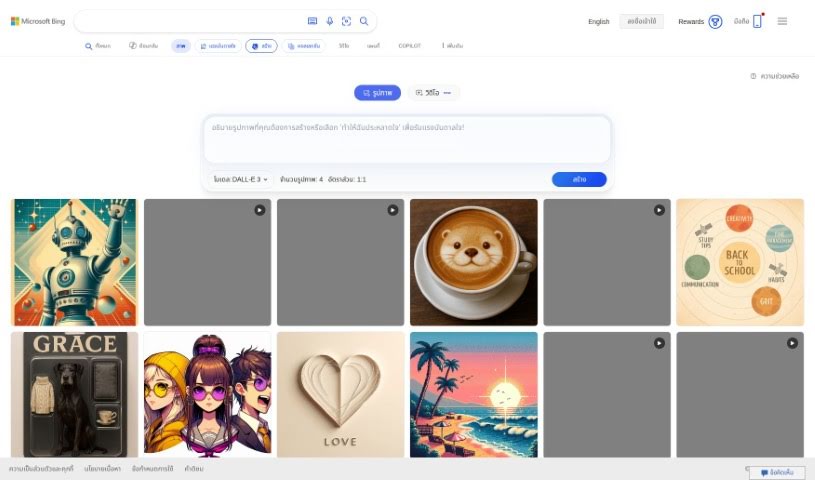
Bing Image Creator is a tool for creating and editing images. It allows you to resize pictures, trim them, add text, and apply filters. You can use it for website graphics, social media posts, presentations, or personal projects. It supports different file types and simplifies image editing for users of all skill levels.

Text To Image View Tool →
Screenshot of BoostPixels

BoostPixels

Freemium

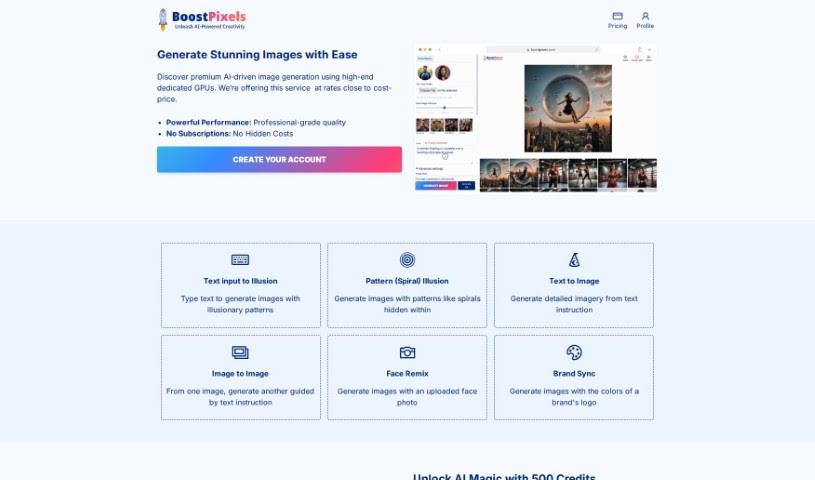
BoostPixels Flat is a free AI tool that generates high-quality images from your logo. You can write custom prompts or choose from a gallery of ready-made ones. It accepts PNG, JPEG, JPG, and WebP logo files, and lets you pick between 512px and 1024px output quality. It's useful for website visuals, marketing materials, and other creative projects. BoostPixels follows its terms of use and privacy policies, and its support team is available if you need help.

Text To Image View Tool →
Screenshot of Brainfever

Brainfever

Freemium

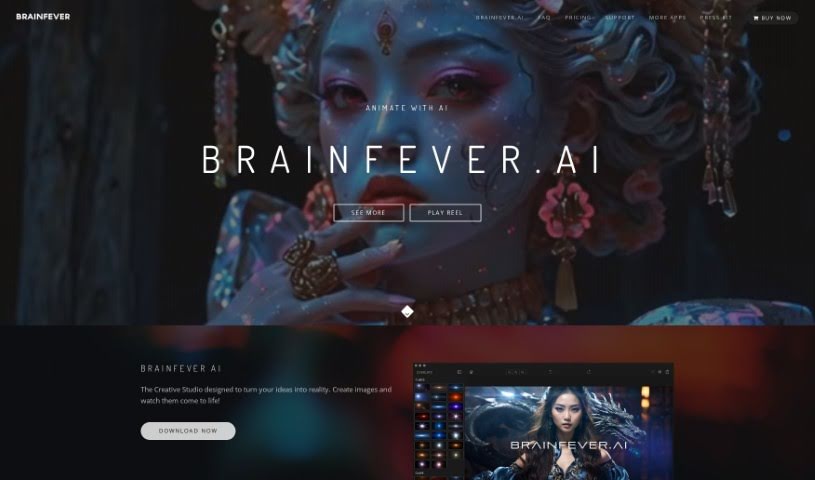
Brainfever is an AI art generator that turns text prompts into visual images. It uses OpenAI's DALL-E 3 and SDXL stable diffusion models to create objects, scenes, and animations. It includes advanced photo editing tools, support for different aspect ratios, and special effects such as rain and fog. A project library keeps creations organized, and users own the rights to their images, so they can reprint, sell, or use them for merchandise.

Text To Image View Tool →

About Text To Image tools

Finding the right stock photo, sketching out rough concept art, or explaining a complex visual idea to a designer can take days of back-and-forth iteration. Whether you need custom graphics for a blog post, visual assets for a marketing campaign, or quick storyboard sketches, turning abstract concepts into finished visuals often hits a bottleneck. It’s easy to spend hours searching through royalty-free libraries without finding an image that quite fits your vision.

These text-to-image platforms act as flexible creative partners. They don’t replace human artists, photographers, or graphic designers, but they turn detailed text descriptions into unique visual concepts in seconds so you can explore ideas faster.

Prompt-Based Visuals, Style Controls, and Custom Marketing Assets

Turning rough ideas into visual concepts is often the most time-consuming part of creative work. Smart image generators analyze descriptive text prompts and produce high-resolution visuals, artwork, and photorealistic imagery in moments. Instead of staring at an empty canvas or struggling to translate a vision into a sketch, you get several distinct visual directions to build upon, refine, or share with your team.

Customizing style and maintaining visual control becomes far more intuitive, as well. Modern image engines support wide-ranging artistic styles, from digital painting and watercolor to 3D rendering and studio photography. By adjusting prompt details, camera angles, lighting conditions, or aspect ratios, you can tailor generated artwork to fit specific design guidelines without starting over.

Creating custom graphics for commercial and digital projects also gets much easier. Searching for stock images often leads to generic photos that don’t match your brand. Text-to-image tools let you generate tailored marketing assets, website banners, social graphics, and product mockups that align precisely with your topic, saving both time and stock licensing fees.

Key Capabilities to Look For:

  • Prompt-based image generation: Systems that transform detailed written descriptions into high-quality illustrations, photos, and digital art.
  • Style and aesthetic controls: Settings that let you specify artistic modes, lighting effects, camera angles, and color palettes.
  • Image-to-image prompting: Tools that allow you to upload reference images alongside text prompts to guide composition, pose, or layout.
  • Aspect ratio and resolution options: Features for generating visuals sized specifically for web headers, mobile screens, or social media formats.
  • Inpainting and outpainting tools: Controls that let you edit specific regions of an image or expand canvas boundaries seamlessly.

Creating impactful visual content will always depend on your imagination, taste, and creative direction. Software cannot replace artistic intuition or brand strategy. But letting smart tools handle initial rendering, concept exploration, and asset creation gives you back the time and energy needed to refine your visual vision.

Explore the text-to-image tools below to start turning your ideas into striking visuals.

The Best AI Text To Image Tools

  1. Bing Image Creator: for custom illustrations for creative projects.
  2. Yodayo: for creating custom illustrations quickly.
  3. Night Cafe Creator: for turning text prompts into stunning visuals.
  4. Artguru AI: for anime-style character design.
  5. Deep AI AI Text to Image: for creative visual content creation.
  6. AI-Flow: Connects models like GPT-4, DALL-E and Stable Diffusion in a drag-and-drop flow.
  7. Freepik AI Image Generator: for creating unique visuals for marketing materials.
  8. Craiyon: for creating unique artwork from prompts.
  9. Getimg AI: for turning words into stunning visuals.
  10. Stable Diffusion: for crafting visuals from descriptive text prompts.
  11. Prompt Hero: for creating custom visuals for client projects.
  12. Dezgo: for creating images from text descriptions.
  13. Starry AI: for book cover art design.
  14. Fotor AI Image Generator: for creating art from written descriptions.
  15. Img Gen AI: for creating custom book covers.
New tools, in your inbox.

Weekly picks of the best AI tools we've researched and added — no spam, unsubscribe anytime.

Join 25,000+ AI enthusiasts. No spam, unsubscribe anytime.