AI Tools for Text To Image

Discover the best Text To Image AI tools to enhance your productivity and creativity.

Page 3 of 10 • 116 total tools

Creating images from text prompts has become an exciting frontier in artificial intelligence. What once seemed like science fiction is now a reality, thanks to advanced AI tools. They empower users to conjure visual art with just a few words, bridging the gap between imagination and creation.

As text-to-image generators have evolved, so has the quality of their output. We’re no longer confined to basic interpretations—these tools now produce intricate images that can rival those made by skilled artists. From whimsical illustrations to photorealistic portraits, the possibilities feel endless.

I’ve spent considerable time exploring these innovative tools to find the best ones. Each tool offers unique strengths, catering to different artistic needs, styles, and user expertise. Whether you’re looking to create something fun or need high-quality visuals for professional work, there’s likely an ideal tool for you.

In this article, I’ll guide you through some of the top text-to-image AI tools available today. I’ll break down their features, how easy they are to use, and how they can help you unleash your creativity without much effort. So, if you’re ready to bring your ideas to life, let’s jump in!

The best AI Text To Image Tools

  1. Bing Image Creator for custom illustrations for creative projects.
  2. Yodayo for creating custom illustrations quickly.
  3. Night Cafe Creator for turning text prompts into stunning visuals.
  4. Artguru AI for anime-style character design.
  5. Deep AI AI Text to Image for creative visual content creation.
  6. Adobe AI Image Generator for storytelling visuals for social media posts.
  7. Freepik AI Image Generator for creating unique visuals for marketing materials.
  8. Craiyon for creating unique artwork from prompts.
  9. Getimg AI for turning words into stunning visuals.
  10. Stable Diffusion for crafting visuals from descriptive text prompts.
  11. Prompt Hero for creating custom visuals for client projects.
  12. Dezgo for creating images from text descriptions.
  13. Starry AI for book cover art design.
  14. Fotor AI Image Generator for creating art from written descriptions.
  15. Img Gen AI for creating custom book covers.

How do AI text to image tools work?

When you look for AI text-to-image tools, you’ll find a variety of platforms, each with its own features. However, many of these tools use similar underlying technologies. They primarily rely on generative models that use neural networks to create images. Tools like DALL-E and Midjourney use vast datasets of labeled images and text pairs to train their models, producing visuals from textual descriptions.

At their core, these models analyze your input text and find patterns within their training data. By understanding the connection between words and images, they generate new visuals that match your prompts. This process usually involves complex algorithms that transform text requirements into pixels, bringing your descriptions to life.

The training process needs massive computational resources and diverse datasets, including everything from photographs to art. By processing so much visual content, these models learn how to replicate various styles and perspectives. This allows them to create pictures that reflect your specified theme or mood.

As with any AI technology, the results can vary depending on the quality of your input. Clear and detailed prompts usually lead to better outcomes, guiding the model to produce images that more closely match your vision. Vague descriptions, on the other hand, might lead to unexpected or less cohesive results.

Explore how creators are using these tools for different applications, from marketing to art. As the technology keeps evolving, the potential for innovation in content creation is huge. Future advancements promise even more refined and expressive capabilities, making these tools invaluable for artists, designers, and marketers.

Our best AI text to image tools at a glance

RankNameBest forPlans and PricingRating
1Bing Image Creatorcustom illustrations for creative projects.N/A4.73 (11 reviews)
2Yodayocreating custom illustrations quickly.N/A4.33 (6 reviews)
3NightCafe Creatorturn text prompts into stunning visuals.Paid plans start at $15.99/month.4.63 (32 reviews)
4Artguru AIanime-style character designN/A4.58 (12 reviews)
5Deep AI AI Text to Imagecreative visual content creationN/A4.82 (11 reviews)
6Adobe AI Image Generatorstorytelling visuals for social media postsN/A4.92 (12 reviews)
7Freepik AI Image Generatorcreating unique visuals for marketing materials.N/A4.55 (11 reviews)
8Craiyoncreating unique artwork from promptsPaid plans start at $5/month.4.67 (6 reviews)
9Getimg AIturn words into stunning visuals.Paid plans start at $12/month.4.76 (21 reviews)
10Stable Diffusioncrafting visuals from descriptive text prompts.Paid plans start at $7/month.4.69 (13 reviews)
11PromptHerocreate custom visuals for client projects.N/A4.09 (11 reviews)
12Dezgocreate images from text descriptionsN/A4.79 (53 reviews)
13StarryAIbook cover art designN/A4.77 (43 reviews)
14Fotor AI Image Generatorcreating art from written descriptionsN/A4.77 (26 reviews)
15ImgGen AIcreating custom book coversN/A4.76 (29 reviews)
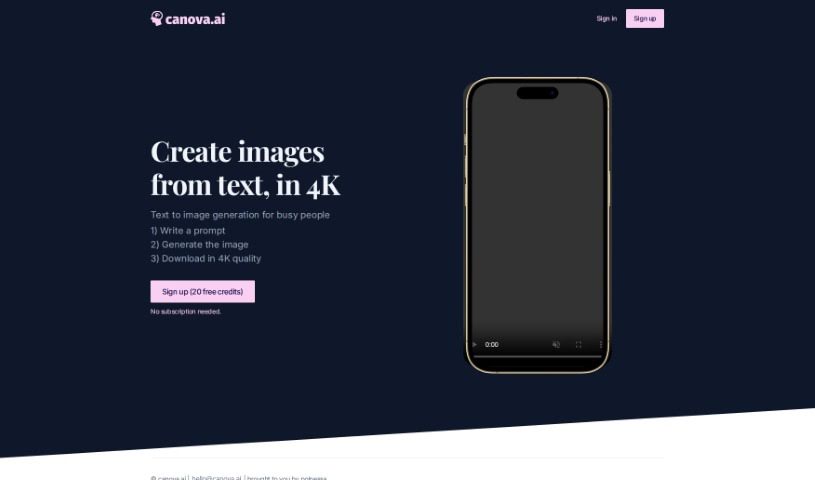
Screenshot of Canova

Canova

Freemium

Canova.ai is a neat AI tool that helps you create high-quality images just by typing in what you want. You give it a descriptive prompt, and the AI translates your words into a visual image. What's great is that it doesn't require a subscription, so it's really cost-effective and easy for anyone to use, even if you don't have any design skills. Canova.ai is a real time-saver because it quickly generates images from text, cutting out the whole manual design process. It's got a user-friendly interface and a super simple three-step process: just type your prompt, generate the image, and then download it in stunning 4K resolution. The images it produces are really top-notch, perfect for all sorts of visual content needs.

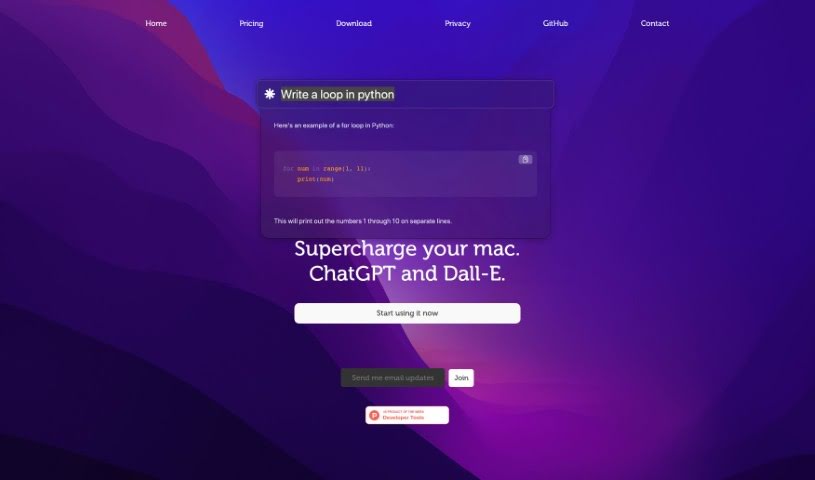
Screenshot of Chaibar.ai

Chaibar.ai

Freemium

Chaibar.ai is a really neat tool built to help Mac users be more productive and creative. It does this by bringing together AI-powered chat and visual creation all in one place. It is a smart assistant that combines ChatGPT's ability to understand and generate text with Dall-E's power to create images. It's perfect for professionals who want to speed up their work or anyone curious about the artistic side of AI. The software has a simple interface and uses smart technology to understand even complex requests, making it super versatile for all sorts of tasks.

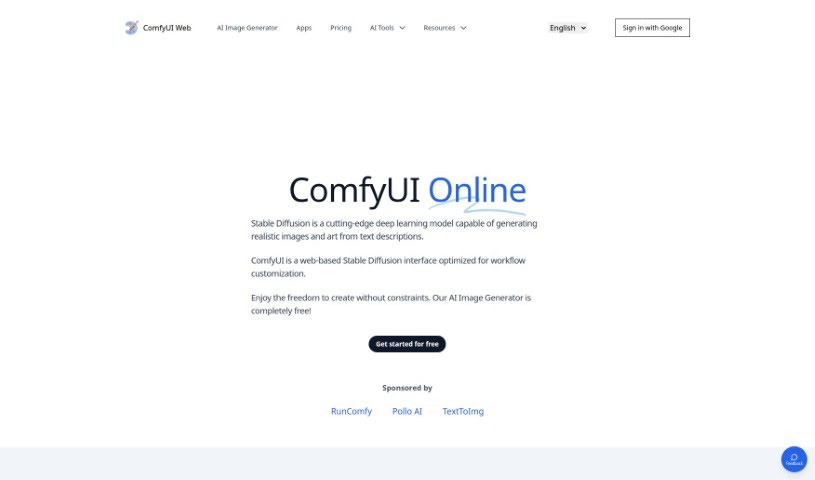
Screenshot of Comfyui Web

Comfyui Web

Freemium

Comfyui Web is a fantastic web-based tool that uses a powerful Stable Diffusion deep learning model. It is your personal digital artist! It's designed to create high-resolution, realistic images and artwork simply from text prompts you provide. Beyond just image creation, it also lets you easily prototype and test web interfaces right there in your browser. What's really great is that it's completely free to use, and it's built with your privacy in mind – it doesn't store or share any of your generated images. You can create as many images as you like without needing to install anything. Plus, you're free to use these images for commercial purposes without needing to give credit. For the best experience, it's recommended to use Comfyui Web on a PC, where you can really dive in and customize your workflow within the intuitive web interface.

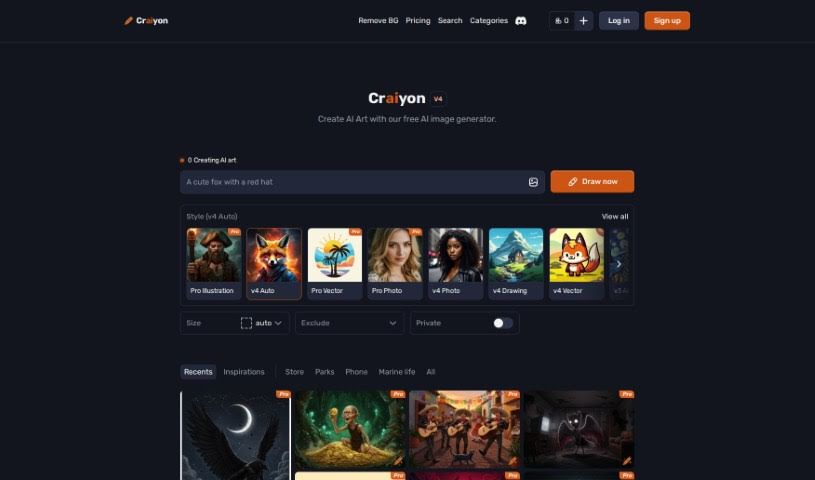
Screenshot of Craiyon

Craiyon

Freemium

Craiyon is a really neat AI model that lets you create images just by typing in what you want to see. It's all done through a super easy-to-use online platform. Basically, it uses the Generative Pre-trained Transformer 3 (GPT-3) model. This means you can type in a text prompt – think of it like a description – and Craiyon will whip up corresponding images in all sorts of styles. You can get cartoonish looks, realistic photos, or even abstract art. Whether you're looking for a simple drawing or something more detailed, Craiyon can handle it. Plus, you can even print your creations on a t-shirt or share them with others on their forum. They're also serious about keeping your information private, giving you control over how your data is used.

Screenshot of Deep AI AI Text to Image

Deep AI AI Text to Image

Freemium

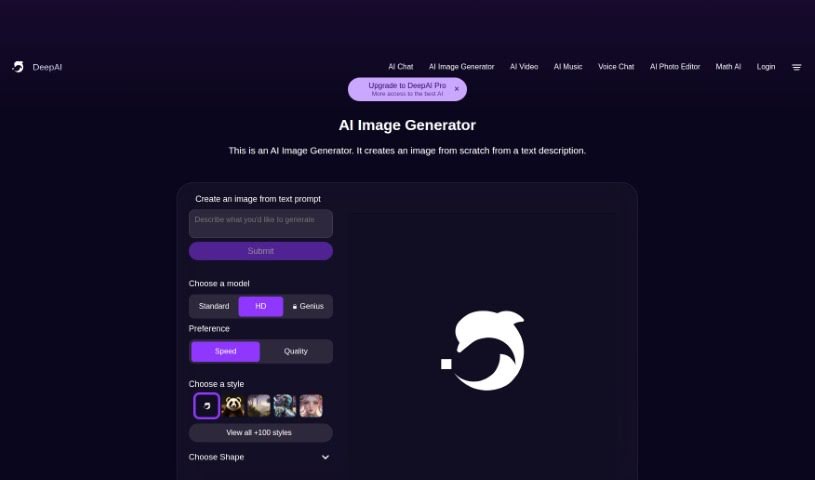
AI Text-to-Image technology is a really neat way to create images just by describing them. It is a digital artist that brings your words to life. It uses smart algorithms to turn your text prompts into actual pictures. You just type in what you imagine, and the AI Image Generator whips up a unique visual for you. Plus, you get to play around with different settings – you can pick from various models and choose options like speed, quality, or specific styles like classic art, anime, photography, cinematic looks, hyperrealism, or graphic design. This flexibility means you can really fine-tune the image generation to match exactly what you're going for, making it a fantastic tool for anyone wanting to turn text into cool visuals quickly.

Screenshot of DeepVinci

DeepVinci

Freemium

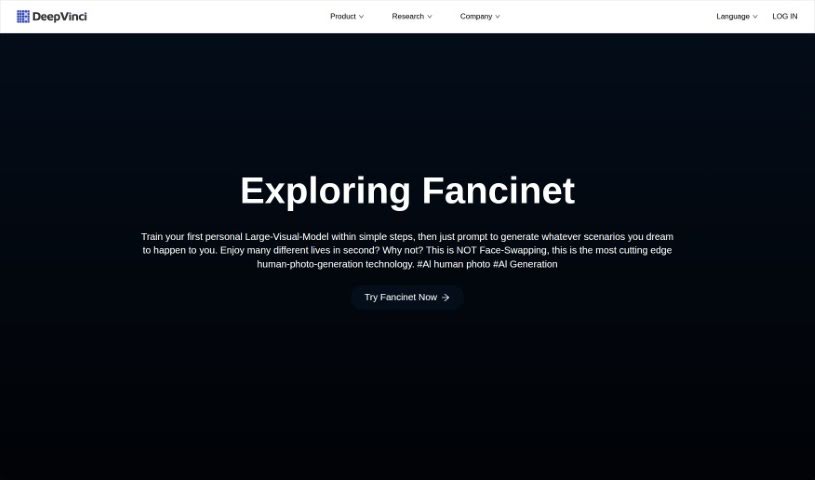
DeepVinci is a collection of AI tools designed to really shake up how we create content, making things more creative and efficient for everyone. It's got a few key players:

Screenshot of Dezgo

Dezgo

Freemium

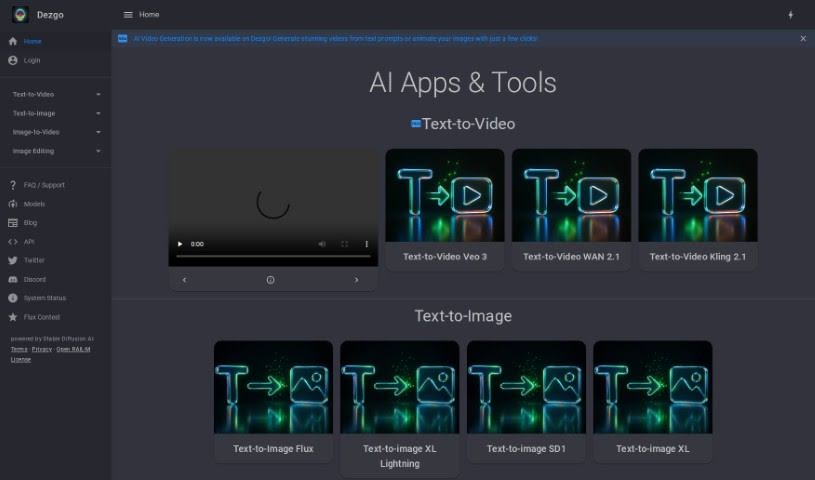
Dezgo is a really neat tool that lets you create high-quality images just by typing in what you want. It uses AI, specifically the DPMSeed sampling method, to bring your text descriptions to life. You've got a lot of control here: you can tweak how closely the AI sticks to your prompt, pick the image's shape (like portrait, square, or landscape), and even tell it what not to include using negative prompts. The AI technology behind it is Stable Diffusion 1.5, and all the images it creates are shared under the CreativeML Open RAIL-M license. Dezgo also gives you options to manage your privacy, like deciding if you're okay with data processing, personalized ads, or how your device is identified.

Screenshot of Diffusionart.co Anime Prompt Generator

Diffusionart.co Anime Prompt Generator

Freemium

The Anime Prompt Generator from DiffusionArt.co is a fantastic resource for artists and creators who need a spark of inspiration for their anime-focused projects. This generator isn't just about basic prompts; it's packed with features and supports a wide spectrum of art styles, from incredibly realistic looks to more abstract creations. You'll find handy tools like Text to Video, Image to Prompt, and Image Variations, all designed to make your creative process smoother and let you easily tweak the results to match exactly what you're looking for. Plus, it uses AI to come up with all sorts of artistic prompts and even offers support in multiple languages, making it accessible to a broader audience. All in all, it's a straightforward and adaptable tool for anyone wanting to bring their anime-inspired ideas to life.

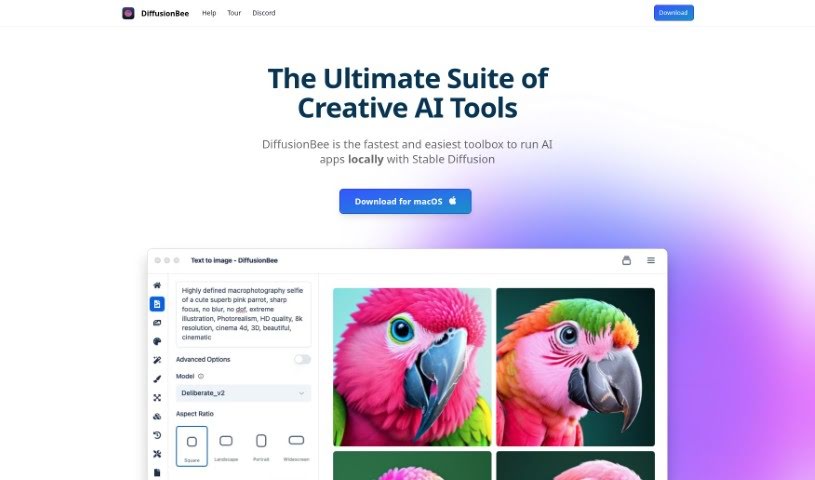
Screenshot of DiffusionBee

DiffusionBee

Freemium

DiffusionBee is a fantastic AI tool that lets you create really impressive images using Stable Diffusion technology, right on your own computer. It is your personal AI art studio! It's packed with advanced features, making it super easy to generate AI art from simple text descriptions. You can also tweak existing images, add or remove elements, expand your pictures creatively, boost their resolution, and even use your own custom AI models. What's really great about DiffusionBee is that it works entirely offline, meaning your creations and data stay private. Plus, it's completely free for anyone using macOS, offering unlimited use.

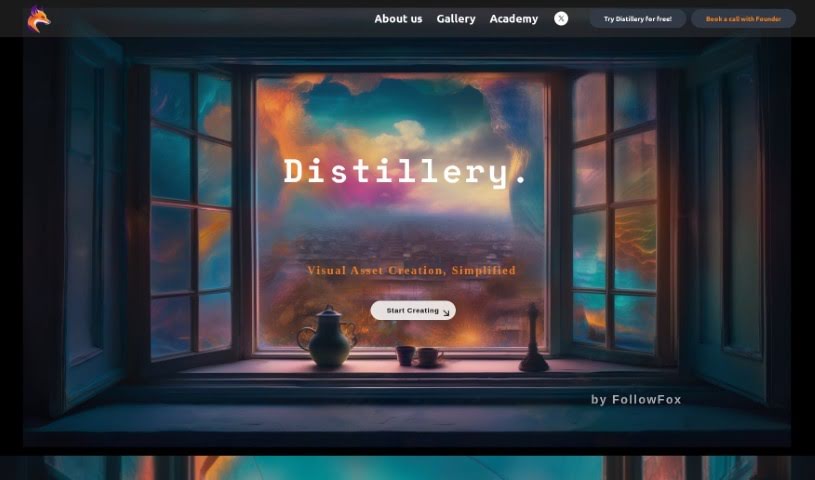
Screenshot of Distillery

Distillery

Freemium

Distillery is a cool, open-source tool that works through Discord. It's a text-to-image generator that uses Generative Art, making it great for professional creative work. Essentially, it takes knowledge from bigger AI models and applies it to create really high-quality images. What's neat is that it gives you a lot of control and flexibility, which is perfect whether you're just starting out or you're a seasoned pro in the generative AI world.

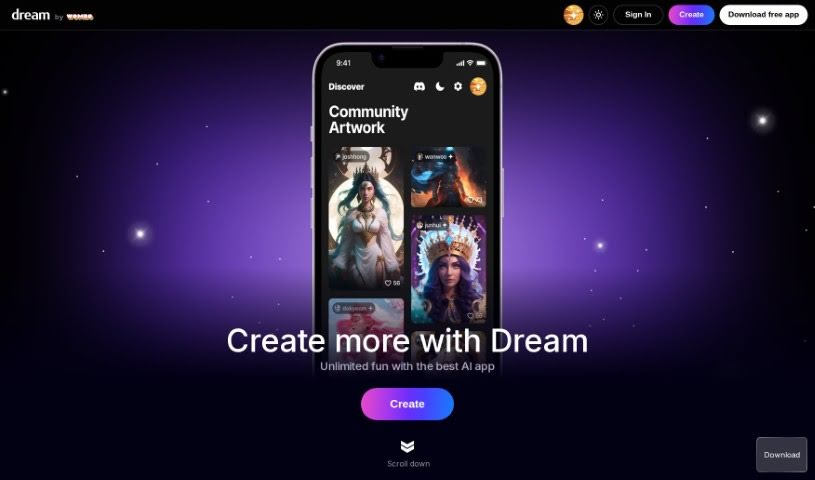
Screenshot of Dream AI

Dream AI

Freemium

Dream AI, also known as Dream by WOMBO, is a really neat AI tool that lets you create your own unique artwork. All you have to do is give it your ideas and tell it what kind of art style you like. You can even upload your own pictures or use NFTs as inspiration for the paintings it generates. It offers a bunch of different art styles, including some special premium ones like VFX, Dystopia, and abstract fluid art. Dream by WOMBO uses AI to figure out what you want and then creates high-quality paintings in just seconds. The best part? You don't need any tech skills to use it – the interface is super easy to customize.

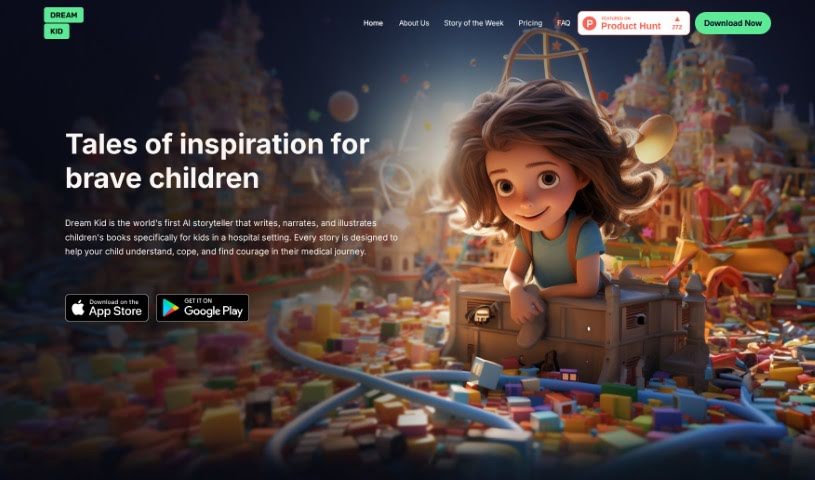
Screenshot of Dream Kid AI

Dream Kid AI

Freemium

Dream Kid is a special AI platform built for creating and telling children's stories, complete with illustrations, specifically for kids who are in the hospital. The big idea behind it is to offer personalized, therapeutic stories that can really help young patients feel more empowered and manage their medical treatments. It lets you create stories set in all sorts of adventurous places, adding illustrations and even multi-sensory elements. This makes the healing process feel less scary and more engaging for children. What's neat is that each story is made just for the child, using details like their name, age, and any specific challenges they're dealing with, to craft a narrative that feels relatable and encouraging.

Stay Updated with AI Tools

Get weekly updates on the latest AI tools, trends, and insights delivered to your inbox

Join 25,000+ AI enthusiasts. No spam, unsubscribe anytime.