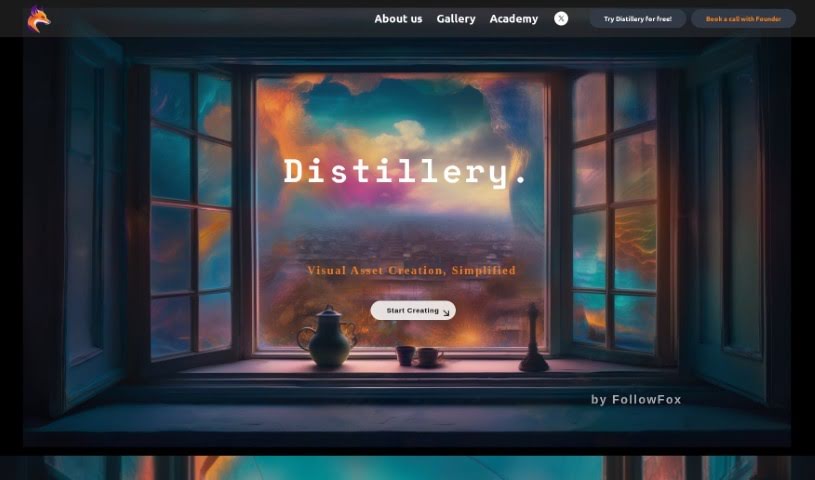
What is Distillery?
Distillery is a cool, open-source tool that works through Discord. It’s a text-to-image generator that uses Generative Art, making it great for professional creative work. Essentially, it takes knowledge from bigger AI models and applies it to create really high-quality images. What’s neat is that it gives you a lot of control and flexibility, which is perfect whether you’re just starting out or you’re a seasoned pro in the generative AI world.
Who created Distillery?
FollowFox is the creator behind Distillery, this open-source, Discord-based text-to-image generator. The platform is designed to help people turn their ideas into amazing visuals using AI. It really bridges that gap between having a thought and seeing it represented visually. Distillery puts a big emphasis on giving users deep control and flexibility, which is why it’s a hit with both casual enthusiasts and serious power users in the generative AI field.
What is Distillery used for?
Distillery is super versatile! Here are some of the ways people use it:
- Generating images just from text descriptions.
- Turning abstract ideas into stunning visual realities.
- Creating custom promotional materials that really stand out.
- Designing unique characters based on text prompts.
- Bringing interior design sketches to life visually.
- Making truly unconventional and unique art pieces.
- Training AI models by providing text prompts.
- Encouraging and supporting creative exploration.
- Giving artists and designers more power over their creations.
- Offering users enhanced control when working with generative AI.
Who is Distillery for?
Distillery is a fantastic tool for:
- Artists
- Designers
- Anyone who’s an enthusiast or power user in the generative AI space
How to use Distillery?
Distillery, created by FollowFox, is an innovative open-source AI text-to-image generator. It’s a platform that really helps you turn your imaginative concepts into visually stunning realities. Here’s a straightforward guide on how to get started with Distillery:
- Access the Platform: You can either visit the official Distillery website or join their Discord community. It’s easy to get connected.
- Understand Distillery: Take a little time to get familiar with what Distillery can do. Think about how it translates your thoughts into visuals, helps create promotional materials, designs characters, and so much more.
- Get Inspired: Look around at all the different ways you can use Distillery – the possibilities are pretty much unlimited! Think about how you might use it for your own projects.
- Training the AI: You train the AI model by giving it text prompts or descriptions. The AI then uses your input to generate images.
- Generative Art: Jump into the exciting world of generative art! You can experiment with all sorts of different styles and creative approaches.
- Community Engagement: Connect with the Distillery community on Discord. It’s a great place to learn from what others are doing, share your own creations, and even collaborate on projects.
- Continued Learning: Keep an eye out for new updates and features from Distillery. This will help you get even better at using the tool and improve your skills.
- Professional Use: If you’re using Distillery for professional projects, you’ll really benefit from the Generative AI it uses and the deep control it provides.
- Free Courses: Distillery offers free courses that can help you learn more about using Generative AI for all sorts of different applications.
- Contact Support: If you have any questions or need help, don’t hesitate to reach out to the Distillery team via their contact email.
By following these steps, you’ll be able to effectively use Distillery to really let your creativity flow and bring your artistic visions to life with AI-generated images.