AI Text Generation Tools

AI Tools for Text Generation

Discover the best Text Generation AI tools to enhance your productivity and creativity.

Page 73 of 84 • 998 total tools
Screenshot of Translated

Translated

Freemium

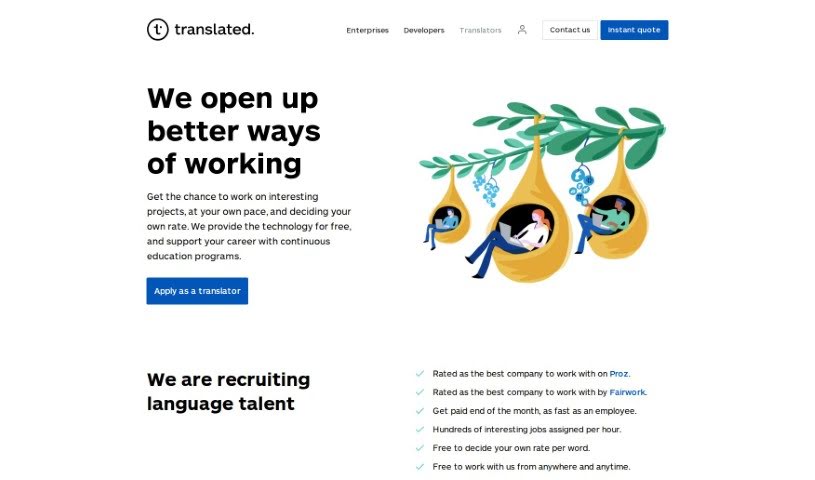
Translated is a company that helps businesses and individuals communicate across languages. It offers translation, localization, and other language services to clients worldwide, covering documents, websites, and software. Its goal is to deliver translations that are accurate, culturally appropriate, and natural-sounding. The company combines a team of professional translators with technology to streamline global communication across industries.

Text Generation View Tool →
Screenshot of Translateimage

Translateimage

Freemium

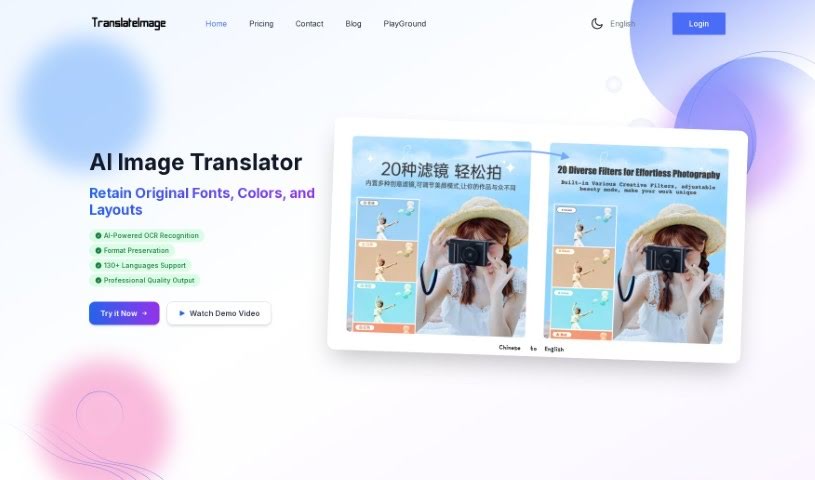
TranslateImage is an AI tool that translates text inside images. It uses OCR (Optical Character Recognition) to read text in pictures and the Google Translation API to translate it into more than 130 languages. A key feature is format preservation: the font, color, size, weight, and alignment of the original text are kept, so translated images retain their original layout.

Text Generation View Tool →
Screenshot of Translators USA

Translators USA

Freemium

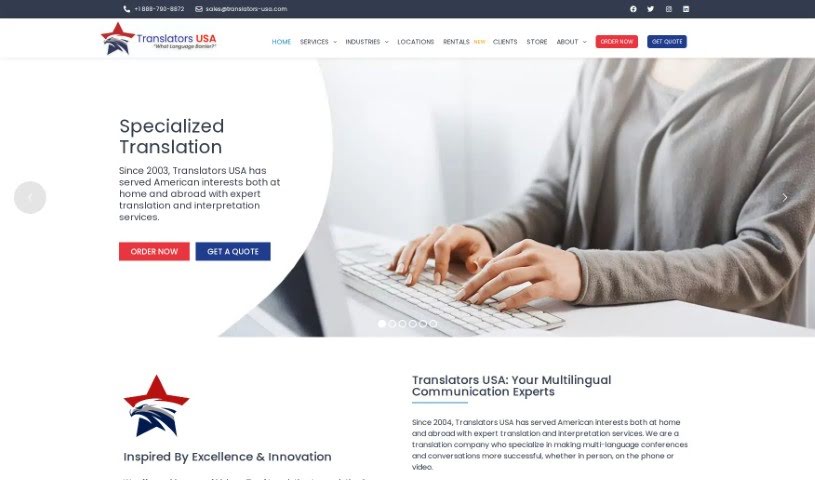
Translators USA is a translation and interpretation company that has supported American interests since 2003. It offers a broad range of language services: translation, interpreting, transcription, localization, proofreading, and audio-visual services, serving both businesses and individuals worldwide.

Text Generation View Tool →
Screenshot of Tribute Technology

Tribute Technology

Freemium

TributeTech is a platform that helps funeral homes and families create personalized obituaries. Its main tool, the Tribute Obituary Writer, guides users through a series of prompts and questions, then generates a complete obituary in one click. Users can select from preset writing styles to adjust the tone automatically and edit the result before sharing it.

Text Generation View Tool →
Screenshot of Trimbox

Trimbox

Freemium

Trimbox is an email assistant that works inside Gmail. It drafts emails to match your natural writing style, unsubscribes you from mailing lists with one click, and bulk-deletes old emails from specific senders to help manage storage space. Every draft is editable before sending.

Text Generation View Tool →
Screenshot of Twinning

Twinning

Freemium

Twinning is a platform that lets you create a digital AI version of yourself — an AI clone your followers can chat with. The clone is designed to respond in a way that sounds like you, capturing your personality and communication style. The platform requires no special technical skills and offers simple customization options.

Text Generation View Tool →
Screenshot of Txt Muse

Txt Muse

Freemium

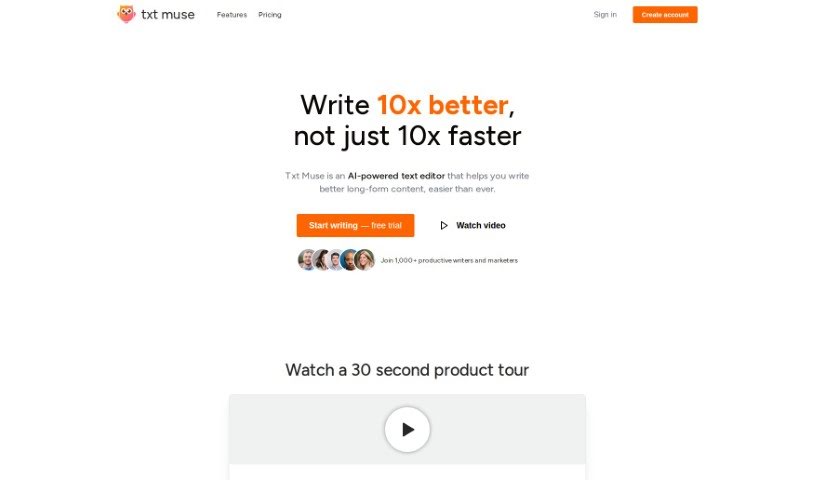
Txt Muse is an AI writing assistant designed to make the writing process smoother for content creators. It generates AI-assisted drafts, suggests ways to finish your sentences (autocomplete), and reshapes text when you want to rephrase something. You provide a title and a short description, and the AI produces a first draft. It's useful for beating writer's block and speeding up content creation. Over a thousand marketers and writers across various fields have used it.

Text Generation View Tool →
Screenshot of Txt42

Txt42

Freemium

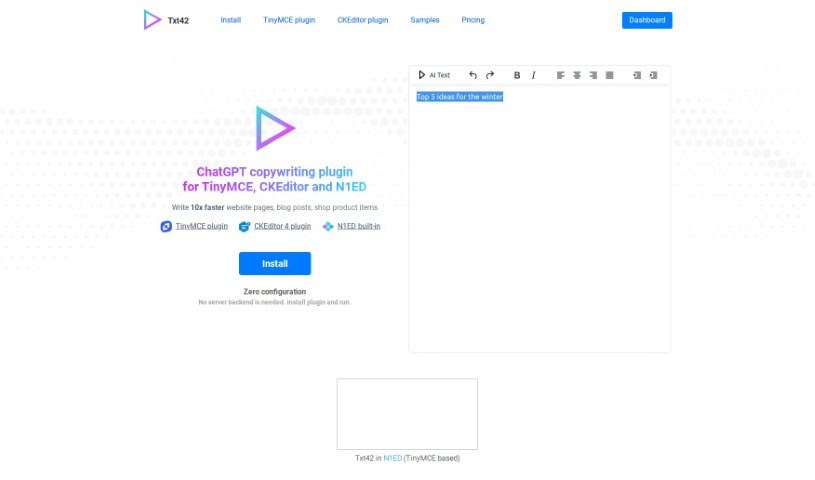
Txt42 is a plugin that brings ChatGPT-powered AI text generation directly into CKEditor, TinyMCE, and N1ED. It generates unique, topic-focused content inside the editor with zero-configuration setup and no server backend required. The tool emphasizes SEO-friendly writing and visitor engagement, and it can be trained on existing texts to better match your content needs.

Text Generation View Tool →
Screenshot of Type AI

Type AI

Freemium

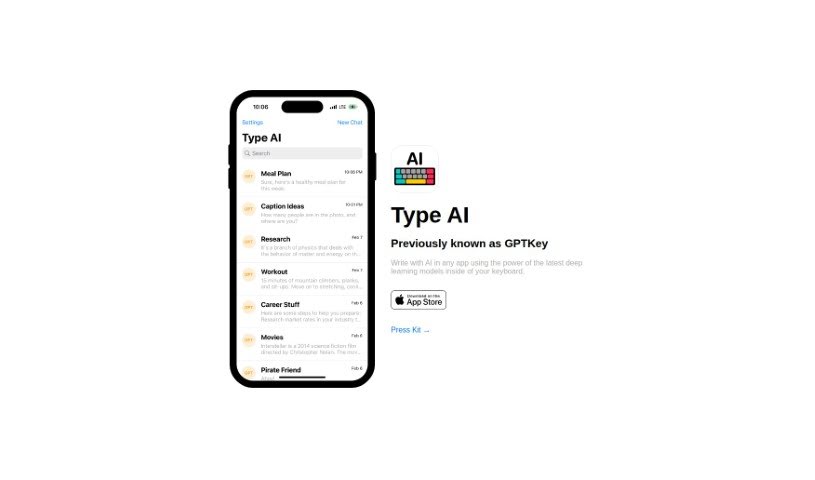
Type AI, formerly known as GPTKey, is an AI keyboard that embeds deep learning models directly into your keyboard, providing smart suggestions, auto-corrections, and predictive text in any app you use. It learns your writing style—your tone, vocabulary, and preferences—by analyzing your past conversations and writing patterns, then offers personalized recommendations.

Text Generation View Tool →
Screenshot of Type AI

Type AI

Freemium

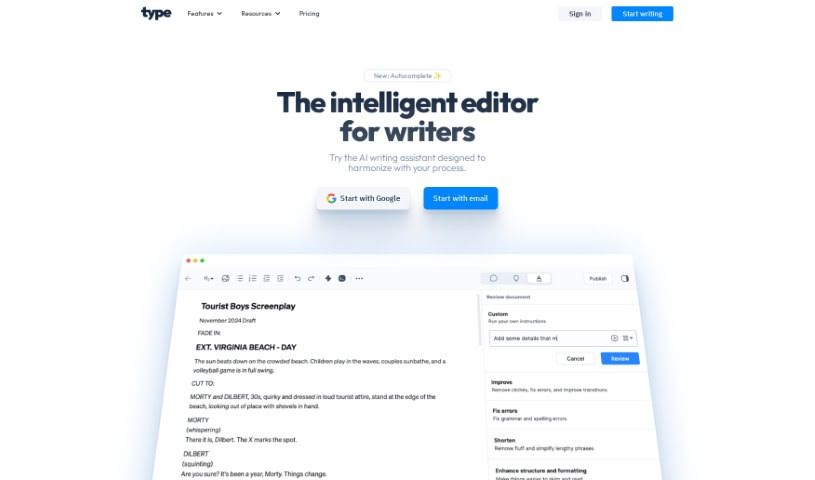
Type AI is an AI text editor designed to improve your writing. It goes beyond simple proofreading: you can upload or paste existing text and hit the "Improve" button to get AI-driven assistance. It is powered by two models, OpenAI's GPT-4o and Anthropic's Claude 3.5 Sonnet, so you can choose the model that best fits your writing task — whether polishing content, brainstorming ideas, or refining drafts.

Text Generation View Tool →
Screenshot of Type Prompt

Type Prompt

Freemium

Type Prompt is an AI-powered writing tool that helps content creators produce polished material, including social media posts that sound human-written. Its core features are one-click topic transformation, AI Hook Prompts, and customizable content templates.

Text Generation View Tool →
Screenshot of Typeboss

Typeboss

Freemium

Typeboss is an AI-powered platform for creating a range of content: blog posts, rephrased text, AI-generated images, and text-to-speech. Its focus is on producing content that converts, with features like SEO-optimized writing. The platform is GDPR & CCPA compliant and offers a free plan to get started. It covers blog posts, marketing content, sales copywriting, and creative formats like poetry and song lyrics, with new templates and tools added regularly.

Text Generation View Tool →

About Text Generation tools

Staring at a blinking cursor while trying to draft marketing copy, outline a blog post, or clear out an inbox can quickly drain your creative energy. Whether you’re scaling up content for a business, drafting social posts across multiple platforms, or summarizing dense reports, putting thoughts into polished words takes hours of focused effort. It’s easy to waste time wrestling with sentence structure and writer’s block when deadlines loom.

These text generation tools act as flexible writing partners. They don’t replace human creativity or pump out generic filler, but they help you draft initial ideas faster, rephrase existing copy, and maintain a consistent voice across all your written work.

Drafting Outlines, Content Repurposing, and Tone Tweaks

Starting a new project from scratch is often the slowest part of any writing task. Smart text generators take brief prompts or rough notes and build structured outlines, introductory paragraphs, or complete section drafts in seconds. Instead of staring at an empty page, you get a working draft that gives you something concrete to edit and refine.

Converting one piece of content into multiple formats becomes far simpler, as well. AI text tools allow you to quickly turn a long-form article into catchy social media snippets, email newsletter updates, or brief summaries. You can easily adjust length and formatting to fit different platforms without rewriting the core message from scratch every time.

Refining tone and keeping your style consistent across projects gets much easier, too. Matching the right tone for different audiences can be tricky when managing multiple brands or client accounts. Modern text assistants let you adjust text to sound formal, casual, persuasive, or authoritative with quick prompts—helping clean up awkward phrasing and keeping messaging clear.

Key Capabilities to Look For:

  • Tone and style controls: Settings that let you adjust casual, formal, or persuasive writing tones to match your brand voice.
  • Multi-format templates: Pre-built frameworks designed for specific content types like blog outlines, ad copy, emails, and social posts.
  • Long-form context retention: Features that allow tools to maintain consistent logic and context across longer articles and reports.
  • Summarization and rewriting: Tools that help shorten long documents, expand bullet points, or rephrase paragraphs while keeping the original meaning intact.
  • Multi-language generation: Software that can write, translate, and adapt content across several languages without losing nuance.

Great writing will always depend on your personal perspective, critical thinking, and unique voice. Software cannot replicate true human empathy or replace your subject matter expertise. But letting smart tools handle routine drafting, rephrasing, and formatting gives you back the time and mental energy needed to sharpen your core message.

Explore the text generation tools below to find the right assistant for your writing workflow.

The Best AI Text Generators

  1. ChatGPT: Great for creative writing prompts.
  2. Google Translate: Useful for quickly translating generated text snippets.
  3. DeepSeek: Good for generating creative content for writers.
  4. Gemini: Helps with original story creation for writers.
  5. Claude: Excellent for creative writing and content generation.
  6. Grok: Ideal for generating creative storytelling prompts.
  7. Microsoft Copilot: Helps create engaging marketing content.
  8. DeepL Translate: Offers seamless content translation and generation.
  9. DeepAI: Lets you create custom content from prompts.
  10. Meta AI: Provides creative story prompts for writers.
  11. Chat Blackbox: Helps craft creative content quickly.
  12. Monica: Makes creating engaging blog posts easy.
  13. Papago: Acts as a creative content generation assistant.
  14. Sider: Offers professional content creation assistance.
  15. Humanize AI: Helps you craft engaging content effortlessly.
New tools, in your inbox.

Weekly picks of the best AI tools we've researched and added — no spam, unsubscribe anytime.

Join 25,000+ AI enthusiasts. No spam, unsubscribe anytime.