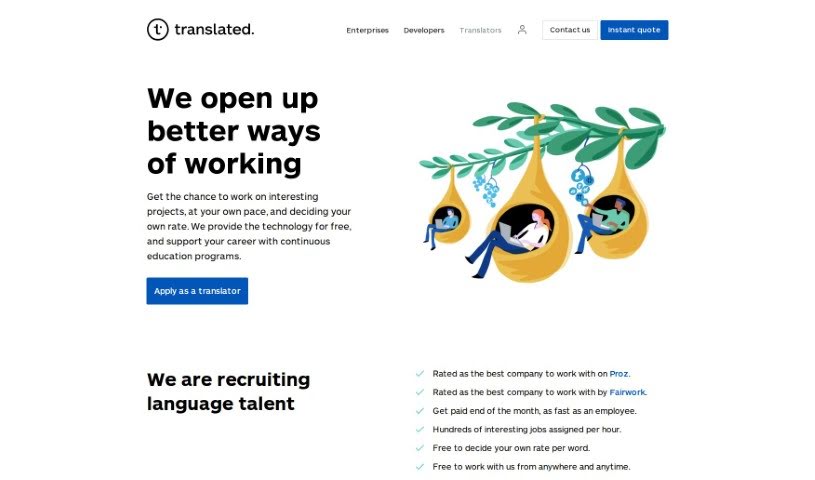
Screenshot of Translated

Translated

Discover what Translated is and how to use it effectively in 2025. We'll explore its features and see how it stacks up against other translation tools.

Screenshot

What is Translated?

Translated is a company that helps businesses and individuals communicate across languages. They offer a range of services, including translation, localization, and other language solutions for clients all over the world. They are experts in making sure your message lands perfectly, no matter the language or culture. They’re particularly skilled at translating all sorts of things – from important documents and websites to software. Their goal is to help you connect with people everywhere, ensuring your translations are not just accurate but also culturally on point and sound completely natural. They combine a team of pro translators with smart technology to help break down language barriers and make global communication smoother for everyone, no matter their industry.

Who created Translated?

Translated was actually started by Marco Trombetti back in 1999. Marco is an Italian entrepreneur who’s really known for bringing fresh, innovative ideas to the language services world. As a company, Translated offers translation and localization services, among other language-related help. They’ve built their approach on a smart mix of technology and human expertise, which is how they manage to deliver high-quality translations so efficiently. Based in Italy, Translated has really grown over the years and is now recognized as a top player in translation services globally, working with clients across all sorts of different fields.

How to use Translated?

Ready to get your content translated? It’s pretty straightforward. Just follow these steps:

  1. Get Started: First off, head over to the Translated platform and sign up for an account. Make sure you’re logged in so you can access everything.
  2. Pick Your Service: Decide what kind of translation you need. Are you translating a document, a whole website, or maybe video subtitles? Choose the option that fits.
  3. Upload Your Content: Now, upload the text or files you want translated. It’s a good idea to double-check that your document is in a format the tool can handle easily.
  4. Choose Your Language: Select the language you need your content translated into. Picking the right target language is super important for getting an accurate translation.
  5. Decide on the Method: You’ll need to choose how you want the translation done. You can go with machine translation, human translation, or even a blend of both.
  6. Check the Quality: If you’re going with a human translator, it’s wise to take a look at their credentials and any ratings they have. This helps ensure you’re getting top-notch quality.
  7. Send Your Request: Once you’ve got everything set, submit your translation request. The Translated tool will then get to work processing your content. Keep in mind, how long it takes can depend on how much text there is and how complex it is.
  8. Review and Tweak: When your translation is ready, give it a good read-through. Check for accuracy and make sure it flows well. Feel free to make any edits or adjustments you think are needed.
  9. Get Your Translation: After you’re happy with it, you can either download your translated document or, if it’s for a website or platform, integrate it directly.
  10. Share Your Thoughts: Lastly, providing feedback on the translation quality is really helpful. It helps them improve future translations and makes the tool even better for everyone.

By following these simple steps, you can really make the most of the Translated tool, getting your content translated accurately and efficiently.

Related AI Tools

Discover more tools in similar categories that might interest you

Stay Updated with AI Tools

Get weekly updates on the latest AI tools, trends, and insights delivered to your inbox

Join 25,000+ AI enthusiasts. No spam, unsubscribe anytime.