AI Text Generation Tools

AI Tools for Text Generation

Discover the best Text Generation AI tools to enhance your productivity and creativity.

Page 47 of 84 • 998 total tools
Screenshot of MagicBuddy

MagicBuddy

Freemium

MagicBuddy brings ChatGPT into Telegram, letting you have AI-powered conversations directly within the app. It runs on OpenAI's ChatGPT technology and offers instant answers to questions, real-time translation in over 100 languages, voice message transcription, and task automation.

Text Generation View Tool →
Screenshot of MailBuddy

MailBuddy

Freemium

MailBuddy is a free Chrome extension powered by GPT-3.5 that drafts email replies directly in Gmail. It generates responses based on the context of incoming emails and works inside your mailbox — no extra windows or logins required. You can specify the type of reply you want (polite, formal, funny, or brief), and every generated response can be reviewed and edited before sending. No AI setup or training is needed, and the extension is designed to be private: it doesn't collect personal data or request account permissions.

Text Generation View Tool →
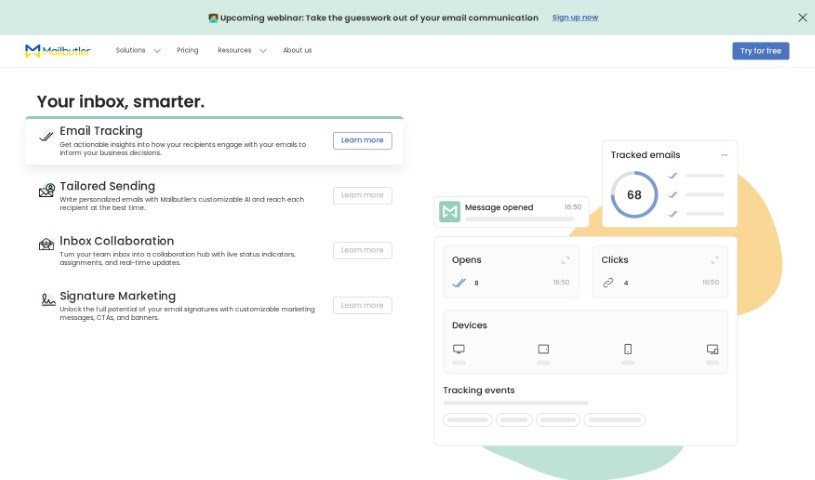
Screenshot of Mailbutler

Mailbutler

Freemium

Mailbutler's Smart Email Assistant is an AI-powered tool that integrates directly into Gmail, Apple Mail, and Outlook, so you don't have to switch apps. Its core features include:

Text Generation View Tool →
Screenshot of Maile

Maile

Freemium

Maile is an iPhone app that acts as a personal email assistant. It uses AI to generate clear, professional-sounding email drafts based on a prompt you provide, so you don't have to stare at a blank screen or spend time wording each message. It's designed for anyone who sends emails — busy professionals, people with packed schedules, and non-native English speakers who want to communicate clearly and confidently.

Text Generation View Tool →
Screenshot of MailMaestro

MailMaestro

Freemium

MailMaestro is an AI-powered email assistant that works inside your existing email client. It helps you write emails from simple prompts, summarize lengthy email chains, and reply to messages with a single click. Key features include "Magic Templates," text shortcuts for quickly adding information, smart meeting scheduling, and support for communication in 14 languages.

Text Generation View Tool →
Screenshot of Mailr

Mailr

Freemium

Mailr is an AI-powered email assistant that helps you write and reply to emails faster. It analyzes your email conversations to learn your personal writing style, then generates drafts that sound like you. It also suggests replies to incoming messages and improves over time as you interact with it. Mailr keeps email conversations confidential, using that data only to improve its AI — personal information is never stored or shared.

Text Generation View Tool →
Screenshot of Mailwizard

Mailwizard

Freemium

MailWizard is an AI tool designed to simplify writing emails. It provides interactive guidance, adapts your message's tone to the recipient, and makes editing straightforward. The goal is to save time and boost productivity.

Text Generation View Tool →
Screenshot of Mailyr

Mailyr

Freemium

Mailyr is a Chrome extension that uses AI to help you write emails faster. After installing the extension and signing in with your Google account, you provide a subject line and Mailyr generates the email content for you. It integrates directly with Gmail and is designed to make email creation quick and stress-free. More than 1,000 users currently use the tool.

Text Generation View Tool →
Screenshot of Makebelieve

Makebelieve

Freemium

Makebelieve is a digital companion tool developed by Makebelieve Inc. It enables users to chat with two companions, Ani and Dan, both of whom have backgrounds in psychology. The tool combines psychology with interactive conversation to support well-being and provide engaging experiences.

Text Generation View Tool →
Screenshot of Manuscriptsai AI Writer

Manuscriptsai AI Writer

Freemium

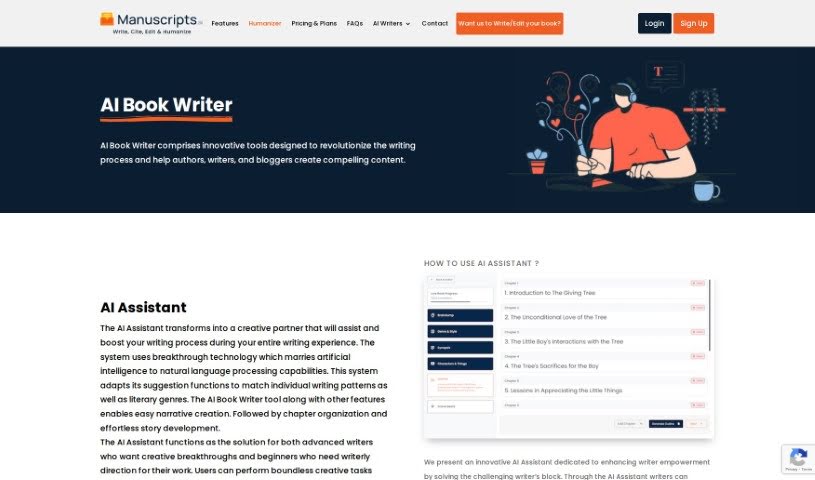
Manuscriptsai AI Writer is an AI writing assistant that helps writers produce content more efficiently. It supports articles, blog posts, essays, and longer narratives, with features for content research, idea generation, text summarization, and language improvement. Details about its founder or the company behind it are not publicly available.

Text Generation View Tool →
Screenshot of Marmof

Marmof

Freemium

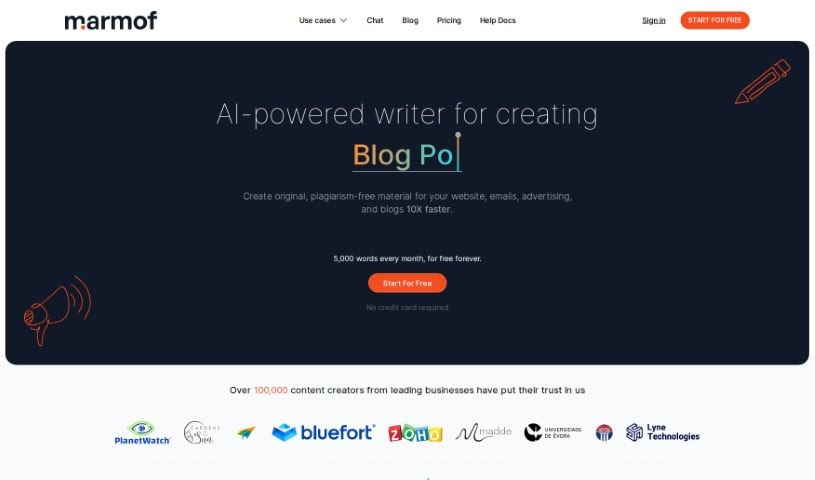
Marmof is an AI-powered content-generation platform that uses natural language processing and machine learning to create written content quickly. It supports a range of formats, including blog posts, website copy, product descriptions, press releases, and feature articles.

Text Generation View Tool →
Screenshot of Maso AI

Maso AI

Freemium

Maso AI is an AI-powered platform designed to speed up content workflows. It generates original content aimed at ranking well in search engines, writes ad copy intended to boost conversions, and helps scale content marketing efforts. The platform includes templates for a variety of content types, including blog posts, emails, YouTube descriptions, social media updates, and Google headlines. It can also rewrite existing content, generate FAQs, create reviews, craft Instagram posts, write academic essays, and produce SEO-optimized meta descriptions.

Text Generation View Tool →

About Text Generation tools

Staring at a blinking cursor while trying to draft marketing copy, outline a blog post, or clear out an inbox can quickly drain your creative energy. Whether you’re scaling up content for a business, drafting social posts across multiple platforms, or summarizing dense reports, putting thoughts into polished words takes hours of focused effort. It’s easy to waste time wrestling with sentence structure and writer’s block when deadlines loom.

These text generation tools act as flexible writing partners. They don’t replace human creativity or pump out generic filler, but they help you draft initial ideas faster, rephrase existing copy, and maintain a consistent voice across all your written work.

Drafting Outlines, Content Repurposing, and Tone Tweaks

Starting a new project from scratch is often the slowest part of any writing task. Smart text generators take brief prompts or rough notes and build structured outlines, introductory paragraphs, or complete section drafts in seconds. Instead of staring at an empty page, you get a working draft that gives you something concrete to edit and refine.

Converting one piece of content into multiple formats becomes far simpler, as well. AI text tools allow you to quickly turn a long-form article into catchy social media snippets, email newsletter updates, or brief summaries. You can easily adjust length and formatting to fit different platforms without rewriting the core message from scratch every time.

Refining tone and keeping your style consistent across projects gets much easier, too. Matching the right tone for different audiences can be tricky when managing multiple brands or client accounts. Modern text assistants let you adjust text to sound formal, casual, persuasive, or authoritative with quick prompts—helping clean up awkward phrasing and keeping messaging clear.

Key Capabilities to Look For:

  • Tone and style controls: Settings that let you adjust casual, formal, or persuasive writing tones to match your brand voice.
  • Multi-format templates: Pre-built frameworks designed for specific content types like blog outlines, ad copy, emails, and social posts.
  • Long-form context retention: Features that allow tools to maintain consistent logic and context across longer articles and reports.
  • Summarization and rewriting: Tools that help shorten long documents, expand bullet points, or rephrase paragraphs while keeping the original meaning intact.
  • Multi-language generation: Software that can write, translate, and adapt content across several languages without losing nuance.

Great writing will always depend on your personal perspective, critical thinking, and unique voice. Software cannot replicate true human empathy or replace your subject matter expertise. But letting smart tools handle routine drafting, rephrasing, and formatting gives you back the time and mental energy needed to sharpen your core message.

Explore the text generation tools below to find the right assistant for your writing workflow.

The Best AI Text Generators

  1. ChatGPT: Great for creative writing prompts.
  2. Google Translate: Useful for quickly translating generated text snippets.
  3. DeepSeek: Good for generating creative content for writers.
  4. Gemini: Helps with original story creation for writers.
  5. Claude: Excellent for creative writing and content generation.
  6. Grok: Ideal for generating creative storytelling prompts.
  7. Microsoft Copilot: Helps create engaging marketing content.
  8. DeepL Translate: Offers seamless content translation and generation.
  9. DeepAI: Lets you create custom content from prompts.
  10. Meta AI: Provides creative story prompts for writers.
  11. Chat Blackbox: Helps craft creative content quickly.
  12. Monica: Makes creating engaging blog posts easy.
  13. Papago: Acts as a creative content generation assistant.
  14. Sider: Offers professional content creation assistance.
  15. Humanize AI: Helps you craft engaging content effortlessly.

New tools, in your inbox.

Weekly picks of the best AI tools we've researched and added — no spam, unsubscribe anytime.

Join 25,000+ AI enthusiasts. No spam, unsubscribe anytime.