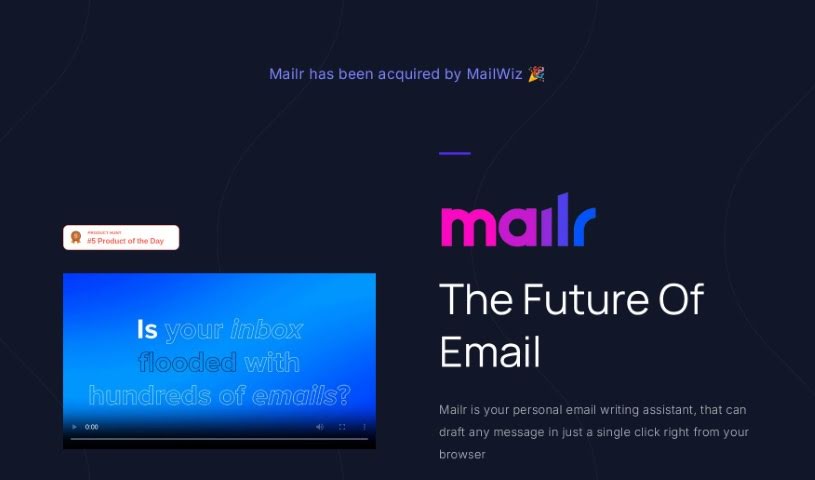
Screenshot of Mailr

Mailr

Discover Mailr, your AI email assistant for 2025. Learn its features, how it helps you write and reply to emails faster, and how it stacks up against other email writing tools.

Screenshot

What is Mailr?

Mailr is an AI-powered email assistant designed to make writing emails a breeze. It’s built to help you craft messages quickly and efficiently. What’s really neat is that it can learn your personal writing style and generate email drafts that sound just like you. Plus, it offers suggestions for how to reply to incoming messages, and it actually gets better over time as it learns from your interactions. Mailr also takes your privacy seriously; it keeps your email conversations confidential and only uses that data to improve its AI, never storing or sharing your personal information.

Who created Mailr?

Mailr was developed by a company specializing in AI email assistants. Their main goal is to offer a tool that uses artificial intelligence to help people write emails faster and respond to incoming messages almost instantly. The AI works by analyzing your email conversations to pick up on your unique writing style, and then it uses that to create personalized email drafts just for you. Whether you need to send a professional email, a sales pitch, or just a casual message, Mailr helps you do it efficiently. The more you use Mailr, the more it adapts and refines its suggestions, making it more accurate and effective over time. And, as mentioned, they’re really committed to privacy and security, keeping your conversations confidential and only using the data to make the AI better, without ever storing or sharing your personal details.

What is Mailr used for?

Here’s a quick rundown of what Mailr can do for you:

  • Write emails super fast: Get drafts ready in no time.
  • Reply to emails instantly: Handle incoming messages with ease.
  • Personalized drafts: The AI learns your style to create emails that sound like you.
  • Response suggestions: Get ideas on how to reply to incoming messages, which is a lifesaver for busy people.
  • Gets smarter: It learns and adapts over time, so its suggestions become more accurate.
  • Privacy first: Your email conversations are kept confidential and only used to improve the AI.
  • Save time: Boost your email productivity significantly.
  • Efficient communication: Enjoy fast, effective, and personalized email exchanges.

Who is Mailr for?

  • Busy Professionals: Anyone juggling multiple tasks and needing to manage their inbox efficiently.

How to use Mailr?

Getting started with Mailr is pretty straightforward. Just follow these simple steps:

  1. Tell it your goal: Start by giving Mailr a brief instruction or the main point of your email in just a few words. This helps it understand what you need.
  2. Pick your tone: You can choose from over 10 different tones – like friendly, persuasive, or informal – to make sure your email has the right style.
  3. Let Mailr work its magic: Once you’ve set your goal and tone, just relax. Mailr uses its AI to generate email drafts for you quickly and efficiently.
  4. Compose new emails: You can start with a free tier that gives you up to 2,000 words. If you need more, the premium tier is just $4.99 a month, offering higher word limits and even faster email generation.
  5. Benefit from AI assistance:
    • Mailr really helps you write emails fast and gives you instant replies for incoming messages.
    • The AI is designed to analyze your writing style, so it creates personalized email drafts that match your preferences.
    • You’ll get suggestions for how to respond to emails, which is incredibly useful, especially if you’re a busy professional.
  6. Experience adaptability and privacy:
    • Mailr is built to learn as you use it, becoming more accurate and effective the more you interact with it.
    • Your email conversations are kept completely confidential. They’re used only to improve the AI’s accuracy, and your personal information is never stored or shared.
  7. Stay updated:
    • Consider joining the Mailr newsletter. It’s a great way to get updates on new features and even find out about chances to win giveaways.

By following these steps, you can really make the most of Mailr’s AI capabilities. It’s a fantastic way to save time, improve your productivity, and make your email communication much smoother and more effortless.

Related AI Tools

Discover more tools in similar categories that might interest you

Stay Updated with AI Tools

Get weekly updates on the latest AI tools, trends, and insights delivered to your inbox

Join 25,000+ AI enthusiasts. No spam, unsubscribe anytime.