AI Programming Tools

AI Tools for Programming

Discover the best Programming AI tools to enhance your productivity and creativity.

Page 2 of 13 • 150 total tools
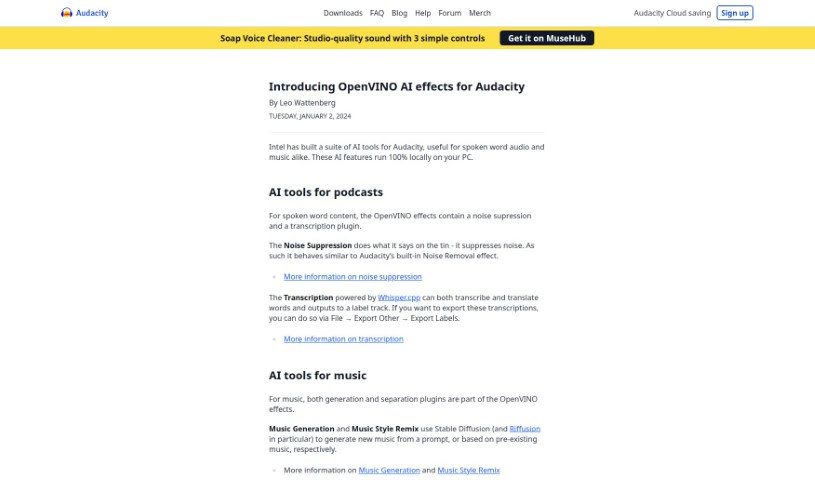
Screenshot of Audacity OpenVINO

Audacity OpenVINO

Freemium

OpenVINO (Open Visual Inference and Neural Network Optimization) is an Intel toolkit for building high-performance computer vision and deep learning inference applications. It provides tools, libraries, and pre-optimized kernels to help developers deploy applications on Intel CPUs, GPUs, FPGAs, and VPUs. The toolkit speeds up deep learning inference at the edge, optimizes neural network performance, and simplifies integration of computer vision functions.

Programming View Tool →
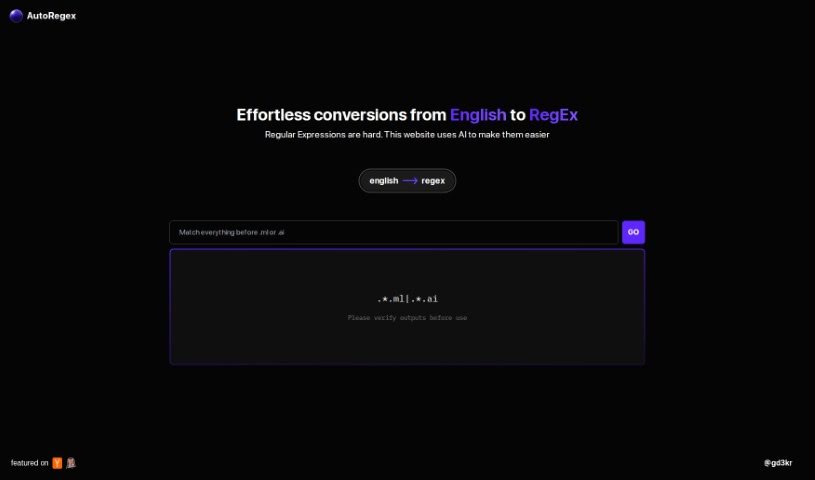
Screenshot of AutoRegex

AutoRegex

Freemium

AutoRegex is a platform that uses artificial intelligence to convert plain English descriptions into Regular Expressions (RegEx). You type a pattern or requirement in English, and the site generates the corresponding RegEx. For example, it can help match valid email addresses. It is a good idea to double-check the generated RegEx before using it.

Programming View Tool →
Screenshot of Babel Cloud

Babel Cloud

Freemium

Babel Cloud is a cloud integrated development environment (IDE) for building AI applications. It provides a business-focused design, visual application mapping, and integrates AI into coding, debugging, and monitoring. It also serves as a hub for experts in fields such as LLMs, Kubernetes, Knative, Rust, Kotlin, TypeScript, and more.

Programming View Tool →
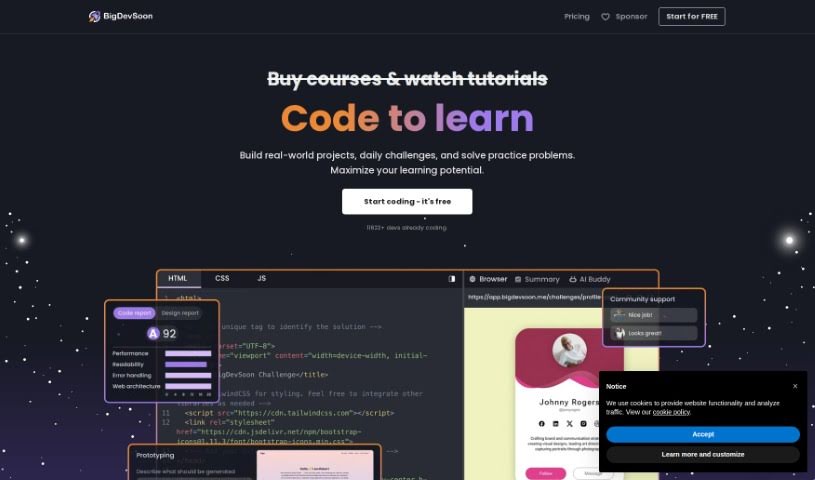
Screenshot of Bigdevsoon

Bigdevsoon

Freemium

BigDevSoon is a platform built by developers for developers. It helps you move from following tutorials to tackling real-world coding projects. Projects are sorted by difficulty and come with user stories and acceptance criteria, so you know what’s expected. An AI Project Buddy named Elise offers help when you’re stuck. You can connect with other users, earn XP, unlock achievements, and track your rank on leaderboards. Gamification keeps you motivated, and a free tier lets you get started.

Programming View Tool →
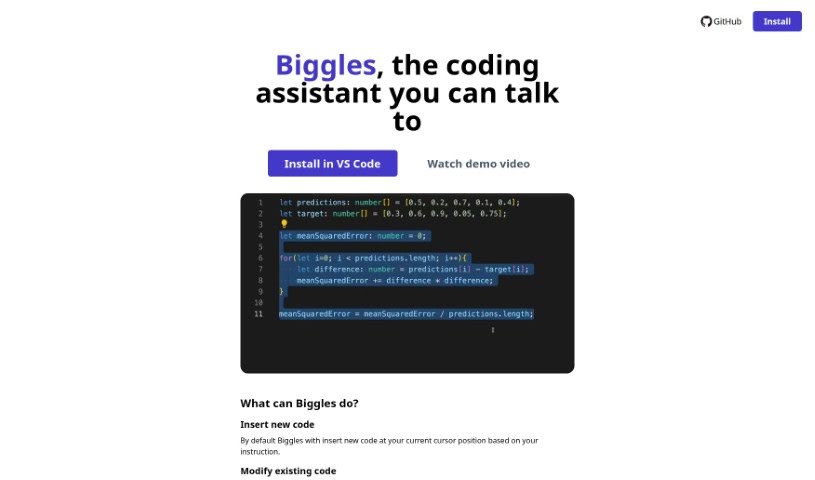
Screenshot of Biggles

Biggles

Freemium

Biggles is a software development tool listed in this directory under the Web Development, Software Development, and Programming categories.

Programming View Tool →
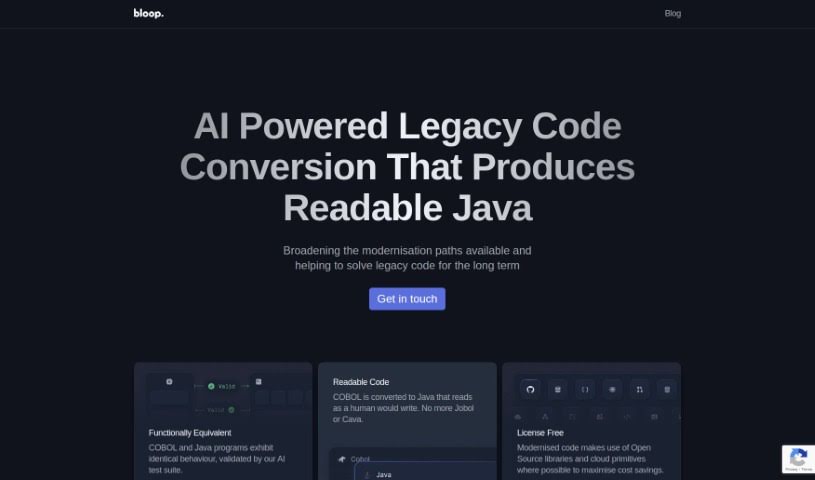
Screenshot of Bloop

Bloop

Freemium

Bloop is an open-source, AI-powered code assistant built to help developers navigate and understand their codebases. Its core feature is natural language search: you can ask questions about your code in plain English and find what you need quickly. It also identifies internal libraries and common patterns, showing how a codebase fits together and helping you avoid unnecessary dependencies. For more specific searches, Bloop supports regex matching and precise code navigation.

Programming View Tool →
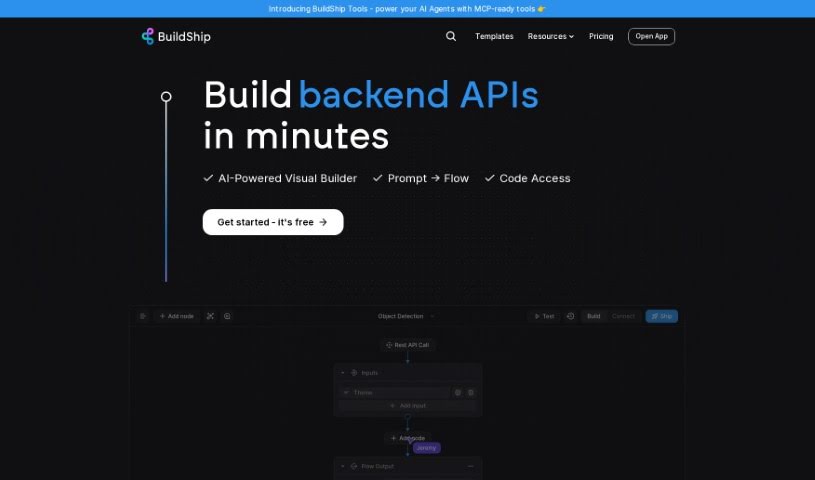
Screenshot of BuildShip

BuildShip

Freemium

BuildShip is a low-code visual tool for building backend components: workflows, APIs, scheduled jobs, and cloud functions. You connect pre-built blocks on a visual canvas, or describe what you need and the AI generates a custom node for you — no waiting for an integration to be built. Workflows can mix and match different AI models and tools, templates cover complex use cases, and built-in version control and developer tools support the process. For deeper customization, you can write custom logic in JavaScript or TypeScript.

Programming View Tool →
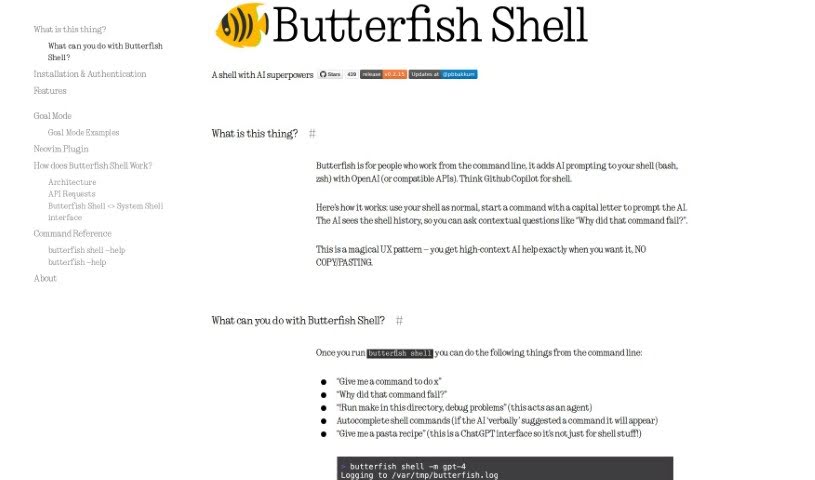
Screenshot of Butterfish Shell

Butterfish Shell

Freemium

Butterfish Shell is a command-line tool that integrates OpenAI-powered AI prompting directly into bash and zsh. It provides context-aware help, suggests commands, and supports high-context AI conversations without ever leaving the terminal.

Programming View Tool →
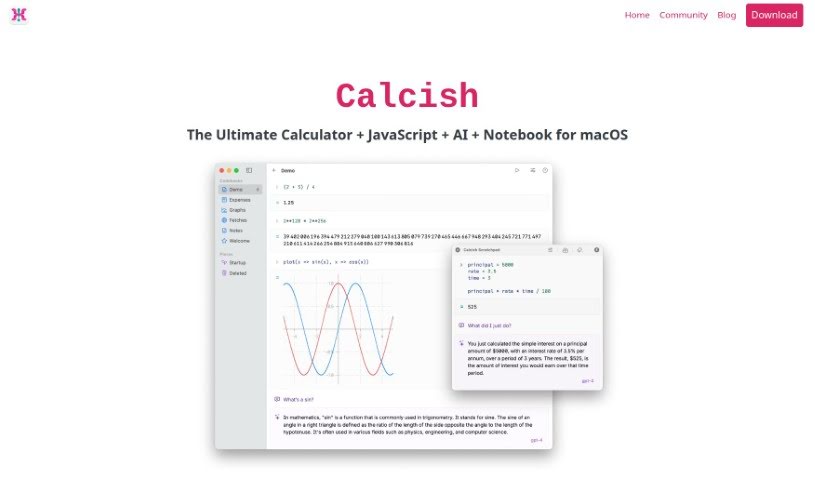
Screenshot of Calcish

Calcish

Freemium

Calcish is a macOS app that combines a calculator, a JavaScript scripting environment, and built-in AI chat in a single notebook-style interface. It handles very large numbers with precision, works with fractions, supports vector and matrix math, performs exact currency calculations, and includes a dedicated advanced math mode. Documentation is included to help new users get started.

Programming View Tool →
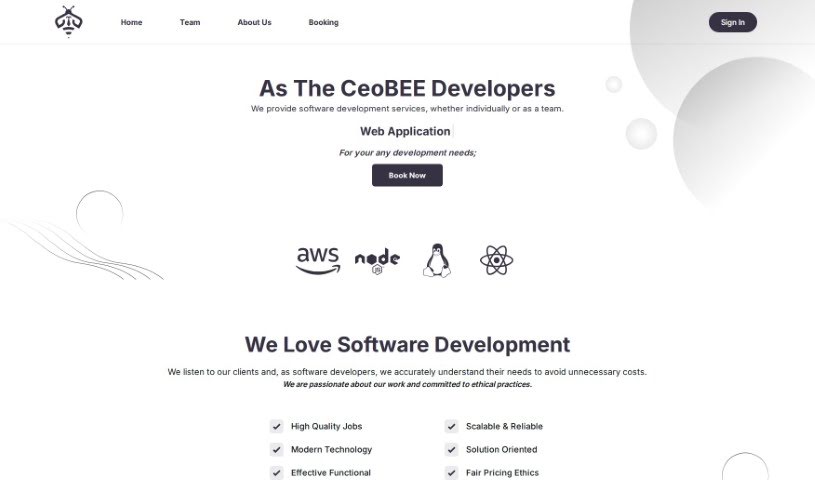
Screenshot of CeoBEE

CeoBEE

Freemium

CeoBEE is a software development company, CeoBEE Developers, made up of a team of seasoned developers with over 12 years of experience. They offer complete software solutions and support throughout the development process, with expertise in scaling projects and handling complex technical challenges. Their goal is to empower businesses and entrepreneurs by delivering high-quality, scalable software, and their vision is to be the go-to partner for any business looking to turn ideas into successful software products.

Programming View Tool →
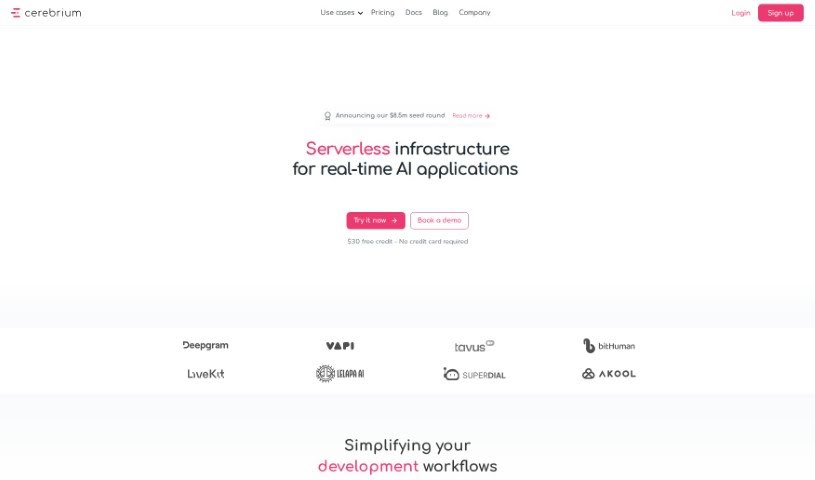
Screenshot of Cerebrium AI

Cerebrium AI

Freemium

Cerebrium AI is a platform that provides developers with the computing power needed for machine learning projects. It is built to scale from hobbyist projects to larger ML applications managed by teams.

Programming View Tool →
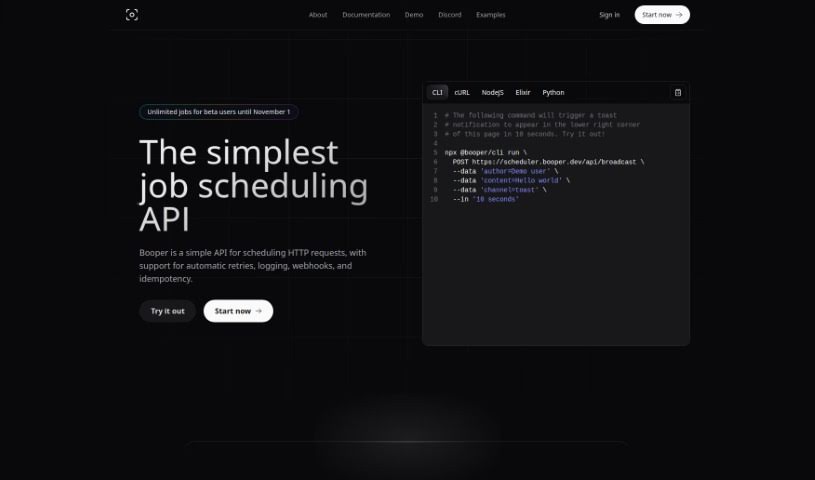
Screenshot of Chat Booper

Chat Booper

Freemium

Chat Booper is an AI-powered tool for embedding a custom chat widget on your website that connects visitors directly with your Discord server. Built for React, the widget can be styled to match your site and supports emoji reactions, scrolling through past messages, sending and receiving new messages, and refreshing the chat view.

Programming View Tool →

About Programming tools

Staring at a terminal screen at two in the morning while trying to trace a subtle memory leak or decipher a cryptic stack trace drains any developer’s spirit. Between writing repetitive boilerplate, untangling legacy codebases, updating dependencies, and writing unit tests, everyday development work often keeps you away from solving actual logic problems.

Built for software engineers, web developers, and system architects, these AI development tools act as high-speed pair programmers. They write routine code, catch edge cases, and explain unfamiliar syntax in seconds without replacing algorithmic thinking or system design skills.

Boilerplate Generation, Debugging, and Test Suites

Accelerating daily coding tasks and generating boilerplate code turns ideas into working software much faster. Writing repetitive CRUD endpoints, database schemas, or API wrapper functions by hand eats up valuable sprint hours. Modern AI coding assistants auto-complete functions, suggest context-aware logic based on your existing codebase, and turn plain English comments into tested functions directly inside your editor.

Debugging complex errors and refactoring legacy systems becomes far less tedious, as well. Tracing how a massive legacy module works or figuring out why a specific build failed often leads to endless web searches. Intelligent development agents scan your repository, pinpoint failing lines of code, explain the root cause in simple terms, and offer clean refactoring suggestions that preserve your application’s intent.

Writing unit tests and updating documentation keeps codebases healthy without extra overhead. Most developers love building features, but few enjoy writing test suites or updating API docs. AI tools analyze code pathways, generate test cases covering tricky edge cases, and auto-generate inline documentation to keep your repository maintainable.

Key Capabilities to Look For:

  • Context-aware code completion: Systems that read your entire repository to suggest code matching your existing patterns and conventions.
  • Interactive terminal and chat assistants: Tools that let you query your codebase, debug stack traces, and run terminal commands directly from your IDE.
  • Automated test and doc generation: Features that create unit tests, integration scenarios, and inline docstrings for your functions.
  • Multi-language and framework support: Software that works smoothly across Python, JavaScript, TypeScript, Rust, Go, SQL, and popular web frameworks.
  • Privacy and repository security controls: Platforms built with strict security models ensuring proprietary code remains private and isn’t used for model training.

Building great software will always depend on human problem-solving, architectural vision, and a deep understanding of user needs. Algorithms can suggest a function, flag a syntax error, or draft a unit test, but designing scalable architecture requires a developer’s mind.

Explore the coding tools below to upgrade your development environment.

The Best AI Programming Tools

  1. Code Sandbox: Great for a code compilation environment.
  2. Warp Terminal: Helps streamline devops automation.
  3. ZZZ Code AI: Offers tools for code conversion and evaluation.
  4. Sourcegraph Cody: Provides intelligent code completion right in your IDEs.
  5. Code Rabbit: Enhances code quality through automation.
  6. Aider Chat: Offers improved pair programming with AI.
  7. Code Convert AI: Quickly converts code between multiple languages.
  8. Promptmetheus: Streamlines code generation prompts.
  9. JetBrains: Streamlines coding with smart suggestions.
  10. AI2sql: Converts plain-English questions into SQL queries.
  11. Inngest: Streamlines error handling in workflows.
  12. HTTPie: Makes cli http requests for API development easier.
  13. Snappify: Helps you easily visualize and compare code snippets.
  14. Build Ship: Streamlines API development for apps.
  15. Peak U: Offers quick bug fixes across many languages.
New tools, in your inbox.

Weekly picks of the best AI tools we've researched and added — no spam, unsubscribe anytime.

Join 25,000+ AI enthusiasts. No spam, unsubscribe anytime.