Top AI Tools for Photographers

AI Tools for Photographers

Discover the best Photographers AI tools to enhance your productivity and creativity.

Page 4 of 5 • 59 total tools
Screenshot of Poly

Poly

Freemium

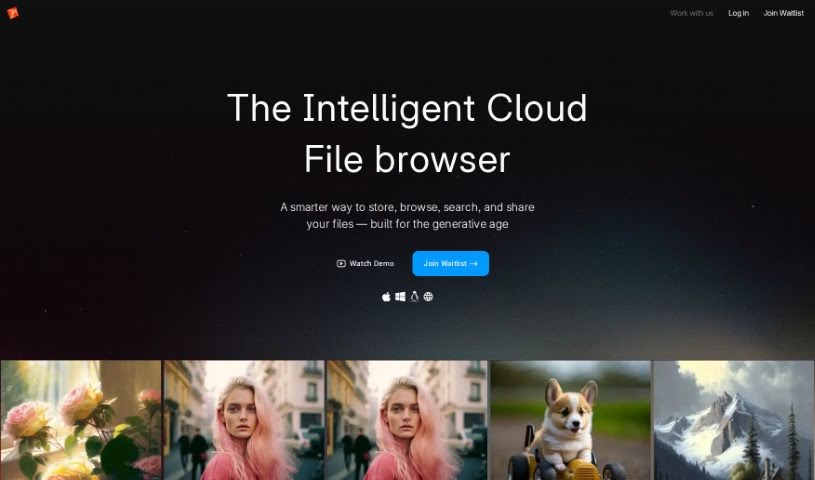
Poly is a smart file system built for managing digital creations. It offers a new way to view and understand your image library: you can search for images using text or by uploading another image, and AI is used to understand what's in your files so you can find what you need quickly.

Photographers View Tool →
Screenshot of PortraitArt

PortraitArt

Freemium

PortraitArt is an AI tool that transforms portrait photos into a range of art styles, including cartoons, sketches, oil paintings, watercolors, classic paintings, illustrations, 3D cartoons, and sculptures. You upload a picture, choose a style, and the AI renders the result. It handles group shots and wedding photos as well as individual portraits.

Photographers View Tool →
Screenshot of Profile Picture AI

Profile Picture AI

Freemium

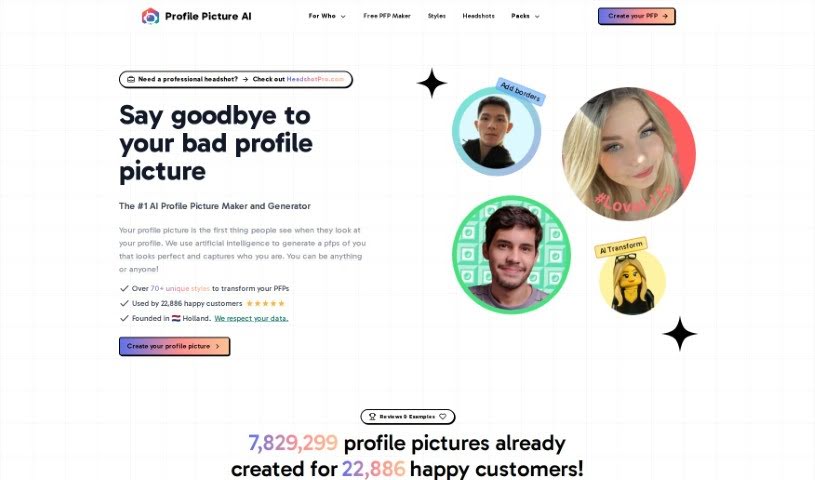
Profile Picture AI is an AI-powered platform for generating profile pictures, created by Danny Postma, a solopreneur based in the Netherlands. You upload a selection of your own photos — close-ups, side profiles, chest-up shots, and full-body pictures — and the AI generates new profile images in a range of styles. The more variety you provide in backgrounds, angles, and expressions, the better the results.

Photographers View Tool →
Screenshot of Promptsalsa Midjourney Prompt Generator

Promptsalsa Midjourney Prompt Generator

Freemium

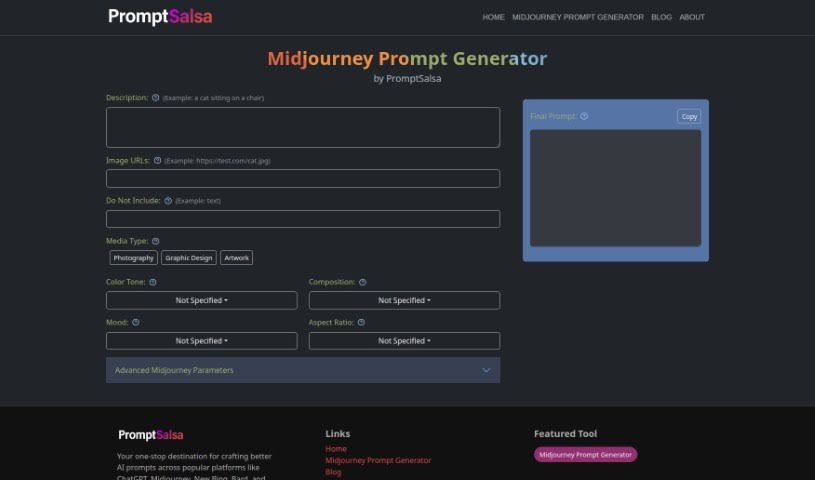
The Midjourney Prompt Generator from Promptsalsa is a tool for building detailed Midjourney prompts, aimed at photographers, graphic designers, and artists. It lets you adjust advanced photo settings such as camera details, lighting, filters, focus, exposure, aperture, lens type, shutter speed, and ISO, and fine-tune prompts by style, color, composition, mood, and aspect ratio. It works with platforms like ChatGPT, New Bing, and Bard, and is accessible online. It also includes version control, a chaos parameter, and other advanced options through a user-friendly interface with dropdown options.

Photographers View Tool →
Screenshot of Radiant Imaging Labs

Radiant Imaging Labs

Freemium

Radiant Imaging Labs is a photo editor focused on making photos look bright, vibrant, and crisp. It is designed to be easy to use, with features like Smart Presets and Looks that give you control over your edits. Its speed and ability to handle multiple photos at once make it well suited to professional photographers who need to work in bulk.

Photographers View Tool →
Screenshot of Raster

Raster

Freemium

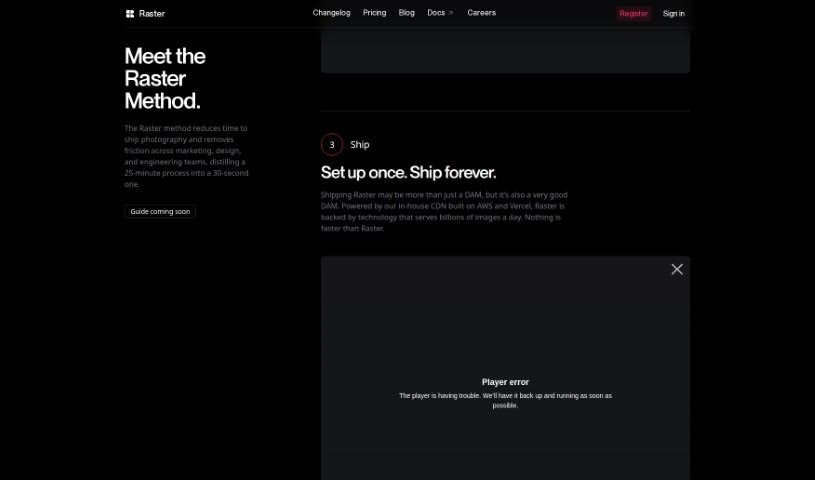
Raster is a digital asset manager built for modern teams. It handles managing, editing, and hosting photo assets, with fast performance aimed at marketing teams, photographers, and developers. Its AI-powered organization and collaborative editing tools let you manage and edit images without the friction of traditional file storage, and its in-house CDN — built on AWS and Vercel — keeps image loading fast.

Photographers View Tool →
Screenshot of Reeflex Store

Reeflex Store

Freemium

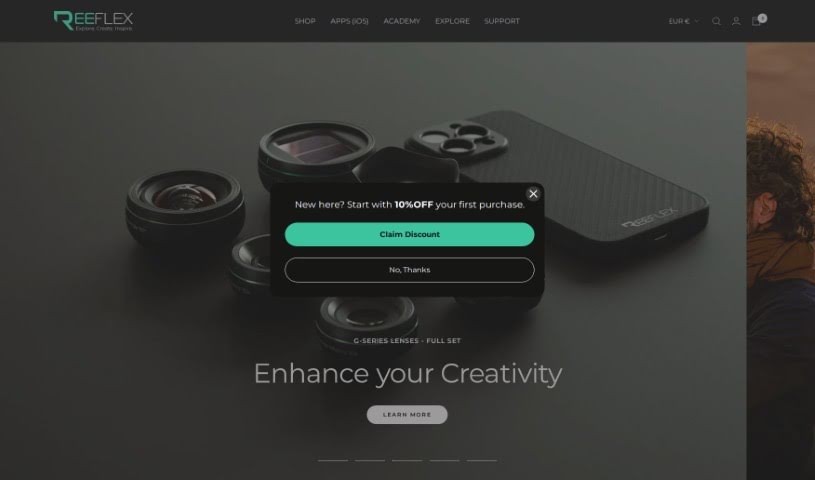
Reeflex Store centers on ReeHeld, an AI-powered camera app for iPhones that captures long-exposure photos handheld. It supports exposure times from 1 to 30 seconds and uses the iPhone's GPU and neural engine to stabilize shots, making tripod-free long-exposure photography of landscapes, cityscapes, and other scenes practical. Capture time and focus are adjusted through a straightforward interface, and the app is available on the Apple App Store. ReeHeld is backed by an established camera equipment brand and includes an affiliate program for collaborations. The app was created by a founder who prefers to remain anonymous.

Photographers View Tool →
Screenshot of Retouch4me

Retouch4me

Freemium

Retouch4me is a photo retouching tool built on AI-powered plugins that work like a professional retoucher. It delivers precise, polished results while preserving real skin texture, so photos keep a natural look. You upload your pictures, click a button, and the software handles the rest — no complicated settings required.

Photographers View Tool →
Screenshot of Retouchme

Retouchme

Freemium

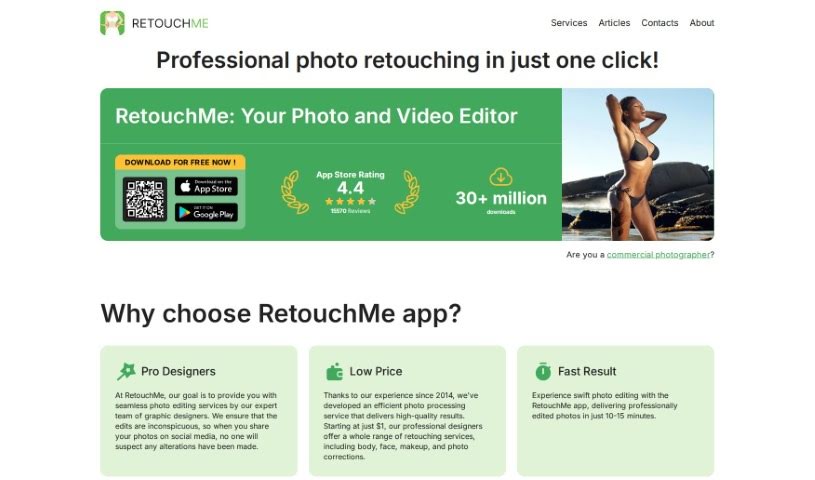
RetouchMe is a photo editing app for iOS and Android. Instead of automated filters, it routes your photos to a team of professional editors who retouch them manually, pixel by pixel, using Adobe Photoshop. The result is natural-looking edits delivered in minutes.

Photographers View Tool →
Screenshot of Retouchme

Retouchme

Freemium

RetouchMe is a photo editing app available for iOS and Android. Its distinguishing feature is that real, professional editors work on your photos using Adobe Photoshop, producing natural-looking results. The app offers a range of services, such as the Pimple Remover, which clears blemishes, acne, and other skin imperfections. It suits casual selfie-takers and professional photographers alike, with an interface that is easy to use and delivers quick edits.

Photographers View Tool →
Screenshot of Revivoto

Revivoto

Freemium

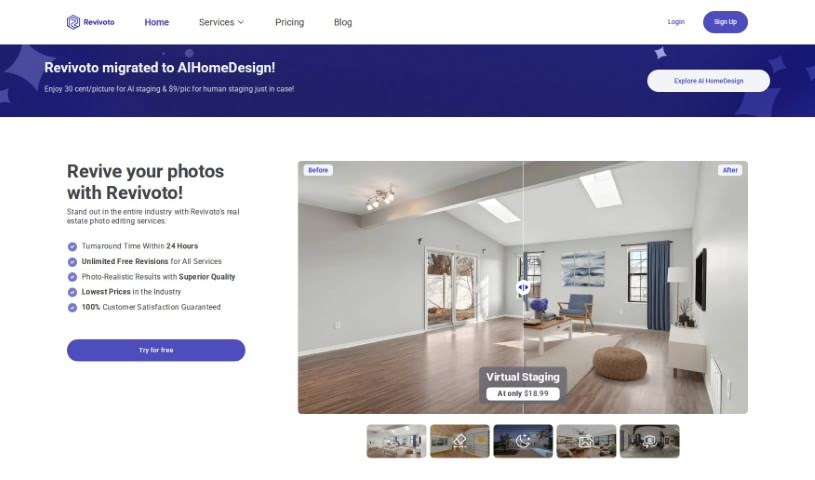
Revivoto is a photo editing service built specifically for real estate professionals. Its goal is to make property photos more appealing to potential buyers. Services include virtual staging (adding furniture to empty rooms), removing unwanted items from photos, general image enhancement, day-to-dusk editing, and redrawing floor plans.

Photographers View Tool →
Screenshot of Rostro

Rostro

Freemium

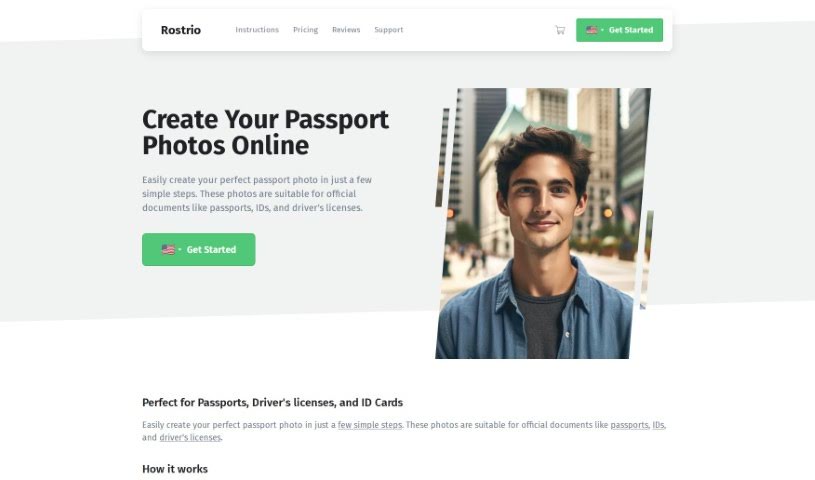
Rostro is a Netherlands-based company, founded in 2009 by internet entrepreneur Gijs Heerkens and registered with the Dutch Chamber of Commerce under file number 17222446. It offers a service that lets people anywhere in the world take official passport photos from home using a smartphone, tablet, or regular camera. The photos are designed to meet requirements for official documents such as passports, IDs, and driver's licenses.

Photographers View Tool →

About Photographers tools

Spending hours culling through thousands of raw files after a long wedding shoot or portrait session can drain your creative energy. Between sorting blurred frames, adjusting white balance, retouching skin, and writing client emails, post-processing often eats up more time than holding the camera. When admin work keeps you glued to a screen, staying excited about taking photos gets tough.

These platforms act as high-speed studio assistants for professional photographers and freelance creators. They cull bloated image sets, speed up color grading, and handle routine client delivery tasks so you can spend less time editing and more time shooting.

Automated Culling, Batch Editing, and Client Workflows

Culling thousands of RAW images takes a fraction of the time with intelligent sorting assistants. Comparing similar group shots to check who blinked or whose focus drifted usually takes hours of zooming in on faces. AI culling tools scan memory cards in minutes, flagging blurry frames, closed eyes, and duplicates while grouping your top shots so you can build a client gallery quickly.

Applying consistent batch editing and style matching keeps your portfolio looking cohesive. Dialing in skin tones and lighting adjustments across varying outdoor light conditions often requires manual tweaking for every single image. Smart editing assistants analyze your editing style from past Lightroom catalogs and apply matching adjustments across hundreds of new photos, giving you a finished gallery in minutes instead of days.

Managing client galleries, social captions, and business communications takes far less manual effort, too. Writing engaging social media captions, tagging venue partners, and drafting follow-up emails after every delivery can easily eat up your evenings. Specialized writing and workflow tools help you generate SEO-friendly blog posts, craft social captions, and write warm client messages with minimal effort.

Practical Features for Studio Owners:

  • Automated image culling and grouping: Systems that identify sharp focus, open eyes, and authentic expressions to group your top shots quickly.
  • Personalized editing style learning: Features that analyze your Lightroom edits and apply your signature color and contrast profile across batch shoots.
  • AI-assisted portrait retouching: Software that smooths skin naturally, brightens eyes, and cleans up stray hairs without over-processing.
  • Smart keywording and SEO tagging: Tools that auto-tag images with descriptive keywords and locations for faster portfolio searchability and web ranking.
  • Gallery delivery and client proofing integrations: Connectors that link directly with online delivery platforms, making client selections smooth and simple.

Creating memorable images will always depend on your eye for light, your ability to make subjects feel comfortable, and your unique perspective. Software can cull a memory card and match color styles, but capturing genuine human emotion requires your presence behind the lens.

Browse the photography tools below to simplify your post-processing routine.

The Best AI Photographers Tools

  1. Topaz Labs: for enhancing photos with AI precision
  2. Skylum: for AI-driven photo enhancement tools
  3. Phot Ai: for professional photo editing and design tools
  4. Deep Image AI: for enhancing photos for portfolio presentation
  5. ON1: for creative photo editing essentials
  6. Retouchme: for quick portrait enhancement for photographers
  7. Aftershoot: for easy photo selection and editing.
  8. Retouch4me: for easy batch retouching for photographers
  9. Portrait Art: for editing and retouching photos
  10. Heyphoto: for advanced photo retouching
  11. Profile Picture AI: for enhancing portfolio imagery
  12. Upscalepics: for high-quality image enlargement for photographers
  13. Hama: for seamless object removal
  14. Reeflex Store: for essential tools for stunning imagery
  15. Lucidpic: for creating lifelike backdrops for portraits
New tools, in your inbox.

Weekly picks of the best AI tools we've researched and added — no spam, unsubscribe anytime.

Join 25,000+ AI enthusiasts. No spam, unsubscribe anytime.