AI Photo Editors

AI Tools for Photo Editors

Discover the best Photo Editors AI tools to enhance your productivity and creativity.

Page 8 of 22 • 260 total tools
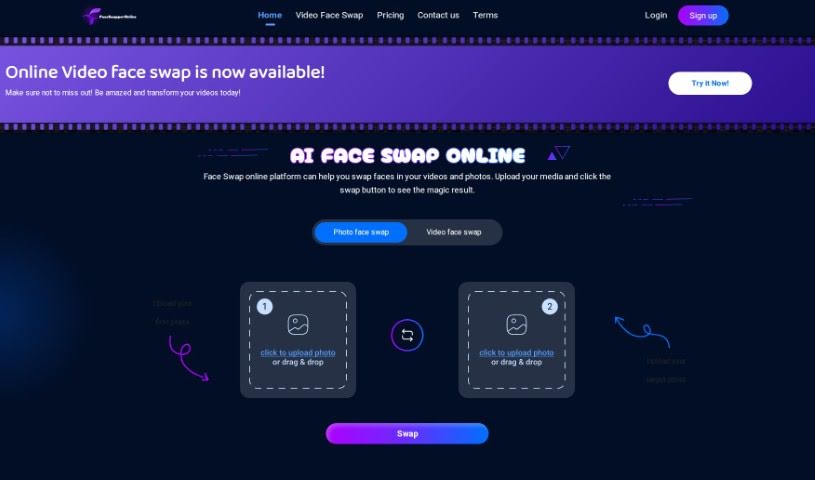
Screenshot of Faceswapperonline

Faceswapperonline

Freemium

Faceswapperonline is an online platform for swapping faces in photos using AI. Beyond the core face swap, it includes advanced editing features. Its AI algorithms produce realistic, smooth swaps while preserving the integrity of the original image, with fast processing and high-quality output.

Photo Editors View Tool →
Screenshot of Facetopia

Facetopia

Freemium

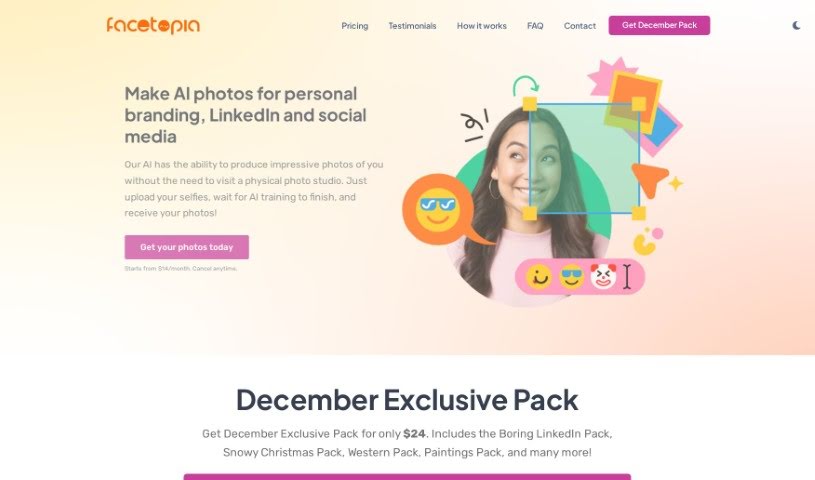
Facetopia is an online service that uses AI to create styled photos from your selfies. You upload 10–15 of your best selfies (uploading more may improve results), and the AI trains itself to recognize you, usually in about 10 minutes. Once trained, it generates photos of you, delivered daily via email and available on the Facetopia website and app. If the results fall short, you can request adjustments and retrains.

Photo Editors View Tool →
Screenshot of Facetune

Facetune

Freemium

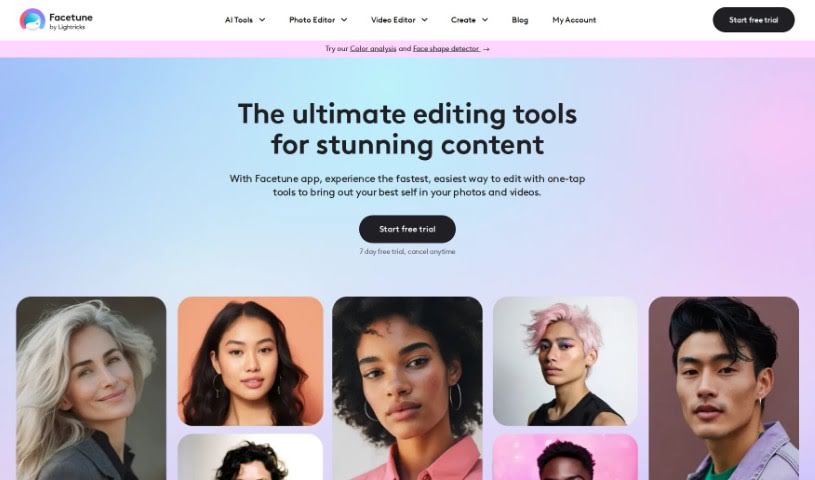
Facetune, developed by Lightricks, is a popular app for editing selfies. It launched in 2014 and has since become one of the leading apps for self-editing. Beyond photo editing, it also includes a selfie video editor, so you can tweak your content directly from your phone. Facetune is designed to help you enhance, reshape, and get creative with your photos and videos. Lightricks focuses on using technology to push the boundaries of content creation and self-expression.

Photo Editors View Tool →
Screenshot of FamousFace app

FamousFace app

Freemium

FamousFace.app is an AI tool that analyzes the faces in one picture and blends them with another, letting you swap faces with celebrities or anyone else you choose. Each face swap uses one credit, and new users get 1 free credit at sign-up to try the service.

Photo Editors View Tool →
Screenshot of Fashionai

Fashionai

Freemium

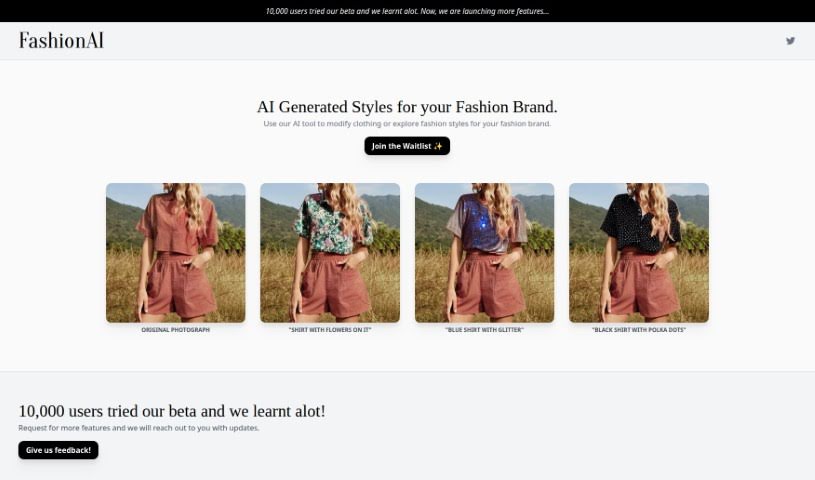
Fashionai is a fashion editing tool from NOTPINK, an art studio based in Amsterdam. It uses AI to modify fashion photos, letting brands try out different looks without organizing a new photoshoot. You can add elements like floral patterns or glitter to garments, making it easy to explore new style directions.

Photo Editors View Tool →
Screenshot of Fill App

Fill App

Freemium

Fill App, also known as Fill - AI Portrait Generator, is an online tool that turns your photos into AI portraits. Upload a picture, and its image processing and deep learning models generate detailed artwork focused on your facial expression and overall look. You can experiment with different art styles, filters, and effects until the portrait matches your taste.

Photo Editors View Tool →
Screenshot of filmfaceAI

filmfaceAI

Freemium

filmfaceAI is a platform that uses artificial intelligence to transform everyday photos into famous movie scenes. It lets you star in personalized movie stills, adding a cinematic touch to your own pictures.

Photo Editors View Tool →
Screenshot of FilterPixel

FilterPixel

Freemium

FilterPixel is an AI-driven tool that helps photographers sort and edit photos faster. It automatically sifts through large batches of images, picks out the best ones, and flags potential problems. It works with common file types like RAW, DNG, and JPG, and runs on both Windows and Mac. Users report that it adapts to different shooting styles, supports custom editing preferences, and speeds up culling and editing, freeing photographers to focus on creative work.

Photo Editors View Tool →
Screenshot of FinalTouch

FinalTouch

Freemium

FinalTouch is an AI-powered tool that helps marketers, brand managers, and e-commerce businesses create professional-looking product scenes without design skills. Upload your product photos, and the tool suggests AI-generated scenes. It also offers advanced editing controls, generates unique copyright-free images, and is currently free during its beta phase while the team collects user feedback.

Photo Editors View Tool →
Screenshot of FixPix

FixPix

Freemium

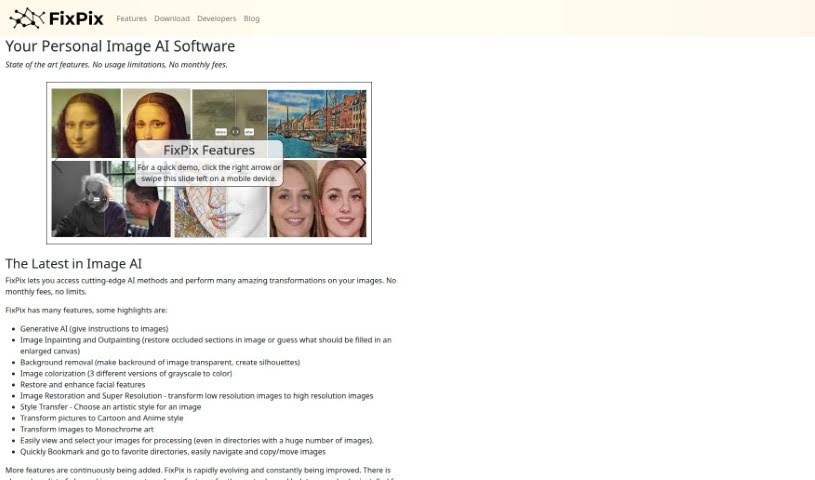
FixPix is an AI-powered image processing application for Windows and macOS. It works as a collection of specialized tools — similar to plugins — that handle tasks such as improving photo quality, applying filters, restoring old pictures, and creating artistic effects.

Photo Editors View Tool →
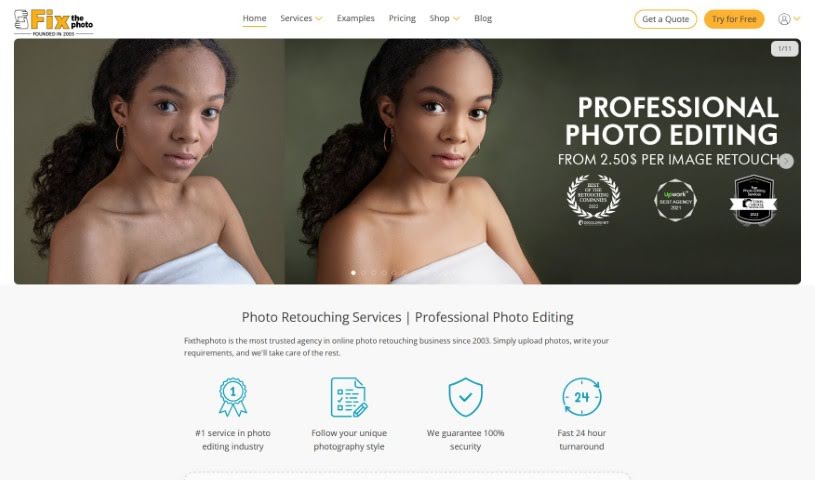
Screenshot of FixThePhoto.com

FixThePhoto.com

Freemium

FixThePhoto.com is a professional photo editing service for photographers, businesses, and individuals. Its offerings include detailed photo retouching, photo restoration, general image enhancement, color correction, background editing, and portrait retouching. Work is handled by a team of skilled editors who use advanced editing techniques. You submit photos online and receive the edited versions back quickly.

Photo Editors View Tool →
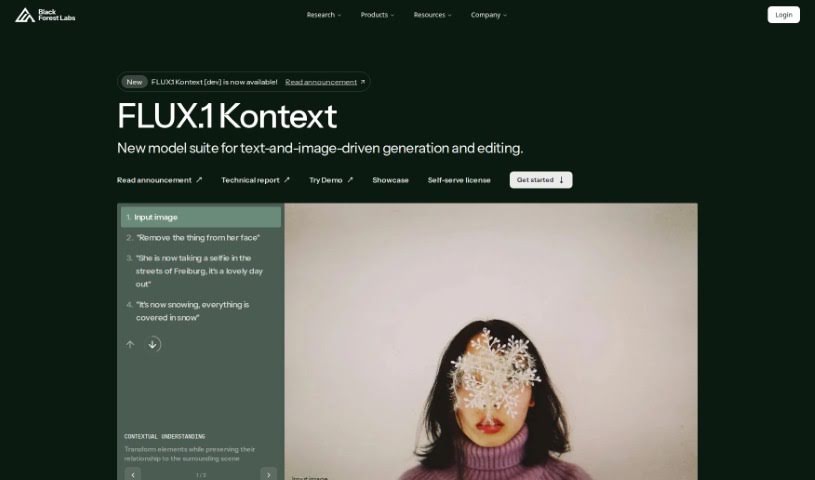
Screenshot of FLUX.1

FLUX.1

Freemium

FLUX.1 is a family of image generation models from Black Forest Labs, available in several variants with different licensing and access options.

Photo Editors View Tool →

About Photo Editors tools

Hours spent carefully tweaking masks, brushing away stray blemishes, and fixing uneven lighting can exhaust even the most patient photographer. Whether you’re preparing product photos for an online store, polishing headshots for a client, or trying to rescue a noisy low-light memory, meticulous pixel-level editing eats up hours of creative time.

Built for photographers, designers, and creators, these AI photo editors act as high-speed darkroom assistants. They clean up distractions, enhance resolution, and handle tedious retouching tasks in seconds without replacing your artistic vision.

Generative Fill, Noise Cleanup, and Portrait Retouching

Removing distracting background elements and extending canvas boundaries takes seconds instead of hours. Trying to eliminate unwanted tourists, power lines, or stray trash cans with traditional clone stamps often ruins natural textures. Generative AI tools scan surrounding pixels and reconstruct background elements like brick walls, foliage, or ocean waves—letting you erase distractions cleanly or expand a canvas aspect ratio with realistic detail.

Automating technical cleanup and image enhancement restores low-quality or damaged photos instantly. Dealing with digital noise from high-ISO shoots, soft focus, or low-resolution files usually means compromising on sharpness. Intelligent enhancement software applies targeted denoising, deblurring, and super-resolution upscaling to sharpen critical details like hair strands and fabric textures without introducing harsh artifacts.

Speeding up portrait retouching and color grading keeps your editing pipeline moving. Selecting complex subjects like wind-blown hair or adjusting skin tones across an entire batch of event photos used to require detailed manual masking. AI portrait editors recognize facial features, smooth skin textures naturally, adjust lighting angles, and match color profiles across hundreds of images with a single click.

Key Capabilities to Consider:

  • Generative fill and object removal: Tools that replace erased objects or extend canvas margins by synthesizing matching backgrounds.
  • Smart subject and sky masking: Features that automatically detect people, backgrounds, or skies to apply isolated edits without tedious manual selections.
  • AI-powered denoise and upscaling: Software that removes low-light noise and increases image resolution for crisp print or web displays.
  • Batch style and color matching: Applications that analyze a reference image and apply consistent color grading across entire photo shoots.
  • Non-destructive layer editing: Editors that preserve your original photo files while letting you adjust or undo AI enhancements at any point.

Developing a distinct visual style will always depend on your creative eye, composition choices, and artistic perspective. Software can remove a distraction, sharpen a noisy frame, or adjust skin tones, but capturing a meaningful moment requires human emotion.

Explore the photo editing tools below to streamline your digital darkroom.

The Best AI Photo Editors

  1. Canva: for quick photo enhancements and edits online.
  2. Photopea: for easy photo retouching and improvements.
  3. Photoroom: for efficient batch editing for photographers.
  4. Pixlr: for simple photo enhancement and retouching.
  5. Cutout.pro: for smooth background removal for portraits.
  6. Pic Wish AI Photo Editor: for easy background removal for photos.
  7. Freepik Pikaso: for adding details to images.
  8. Adobe Firefly: for advanced photo improvements.
  9. Adstronaut: Turns everyday photos into studio-quality product and fashion visuals.
  10. Aftershoot: AI culling and editing tools for photographers working through large batches.
  11. Recraft: for consistent edits for brand visuals.
  12. Icons8: for removing tricky photo backgrounds.
  13. Dewatermark: for quick watermark removal for editors.
  14. AI Color: Colorizes black and white photos with AI restoration.
  15. AirBrush: for simple, precise photo retouching.
New tools, in your inbox.

Weekly picks of the best AI tools we've researched and added — no spam, unsubscribe anytime.

Join 25,000+ AI enthusiasts. No spam, unsubscribe anytime.