AI Tools for Photo Editors

Discover the best Photo Editors AI tools to enhance your productivity and creativity.

Page 9 of 23 • 273 total tools

In today’s world of social media and instant sharing, everyone wants stunning visuals. We take so many photos every day, so making yours stand out is really important. But, not everyone has the time or the skills to learn complicated photo editing software. That’s where AI photo editors come in—they’re your new best friends for creating beautiful pictures.

These smart tools have completely changed how we improve and work with our photos. Instead of spending hours tweaking every little detail, you can now get professional-quality results with just a few clicks. Thanks to AI advancements, many of these editors can automatically adjust colors, fix blemishes, and even add artistic effects, all customized for you.

I’ve spent time checking out and testing the best AI photo editing tools out there right now. Each platform has its own special features, from simple automatic fixes to more detailed creative options. So, whether you’re just looking to touch up family photos or you’re a photographer wanting to add that extra something, I’ve got you covered.

Come along as we explore the best AI photo editors that can make your images shine while saving you precious time. Let’s find out what makes editing easier and more enjoyable.

The best AI Photo Editors

  1. Canva for quick photo enhancements and edits online.
  2. Photopea for easy photo retouching and improvements.
  3. Photoroom for efficient batch editing for photographers.
  4. Pixlr for simple photo enhancement and retouching.
  5. Cutout.pro for smooth background removal for portraits.
  6. Pic Wish AI Photo Editor for easy background removal for photos.
  7. Freepik Pikaso for adding details to images.
  8. Adobe Firefly for advanced photo improvements.
  9. BeFunky to easily enhance and retouch portraits.
  10. SnapEdit to effortlessly improve and edit images.
  11. Recraft for consistent edits for brand visuals.
  12. Icons8 for removing tricky photo backgrounds.
  13. Dewatermark for quick watermark removal for editors.
  14. Topaz Labs to refine and improve image quality.
  15. AirBrush for simple, precise photo retouching.

How do AI photo editors work?

AI photo editors use smart algorithms powered by machine learning to improve and change images. Basically, these tools look at your photos, identifying things like colors, lighting, and textures. By comparing these elements to data they’ve learned from, they can suggest edits or create new features that make the picture look better overall.

Most AI photo editing software uses deep learning, especially something called convolutional neural networks (CNNs). These networks are trained on tons of images, which helps them spot patterns and tell different visual parts apart. This training lets the software do things like recognize objects, remove backgrounds, and retouch photos automatically, without you having to do it manually.

When you upload a picture, the AI checks its parts and makes them better based on what it’s learned. For instance, if a photo is too dark, an AI photo editor can brighten it up naturally. It does this by understanding the photo’s context, not just by applying a generic filter.

Lots of popular editing tools now include AI features so users can do complex edits easily. This includes automatically improving photos, suggesting styles, or even copying the editing choices professional photographers make. Because these tools learn and adapt, they keep getting better at their suggestions over time.

AI photo editors aren’t just for basic tweaks. They can also get creative, adding new features like textures or artistic effects. Using generative models, some AI tools can even create whole new backgrounds or elements that fit perfectly with the original photo. As technology keeps advancing, what these editors can do keeps growing.

If you’re curious about how AI works in photography, there are plenty of tutorials and resources available. They can help you learn how to use these tools well, whether for your personal projects or your professional work. AI has huge potential in photo editing, offering new solutions for both beginners and experts.

Our best AI photo editors at a glance

RankNameBest forPlans and PricingRating
1Canvaquick photo enhancements and edits online.N/A4.73 (11 reviews)
2Photopeaeasy photo retouching and improvements.N/A4.67 (12 reviews)
3Photoroomefficient batch editing for photographers.Paid plans start at $7.50/month.4.74 (38 reviews)
4Pixlrsimple photo enhancement and retouching.Paid plans start at $0.99/month.4.73 (11 reviews)
5Cutout.prosmooth background removal for portraits.N/A4.46 (13 reviews)
6PicWish AI Photo Editoreasy background removal for photos.N/A4.65 (43 reviews)
7Freepik Pikasoadding details to images.N/A4.67 (21 reviews)
8Adobe Fireflyadvanced photo improvements.N/A4.67 (6 reviews)
9BeFunkyeasily enhance and retouch portraits.Paid plans start at $83.88/year.4.69 (13 reviews)
10SnapEditeffortlessly improve and edit images.N/A4.73 (11 reviews)
11Recraftconsistent edits for brand visuals.N/A4.67 (3 reviews)
12Icons8removing tricky photo backgrounds.N/A3.64 (11 reviews)
13Dewatermarkquick watermark removal for editors.N/A4.67 (18 reviews)
14Topaz Labsrefine and improve image quality.N/A4.70 (10 reviews)
15AirBrushsimple, precise photo retouching.N/A4.78 (23 reviews)
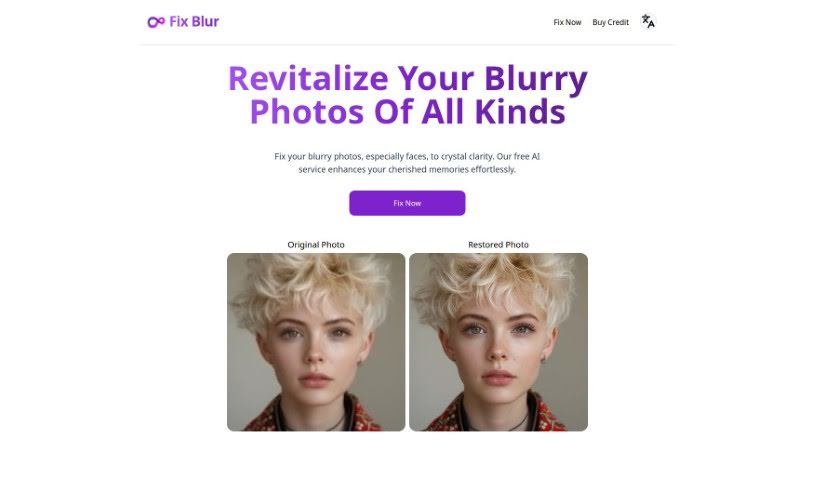
Screenshot of Fix Blur

Fix Blur

Freemium

Fix Blur is a really neat AI tool designed to make blurry pictures clearer, especially when it comes to faces. It uses smart AI to spot blurry or fuzzy parts of a photo and then sharpens them up, making facial details pop. It's super easy to use, totally free, and works instantly on any kind of image, not just faces. Even though it's great with faces, you can use it on landscapes, objects, or any other blurry photo too. The best part? You don't have to fiddle with any settings; it just automatically makes your photos look clearer and more detailed.

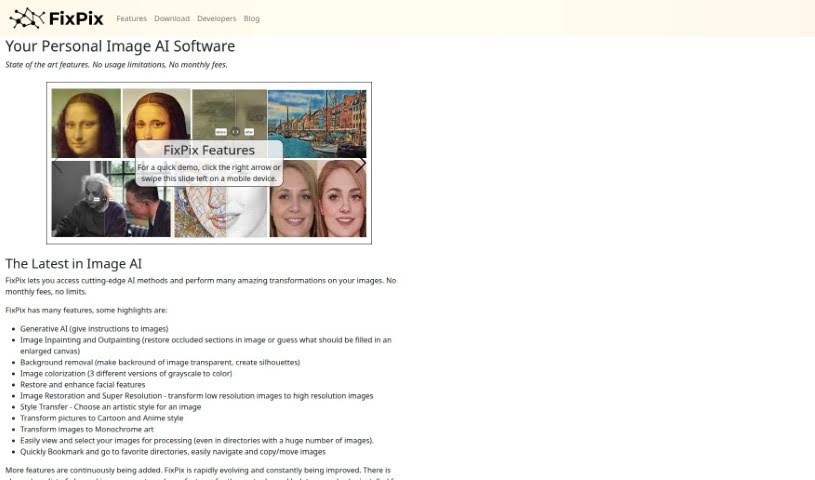
Screenshot of FixPix

FixPix

Freemium

FixPix is a smart image processing software that uses AI to help you enhance your photos. It is a collection of specialized tools, like plugins, that let you do all sorts of things with your images. You can improve their quality, add cool filters, restore old pictures, and even create artistic effects using advanced AI. Some of the neat things FixPix can do include adding color to black-and-white photos, making low-resolution images sharper and clearer (super-resolution), changing an image's style to match another, turning photos into cartoons or anime, making facial features look better, converting images to black and white art, and applying all sorts of filters. It also has a really fast way to browse through your image folders and lets you save your favorite spots as bookmarks.

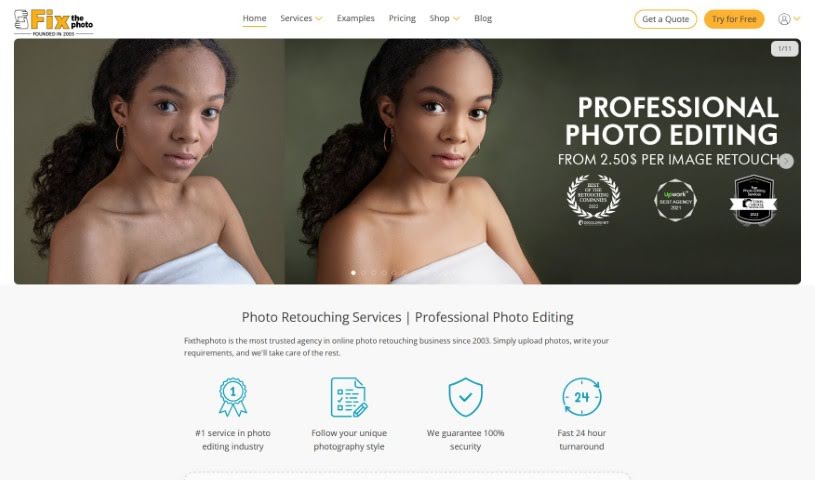
Screenshot of FixThePhoto.com

FixThePhoto.com

Freemium

FixThePhoto.com is a professional service dedicated to photo editing, offering a comprehensive suite of services for photographers, businesses, and individuals alike. They handle everything from detailed photo retouching and restoration to general image enhancement. You can get high-quality results for things like color correction, background editing, and portrait retouching, among many other options. What really sets FixThePhoto.com apart is their team of skilled editors who use advanced techniques to make sure your photos look exceptional. It’s a really convenient way to get your images professionally edited; you just submit them online and get them back quickly. They focus on professionalism and making sure customers are happy, making them a go-to resource for anyone needing top-notch photo editing.

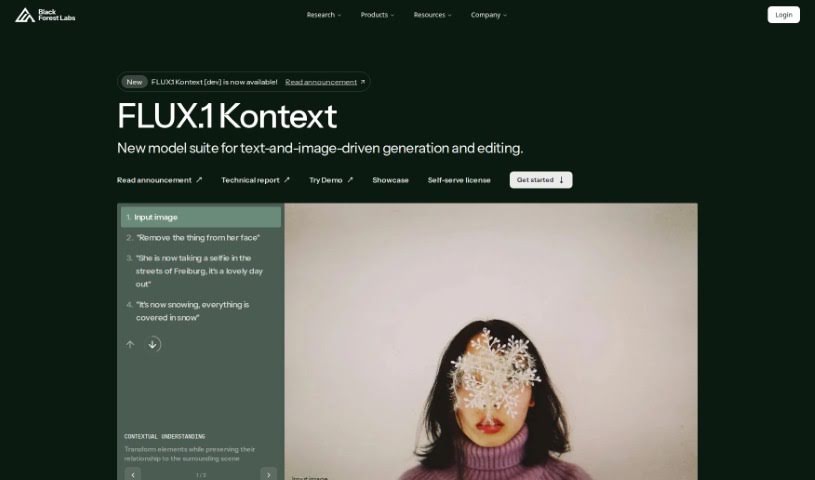
Screenshot of FLUX.1

FLUX.1

Freemium

FLUX.1 [dev] is a special kind of model, and it's open-weight. It is being carefully guided and distilled from FLUX.1 [pro]. Its main purpose is for applications that aren't for commercial use. What's really neat is that it offers quality and prompt adherence that's very similar to the [pro] version, but it's also more efficient than a standard model of the same size. You can find the weights for FLUX.1 [dev] on places like HuggingFace. It's also super easy to try out on different platforms, including Replicate, fal.ai, mystic, deepinfra, tensorOpera, and hyperbolic. If you're looking to use it for commercial purposes, you can always reach out via email for more details.

Screenshot of Frameright

Frameright

Freemium

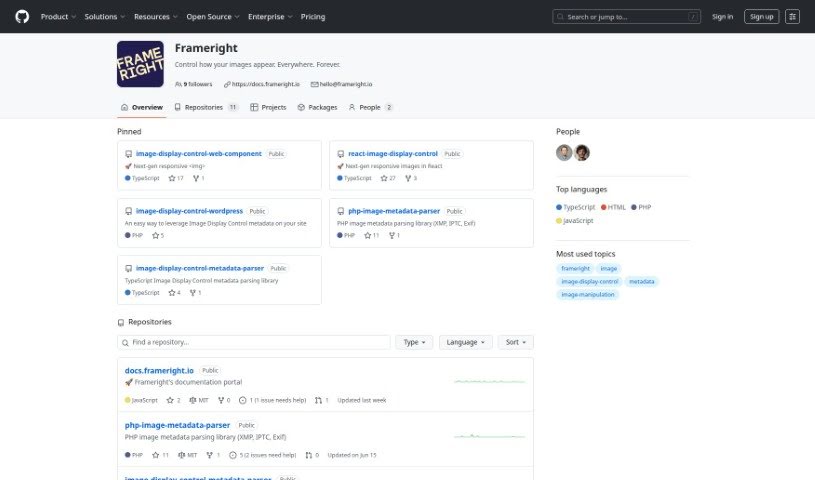
Frameright is a platform built to solve a common problem: images often don't look quite right on the web because they need to fit different channels and screen sizes. Developed by Ilkka and Marina, this tool helps creators, developers, and businesses make sure their images always appear in the perfect size for any container or screen. Frameright's special Image Display Control (IDC) technology essentially makes images smart and adaptable, no matter where you publish them. You'll find the interface really easy to use, thanks to its custom AI, speedy processing, and smooth integration with your current systems. Plus, developers get pixel-perfect control and code-based image framing without needing any tricky CSS workarounds. Frameright's core mission is to put images and the people who make them back in charge, aiming for a visual culture that's fair, appealing, and consistent for everyone, across all sorts of industries.

Screenshot of Freepik AI Image Upscaler

Freepik AI Image Upscaler

Freemium

Freepik AI Image Upscaler is a really neat tool that uses artificial intelligence to make your images look better. It’s built on some pretty advanced technology, using smart algorithms to increase the size and detail of your pictures without making them look blurry or losing their original quality. It is a way to give your photos or graphics a significant boost in sharpness and detail, making them more visually appealing. This is super handy if you're a business or an individual who wants to improve how their visuals look, and you want to do it without spending ages on manual editing. It’s designed to give you great results quickly and easily for all your visual projects.

Screenshot of Freepik Pikaso

Freepik Pikaso

Freemium

Freepik Pikaso is a really fun AI tool that turns your sketches into images right before your eyes. It's a sketch-to-image generator, meaning you can draw simple shapes and lines, and Pikaso intelligently transforms them into amazing pictures. Want to guide the AI a bit? Just type a prompt in the box below the drawing area – something like "snowy mountain landscape" can help align the final image with what you're imagining. You can also add colors, icons, or even upload your own pictures directly from your camera to your drawing. A neat little trick: use the "Enhance" feature once you're done drawing to add even more detail to your creation.

Screenshot of GifStar

GifStar

Freemium

GifStar is a really neat mobile app from StyleOfPage that lets you put yourself right into your favorite animated GIFs. All you have to do is upload a photo! It’s a super easy and fun way to make your GIFs uniquely yours. You can just pick a photo from your phone, choose an animated GIF you like, and pop your face right in there. It’s designed to be simple, so you don’t need any fancy editing skills or complicated software to make yourself the star of any GIF. Plus, GifStar has tons of pre-made GIFs you can pick from, which makes creating funny and engaging content for social media a breeze. You can grab GifStar from the Apple App Store if you’re on an iOS device, letting you dive into the GIF world and share your custom creations with everyone.

Screenshot of Glam Graph

Glam Graph

Freemium

Glam Graph is a really neat AI tool that takes the pictures you upload and transforms them into all sorts of different styles. It's designed to be super easy to use, so you don't need to be an expert photo editor to get great results. Just upload a photo – maybe a portrait or a selfie – and see yourself in a whole new light! You can pick from tons of styles, like Professional, Yearbook, Glamour, Outdoors, Vintage, Dating, and many more. It really gives you a wide range of options for changing up your images. Once it's done, you'll get your transformed pictures delivered right to your email, sorted into five main categories so they're easy to find.

Screenshot of Glasses Gone

Glasses Gone

Freemium

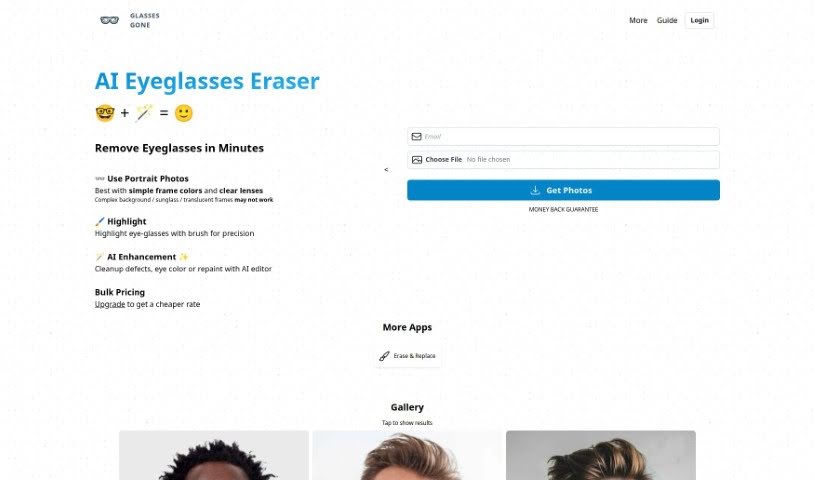
Glasses Gone is a neat AI tool designed specifically for retouching portraits. Its main job? To remove eyeglasses or spectacles from people's faces. Thanks to AI, it can get rid of glasses quickly and effectively, usually within minutes. For the best results, it's a good idea to upload photos where the person is looking straight ahead. This really helps the tool be more accurate when removing the glasses. Also, picking photos with simple, clear frame colors tends to work better. If the frames are clear, patterned, or very complex, you might not get the perfect outcome.

Screenshot of Google Imagen 3

Google Imagen 3

Freemium

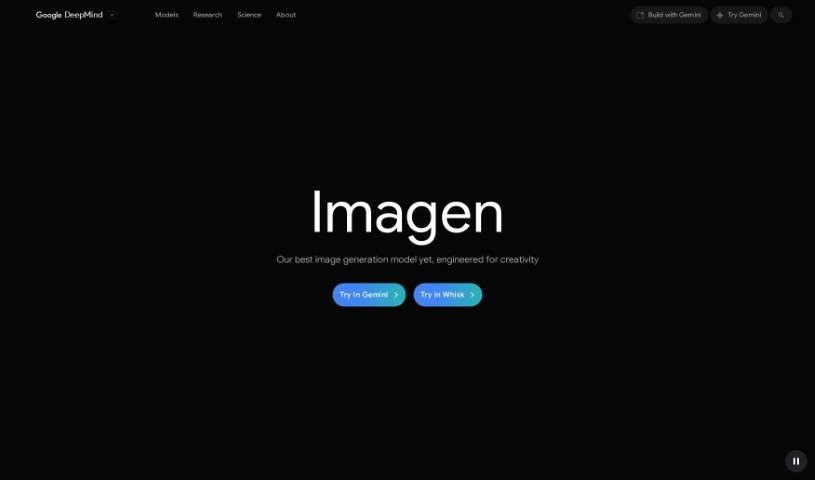
Google Imagen 3 is a really neat web-based tool from Google that lets you search for and find images in a super interactive way. It is a smarter, more visual way to explore the web's image collection. It uses some pretty advanced tech to let you search not just with keywords, but also by finding similar images or even by sketching out what you're looking for. Plus, you can easily filter results by color, size, or the type of image you need. It's also handy for saving and organizing images you like for later. Basically, Google Imagen 3 makes finding images online much more intuitive and user-friendly.

Screenshot of gradient science PhotoGuard AI

gradient science PhotoGuard AI

Freemium

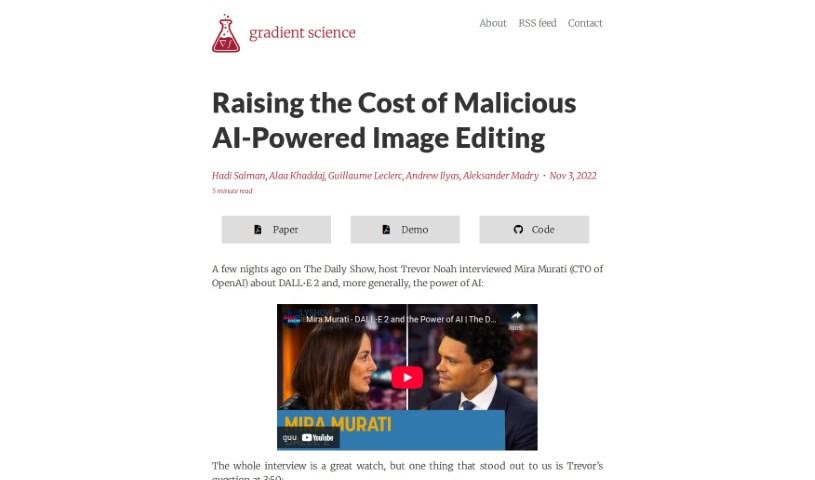
PhotoGuard AI is a really neat tool designed to keep your images safe from being altered by those AI image generators, especially the ones that use diffusion models. Think of it like a digital shield for your photos. It works by using clever techniques that essentially 'trick' these generative models. The main idea is to make images resistant to direct editing by these AI systems. PhotoGuard AI does this by implementing two different types of protection: a straightforward one that targets a specific part of how diffusion models work (the conditioning mechanism), and a more involved one that aims to disrupt the entire process from start to finish. The simpler PhotoGuard focuses on attacking that conditioning step, while the more complex one tries to mess with the whole diffusion process by making small, iterative changes to the original image. By using these methods, PhotoGuard AI makes your images pretty much immune to being directly edited by generative models, which is a pretty promising way to protect your work from unwanted manipulation.

Stay Updated with AI Tools

Get weekly updates on the latest AI tools, trends, and insights delivered to your inbox

Join 25,000+ AI enthusiasts. No spam, unsubscribe anytime.