AI Photo Editors

AI Tools for Photo Editors

Discover the best Photo Editors AI tools to enhance your productivity and creativity.

Page 7 of 22 • 260 total tools
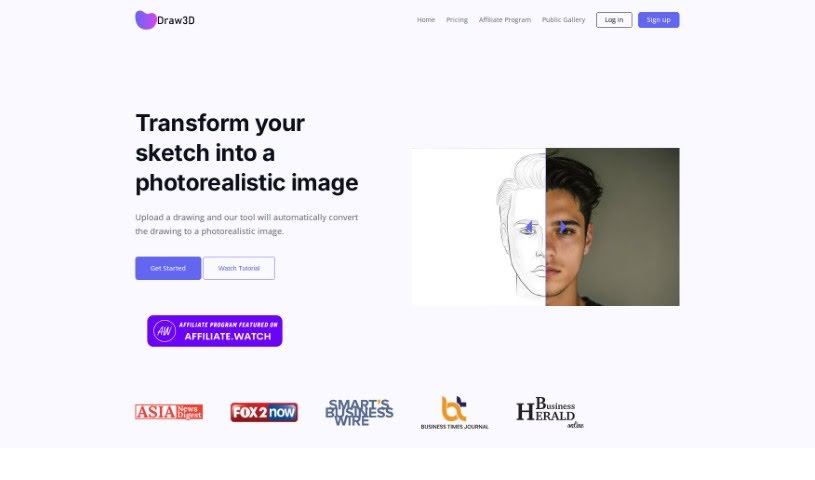
Screenshot of Draw3D

Draw3D

Freemium

Draw3D is a digital art tool that turns sketches into photorealistic images. It handles detailed sketches while preserving the original structure, and can animate sketches of animals and other subjects. It also transforms sculptures into photos and vice versa. A built-in editor supports filtering, resizing, and other image edits. Draw3D works with AI Tools Directory and is used by creatives worldwide.

Photo Editors View Tool →
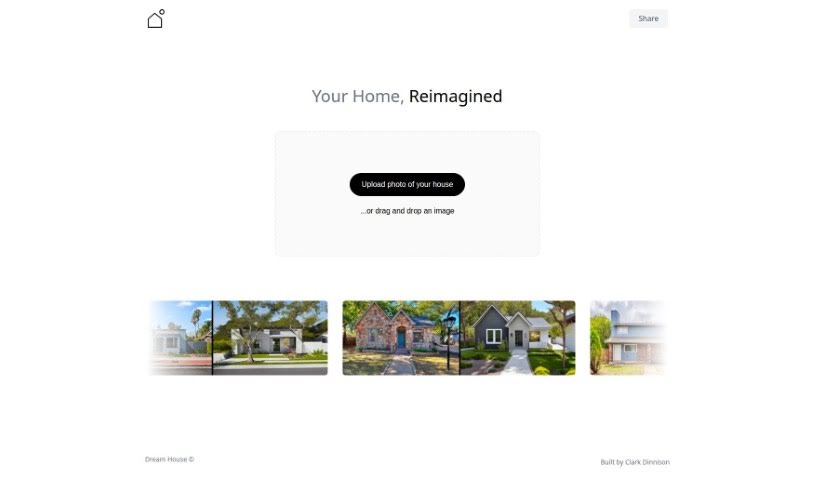
Screenshot of Dream House

Dream House

Freemium

Dream House is a free AI tool that digitally renovates photos of houses. Upload a picture via drag-and-drop and it generates multiple renovation ideas within seconds, showing different ways your home could look after a makeover. Presenting several options side by side makes renovation decisions easier to compare, and no technical skills are required.

Photo Editors View Tool →
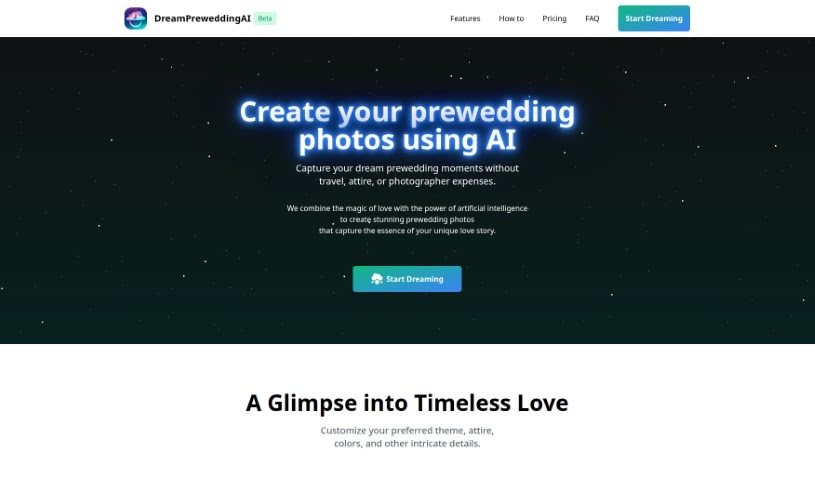
Screenshot of Dream Prewedding AI

Dream Prewedding AI

Freemium

Dream Prewedding AI is a service that uses artificial intelligence to create personalized prewedding photos. Instead of traveling to locations, arranging outfits, or hiring a professional photographer, couples upload their own photos and let the AI generate new prewedding images based on them.

Photo Editors View Tool →
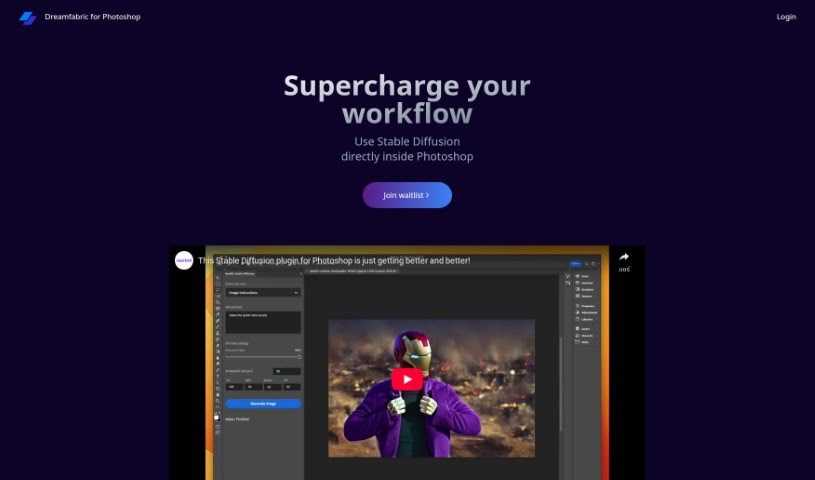
Screenshot of Dreamfabric

Dreamfabric

Freemium

Dreamfabric is an AI image enhancement tool built directly into Photoshop. It uses Stable Diffusion technology to improve images while keeping a natural look. Because it runs inside Photoshop itself, there is no need to switch between programs or install extra plugins — enhancement fits into the editing workflow you already use.

Photo Editors View Tool →
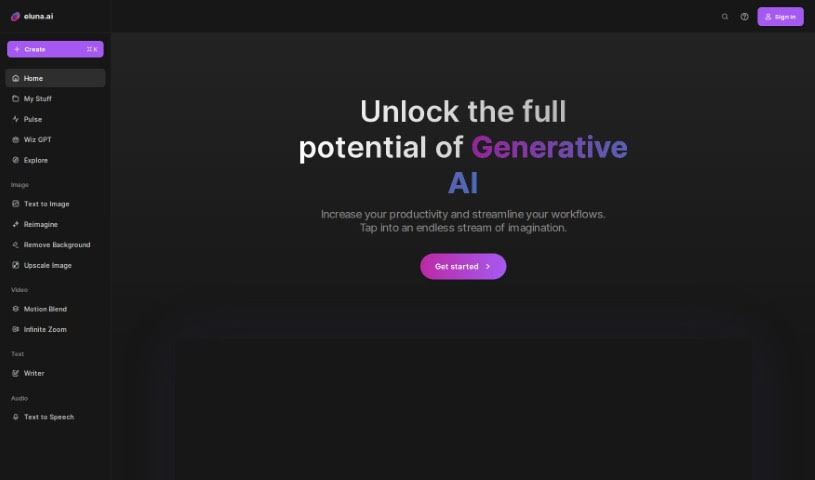
Screenshot of Eluna.ai

Eluna.ai

Freemium

Eluna.ai is a platform for creators that generates images with AI. You can experiment with different styles to bring your ideas to life, choose from various models, craft prompts, and save favorite templates for reuse. Beyond creating images, you can connect with a community of other creators, share your work, get feedback, and collaborate on projects. The platform aims to make image creation easier, faster, and more affordable.

Photo Editors View Tool →
Screenshot of Enhance AI

Enhance AI

Freemium

Enhance AI generates lifelike images from text descriptions and is designed to be straightforward for both professionals and beginners. Beyond text-to-image generation, it includes tools for improving existing pictures, removing backgrounds, AI upscaling, deepfake technology, and voice cloning. Generated images can be used for commercial projects, and pricing plans range from free to advanced tiers. The platform emphasizes privacy and data security.

Photo Editors View Tool →
Screenshot of Evoto

Evoto

Freemium

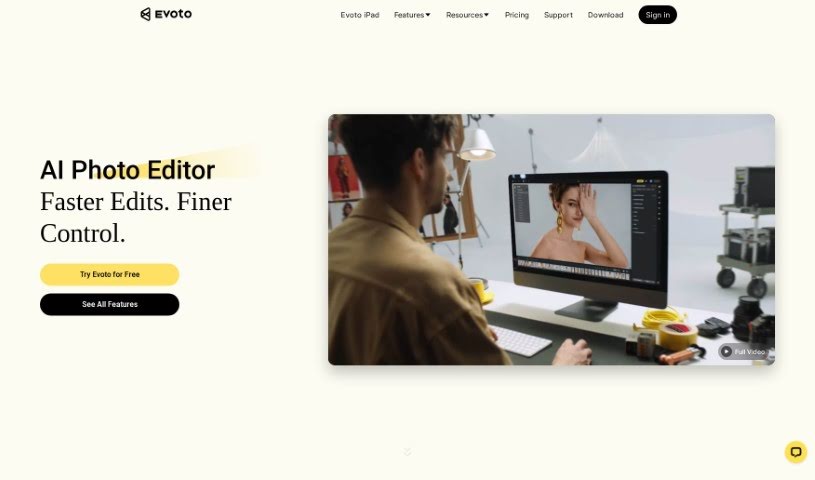
Evoto AI is a photo editing tool designed to streamline the editing process with AI-powered features. Its core capabilities include:

Photo Editors View Tool →
Screenshot of Face Photo Restorer

Face Photo Restorer

Freemium

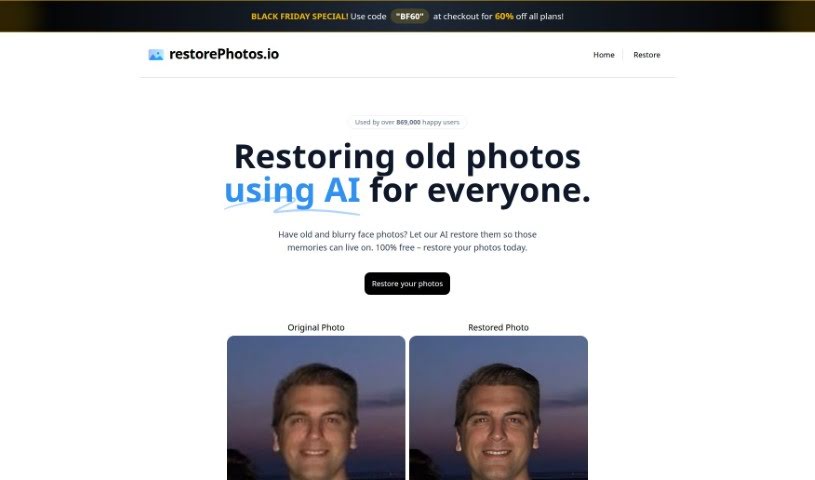
Face Photo Restorer is a free AI tool that restores old, blurry, and damaged face photos. It uses artificial intelligence to improve faded or degraded pictures, making faces sharper and clearer so old memories stay enjoyable. More than 869,000 people have used it worldwide.

Photo Editors View Tool →
Screenshot of Face Shape Ai

Face Shape Ai

Freemium

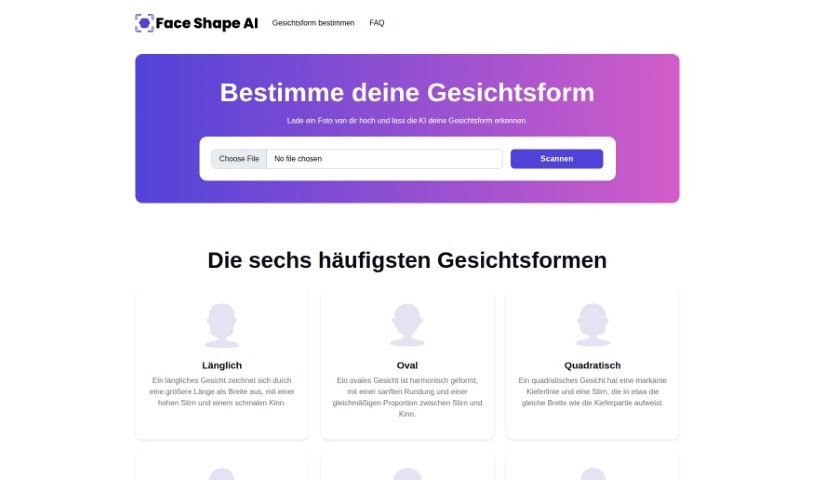
Face Shape AI is a free web tool that determines your face shape from an uploaded photo. It uses image processing and AI algorithms to detect key facial features — eyes, nose, mouth, and overall contours — then applies mathematical and statistical methods to classify your face shape. The models were trained on a diverse collection of faces to handle a wide range of variations.

Photo Editors View Tool →
Screenshot of Face Studio

Face Studio

Freemium

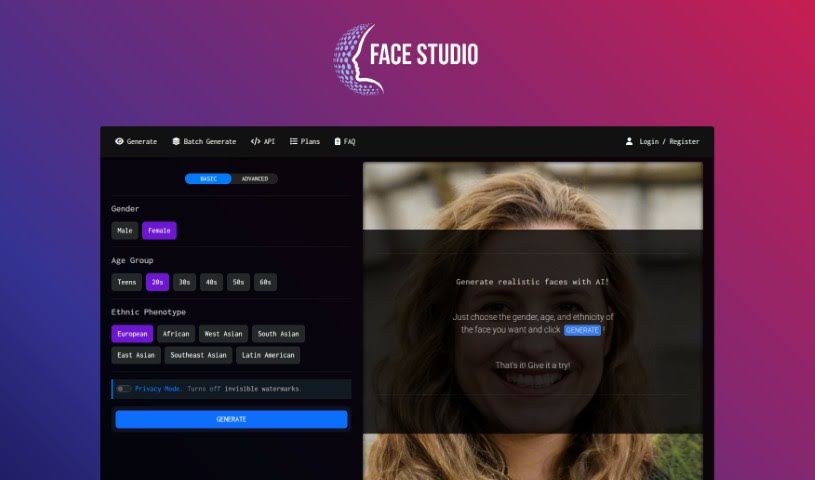
Face Studio is an online tool that uses AI to generate realistic human face avatars for creative projects. You specify the gender, age group, and ethnic background you want, and it produces a lifelike photo. Faces are generated from scratch rather than pulled from existing image libraries, so every result is unique.

Photo Editors View Tool →
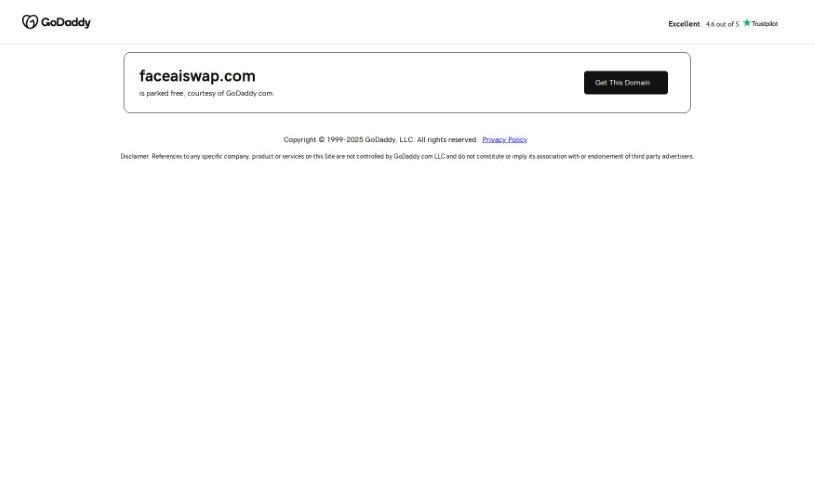
Screenshot of Faceaiswap

Faceaiswap

Freemium

FaceAiSwap is a face-swapping tool that lets you put your face onto any image — a celebrity, actor, sports star, or friend. You upload a clear photo of your face along with the target image, and the tool replaces the facial area in the second image with your face to produce a realistic result. Photos can be uploaded by dragging and dropping or clicking to select them, and finished swaps can be downloaded or shared. A one-time payment of $9.97 includes unlimited face swaps for life.

Photo Editors View Tool →
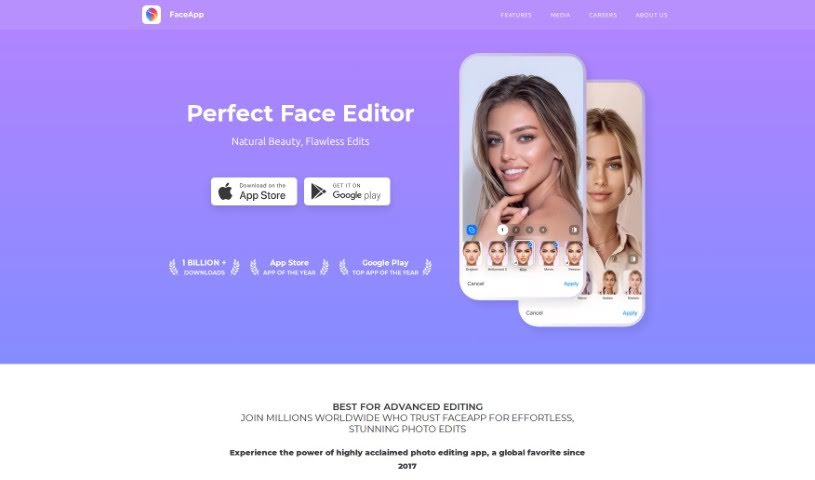
Screenshot of Faceapp

Faceapp

Freemium

FaceApp is a photo editing app that uses AI to enhance facial features and transform pictures with a single tap. It includes over 60 filters that let you improve your appearance, try realistic makeovers, experiment with beard styles, or preview how you might look as you age. The app is easy to use and has reached the top spot on both the Apple App Store and Google Play Store worldwide. Its goal is to provide a simple yet powerful way to edit selfies and portraits, combining advanced AI with a user-friendly design.

Photo Editors View Tool →

About Photo Editors tools

Hours spent carefully tweaking masks, brushing away stray blemishes, and fixing uneven lighting can exhaust even the most patient photographer. Whether you’re preparing product photos for an online store, polishing headshots for a client, or trying to rescue a noisy low-light memory, meticulous pixel-level editing eats up hours of creative time.

Built for photographers, designers, and creators, these AI photo editors act as high-speed darkroom assistants. They clean up distractions, enhance resolution, and handle tedious retouching tasks in seconds without replacing your artistic vision.

Generative Fill, Noise Cleanup, and Portrait Retouching

Removing distracting background elements and extending canvas boundaries takes seconds instead of hours. Trying to eliminate unwanted tourists, power lines, or stray trash cans with traditional clone stamps often ruins natural textures. Generative AI tools scan surrounding pixels and reconstruct background elements like brick walls, foliage, or ocean waves—letting you erase distractions cleanly or expand a canvas aspect ratio with realistic detail.

Automating technical cleanup and image enhancement restores low-quality or damaged photos instantly. Dealing with digital noise from high-ISO shoots, soft focus, or low-resolution files usually means compromising on sharpness. Intelligent enhancement software applies targeted denoising, deblurring, and super-resolution upscaling to sharpen critical details like hair strands and fabric textures without introducing harsh artifacts.

Speeding up portrait retouching and color grading keeps your editing pipeline moving. Selecting complex subjects like wind-blown hair or adjusting skin tones across an entire batch of event photos used to require detailed manual masking. AI portrait editors recognize facial features, smooth skin textures naturally, adjust lighting angles, and match color profiles across hundreds of images with a single click.

Key Capabilities to Consider:

  • Generative fill and object removal: Tools that replace erased objects or extend canvas margins by synthesizing matching backgrounds.
  • Smart subject and sky masking: Features that automatically detect people, backgrounds, or skies to apply isolated edits without tedious manual selections.
  • AI-powered denoise and upscaling: Software that removes low-light noise and increases image resolution for crisp print or web displays.
  • Batch style and color matching: Applications that analyze a reference image and apply consistent color grading across entire photo shoots.
  • Non-destructive layer editing: Editors that preserve your original photo files while letting you adjust or undo AI enhancements at any point.

Developing a distinct visual style will always depend on your creative eye, composition choices, and artistic perspective. Software can remove a distraction, sharpen a noisy frame, or adjust skin tones, but capturing a meaningful moment requires human emotion.

Explore the photo editing tools below to streamline your digital darkroom.

The Best AI Photo Editors

  1. Canva: for quick photo enhancements and edits online.
  2. Photopea: for easy photo retouching and improvements.
  3. Photoroom: for efficient batch editing for photographers.
  4. Pixlr: for simple photo enhancement and retouching.
  5. Cutout.pro: for smooth background removal for portraits.
  6. Pic Wish AI Photo Editor: for easy background removal for photos.
  7. Freepik Pikaso: for adding details to images.
  8. Adobe Firefly: for advanced photo improvements.
  9. Adstronaut: Turns everyday photos into studio-quality product and fashion visuals.
  10. Aftershoot: AI culling and editing tools for photographers working through large batches.
  11. Recraft: for consistent edits for brand visuals.
  12. Icons8: for removing tricky photo backgrounds.
  13. Dewatermark: for quick watermark removal for editors.
  14. AI Color: Colorizes black and white photos with AI restoration.
  15. AirBrush: for simple, precise photo retouching.
New tools, in your inbox.

Weekly picks of the best AI tools we've researched and added — no spam, unsubscribe anytime.

Join 25,000+ AI enthusiasts. No spam, unsubscribe anytime.