AI Photo Editors

AI Tools for Photo Editors

Discover the best Photo Editors AI tools to enhance your productivity and creativity.

Page 19 of 22 • 260 total tools
Screenshot of roboMUA

roboMUA

Freemium

roboMUA is an AI-powered assistant for makeup application, aimed at both professional makeup artists and beauty enthusiasts. It applies makeup virtually with accuracy, letting you create professional-looking styles in a few clicks. The tool provides personalized suggestions based on your unique facial features and preferences, making it easy to experiment with new looks without applying anything physically.

Photo Editors View Tool →
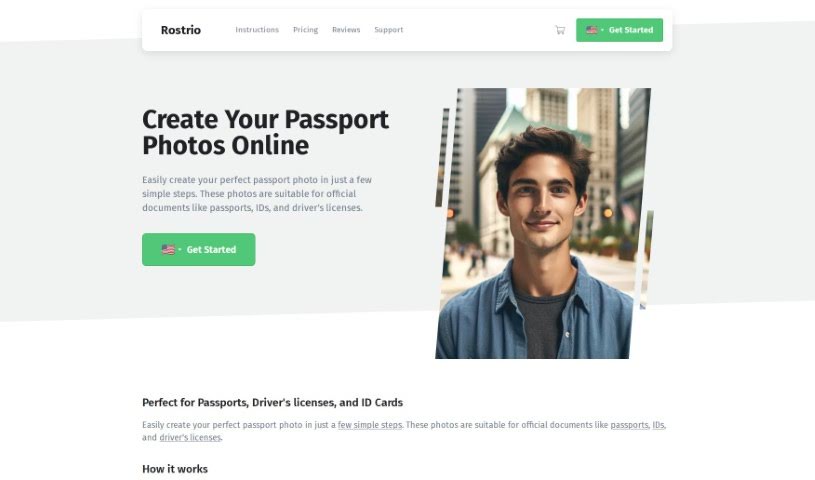
Screenshot of Rostro

Rostro

Freemium

Rostro is a Netherlands-based company, founded in 2009 by internet entrepreneur Gijs Heerkens and registered with the Dutch Chamber of Commerce under file number 17222446. It offers a service that lets people anywhere in the world take official passport photos from home using a smartphone, tablet, or regular camera. The photos are designed to meet requirements for official documents such as passports, IDs, and driver's licenses.

Photo Editors View Tool →
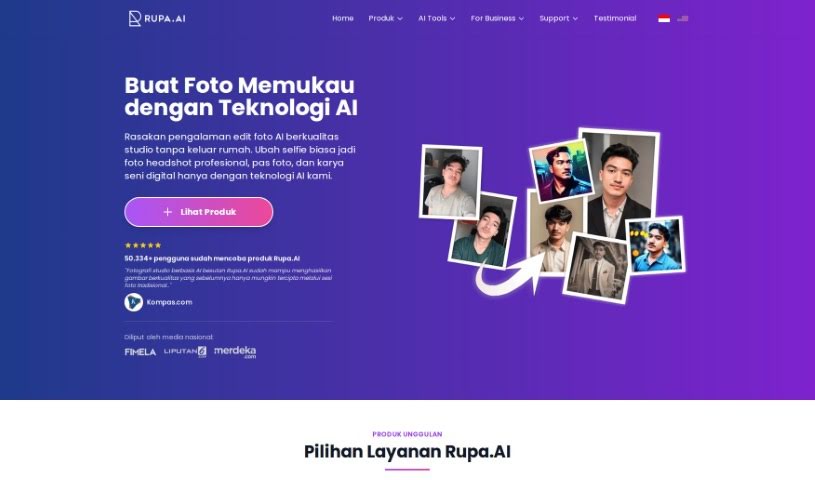
Screenshot of Rupa.ai

Rupa.ai

Freemium

Rupa.AI is an AI-powered platform for enhancing and transforming photos and visual designs. It bundles four tools — Artvatar, Headshot, Potret Kenangan (K-Beauty), and Dreamspace — that turn ordinary images into stylized artwork, professional headshots, or interior design visualizations. The platform emphasizes privacy, fast results, and ease of use.

Photo Editors View Tool →
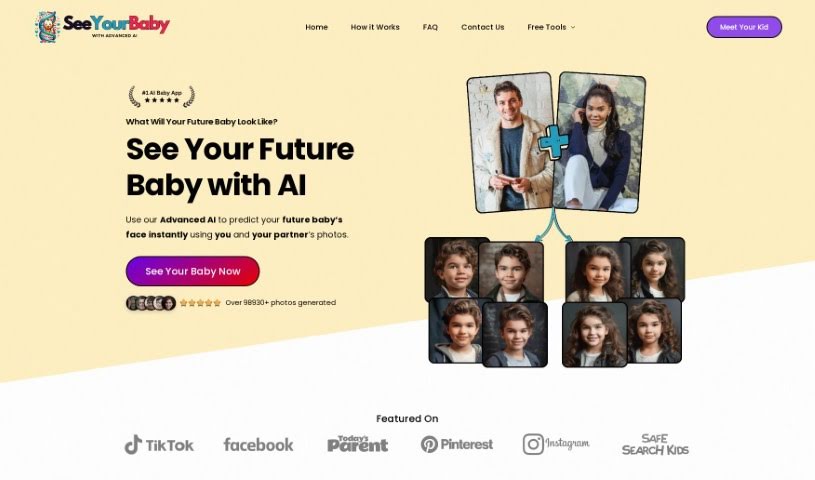
Screenshot of SeeYourBabyAI

SeeYourBabyAI

Freemium

SeeYourBabyAI analyzes photos of both parents and predicts what their future child might look like, with a claimed resemblance accuracy of about 90%. Upload a clear, recent photo of each parent — full face, good lighting, plain background — and the AI blends their features to generate 8 images: 4 boys and 4 girls.

Photo Editors View Tool →
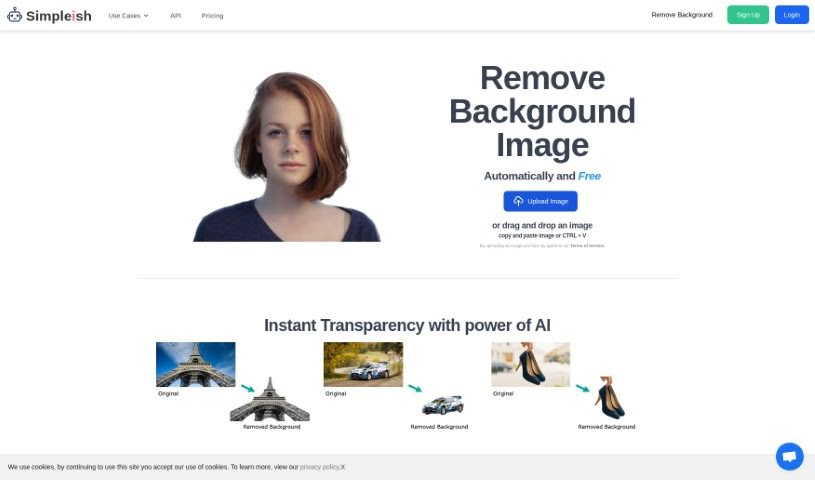
Screenshot of Simpleish

Simpleish

Freemium

Simpleish.io is an AI tool that removes backgrounds from photos. Upload or drag and drop an image, click once, and the AI identifies the subject to keep and removes the rest, producing a clean cutout. The tool emphasizes simplicity, time savings, and integration with existing software through its API, with pricing plans for individuals and businesses across several industries.

Photo Editors View Tool →
Screenshot of Skylum

Skylum

Freemium

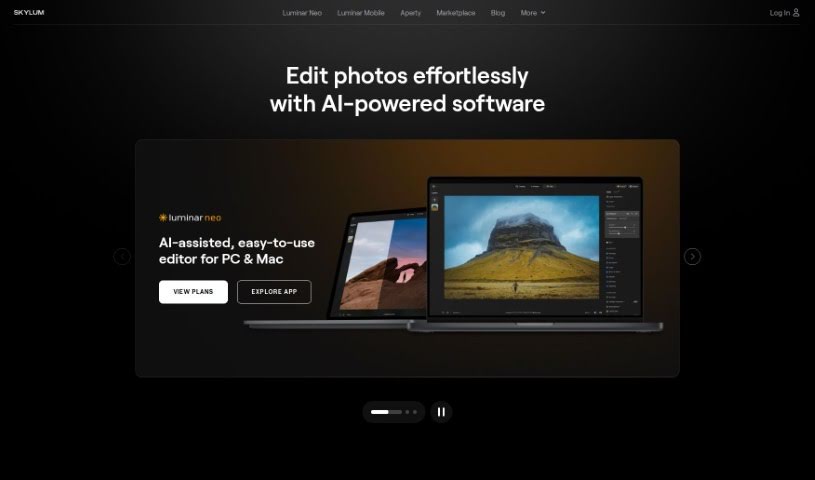
Skylum is an AI-powered photo editing tool designed to help users achieve professional-quality results quickly. It automates much of the tedious editing work through automatic modes that apply effects and adjustments in a few clicks. Standout features include EnhanceAI, RelightAI, SkyAI, StructureAI, and Portrait Background. It suits both beginners and experienced photographers, and is available via a subscription or a one-time lifetime purchase that includes all features and updates. [Visit Skylum](https://skylum.com/).

Photo Editors View Tool →
Screenshot of Snap Headshots

Snap Headshots

Freemium

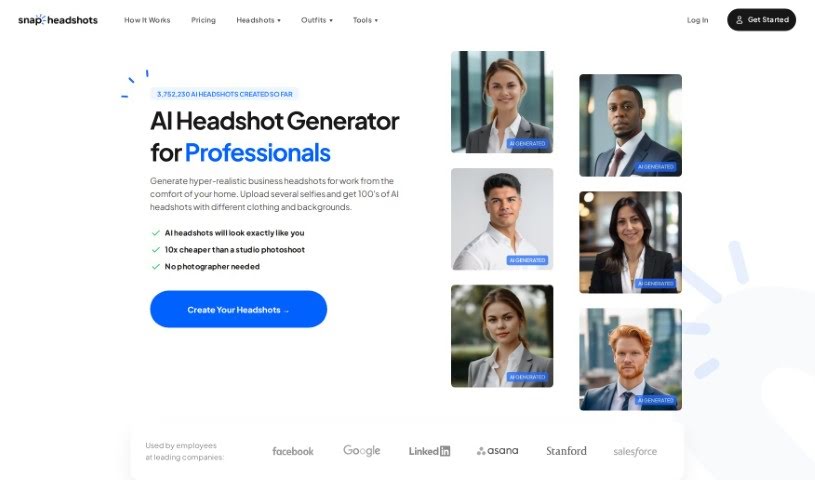
Snap Headshots is a service that creates AI-generated headshots from your uploaded profile photos, focusing on head-and-shoulders shots. You upload around 8 to 10 selfies, and the AI produces professional-looking headshots, typically ready in about 30 minutes (turnaround can range from 45 to 90 minutes). Results are suitable for CVs, emails, and social media.

Photo Editors View Tool →
Screenshot of Snapclear

Snapclear

Freemium

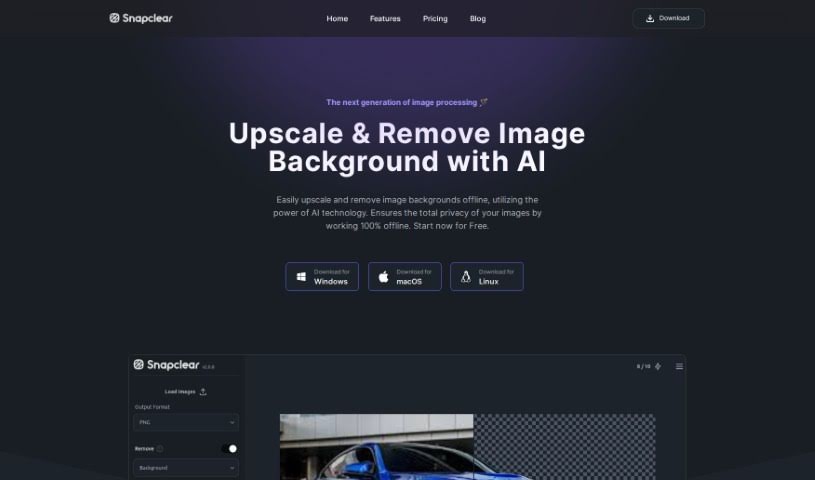
Snapclear is a desktop application that removes image backgrounds automatically using AI, running entirely offline. Images never leave your computer, making it a privacy-focused option for photo editing.

Photo Editors View Tool →
Screenshot of SnapEdit

SnapEdit

Freemium

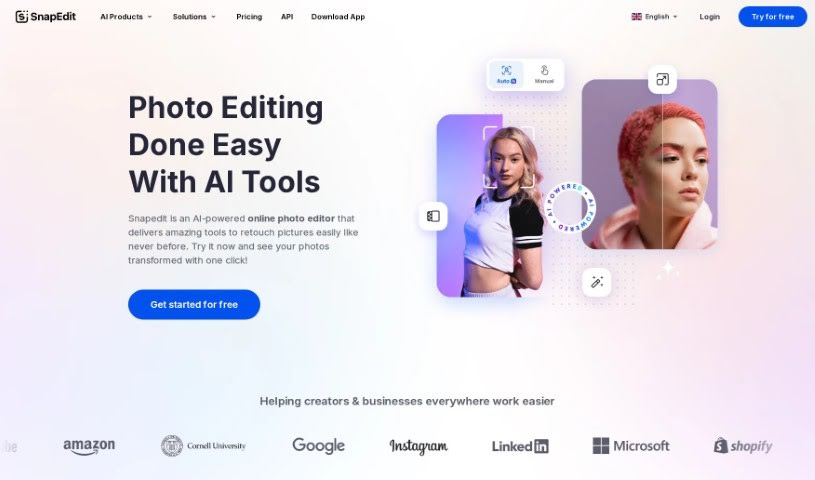
SnapEdit is an online photo editor that uses AI to simplify common editing tasks. It handles retouching, background removal, object erasing, and general image enhancement, and is built for users of all skill levels — from hobbyists to experienced photographers. Editing can be done from any device, and the app holds high ratings on the App Store.

Photo Editors View Tool →
Screenshot of Snapfusion

Snapfusion

Freemium

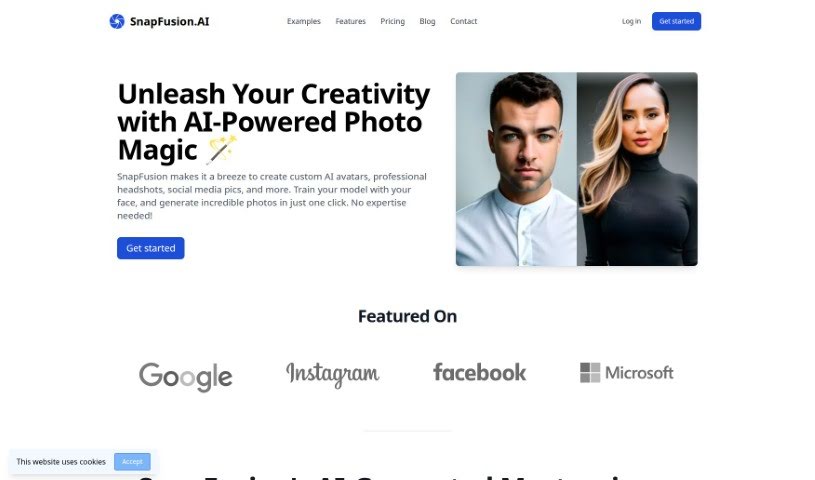
Snapfusion is an AI photo tool for creating custom avatars, professional-looking headshots, and social media images. You train the AI with your own face, then generate personalized photos in a single click. The platform offers a range of photo styles, produces high-quality images, and has a straightforward interface. Data is handled securely, payment is flexible with no subscription required, and extra models or photos can be purchased as needed. Live chat support is available, users can request custom features, and the tool works for both personal and business use.

Photo Editors View Tool →
Screenshot of SocialBook AI Portrait Generator

SocialBook AI Portrait Generator

Freemium

SocialBook's AI Portrait Generator transforms your photos using generative AI. Upload selfies and the AI creates new portraits that retain the essence and feel of the original picture. There are over 500 styles to choose from, ranging from classic Renaissance looks to modern, avant-garde designs. Beyond generating portraits, the platform includes full editing tools, so you can add text, apply special effects, or change the background. Results are rendered in high definition.

Photo Editors View Tool →
Screenshot of SocialBook Photo To Cartoon

SocialBook Photo To Cartoon

Freemium

Photo To Cartoon is a tool from Socialbook that transforms everyday photos into cartoon-style artwork using AI. Upload a photo, choose from different cartoon effects, and the image is cartoonified instantly.

Photo Editors View Tool →

About Photo Editors tools

Hours spent carefully tweaking masks, brushing away stray blemishes, and fixing uneven lighting can exhaust even the most patient photographer. Whether you’re preparing product photos for an online store, polishing headshots for a client, or trying to rescue a noisy low-light memory, meticulous pixel-level editing eats up hours of creative time.

Built for photographers, designers, and creators, these AI photo editors act as high-speed darkroom assistants. They clean up distractions, enhance resolution, and handle tedious retouching tasks in seconds without replacing your artistic vision.

Generative Fill, Noise Cleanup, and Portrait Retouching

Removing distracting background elements and extending canvas boundaries takes seconds instead of hours. Trying to eliminate unwanted tourists, power lines, or stray trash cans with traditional clone stamps often ruins natural textures. Generative AI tools scan surrounding pixels and reconstruct background elements like brick walls, foliage, or ocean waves—letting you erase distractions cleanly or expand a canvas aspect ratio with realistic detail.

Automating technical cleanup and image enhancement restores low-quality or damaged photos instantly. Dealing with digital noise from high-ISO shoots, soft focus, or low-resolution files usually means compromising on sharpness. Intelligent enhancement software applies targeted denoising, deblurring, and super-resolution upscaling to sharpen critical details like hair strands and fabric textures without introducing harsh artifacts.

Speeding up portrait retouching and color grading keeps your editing pipeline moving. Selecting complex subjects like wind-blown hair or adjusting skin tones across an entire batch of event photos used to require detailed manual masking. AI portrait editors recognize facial features, smooth skin textures naturally, adjust lighting angles, and match color profiles across hundreds of images with a single click.

Key Capabilities to Consider:

  • Generative fill and object removal: Tools that replace erased objects or extend canvas margins by synthesizing matching backgrounds.
  • Smart subject and sky masking: Features that automatically detect people, backgrounds, or skies to apply isolated edits without tedious manual selections.
  • AI-powered denoise and upscaling: Software that removes low-light noise and increases image resolution for crisp print or web displays.
  • Batch style and color matching: Applications that analyze a reference image and apply consistent color grading across entire photo shoots.
  • Non-destructive layer editing: Editors that preserve your original photo files while letting you adjust or undo AI enhancements at any point.

Developing a distinct visual style will always depend on your creative eye, composition choices, and artistic perspective. Software can remove a distraction, sharpen a noisy frame, or adjust skin tones, but capturing a meaningful moment requires human emotion.

Explore the photo editing tools below to streamline your digital darkroom.

The Best AI Photo Editors

  1. Canva: for quick photo enhancements and edits online.
  2. Photopea: for easy photo retouching and improvements.
  3. Photoroom: for efficient batch editing for photographers.
  4. Pixlr: for simple photo enhancement and retouching.
  5. Cutout.pro: for smooth background removal for portraits.
  6. Pic Wish AI Photo Editor: for easy background removal for photos.
  7. Freepik Pikaso: for adding details to images.
  8. Adobe Firefly: for advanced photo improvements.
  9. Adstronaut: Turns everyday photos into studio-quality product and fashion visuals.
  10. Aftershoot: AI culling and editing tools for photographers working through large batches.
  11. Recraft: for consistent edits for brand visuals.
  12. Icons8: for removing tricky photo backgrounds.
  13. Dewatermark: for quick watermark removal for editors.
  14. AI Color: Colorizes black and white photos with AI restoration.
  15. AirBrush: for simple, precise photo retouching.
New tools, in your inbox.

Weekly picks of the best AI tools we've researched and added — no spam, unsubscribe anytime.

Join 25,000+ AI enthusiasts. No spam, unsubscribe anytime.