Top AI PDF Tools

AI Tools for PDF

Discover the best PDF AI tools to enhance your productivity and creativity.

Page 3 of 4 • 38 total tools
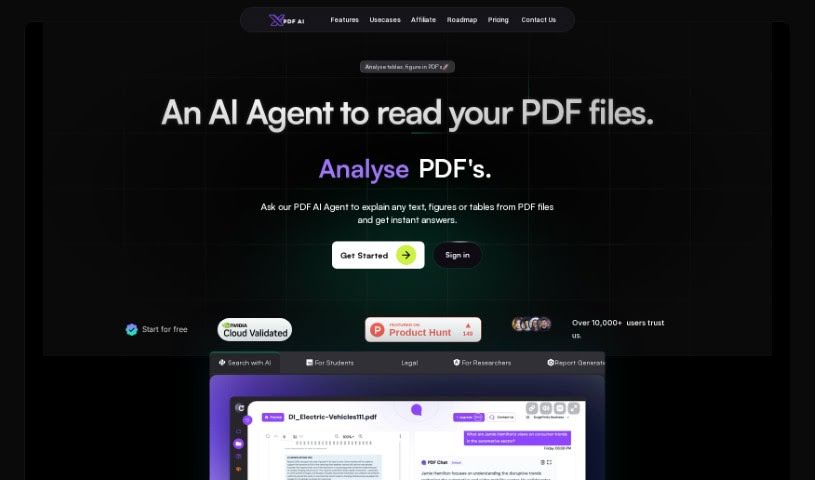
Screenshot of PDF Parser

PDF Parser

Freemium

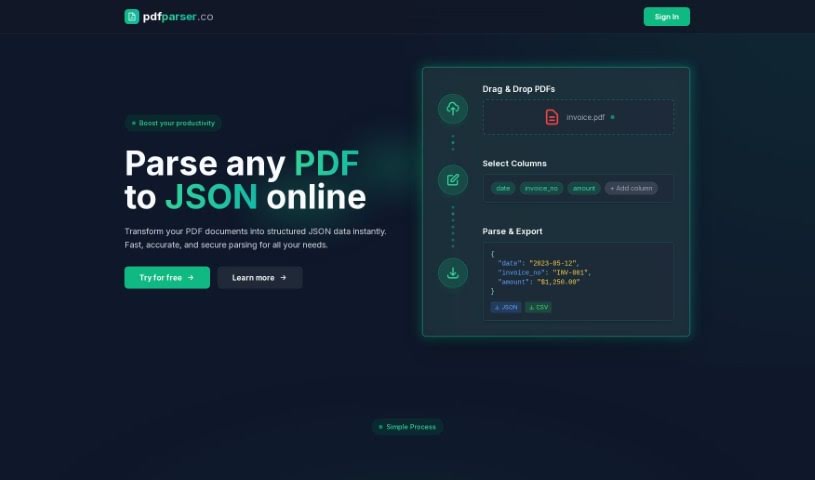
PDF Parser is an AI-powered tool that converts PDF files into organized JSON data. You upload one or more PDFs, specify which pieces of data you want, and the parser automatically finds and extracts that information. This eliminates the manual work of sorting through documents like invoices or support tickets.

Screenshot of PDFchat

PDFchat

Freemium

PDFchat is an AI tool that lets you have a conversation with your PDFs. It is built to understand, extract, and analyze information from PDFs in any language. You upload a file and start chatting, getting quick, accurate answers drawn directly from the document instead of sifting through pages manually.

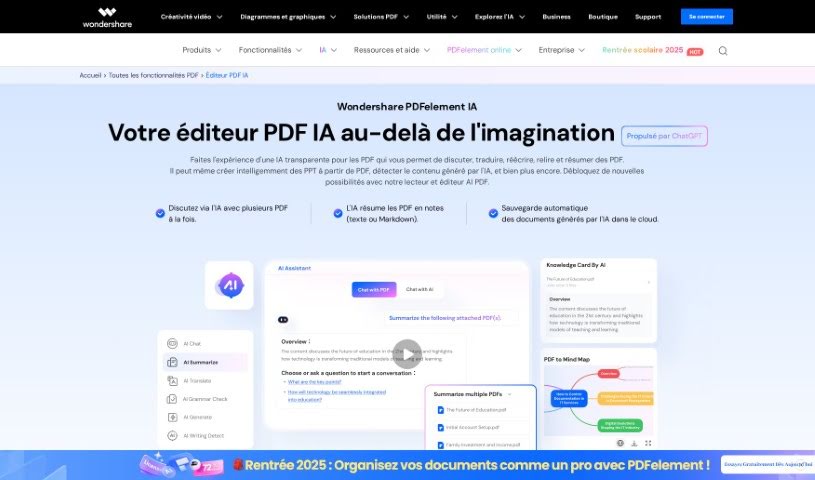
Screenshot of PDFelement by Wondershare

PDFelement by Wondershare

Freemium

PDFelement by Wondershare is PDF editing software for creating, editing, converting, and sharing PDFs securely. You can modify text, images, and entire pages, add notes and highlights, and sign documents digitally. It includes advanced OCR technology for turning scanned documents into editable and searchable files, supports batch processing, and works with popular cloud storage services. It suits both individuals and businesses that need to manage PDF documents efficiently.

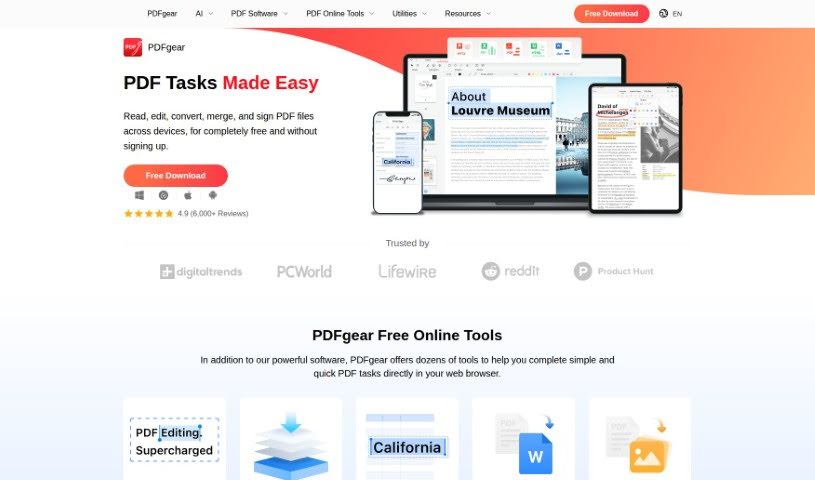
Screenshot of PDFgear

PDFgear

Freemium

PDFgear is a free PDF editor available on the web, with a dedicated version for Windows. It handles merging, editing, converting, and signing PDF documents, and lets you add ink annotations by drawing with your mouse.

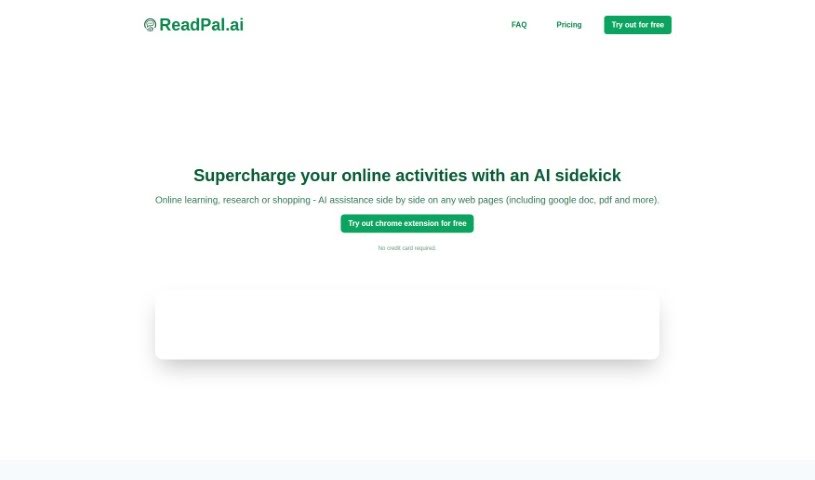
Screenshot of Readpal

Readpal

Freemium

ReadPal is an AI assistant for reading, researching, and shopping online, available as a Chrome extension. It provides instant explanations, quick summaries, recommendations, and deeper insights into whatever you're viewing. You can trigger it with keyboard shortcuts, right-click context menus, or one-click prompts, and it works with Google Docs, PDFs, and web pages (YouTube support is planned).

Screenshot of ReportPDF

ReportPDF

Freemium

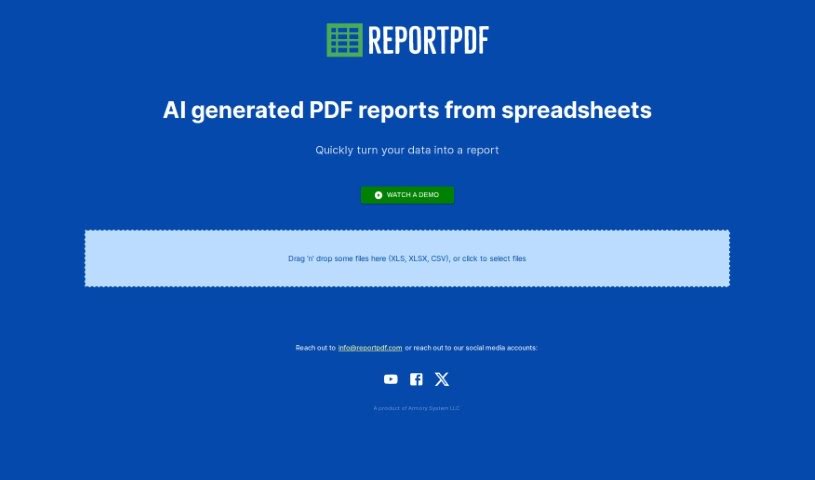
ReportPDF is a tool from Armory System LLC that converts data files into clear, comprehensive PDF reports. You drag and drop a CSV, XLS, or XLSX file into the interface, review an AI-generated visualization of your data, and then generate the finished PDF. The visualization step lets you see your data in visual form before the report is finalized, and AI assistance helps you interpret what the data means. Armory System LLC develops and maintains the tool, building it around ease of use: drag-and-drop uploading, data visualization, and AI-assisted interpretation. If you need help, customer support is available via email at [[email protected]](/cdn-cgi/l/email-protection#b2c1d7c0c4dbd1d7f2c0d7c2ddc0c6c2d6d49cd1dddf).

Screenshot of Rocket Statements

Rocket Statements

Freemium

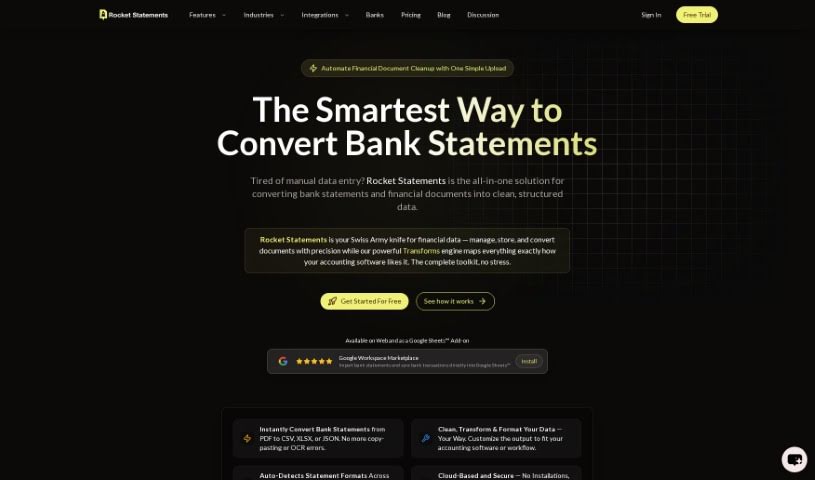
Rocket Statements is a tool for converting bank statements. It takes PDF bank statements and transforms them into Excel, CSV, PDF, or Google Sheets, with clean data formatting and support for bulk processing of multiple files at once. An integrated AI copilot helps ensure conversions are accurate. Professionals use it to simplify data conversion and eliminate manual data entry. Rocket Statements works with over 100 major banks globally and uses enterprise-grade encryption to protect your data.

Screenshot of Sider ChatPDF

Sider ChatPDF

Freemium

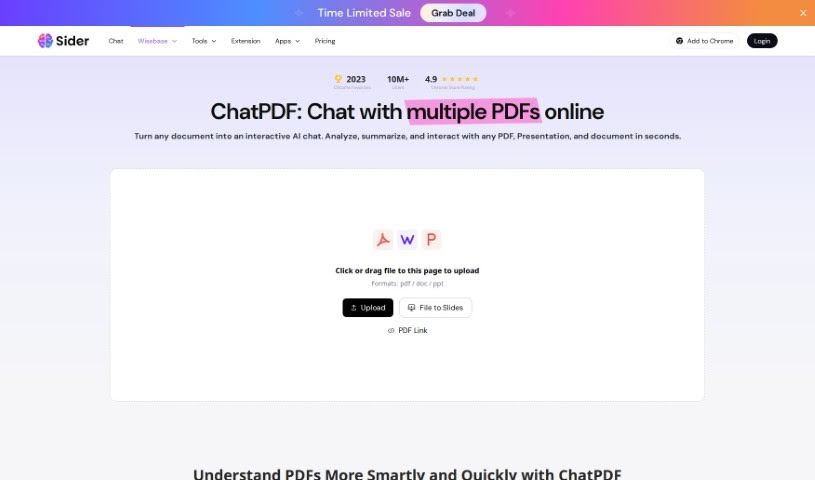
Sider ChatPDF is an AI assistant for working with PDF documents. It converts PDFs into editable formats such as Word, Excel, PowerPoint, and image files, giving you more flexibility over your documents. It also supports direct editing of PDF content, making it useful for individuals and businesses that regularly handle PDFs and need to tweak or extract information from them.

Screenshot of SmallPDF.com

SmallPDF.com

Freemium

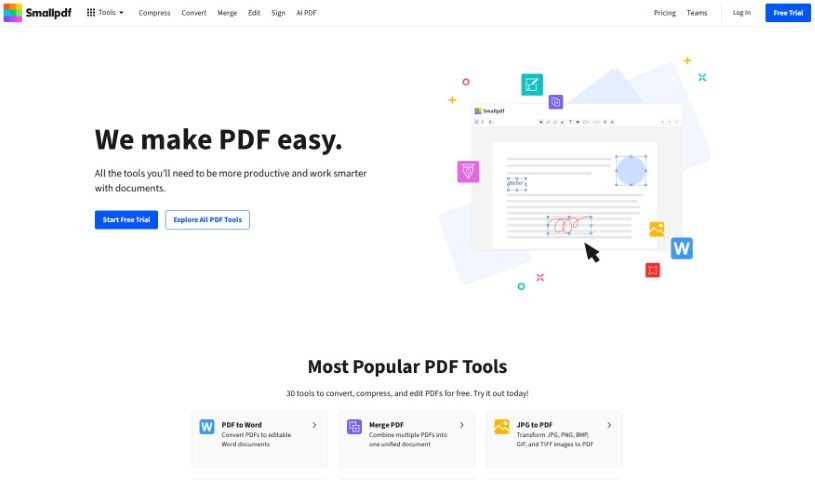
SmallPDF.com is an online platform with tools for managing PDF files. You can convert, compress, edit, merge, split, and sign PDFs directly on the site. It is designed to be user-friendly, so individuals and businesses can handle PDF tasks without installing special software or needing technical skills.

Screenshot of StylerGPT

StylerGPT

Freemium

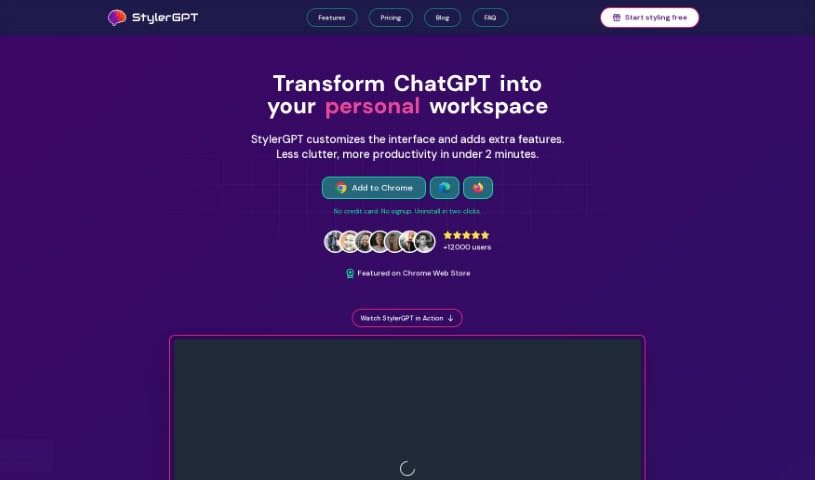
StylerGPT (also known as GPT-EZ) is a free Chrome extension that customizes how ChatGPT looks and feels. It offers 15 color schemes, multilingual output, and options to download or share your chats. It is available from the Chrome Web Store at no cost and is an independent project not affiliated with ChatGPT or OpenAI L.L.C.

Screenshot of Tenorshare

Tenorshare

Freemium

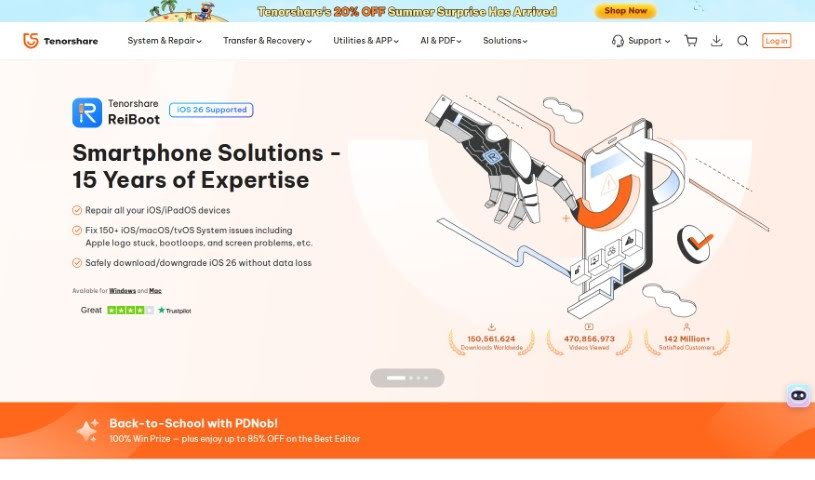
Tenorshare is a software company known for its iOS repair and data recovery tools. Its products, such as Tenorshare ReiBoot, help iPhone users fix system issues and recover lost files. The company has received industry recognition, including a mention from Macworld, and its software has been downloaded by millions of users worldwide. Purchases are covered by a money-back guarantee, and transactions are protected with 256-bit SSL encryption.

Screenshot of Thetoolbus

Thetoolbus

Freemium

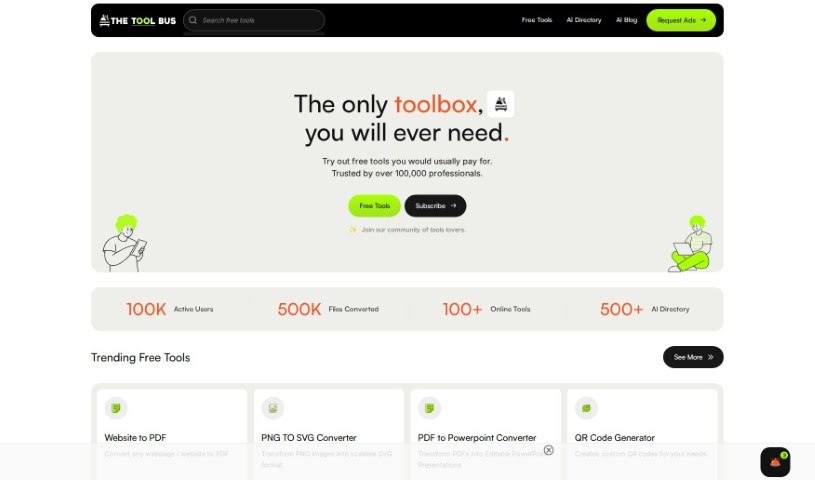
Thetoolbus is a platform offering a collection of free and AI-powered tools for job seekers, creative professionals, students, and businesses. The team adds at least four new free tools every month, and supporters get early or exclusive access to more. Uploaded files are automatically deleted after 10 minutes for privacy and security.

About PDF tools

Wrestling with static PDF files is one of the most common productivity headaches in modern work. Whether you’re trying to extract structured data from financial tables, convert scanned pages into editable text, merge split documents, or fill out non-interactive forms, handling portable document files often feels frustratingly rigid.

These AI tools act as high-speed document utility assistants. They clean up scanned text, reformat stubborn layouts, and extract structured data in seconds without compromising administrative care or security protocols.

Smart OCR, Table Extraction, and Form Filling

Converting scanned files into clean, editable text takes far less effort with intelligent Optical Character Recognition (OCR). Trying to edit a scanned invoice or historic document usually means retyping text line by line. Modern OCR tools analyze page layouts, recognize fonts, and convert flat images into editable text while preserving margins, headers, and column structures.

Extracting tables and structured data directly into spreadsheets saves hours of manual data entry. Copying financial statements or product catalogs out of a PDF often turns into a messy cleanup job with broken rows and misaligned numbers. AI parsing tools identify table boundaries, clean up data fields, and export information cleanly into Excel or CSV files ready for analysis.

Editing page structures, compressing file sizes, and filling forms becomes much simpler, too. Splitting giant files, organizing page orders, or filling out non-interactive form fields manually takes unnecessary time. Smart PDF platforms detect form fields automatically, suggest text placement, and let you reorder or compress documents without destroying file quality.

Practical Features to Look For:

  • Advanced OCR text recognition: Tools that accurately extract text from scanned documents and images while preserving original page layouts.
  • Clean format conversion: Software that converts PDFs to Word, Excel, or HTML without breaking tables, lists, or custom fonts.
  • Smart form filling and signing: Applications that detect form fields automatically, allowing you to fill, edit, and sign documents quickly.
  • Batch file processing: Features that allow you to convert, compress, or extract data from dozens of PDF files simultaneously.
  • Strict data privacy and encryption: Platforms built with automatic file deletion and strong privacy controls to protect sensitive business records.

Managing documents effectively will always depend on your attention to detail, organization, and security awareness. Software can reformat a page, parse a table, and convert file types, but reviewing final documents for accuracy requires your human eye.

Take a look through the PDF tools below to simplify your document tasks.

The Best AI PDF Tools

  1. SmallPDF.com: Great for editing and organizing PDFs easily.
  2. Tenorshare: Offers AI-powered PDF summaries for research.
  3. LightPDF: Lets you edit and convert PDFs without any fuss.
  4. PDFgear: Perfect for editing and annotating your PDF documents.
  5. HiPDF: Split and merge PDFs online with ease.
  6. Ocr Best: Converts PDFs to editable text effortlessly.
  7. Go PDF: Edit and secure PDFs seamlessly.
  8. Chatdox: For efficient PDF analysis and management.
  9. Thetoolbus: Makes PDF editing for job applications simple.
  10. Cotyper: Browser extension for building custom AI copilots that automate web tasks.
  11. File GPT: Easily extract insights from PDFs.
  12. Styler GPT: Converts chats to PDFs for simple sharing.
  13. Getsearchable PDF: Turns scanned documents into editable text.
  14. PDF Pals: Streamlines document analysis and data extraction.
  15. Formix PDF: Automates document merging and editing.
New tools, in your inbox.

Weekly picks of the best AI tools we've researched and added — no spam, unsubscribe anytime.

Join 25,000+ AI enthusiasts. No spam, unsubscribe anytime.