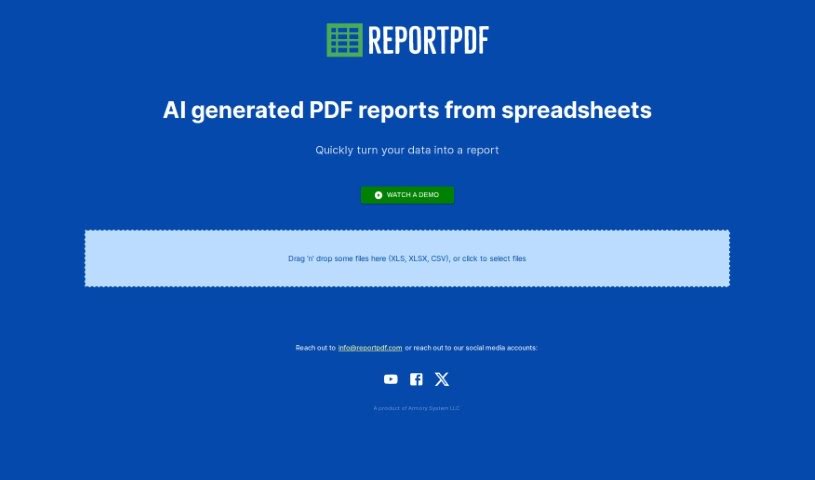
What is ReportPDF?
ReportPDF is a handy tool from Armory System LLC that helps you transform your data into clear, comprehensive PDF reports. It is a bridge between your raw numbers and easy-to-understand documents. You can simply drag and drop files like CSV, XLS, and XLSX right into the tool. What’s really neat is its AI technology. It doesn’t just convert your data; it actually helps you visualize it first, making the information much more digestible before it even becomes a PDF. Plus, it’s designed to be super user-friendly, and if you ever get stuck, you can reach out to their customer support via email at [email protected]. Whether you’re in finance, marketing, or any field that relies on data, ReportPDF can really help you speed up how you process and report on information.
This description aims to give you a clear picture of ReportPDF, highlighting its main features and how it works, all in a way that feels natural and easy to read.
Who created ReportPDF?
Armory System LLC is the company behind ReportPDF. They’ve been developing and updating the tool since its launch on February 22, 2024. The founders really focused on making it user-friendly. You’ll find features like easy drag-and-drop uploading, helpful data visualization, and AI that interprets your data. All of this is designed to make converting different file types into polished PDF reports a breeze.
What is ReportPDF used for?
- Quickly turn data into a report: Get your information into a readable report format fast.
- Easy data visualization: See your data in visual forms before it’s finalized.
- Transform raw data: Convert messy or complex data into something understandable.
- Streamline mass data: Make processing large amounts of data much simpler.
- Versatile data-to-report conversions: Works with different kinds of data for various reporting needs.
- Aid in data interpretation: Helps you make sense of what your data is telling you.
- Handle data from various industries/domains: It’s flexible enough for many different types of work.
- User-friendly interface with drag-and-drop feature: Uploading files is as simple as dragging them into the tool.
- Support CSV, XLS, XLSX files: It handles the most common spreadsheet formats.
- Generate PDF reports: The end goal is a clear, professional PDF document.
- Streamlining mass data: Makes handling large datasets much more manageable.
- Aids in data interpretation: Helps you understand what your data means.
- Handling data from various industries or domains: It’s adaptable for many different fields.
- Creating comprehensive PDF reports from CSV, XLS, and XLSX files: It’s your go-to for turning spreadsheets into reports.
- Visualizing data before generating a PDF report: Get a visual preview of your data’s story.
- Providing user support via [email protected]: Help is available if you need it.
Who is ReportPDF for?
- Anyone whose job involves creating reports based on data.
How to use ReportPDF?
Using ReportPDF is pretty straightforward. Here’s a simple guide:
- First, just drag and drop your data files – like CSV, XLS, or XLSX – right into the ReportPDF interface. This kicks off the conversion process.
- If you run into any questions or need a hand, you can always email their support team at [email protected]. They’re there to help.
- Remember, Armory System LLC developed and keeps this tool updated. It uses AI to help you understand and visualize your data, making it easier to get the results you need.
- It’s designed to handle those common file types – CSV, XLS, and XLSX – and turn them into detailed PDF reports.
- Once you upload a file, say an XLSX, the AI gets to work processing the information and creating a thorough PDF report for you.
- ReportPDF is built to be flexible, working across different industries and data types, so it’s useful for a wide range of reporting tasks.
- The drag-and-drop feature makes it really user-friendly, especially when you’re dealing with a lot of data.
- What makes ReportPDF stand out is its ability to take raw data and turn it into formats that are easy to grasp, helping you visualize and interpret it effectively.
By following these steps, you can easily use ReportPDF to turn your data into insightful and professional PDF reports.