M
Mentalyc
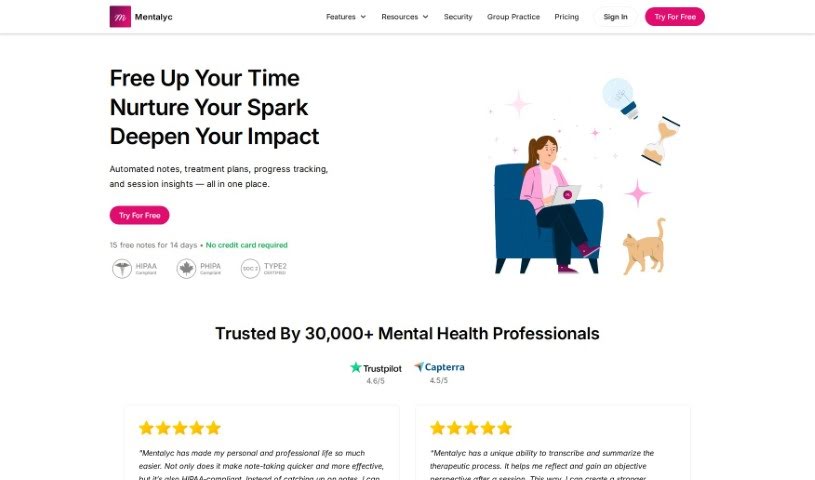
FreemiumMentalyc is an AI note generator for mental health professionals, including psychotherapists, psychologists, and counselors. It is HIPAA-compliant, protecting client data in healthcare settings.
Note Taking
View Tool →
Discover the best Note Taking AI tools to enhance your productivity and creativity.
Mentalyc is an AI note generator for mental health professionals, including psychotherapists, psychologists, and counselors. It is HIPAA-compliant, protecting client data in healthcare settings.
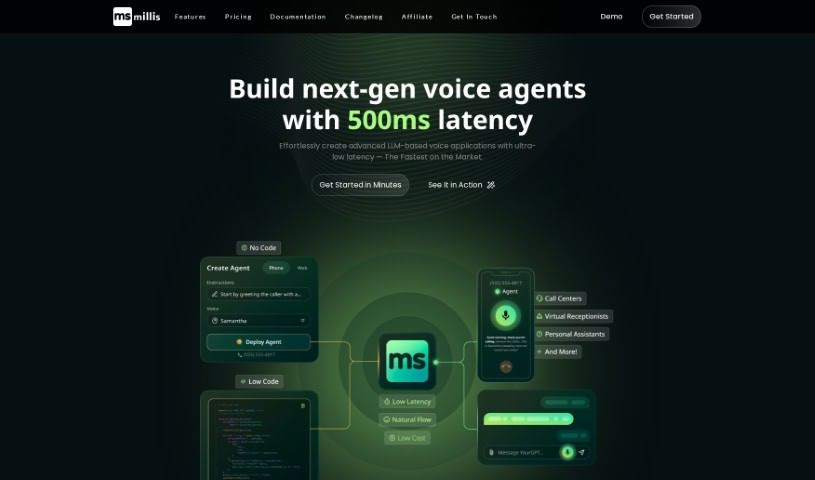
Millis AI is a meeting assistant that automates the work that follows a meeting. Its core capabilities include:
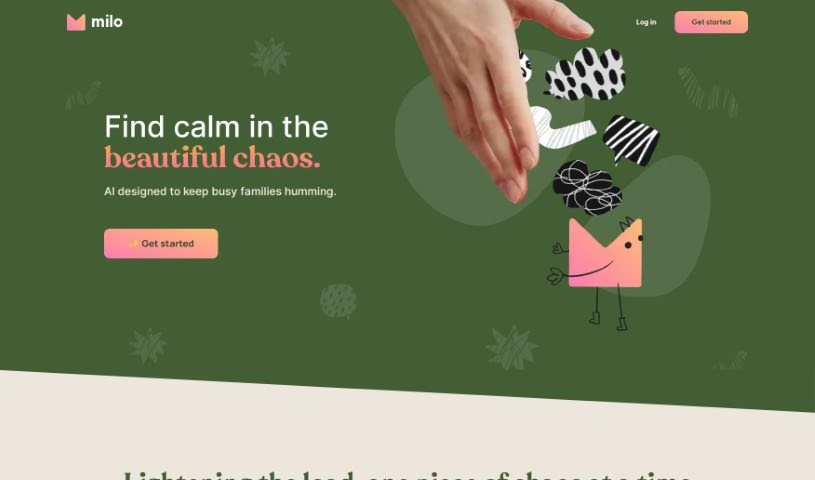
Milo is an AI tool designed to help parents manage family life, acting as a co-pilot for the daily responsibilities of raising a family. It is built on GPT-4, a language model known for accuracy and problem-solving, and is designed to lighten the mental load of parenting.
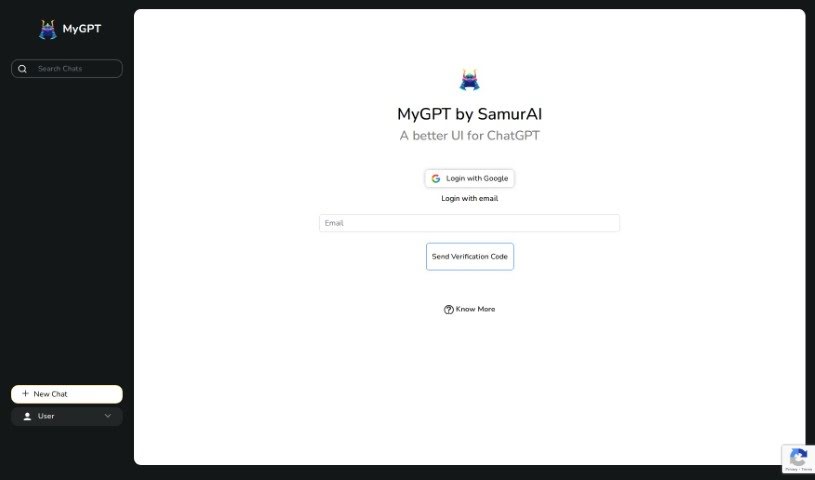
MyGPT, created by Samurai, is an AI-powered productivity tool designed to streamline digital tasks and save time. It features an easy-to-use interface, advanced AI-driven capabilities, and customization options that let users tailor the tool to their specific needs. The goal is to improve workflows so users can focus on their most important work.
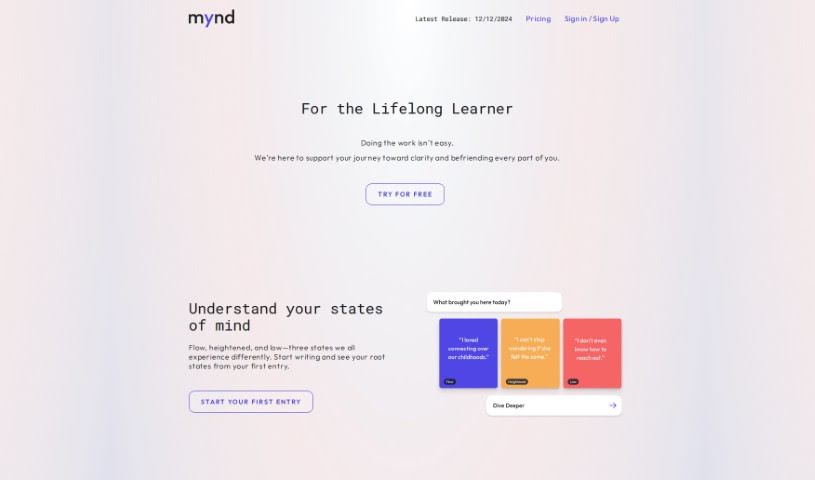
Mynd is an AI-powered journaling app built for self-care and personal growth. It analyzes your journal entries to surface patterns and insights you might otherwise miss, helping you track emotions and themes over time and gain a clearer understanding of yourself.
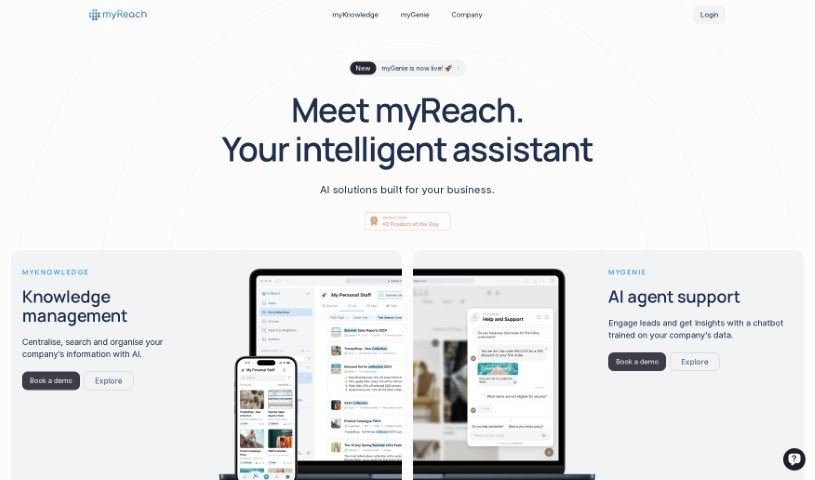
myReach is a personal knowledge management tool that uses AI to help you store, organize, and find your information more easily. It works as a second brain: it learns and arranges everything you save, making it simple to access later. Data is kept safe with encryption and GDPR compliance. You can transcribe audio and video files, and use its AI assistant, Rich, for quick access to saved data and useful insights.
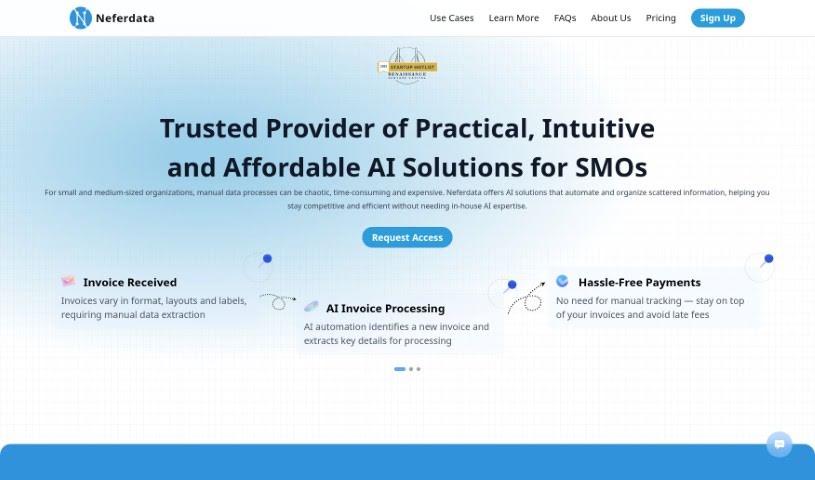
Neferdata is an AI-powered email assistant and product explorer built for fast-growing businesses. It prioritizes important tasks, filters unwanted emails, and surfaces personalized insights based on your specific context. Privacy is central to the design: your data and conversations are protected with strict security measures, your information is never shared with third parties, and you can review filtered emails at any time to decide what gets through. The system learns and adapts as your relationships change.
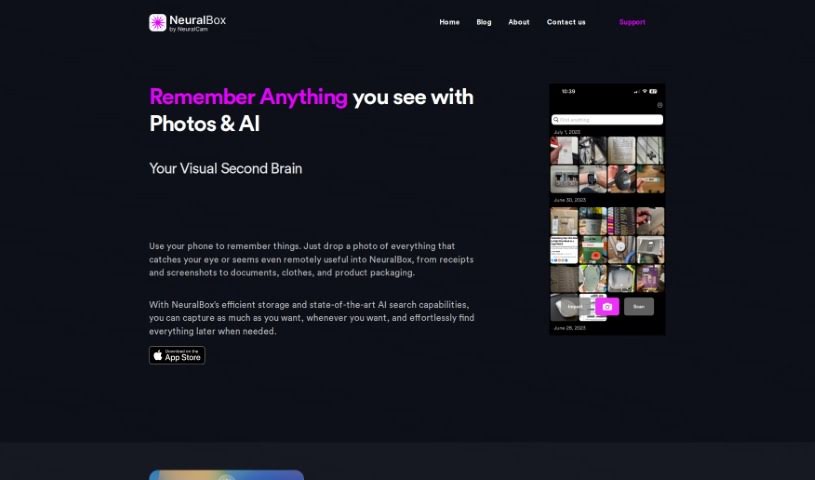
Neuralbox is a visual note-taking app that captures, stores, and retrieves information using photos. It combines image capture, OCR, and AI-powered search to act as a visual memory, keeping your photos organized and searchable on-device and in the cloud.
Nexel is a workflow automation tool that uses AI to handle repetitive tasks. It works as a digital assistant for activities such as summarizing text, running web searches, and generating reports, and it integrates with apps including Gmail, LinkedIn, Asana, and GitHub.
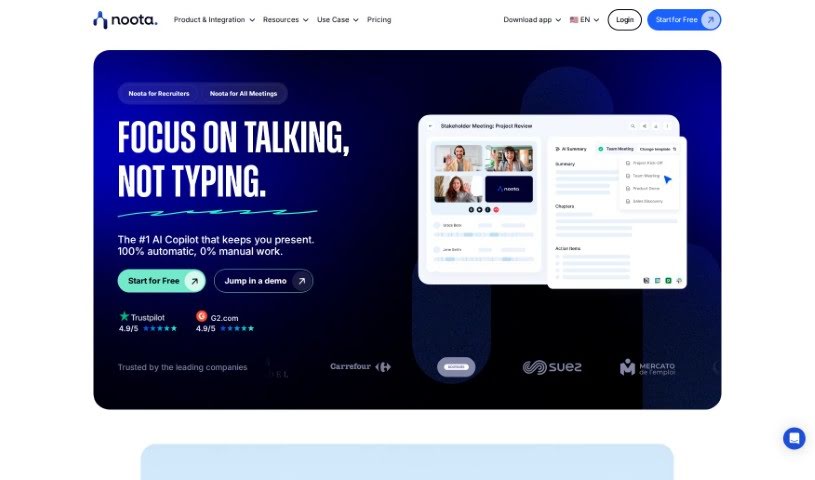
Noota is an AI meeting assistant that handles note-taking automatically. It captures notes in real time, applies conversation intelligence to extract key insights from discussions, and offers transcription and screen recording. Notes can be pushed directly to your CRM, and the tool supports use cases across sales, research, recruiting, management, consulting, call centers, media, podcasting, and medical work.
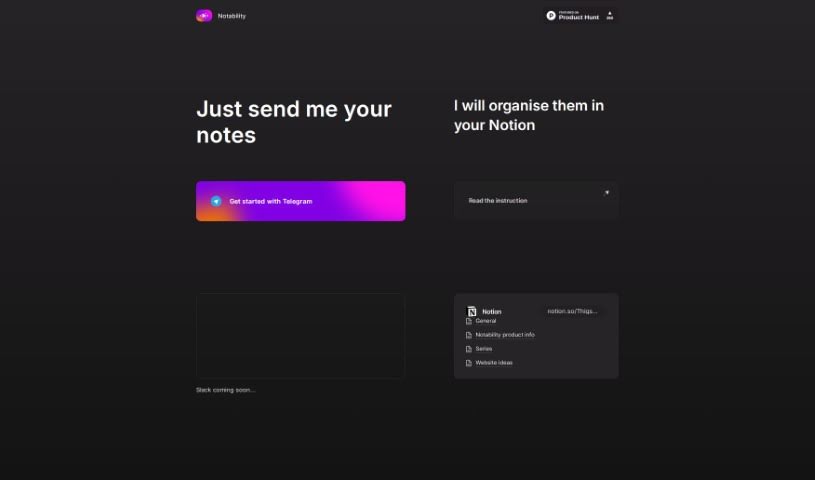
Notability is a note organization tool designed to keep your notes organized and easy to manage. It integrates with platforms like Telegram and Slack, making it simple to share notes, and supports consolidating everything in one place, such as Notion. The interface is user-friendly and the instructions are clear, so you can get started quickly.
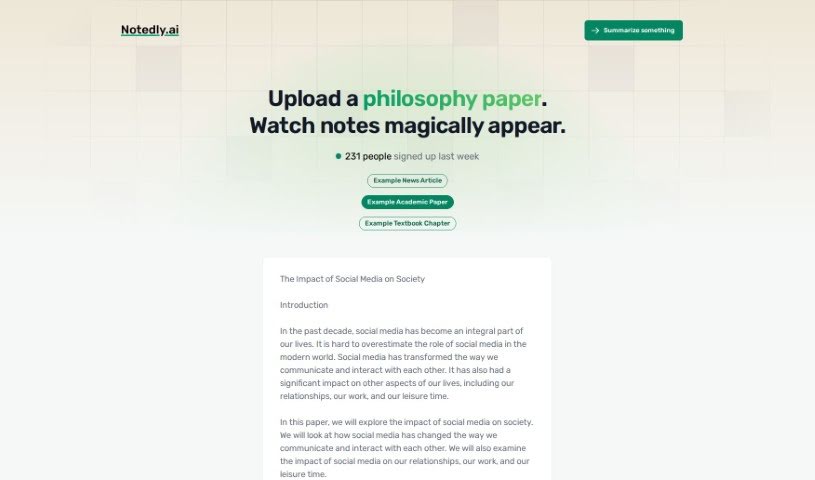
Notedly.ai is a platform that uses artificial intelligence to simplify note-taking and information management, whether you work alone or with a team. It helps you organize, find, and use your data more easily, with an interface designed to be accessible regardless of technical skill. It adapts to different needs, making it suitable for students, professionals, and anyone else who takes notes. Key features include AI-powered tools, a user-friendly interface, customizable organization, integration with other apps, and advanced search.
Sitting down after a long meeting or class to make sense of messy, typed notes is a common headache. Between scribbling down points while someone speaks, capturing action items, and organizing outlines later, taking notes by hand drains your focus. When you spend all your energy writing down words instead of listening, keeping track of big ideas gets tough.
Think of these tools as organized personal assistants for students, professionals, researchers, and project leads. They transcribe live audio, summarize key points, and structure scattered thoughts so you can find information quickly.
Turning live audio and recorded conversations into searchable text takes seconds instead of hours. Trying to write down every word during a lecture or client call means missing out on real engagement. Modern speech-to-text assistants listen in the background, transcribe spoken dialogue in real time, and tag different speakers so you get a clean transcript without missing a detail.
Synthesizing long meetings and study sessions into clear summaries saves massive amounts of time. Reviewing five pages of raw text to find one key decision is tedious. Intelligent note-taking software scans your transcripts, pulls out main themes, and generates bulleted summaries with assigned action items. You get a quick overview to review in two minutes before moving on to your next task.
Building a searchable knowledge hub across large projects becomes far easier, too. Storing notes in separate files often means losing track of important facts over time. Smart note applications automatically link related topics across your digital notebook, suggest tags, and let you ask questions in plain English to pull up specific quotes or facts instantly.
Useful Features for Organization:
- Real-time audio transcription: Systems that record spoken audio and convert it into accurate, timestamped text while distinguishing between speakers.
- Automated summary creation: Features that condense long transcripts and meeting notes into clear bullet points, action items, and key takeaways.
- Cross-note semantic search: Tools that let you search your entire note library using natural language questions rather than exact keyword matches.
- Knowledge graph linking: Software that automatically connects related notes, ideas, and project references into an organized web of information.
- Multi-platform synchronization: Applications that sync smoothly across desktop computers, web browsers, and mobile devices for quick access anywhere.
Great note taking will always depend on your curiosity, understanding, and personal organization style. Software can transcribe audio, generate a summary, and link related documents, but choosing what matters most requires your human judgment.
Browse the note-taking tools below to organize your workspace.
Weekly picks of the best AI tools we've researched and added — no spam, unsubscribe anytime.
Join 25,000+ AI enthusiasts. No spam, unsubscribe anytime.