Turning a great business idea into a working web app, customer portal, or internal database used to require hiring a developer or spending months learning how to write code. Even with visual drag-and-drop platforms, setting up complex database permissions and multi-step logic can quickly stall your launch.
The platforms in this section act as digital architects for creators, entrepreneurs, and operations teams. They don’t replace creative problem solving or business strategy, but they construct database schemas, draft user interfaces, and build automated workflows straight from plain English instructions.
Building Apps with Natural Language
Generating functional prototypes from simple prompts turns concepts into usable software in minutes. Instead of building every screen, form, and table by hand, prompt-to-app tools let you describe what you need in plain text. The software generates the initial layout, sets up data tables, and configures basic navigation—giving you a working draft to refine with visual editors.
Setting up complex logic and multi-app automations gets much easier, too. Configuring conditional rules, API connections, and data transfers without code can feel intimidating when edge cases pop up. AI co-builders help map out multi-step workflows, connect external apps like Slack or Airtable, and suggest fixes when something breaks to keep your automations running smoothly.
You can also embed intelligent features directly into your end-user applications. Modern no-code tools let you add smart search assistants, automated text generators, and document processors directly into your client portals. Your users can ask questions about stored records or upload files for instant analysis without you needing custom backend code.
Key Capabilities to Consider:
- Prompt-to-layout generation: Builders that convert text descriptions into working user interfaces, forms, and database schemas.
- Native database and API connectivity: Connectors that link cleanly with spreadsheets, external databases, and SaaS tools without custom code.
- Conversational workflow assistants: Tools that help you build, test, and debug multi-step automations using natural language commands.
- Granular access and permission controls: Features that let you manage role-based views for clients, team members, and administrators.
- Code export and platform flexibility: Options that allow you to export source code or connect with developer tools as your application scales.
Building successful digital products always depends on your vision, strategy, and understanding of user needs. Algorithms can generate page layouts and run automated workflows, but defining the real problem you’re solving requires human insight. Handing off routine visual setups and workflow logic gives you back the time needed to grow your product.
Explore the no-code tools below to bring your ideas to life.
- Softr: Build no-code apps easily.
- Lightning AI: Deploy AI models without coding skills.
- Universe Website Builder: Create a portfolio without coding skills.
- Scade.pro: Build AI chatbots without coding.
- Lutra AI: Create custom AI workflows without coding.
- Gigasheet: Get effortless data insights without coding.
- Promptitude.io: Streamline prompt creation without coding.
- Modern Query: Adds conversational search to any website without code.
- Airparser: Seamlessly extract data for your workflows.
- Liner.ai: Train ML models with no code.
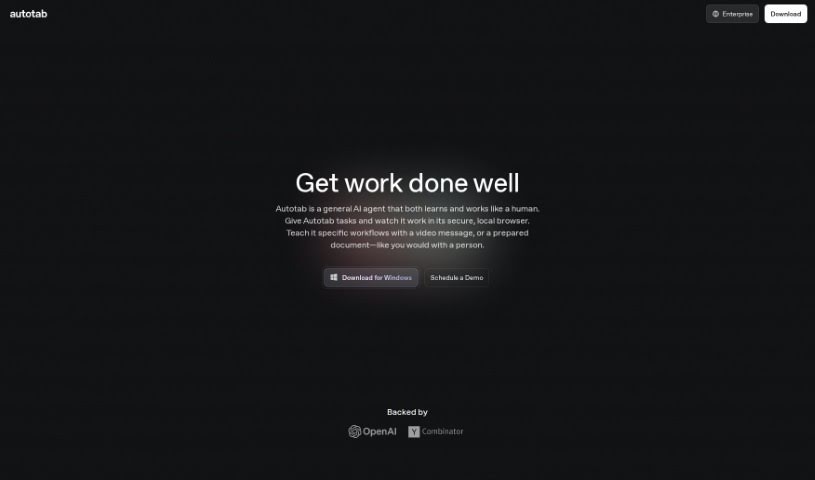
- Autotab: Effortlessly automate browser tasks for everyone.
- GoLess: Automate workflows using visual interfaces.
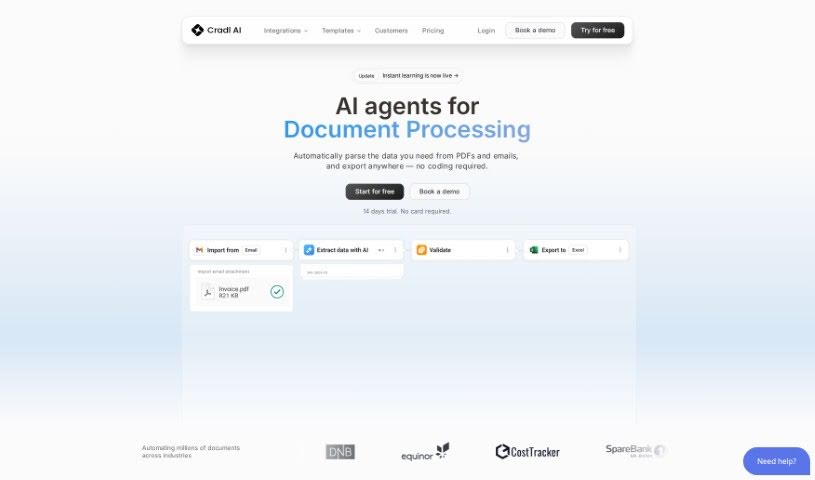
- Cradl AI: Streamline workflows with drag-and-drop ease.
- Toolbuilder: Build apps without writing code.
- Aivia: Build AI solutions without coding skills.