AI Image Generation Tools

AI Tools for Image Generation

Discover the best Image Generation AI tools to enhance your productivity and creativity.

Page 15 of 33 • 392 total tools
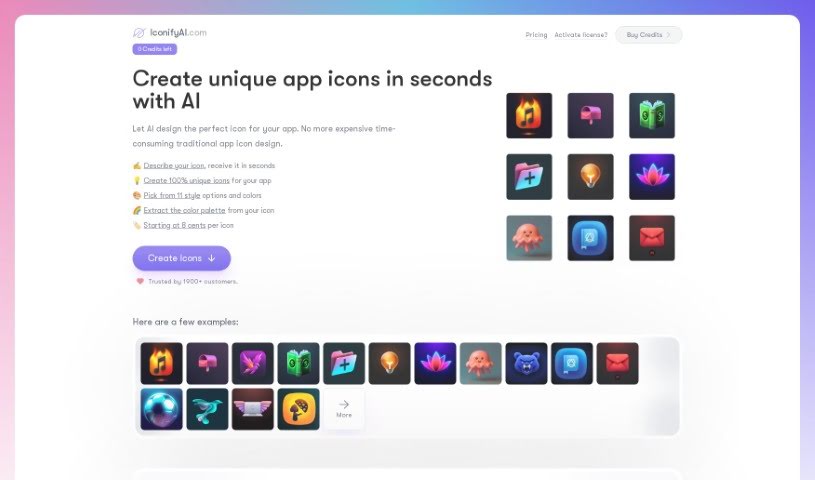
Screenshot of IconifyAI

IconifyAI

Freemium

IconifyAI is an AI tool that creates app icons quickly, typically in under a minute. It generates high-quality icons in a range of styles, including metallic, textured, pixelated, clay, gradient, solid colors, mascot characters, flat designs, vintage looks, and sketch styles. You can specify the objects you want in your icon, and you receive full ownership for commercial use.

Image Generation View Tool →
Screenshot of Iconkit

Iconkit

Freemium

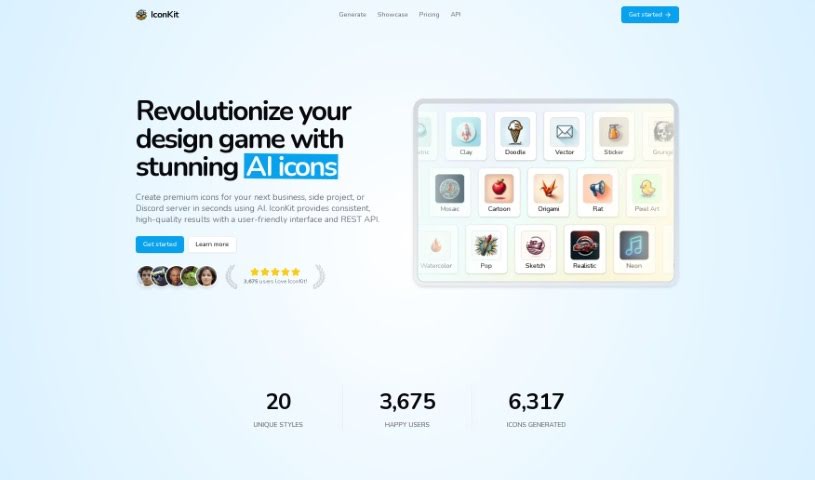
IconKit is an AI tool for creating unique, customizable icons for business applications, Discord servers, and other projects. It supports a range of styles, from sleek and modern to playful and whimsical.

Image Generation View Tool →
Screenshot of Iconlab

Iconlab

Freemium

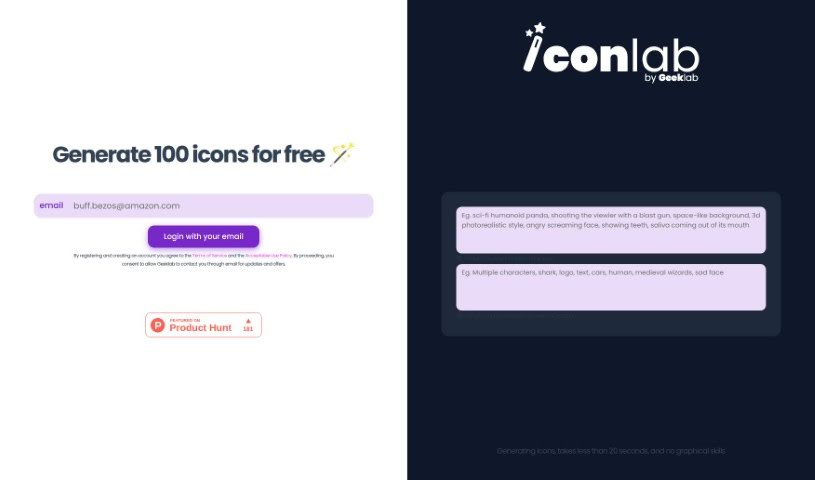
Iconlab is an AI tool for creating application icons. Describe what you want — characters, moods, and styles — along with anything you'd like excluded, and it generates an icon in under 20 seconds. It supports 3D designs and lets you control which elements appear in the final result. No graphic design skills are required, and the first 100 icons are free, making it a practical option for smaller teams and startups.

Image Generation View Tool →
Screenshot of IconLab AI

IconLab AI

Freemium

IconLab AI is an AI-powered tool for creating app icons and logos. It generates unique icons that capture your brand's style in seconds, drawing on a large collection of graphics, icons, and assets to offer a wide range of styles. Icons can be previewed in high definition and downloaded as standard 1024x1024 HD PNG files. You retain full ownership of everything you create, including commercial rights and the ability to resell. More than 1600 customers use the tool.

Image Generation View Tool →
Screenshot of IconMage

IconMage

Freemium

IconMage is an AI platform for creating custom icons. You enter a prompt, choose a style and size, and the AI generates the icon. It offers 22 different styles and three sizes: 256x256, 512x512, and 1024x1024 pixels. Generated icons can be used for both personal and commercial projects.

Image Generation View Tool →
Screenshot of Idyllic

Idyllic

Freemium

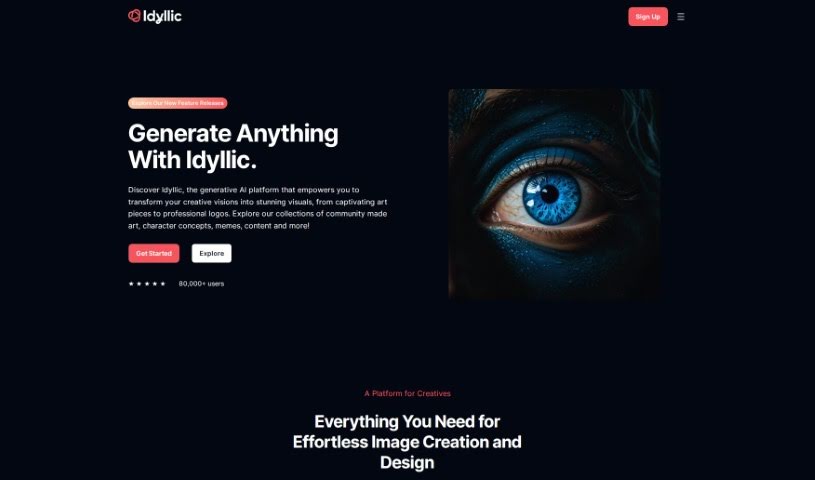
Idyllic is a generative AI platform that turns creative ideas into visuals without requiring any design experience. It can enhance images, blend different elements together, and generate artwork from text descriptions in seconds. Use cases range from 90s rave fashion aesthetics to AI-generated interior design mockups.

Image Generation View Tool →
Screenshot of Illostrationai

Illostrationai

Freemium

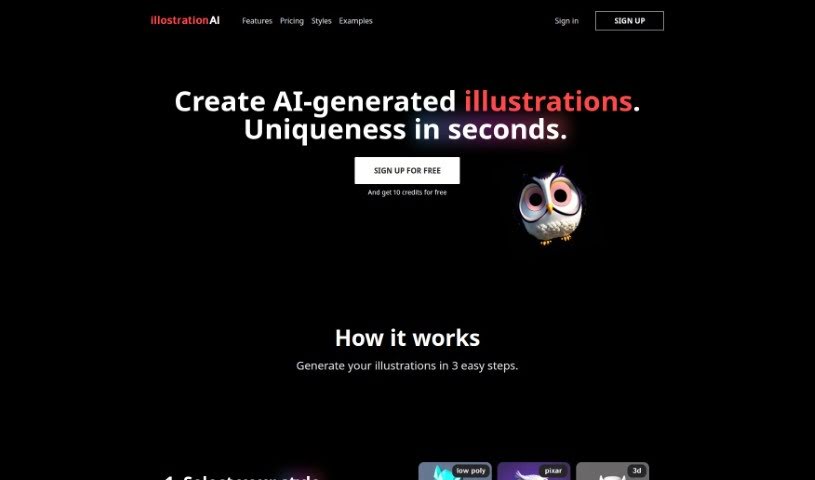
IllostrationAI is an AI tool for creating custom illustrations quickly. It offers a variety of styles, including 3D renders, vector art, low poly, Pixar style, icons, and pixel art. You describe the image you want, then refine the results with AI upscaling. The tool also lets you remove backgrounds, add custom backgrounds, generate multiple illustrations at once by uploading CSV files, and convert vector illustrations into SVG files. A Figma plugin integrates it directly into your design workflow.

Image Generation View Tool →
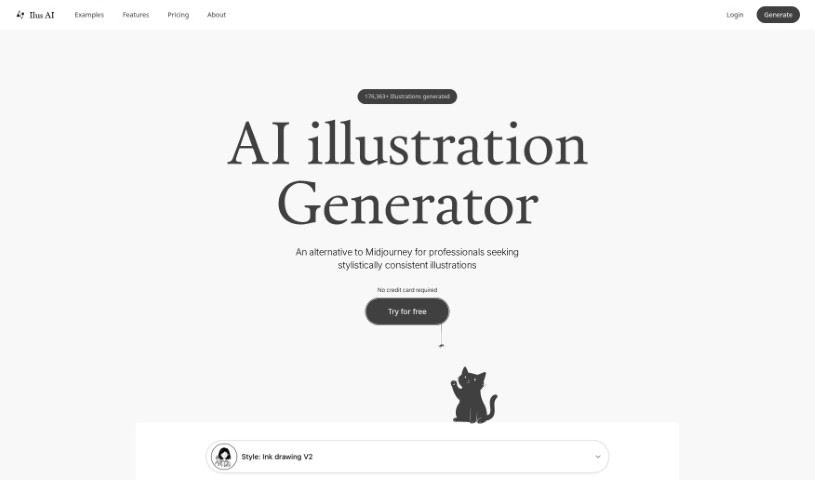
Screenshot of Ilus AI

Ilus AI

Freemium

Ilus AI is a tool for generating consistent AI illustrations, created and maintained by Kristjan Retter. He built it because he needed illustrations for his own websites but wasn't an artist himself, and found that existing AI models produced images in inconsistent styles. Ilus AI is aimed at professionals who need quality illustrations but lack the skills or resources to create them.

Image Generation View Tool →
Screenshot of Image App

Image App

Freemium

Image App is a platform for creating AI images and training your own AI models. It provides access to models including Stable Diffusion SDXL 1.0, OpenAI DALL-E, and Kandinsky 2.2. Its distinguishing feature is model training, which lets you customize models to match your own style. Subscription plans include a free option with limits, plus starter and unlimited plans, making it suitable for hobbyists through large companies.

Image Generation View Tool →
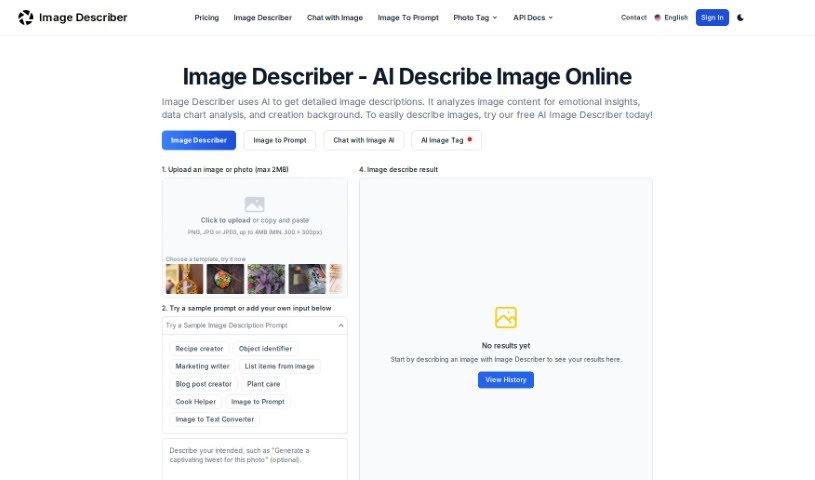
Screenshot of Image Description Generator

Image Description Generator

Freemium

An Image Description Generator, sometimes called an "Image Describer," is a tool for creatives like artists and designers, as well as researchers or anyone curious about an image's contents. It goes beyond identifying objects: it can uncover emotional insights, help with data analysis, and assist in creating backgrounds for projects. It works by producing detailed text descriptions of images, generating prompts for AI image creators, offering quick summaries, translating text found within images, and pulling data from tables shown in images.

Image Generation View Tool →
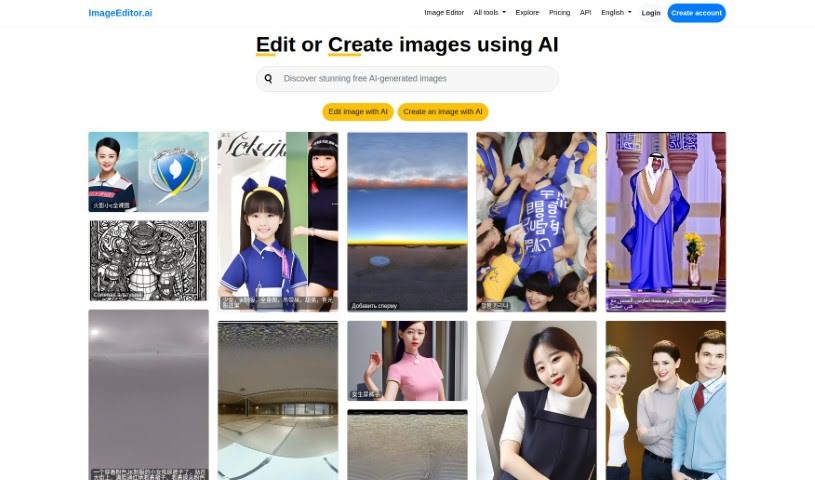
Screenshot of Image Editor Ai

Image Editor Ai

Freemium

ImageEditor.AI is a platform that uses artificial intelligence to simplify image editing. It offers an easy-to-use interface where you can either edit existing pictures or describe what you want to see and have the AI generate it. The platform also brings together related AI tools, including Video Editor AI, Remove Background AI, Interior Decorator AI, Wallpapers AI, and Image Upscaler AI. It supports many languages, offers API access for developers, and allows users to log in for a personalized experience.

Image Generation View Tool →
Screenshot of Image Generator Ai

Image Generator Ai

Freemium

Image Generator AI is an AI system that creates images from different inputs and algorithms. It can produce realistic, detailed visuals, imitate human art styles, or generate entirely new, imaginative looks. The technology applies to design, marketing, and entertainment, where it automates image creation and lets users generate custom visuals quickly.

Image Generation View Tool →

About Image Generation tools

Turning visual ideas into reality can be a frustrating bottleneck. Whether you need custom hero graphics for a website, concept art for a project, or unique social media assets, you often spend hours searching stock libraries for an image that never quite fits. Arranging custom photoshoots or rendering 3D scenes from scratch takes even longer, driving up creative budgets and pushing back launch dates.

The image generators in this section act as high-speed creative partners. They don’t replace genuine human taste or artistic direction, but they convert text prompts, rough sketches, and reference images into high-resolution visuals in seconds.

Testing Concepts and Creating Custom Visuals

Rapid visual concepting is where these platforms save serious time. When you start a new project, translating abstract ideas into a clear visual direction takes time. Modern image tools let you test dozens of artistic styles, color schemes, and lighting setups in a single sitting. You can build mood boards, visual options, and storyboards instantly, helping your team agree on a creative path before spending money on full production.

Creating tailored marketing visuals gets much easier, too. Relying on stock photography means risking a brand identity that looks identical to hundreds of other companies using the same popular images. Image generation tools help you produce original stock-style photos, digital illustrations, and eye-catching backgrounds built around your exact product specs and color palettes.

Editing and canvas expansion have also improved drastically. Getting an image that’s almost perfect used to mean starting over from scratch. Modern inpainting and outpainting features let you select specific regions of a generated image to swap elements, extend canvas borders for different aspect ratios, or refine small details without losing the rest of your composition.

Key Capabilities to Consider:

  • Prompt accuracy: Tools that reliably interpret detailed text instructions and render clear compositions without distortion.
  • Inpainting and canvas expansion: Features that let you edit specific regions of an image, insert objects, or extend backgrounds cleanly.
  • Custom style references: Systems that allow you to upload style reference photos to keep visual consistency across a campaign.
  • High-resolution exports: File outputs suitable for web design, print materials, social media, and presentation decks.
  • Commercial licensing: Clear licensing terms regarding commercial usage rights and copyright considerations for generated assets.

Great visual art will always depend on human perspective, artistic direction, and emotional resonance. Software can follow style guidelines and arrange pixels, but knowing which visual tells the right story still requires your creative eye.

Browse the options below to find the right image generator for your workspace.

The Best AI Image Generators

  1. Leonardo AI: Perfect for custom artwork for product listings.
  2. Photoroom: Great for creating unique branding backgrounds.
  3. Pixlr: Ideal for making unique visuals for marketing.
  4. Midjourney: Excellent for artistic concept visualization.
  5. Tensor.art: Use it for unique artwork creation from sketches.
  6. PixAI: Best for creating custom anime characters.
  7. Freepik Pikaso: Transforms sketches into art in real-time.
  8. Adobe Firefly: Use it for custom social media graphics.
  9. Luma AI: Craft 3D imagery with dynamic effects.
  10. Recraft: Easily generate brand-consistent visuals.
  11. Microsoft Designer: Create unique visuals for your projects.
  12. Artguru AI: Turn selfies into anime art.
  13. 123RF AI Image Generator: Creates custom images from text prompts with commercial-use licensing.
  14. Topaz Labs: Enhance AI-generated images for better clarity.
  15. Freepik AI Image Generator: Make custom illustrations for marketing content.
New tools, in your inbox.

Weekly picks of the best AI tools we've researched and added — no spam, unsubscribe anytime.

Join 25,000+ AI enthusiasts. No spam, unsubscribe anytime.