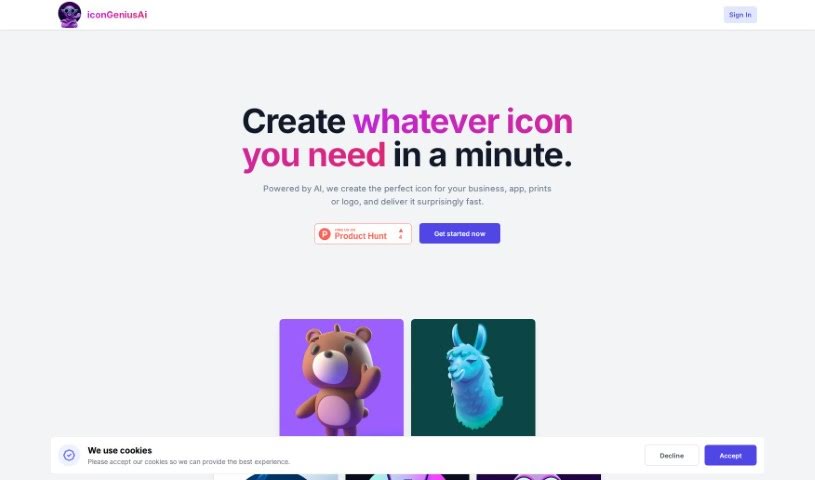
I
Discover the best Image Generation AI tools to enhance your productivity and creativity.
In the fast-paced world of digital creativity, AI image generators have become real game-changers. You no longer need advanced skills or expensive software to create amazing visuals. Now, with just a few clicks, you can conjure breathtaking artwork, realistic portraits, or imaginative landscapes using simple text prompts.
This technology has really grown in sophistication. It’s gone from being just simple tools to powerful creative partners. What started as a novelty is now an essential asset for artists, marketers, and anyone looking to improve their visual storytelling.
I’ve spent time exploring various AI image generators to see which ones really stand out in a crowded market. Whether you need something that excels in realism or something that plays with abstraction, there’s a tool for every creative need.
If you’re looking to elevate your visuals and make your design process smoother, let’s dive into the top AI image generators making waves right now. Your next masterpiece might just be a prompt away.
When you search online for AI image generators, you’ll find tons of tools, and many claim to do similar things. This often happens because they use the same core models, like diffusion models or generative adversarial networks (GANs). Most tools simply act as user-friendly interfaces for these complex algorithms, adding helpful features while often hiding the technical details behind marketing language.
At their heart, AI image generators work with detailed prompts that users provide. Once you enter a prompt, the model processes it and generates images. It does this by predicting pixel values based on patterns it learned from massive datasets. These datasets usually include millions of images, covering all sorts of styles, subjects, and artistic influences. This allows the models to produce very varied and detailed results.
Training an image generation model involves analyzing countless images and their text descriptions. This helps the models understand how words relate to visual features. The outcome is a sophisticated network that can create visually coherent images reflecting the nuances of your prompt, whether you’re aiming for a realistic scene or an abstract idea.
Many popular applications now include these image generation capabilities, improving creative tools like Adobe Photoshop and Canva. These companies often partner with major AI developers, using powerful existing models instead of building their own. This means users can easily create custom visuals without needing deep technical knowledge.
If you’re keen to experiment yourself, various platforms offer intuitive interfaces for crafting unique images. Some even let you adjust the style and content, giving artistically inclined individuals the freedom to innovate without starting from scratch.
So, in short, AI image generators combine advanced algorithms with huge datasets to turn text prompts into compelling visuals. As these technologies keep developing, their ability to produce impressive artwork only grows, encouraging both creativity and exploration in digital art.
| Rank | Name | Best For | Plans and Pricing | Rating |
|---|---|---|---|---|
| 1 | Leonardo AI | Custom artwork for product listings | Paid plans start at $9/month. | 4.73 (11 reviews) |
| 2 | Photoroom | Creating unique branding backgrounds | Paid plans start at $7.50/month. | 4.74 (38 reviews) |
| 3 | Pixlr | Creating unique visuals for marketing. | Paid plans start at $0.99/month. | 4.73 (11 reviews) |
| 4 | Midjourney | Artistic concept visualization | N/A | 4.73 (11 reviews) |
| 5 | Tensor.art | Unique artwork creation from sketches. | N/A | 4.78 (23 reviews) |
| 6 | PixAI | Creating custom anime characters | N/A | 4.80 (5 reviews) |
| 7 | Freepik Pikaso | Real-time art transformation from sketches. | N/A | 4.67 (21 reviews) |
| 8 | Adobe Firefly | Custom social media graphics | N/A | 4.67 (6 reviews) |
| 9 | Luma AI | Crafting 3D imagery with dynamic effects | N/A | 4.76 (25 reviews) |
| 10 | Recraft | Generate brand-consistent visuals easily. | N/A | 4.67 (3 reviews) |
| 11 | Microsoft Designer | Generate unique visuals for projects. | N/A | 4.64 (11 reviews) |
| 12 | Artguru AI | Transform selfies into anime art | N/A | 4.58 (12 reviews) |
| 13 | Deep AI AI Text to Image | Artistic visualization of concepts. | N/A | 4.82 (11 reviews) |
| 14 | Topaz Labs | Enhance AI-generated images for clarity | N/A | 4.70 (10 reviews) |
| 15 | Freepik AI Image Generator | Custom illustrations for marketing content | N/A | 4.55 (11 reviews) |
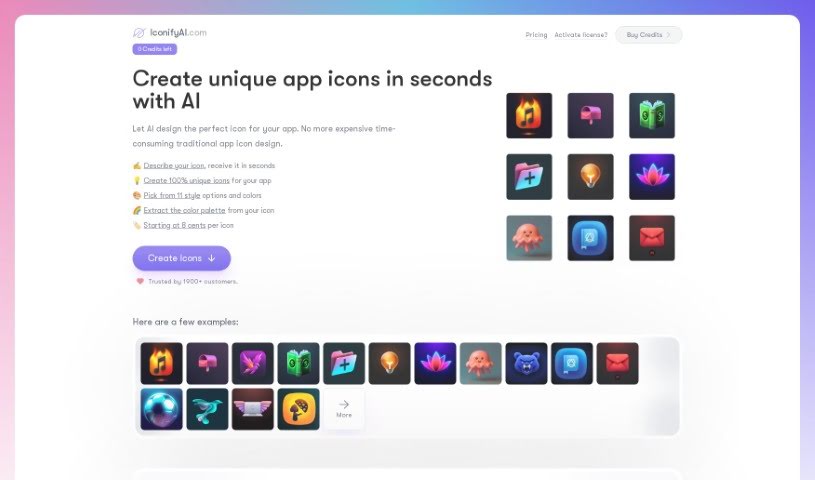
IconifyAI is a really neat AI tool that helps you create app icons super fast and without any hassle. It uses smart AI to automatically whip up high-quality icons in all sorts of cool styles – think metallic, textured, pixelated, clay, gradient, solid colors, mascot characters, flat designs, vintage looks, and even sketch styles. You can even tell it exactly what objects you want in your icon, and you get full ownership for any commercial use. People love how easy it is to use and how quickly it delivers icons, usually in under a minute.
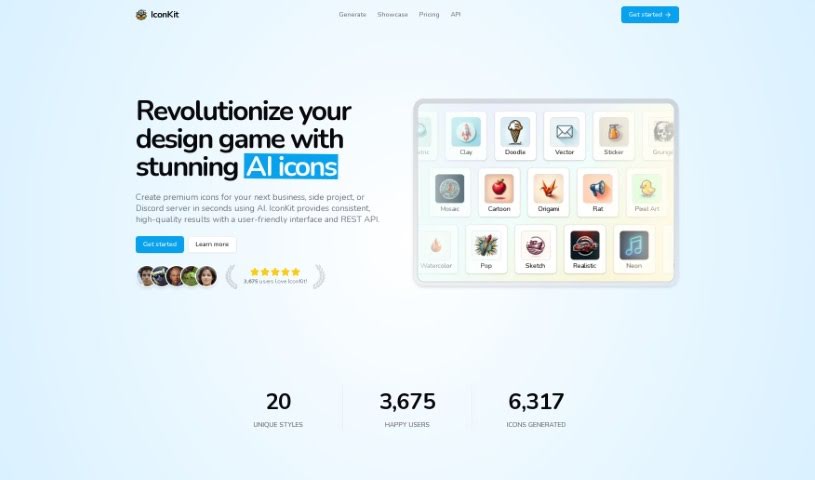
IconKit is an AI tool that makes creating icons for all sorts of projects super easy. Whether you need them for business applications or your Discord server, IconKit can whip up unique, customizable icons in just a few clicks. You can go for a sleek, modern look or something more playful and whimsical – it handles a wide range of styles.
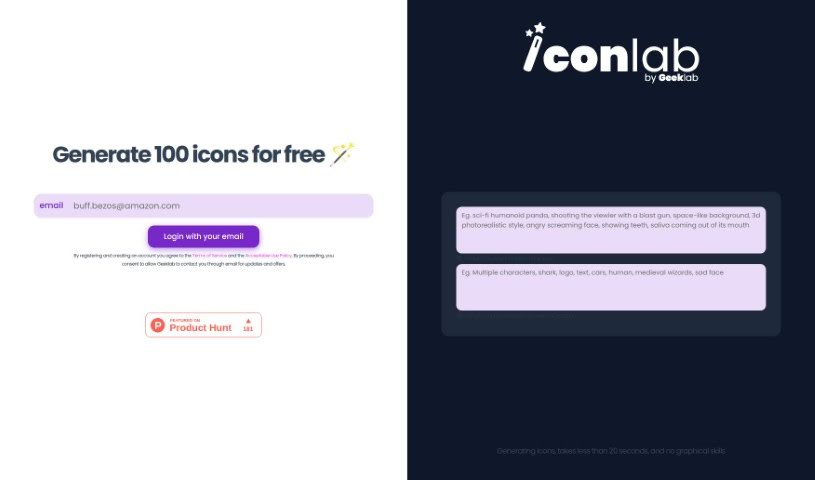
Iconlab is a handy tool that uses AI to help you create icons for your applications. It really simplifies the whole process of making visual assets. You just tell it what you want in an icon and what you'd rather not see, and the AI whips up something for you in under 20 seconds. You don't need to be a graphic design whiz to use it, and guess what? The first 100 icons are totally free! It's super user-friendly, even supports 3D designs, and it's a great, budget-friendly option, especially for smaller teams and startups.

IconLab AI is a smart tool that uses Artificial Intelligence to help you create eye-catching app icons and logos really easily. It lets you quickly whip up amazing, one-of-a-kind icons that perfectly capture your brand's vibe in just seconds. The AI behind IconLab AI has learned from a huge collection of graphics, icons, and assets, so you get a wide range of distinct styles to pick from. You can preview your icons in high-definition quality, downloading them as a standard 1024x1024 HD PNG. Plus, you own everything you create, including the commercial rights and the ability to resell them. It makes designing simple, fast, user-friendly, and impressive – just ask our over 1600 happy customers!

IconMage is a really neat AI platform that helps you create custom icons. It is your go-to tool for designing icons for websites, apps, or any project you're working on. It's super easy to use: you just type in what you want, pick a style and size, and let the AI do the rest. You've got 22 different styles to choose from, and you can get icons in sizes like 256x256, 512x512, and 1024x1024 pixels. The best part? You can use these icons for both personal projects and for your business, which is fantastic. Getting started is affordable too, with prices beginning at just $3 for 30 credits. They even offer discounts if you buy credits in larger amounts. If you have any thoughts or feedback, you can easily reach out via email or use their support bot.
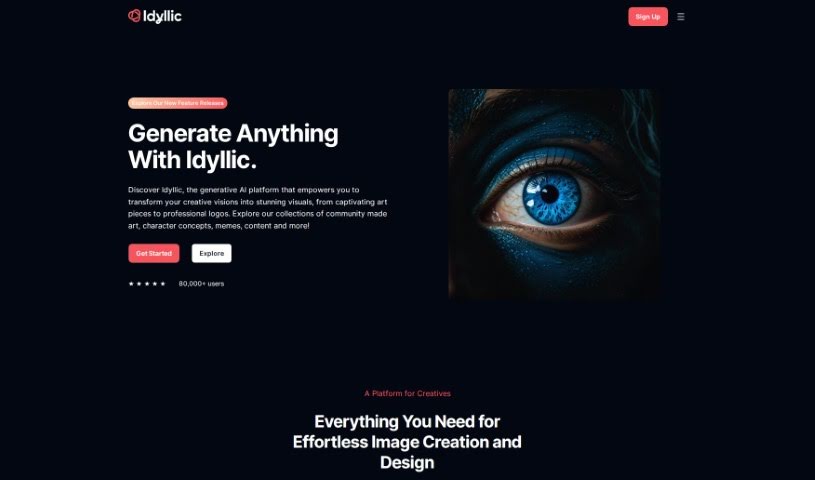
Idyllic is a really cool generative AI platform that lets you bring your creative ideas to life with stunning visuals. You don't need any design experience to use it – it's super user-friendly! You can easily make your images better, blend different elements together, and turn text descriptions into artwork in just seconds. Whether you're aiming for 90s rave fashion vibes or need AI-generated interior design mockups, Idyllic has you covered. It's perfect for anyone who creates, designs, markets, or runs a business and wants to boost their visual content without a fuss. Plus, it offers smart edits, element blending, text-to-image generation, adaptive memory, and even conversational editing, so it's great for everyone, no matter their skill level. And don't worry, the images it creates are unique to your inputs.
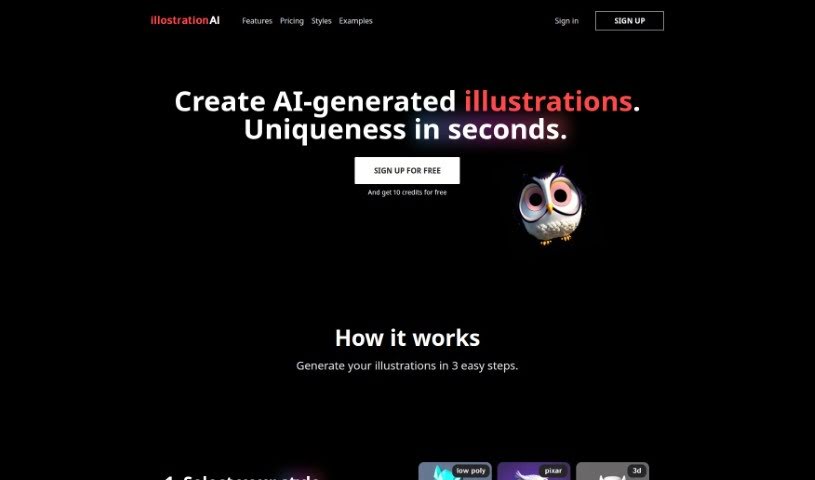
IllustrationAI is a sophisticated artificial intelligence tool built to help you create personalized, eye-catching illustrations. It's designed to be quick and easy to use, offering a variety of popular styles like 3D renders, vector art, low poly, Pixar style, icons, and pixel art. You can simply describe the image you want, and then fine-tune the results using AI upscaling. Beyond that, IllustrationAI lets you remove backgrounds from your illustrations, add your own custom backgrounds, create multiple illustrations at once by uploading CSV files, and even convert vector illustrations into SVG files. The AI upscaling feature is particularly good at making your visuals sharper, and there's also a handy Figma plugin for smooth integration right into your design workflow.
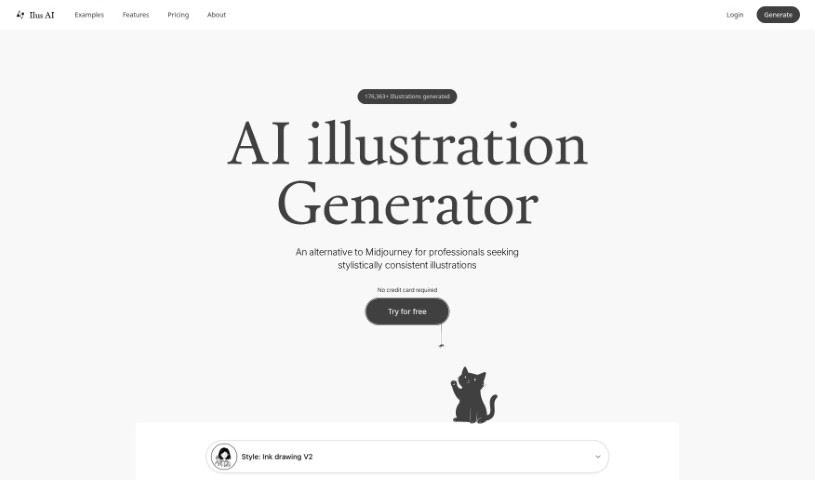
Ilus AI is a tool designed to generate consistent AI illustrations, and it's all thanks to Kristjan, who created and maintains it. Kristjan's goal with Ilus AI was to provide really high-quality illustrations, especially for professionals who might not have the skills or resources to create them themselves. He developed it because he noticed that most AI models produced images in all sorts of different styles, and he really wanted a way to get consistent illustrations for his own websites. If you have any questions or want to share your thoughts, you can easily reach out to Kristjan on Twitter, LinkedIn, or via email. Basically, Ilus AI is all about making it simple and effective for you to create the illustrations you need.
Image App is a really flexible platform all about creating AI images and training your own AI models. It gives you access to a bunch of advanced models, like Stable Diffusion SDXL 1.0, OpenAI DALL-E, and Kandinsky 2.2, so you can really dive into the world of AI-generated art. What makes Image App stand out, though, is its model training feature. This lets you customize models to perfectly match what you're looking for, giving you the power to create truly unique AI models that are all your own. They offer different subscription plans, including a free option with some limits, plus starter and unlimited plans for those who need more. This means it's great for everyone, from hobbyists just starting out to large companies.
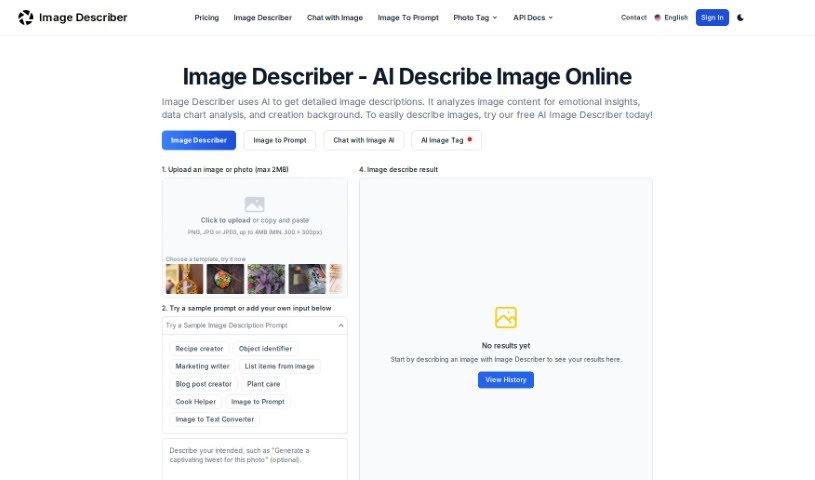
An Image Description Generator, sometimes called an "Image Describer," is a handy tool built for creatives like artists and designers, as well as researchers or anyone curious about what's inside an image. It goes beyond just identifying objects; it can uncover emotional insights, help with data analysis, and even assist in creating backgrounds for your projects. It is a way to get new perspectives and work more efficiently. It does this by creating detailed text descriptions of images, generating prompts for AI image creators, offering quick summaries of what's in a picture, translating text found within images, and even pulling data from tables shown in images. Essentially, this tool helps you explore the hidden potential within your visuals and boosts your productivity in today's AI-driven world.
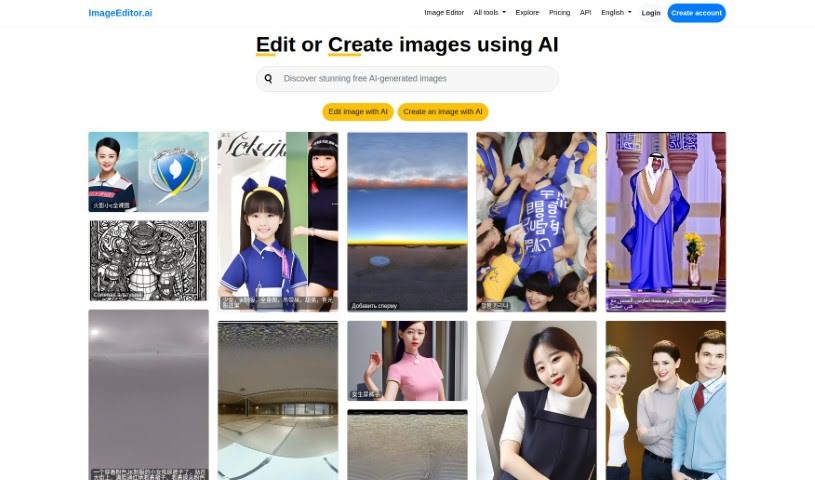
ImageEditor.AI is a really smart platform that uses artificial intelligence to make editing images much simpler and better. It's designed with an easy-to-use interface, so whether you're just tweaking a photo or creating something entirely new, it's straightforward. You can either edit existing pictures or tell the AI what you want to see, and it'll generate it for you – a huge time-saver! Plus, it brings together a bunch of other handy AI tools like Video Editor AI, Remove Background AI, Interior Decorator AI, Wallpapers AI, and Image Upscaler AI. This makes it a go-to spot for anyone working with images, from individuals to professionals. It even speaks many languages, offers API access for developers who want to build with it, and lets you log in to your account for a more personalized experience.
Get weekly updates on the latest AI tools, trends, and insights delivered to your inbox
Join 25,000+ AI enthusiasts. No spam, unsubscribe anytime.