AI Tools for Image Generation

Discover the best Image Generation AI tools to enhance your productivity and creativity.

Page 15 of 36 • 429 total tools

In the fast-paced world of digital creativity, AI image generators have become real game-changers. You no longer need advanced skills or expensive software to create amazing visuals. Now, with just a few clicks, you can conjure breathtaking artwork, realistic portraits, or imaginative landscapes using simple text prompts.

This technology has really grown in sophistication. It’s gone from being just simple tools to powerful creative partners. What started as a novelty is now an essential asset for artists, marketers, and anyone looking to improve their visual storytelling.

I’ve spent time exploring various AI image generators to see which ones really stand out in a crowded market. Whether you need something that excels in realism or something that plays with abstraction, there’s a tool for every creative need.

If you’re looking to elevate your visuals and make your design process smoother, let’s dive into the top AI image generators making waves right now. Your next masterpiece might just be a prompt away.

The Best AI Image Generators

  1. Leonardo AI: Perfect for custom artwork for product listings.
  2. Photoroom: Great for creating unique branding backgrounds.
  3. Pixlr: Ideal for making unique visuals for marketing.
  4. Midjourney: Excellent for artistic concept visualization.
  5. Tensor.art: Use it for unique artwork creation from sketches.
  6. PixAI: Best for creating custom anime characters.
  7. Freepik Pikaso: Transforms sketches into art in real-time.
  8. Adobe Firefly: Use it for custom social media graphics.
  9. Luma AI: Craft 3D imagery with dynamic effects.
  10. Recraft: Easily generate brand-consistent visuals.
  11. Microsoft Designer: Create unique visuals for your projects.
  12. Artguru AI: Turn selfies into anime art.
  13. Deep AI Text to Image: Visualize concepts artistically.
  14. Topaz Labs: Enhance AI-generated images for better clarity.
  15. Freepik AI Image Generator: Make custom illustrations for marketing content.

How Do AI Image Generators Work?

When you search online for AI image generators, you’ll find tons of tools, and many claim to do similar things. This often happens because they use the same core models, like diffusion models or generative adversarial networks (GANs). Most tools simply act as user-friendly interfaces for these complex algorithms, adding helpful features while often hiding the technical details behind marketing language.

At their heart, AI image generators work with detailed prompts that users provide. Once you enter a prompt, the model processes it and generates images. It does this by predicting pixel values based on patterns it learned from massive datasets. These datasets usually include millions of images, covering all sorts of styles, subjects, and artistic influences. This allows the models to produce very varied and detailed results.

Training an image generation model involves analyzing countless images and their text descriptions. This helps the models understand how words relate to visual features. The outcome is a sophisticated network that can create visually coherent images reflecting the nuances of your prompt, whether you’re aiming for a realistic scene or an abstract idea.

Many popular applications now include these image generation capabilities, improving creative tools like Adobe Photoshop and Canva. These companies often partner with major AI developers, using powerful existing models instead of building their own. This means users can easily create custom visuals without needing deep technical knowledge.

If you’re keen to experiment yourself, various platforms offer intuitive interfaces for crafting unique images. Some even let you adjust the style and content, giving artistically inclined individuals the freedom to innovate without starting from scratch.

So, in short, AI image generators combine advanced algorithms with huge datasets to turn text prompts into compelling visuals. As these technologies keep developing, their ability to produce impressive artwork only grows, encouraging both creativity and exploration in digital art.

Our Best AI Image Generators at a Glance

RankNameBest ForPlans and PricingRating
1Leonardo AICustom artwork for product listingsPaid plans start at $9/month.4.73 (11 reviews)
2PhotoroomCreating unique branding backgroundsPaid plans start at $7.50/month.4.74 (38 reviews)
3PixlrCreating unique visuals for marketing.Paid plans start at $0.99/month.4.73 (11 reviews)
4MidjourneyArtistic concept visualizationN/A4.73 (11 reviews)
5Tensor.artUnique artwork creation from sketches.N/A4.78 (23 reviews)
6PixAICreating custom anime charactersN/A4.80 (5 reviews)
7Freepik PikasoReal-time art transformation from sketches.N/A4.67 (21 reviews)
8Adobe FireflyCustom social media graphicsN/A4.67 (6 reviews)
9Luma AICrafting 3D imagery with dynamic effectsN/A4.76 (25 reviews)
10RecraftGenerate brand-consistent visuals easily.N/A4.67 (3 reviews)
11Microsoft DesignerGenerate unique visuals for projects.N/A4.64 (11 reviews)
12Artguru AITransform selfies into anime artN/A4.58 (12 reviews)
13Deep AI AI Text to ImageArtistic visualization of concepts.N/A4.82 (11 reviews)
14Topaz LabsEnhance AI-generated images for clarityN/A4.70 (10 reviews)
15Freepik AI Image GeneratorCustom illustrations for marketing contentN/A4.55 (11 reviews)
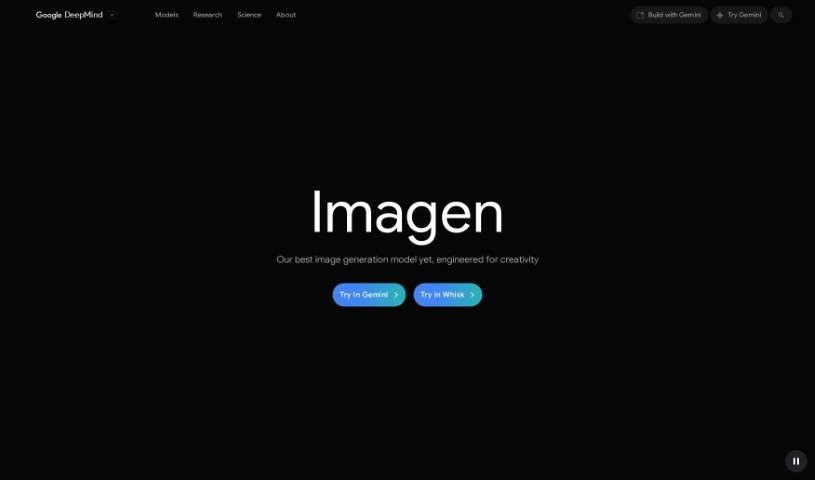
Screenshot of Google Imagen 3

Google Imagen 3

Freemium

Google Imagen 3 is a really neat web-based tool from Google that lets you search for and find images in a super interactive way. It is a smarter, more visual way to explore the web's image collection. It uses some pretty advanced tech to let you search not just with keywords, but also by finding similar images or even by sketching out what you're looking for. Plus, you can easily filter results by color, size, or the type of image you need. It's also handy for saving and organizing images you like for later. Basically, Google Imagen 3 makes finding images online much more intuitive and user-friendly.

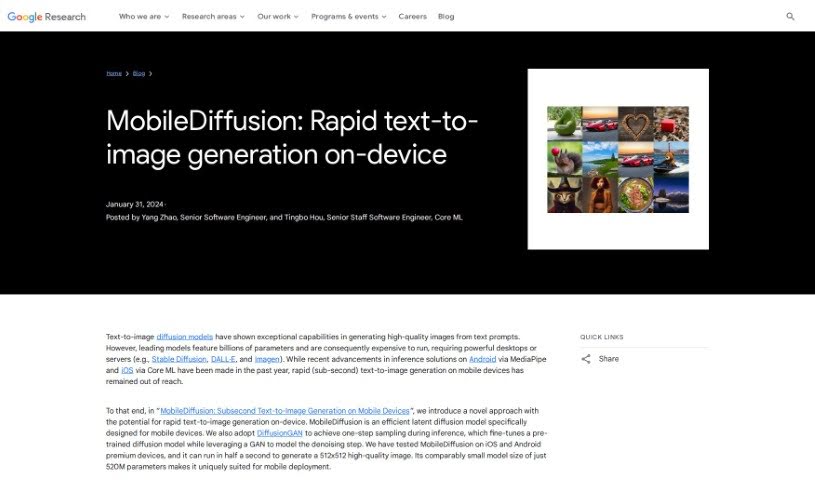
Screenshot of Google MobileDiffusion

Google MobileDiffusion

Freemium

MobileDiffusion is a really neat new way to create images from text, specifically designed to work fast on your phone. It is a super-efficient latent diffusion model built from the ground up for mobile use. It's made up of three main parts: a text encoder, a diffusion UNet, and an image decoder. What's cool is that MobileDiffusion uses something called DiffusionGAN to generate images in just one step. This means you can get high-quality pictures in about half a second on newer iPhones and Android phones. Plus, it's pretty small, with only 520 million parameters. This efficiency in speed and size makes MobileDiffusion a really promising tool for creating images right on your device, all while keeping responsible AI practices in mind.

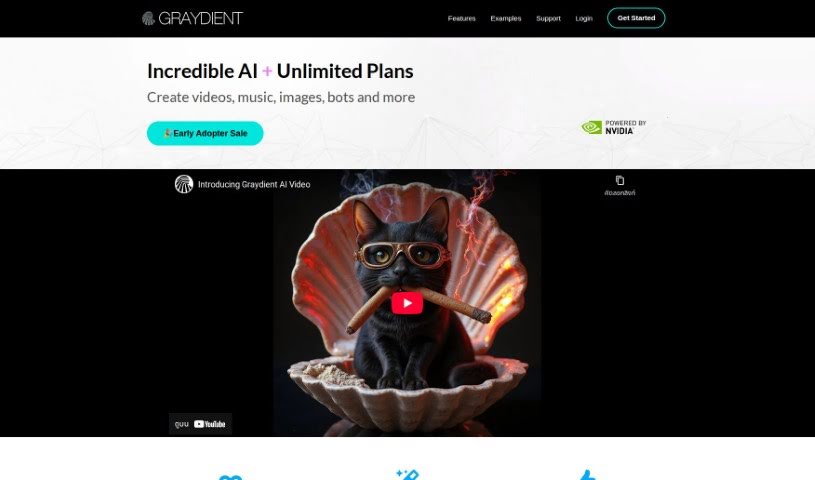
Screenshot of Graydient

Graydient

Freemium

Graydient is an AI platform built specifically for creators. It offers powerful image generation tools, and the best part? You don't need your own powerful graphics card (GPU) to use it. You can start creating AI-based images right away, either through their web app or a chatbot interface. Graydient brings you features like stable diffusion technology, instant cloud capabilities, and the ability to create an unlimited number of renders. Plus, you can access Graydient AI from any device, easily syncing your work between your phone and PC. They also offer a wide variety of models and styles to choose from, and you can try it out with a 7-day risk-free trial.

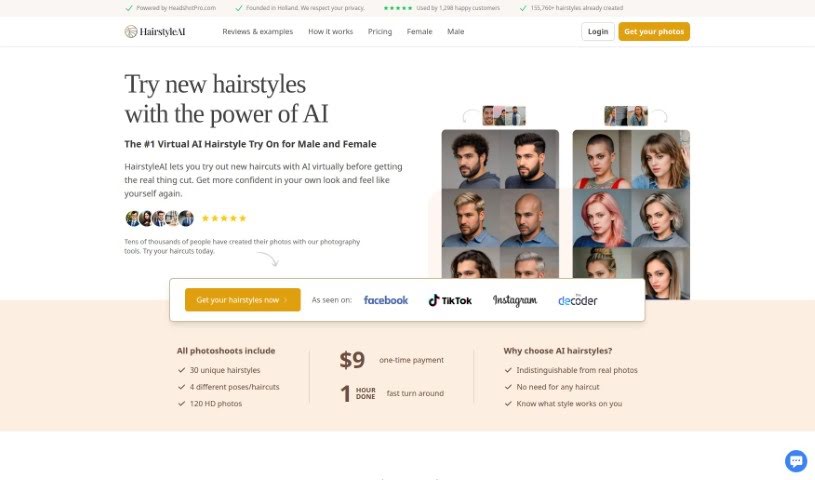
Screenshot of Hairstyle AI

Hairstyle AI

Freemium

Ever wished you could try on a new hairstyle without actually getting a haircut? Well, Hairstyle AI makes that possible! It's a really neat platform that uses AI to let you virtually experiment with different looks. It is a digital makeover tool. It was developed in Holland by the folks at HeadshotPro.com, and they've created a massive library – over 155,760 different AI-generated hairstyles for you to explore. The goal is simple: help you find that perfect haircut that really complements your features.

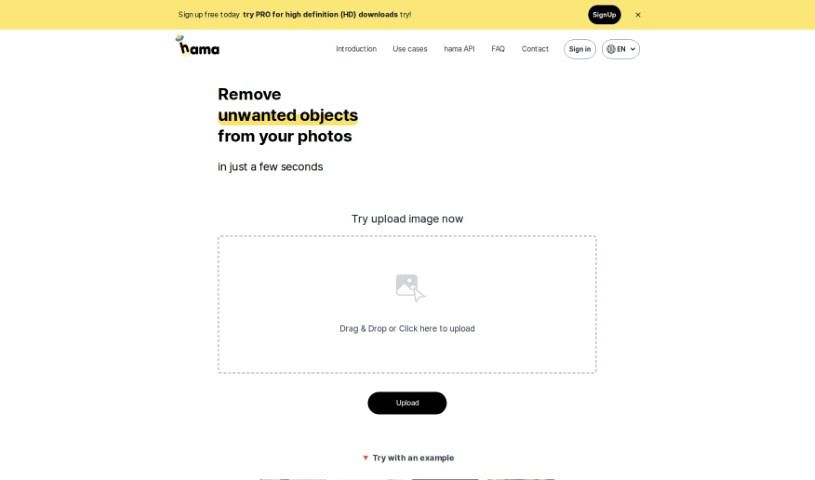
Screenshot of Hama

Hama

Freemium

Hama is a really neat AI tool designed specifically for erasing unwanted things from your photos. It makes removing objects, whether they're people, text, or just something distracting, super quick and easy. Thanks to its advanced artificial intelligence, Hama can spot and get rid of these elements with just a few clicks. All you have to do is brush over the area you want gone and hit 'Erase.' You'll end up with a clean, polished photo in seconds. It's a great option for anyone, from hobbyists to professionals, who wants to improve their photos without a lot of fuss or cost.

Screenshot of HappyAccidents

HappyAccidents

Freemium

HappyAccidents is a platform built to make working with AI models much simpler. It handles all the heavy lifting for you, managing your models, embeddings, datasets, and more right there in the cloud. This means you can generate images using any open-source model without the usual hassle of downloading or uploading files yourself. The whole idea behind HappyAccidents is to help you create and iterate quickly, whether you're designing board games, building video games, editing photos, or working on other creative projects. And there's more to come! Soon, you'll be able to train your own embeddings – basically, teach the AI about specific subjects and styles using your own photos. They're also planning custom training for open-source models, letting you add your personal touch. The interface is really user-friendly, offering core features you'd find in tools like Automatic1111. You can also use handy tools like Inpainting, Upscaling, Face Restore, and custom training options. HappyAccidents gives you free access to models and features from CivitAI, plus Inpainting and Upscaling. You even get 200 usage credits each month for everyday tasks.

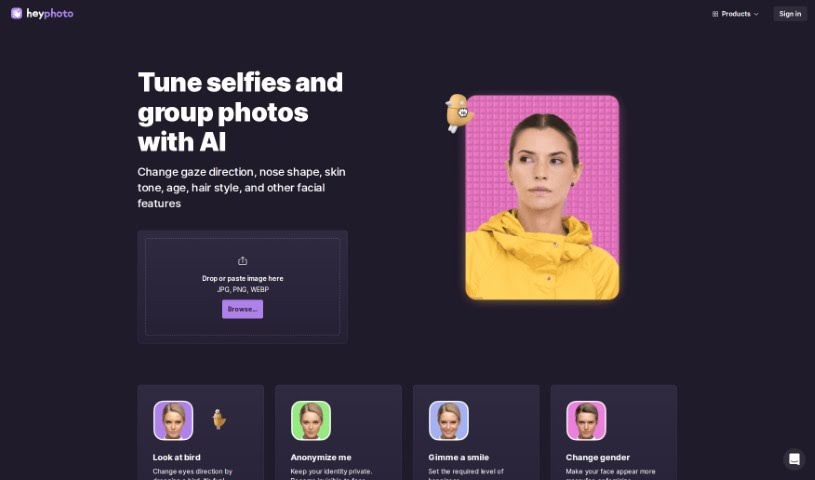
Screenshot of Heyphoto

Heyphoto

Freemium

HeyPhoto is a free service that uses artificial intelligence to find faces in pictures. It lets you make all sorts of changes to them – like adjusting where someone is looking, their age, their smile, or even their gender. The interface is really straightforward, so you don't need any special skills to use it. This makes it perfect for sprucing up photos for social media, dating apps, creating avatars, or generating AI headshots. You just upload your image, play around with simple sliders to adjust settings, and get back a nicely edited photo that keeps its original quality. Since it's free, HeyPhoto does add a watermark to the final images as a way to promote their platform. For your peace of mind, you can securely store your uploaded images or delete them whenever you like.

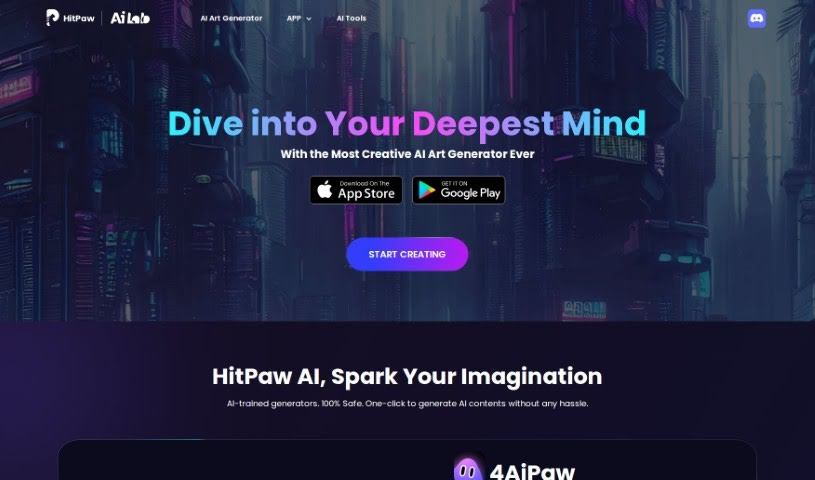
Screenshot of HitPaw AI Art Generator

HitPaw AI Art Generator

Freemium

HitPaw AI Art Generator is a really cool tool that lets you create AI art with just a few clicks. It's built for everyone, whether you're an artist or just starting out. You don't need any special skills to make amazing creative artworks. You can use it on your iPhone, Android phone, or even right in your web browser, so it's super accessible no matter where you are. With HitPaw AI, you can really let your imagination run wild and easily whip up unique AI art pieces in a safe environment.

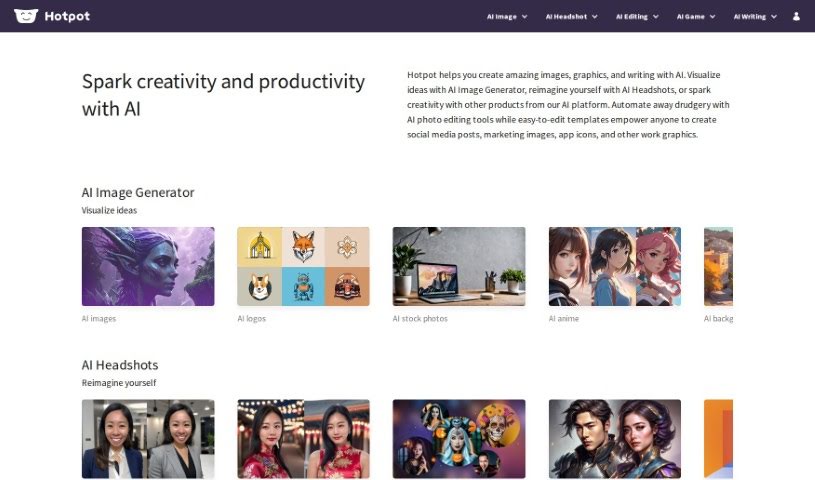
Screenshot of Hotpot

Hotpot

Freemium

Hotpot.ai is a really handy platform that uses AI to give you a bunch of different tools and templates for making graphics, pictures, and even text. It is your go-to spot for creative tasks. It’s packed with features like an AI Art Generator, an AI Headshot Generator, an AI Photo Upscaler, an AI Object Remover, a Background Remover, an AI Color Generator, a Face Enhancer, and an AI Copywriter. Basically, it can help with everything from whipping up social media posts to automating tricky image editing tasks.

Screenshot of Icon Wizard AI

Icon Wizard AI

Freemium

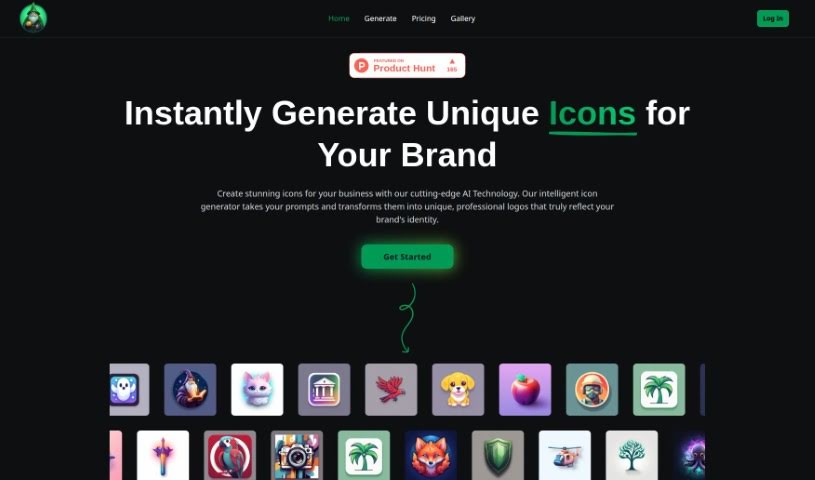
IconWizardAI.com is a platform that really shines when it comes to creating unique, professional-looking icons. It's an AI Icon Generator that makes the whole process quick and easy. You just give it a prompt, pick your colors and styles, and tell it how many icons you need, all through a super user-friendly interface. Plus, it saves all your creations in the cloud, so you can grab them anytime. It's a fantastic tool for designers, developers, marketers, or really anyone who wants to make their projects look better visually. What sets it apart is how simple it is to use, the sheer number of creative options it offers, how it saves you time with automation, its flexible pricing, and the high quality of the icons you get. IconWizardAI.com is built to work for all sorts of users and projects, making icon creation a smooth experience.

Screenshot of Iconai

Iconai

Freemium

IconAI is a really neat AI tool that helps you create custom icons. You don't need any fancy design skills to use it! Just type in what you're imagining and pick a style you like. You've got tons of options, like Pixel, Polygon, Clay, Metal, Minecraft, Illustration, Hand Drawing, Cartoonize, Neon, Line, Origami, Isometric, Sticker, and Flat. This lets you generate icons that are totally unique and look super professional. Plus, if you need really sharp icons, you can upgrade to get 1024x1024 resolution. Basically, IconAI makes making icons simple, fast, and efficient, whether you're an individual or a business.

Screenshot of Icongen

Icongen

Freemium

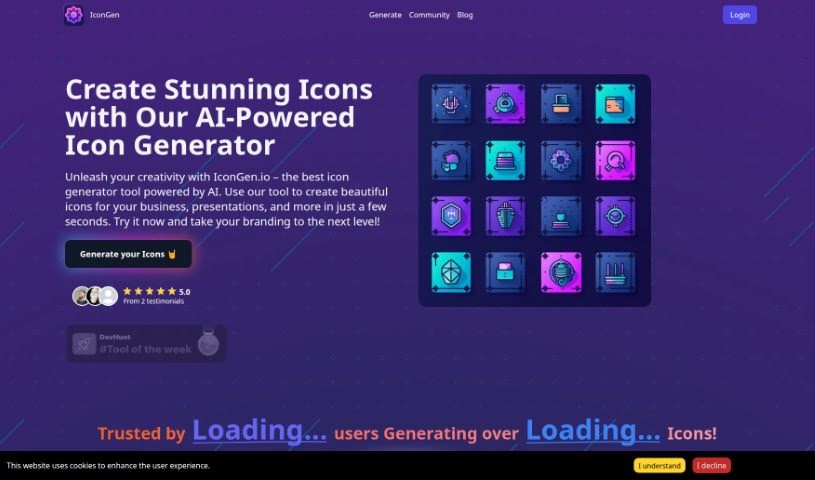
Icongen.io is a smart tool that uses artificial intelligence to create really good icons. You can use them for all sorts of things, like making your business branding look sharp or sprucing up presentations. It's super easy to use, with a simple interface that guides you through making, picking, and downloading icons quickly. You get icons fast, can tweak them just how you like, choose from different styles, and the pricing is clear – you pay for credits. New folks get 5 free credits to get started!

Stay Updated with AI Tools

Get weekly updates on the latest AI tools, trends, and insights delivered to your inbox

Join 25,000+ AI enthusiasts. No spam, unsubscribe anytime.