Top AI Excel Tools

AI Tools for Excel

Discover the best Excel AI tools to enhance your productivity and creativity.

Page 2 of 4 • 40 total tools
Screenshot of Excelmaster

Excelmaster

Freemium

ExcelMaster.ai is an AI assistant built to act as an Excel expert. It helps you create, fix, or explain complex formulas, and draft or refine VBA scripts — all through plain, everyday language. The goal is to make you more productive and help you learn Excel step by step.

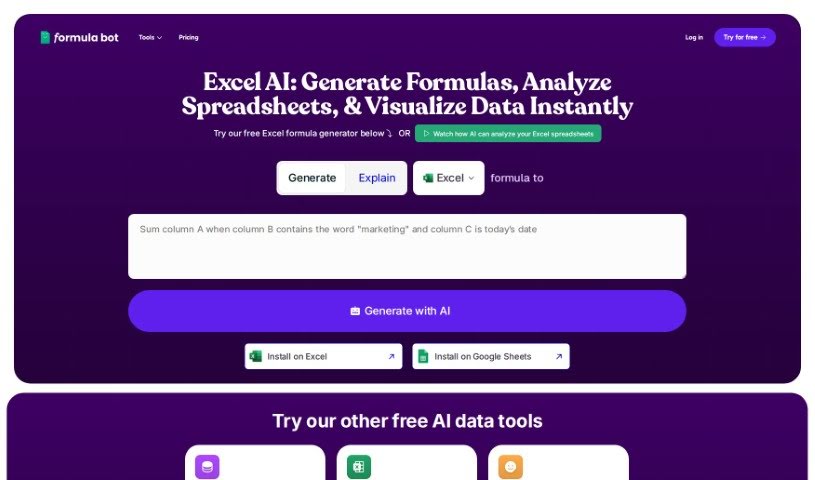
Screenshot of Formula Bot Excel Formula Generator

Formula Bot Excel Formula Generator

Freemium

The Excel Formula Generator is an AI assistant for spreadsheets that automatically creates ready-to-use formulas, reducing guesswork for people who aren't Excel experts.

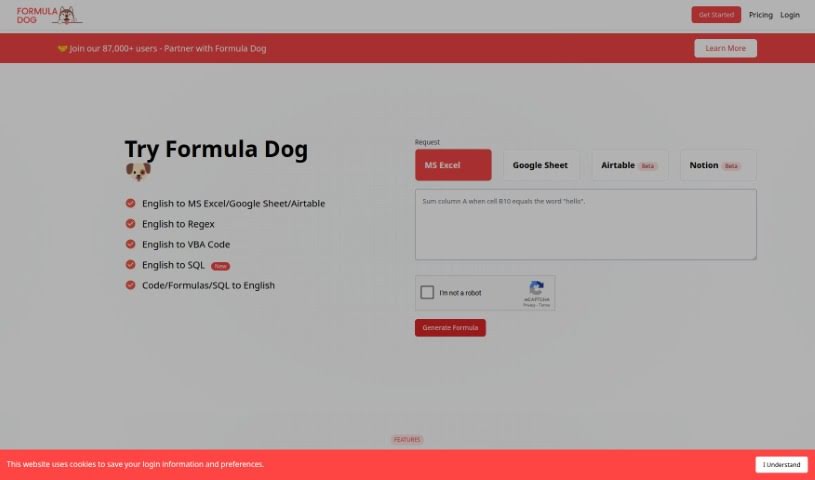
Screenshot of Formula Dog

Formula Dog

Freemium

Formula Dog is an AI-powered tool that simplifies working with Excel. You type out what you want an Excel formula or VBA code to do, and Formula Dog generates it for you quickly and accurately. This automation speeds up data processing, helps simplify complex calculations, and makes it easier to set up automated tasks in your spreadsheets. It's designed to be useful whether you're new to Excel or an experienced user, and you can try it for free.

Screenshot of Formula Generator

Formula Generator

Freemium

Formula Generator is a tool that generates Excel formulas, VBA automations, regular expressions (regex), and SQL database queries from plain-language input. You describe what you want your data to do, and the tool produces the corresponding formula or code. Its aim is to save time, improve accuracy, and help data professionals work more efficiently.

Screenshot of Formularizer

Formularizer

Freemium

Formularizer is an AI tool that simplifies working with spreadsheets in Excel, Google Sheets, and Notion. You describe what you need in plain language, and it generates and explains the corresponding formulas. It also supports Excel VBA, Google Apps Script, and regular expressions, with an emphasis on data privacy and security. Its straightforward interface and accuracy make complex spreadsheet tasks manageable for students, data scientists, and professionals alike.

Screenshot of Formulas HQ

Formulas HQ

Freemium

Formulas HQ is an AI-powered platform for working with spreadsheets, particularly Excel and Google Sheets. It generates complex Excel formulas, breaks down and explains formulas you're struggling with, handles regular expressions, helps automate tasks with VBA and Apps Script, and provides access to Python for deeper data analysis. It's designed to be usable even without coding experience.

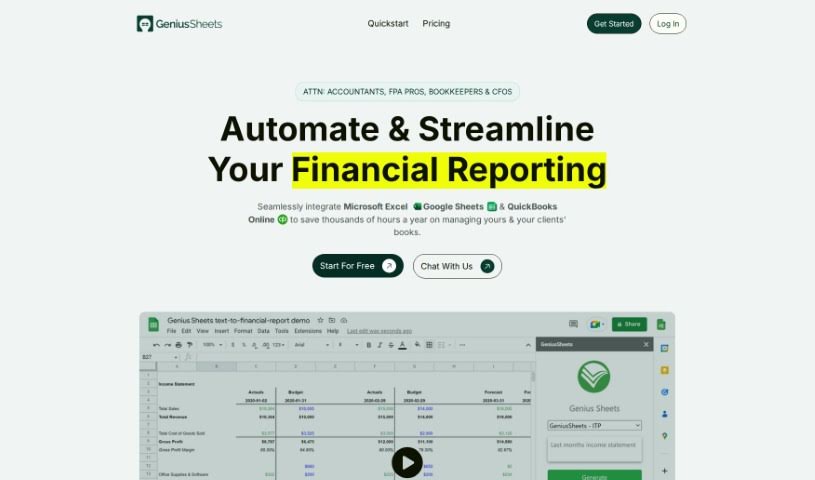
Screenshot of Genius Sheets

Genius Sheets

Freemium

Genius Sheets is a self-service reporting tool that lets users create data reports by connecting to their Excel and Google Sheets data. Its core features include:

Screenshot of Goodlookup

Goodlookup

Freemium

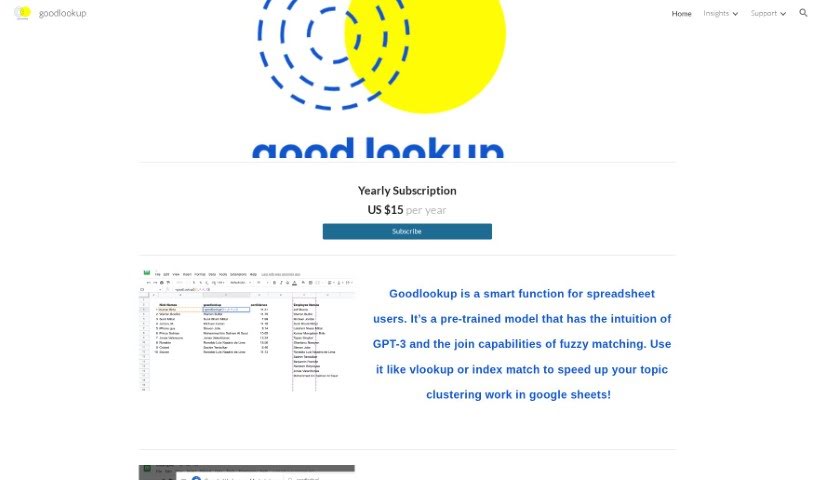
Goodlookup is a tool for spreadsheet users that improves topic clustering in Google Sheets. It combines the intuition of GPT-3 with fuzzy matching to understand and link text data even when names or phrases aren't written the same way. It matches text the way a person would—by meaning and context—so scattered data with inconsistent naming conventions can be unified into a single, clear view.

Screenshot of GPT Excel

GPT Excel

Freemium

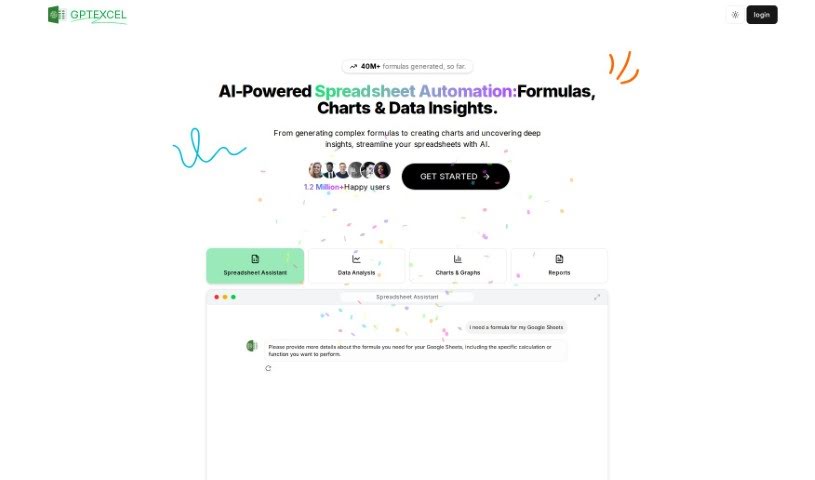
GPT Excel is an AI tool for working with spreadsheets in Excel and Google Sheets. It generates and explains complex formulas, creates VBA scripts for Excel, Apps Scripts for Google Workspace, and SQL queries. It supports over 50 languages and is designed to automate repetitive tasks and simplify data analysis. To date, it has generated over 2.26 million formulas.

Screenshot of InvertedStone Google Sheets To Openai

InvertedStone Google Sheets To Openai

Freemium

Google Sheets To OpenAI is a script that generates AI content for large numbers of rows in Google Sheets — hundreds or even thousands. It handles multiple columns for prompts and outputs, keeping everything organized. It works with a free Google account, so no separate subscription is required, though free accounts may time out after about 6 minutes while paid Google Workspace accounts allow around 30 minutes. You need your own OpenAI API key. The script supports text models like GPT-4o, GPT-4, and GPT-3.5, plus image models like DALL-E 3, so you can generate both text and images directly from your spreadsheet.

Screenshot of LedgerBox

LedgerBox

Freemium

LedgerBox uses AI and computer vision to convert bank statement PDFs into Excel and CSV files, eliminating manual data entry. It is built for people in banking, accounting, and personal finance who need statements converted quickly and accurately.

Screenshot of Luminal

Luminal

Freemium

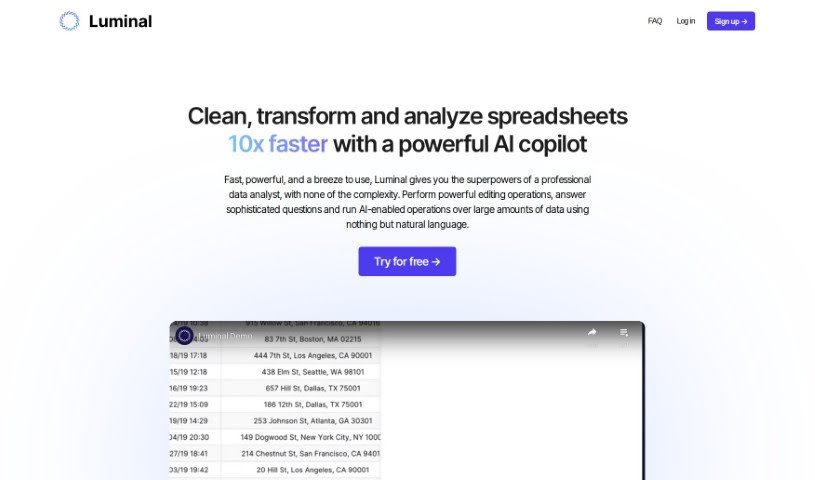
Luminal is an AI copilot for spreadsheets. It lets you clean, transform, and analyze spreadsheet data quickly, handling repetitive data tasks automatically so you can focus on decisions. The tool is built for accuracy and speed, processing spreadsheets up to 10 times faster than traditional methods, which supports real-time analysis and faster decision-making.

About Excel tools

Staring at a spreadsheet full of syntax errors like #VALUE! or #N/A can stall your momentum for hours. Whether you’re trying to write a complex nested formula, build a dynamic pivot table, or automate a monthly report with VBA, bending a spreadsheet to your will often feels like learning a new language. A task that should take five minutes easily turns into an evening spent scouring forums for formula fixes.

These platforms act as specialized spreadsheet assistants. They don’t replace financial judgment or verify your underlying data, but they translate plain English requests into precise functions, clean messy datasets, and generate custom macros in seconds.

Building Formulas and Automating Tasks

Generating complex formulas using plain language is an immediate time saver. Instead of trying to remember the exact argument order for XLOOKUP, INDEX/MATCH, or nested IFS statements, you just describe what you want. Type a prompt like “sum column C if column A says Completed and column B is from last month,” and the AI hands you the exact formula to paste into your cell.

Automating repetitive tasks with custom scripts is now accessible without a computer science background. Writing VBA macros or Python code to merge multiple sheets, format messy reports, or extract specific text strings used to require advanced coding skills. Modern Excel assistants write, test, and explain custom scripts based on your step-by-step instructions, letting you build automatic workflows with a single click.

Troubleshooting broken workbooks also gets much easier. Tracking down why a long formula returns the wrong number or throws an error across a massive sheet takes valuable time. AI diagnostic tools scan your spreadsheet logic, pinpoint missing parentheses or incorrect cell references, and suggest the right fix alongside a short explanation of what went wrong.

Practical Capabilities to Consider:

  • Natural language formula generation: Tools that turn plain English instructions into working formulas, functions, and nested logic.
  • Formula debugging and repair: Features that scan broken formulas, identify syntax mistakes, and offer corrected versions instantly.
  • VBA and Python script creation: Software that generates clean macro code to automate repetitive formatting, data imports, and report updates.
  • Direct add-in integration: Extensions that live directly inside your Excel ribbon or desktop app to eliminate window switching.
  • Automated data cleaning: Systems that parse messy text columns, split names into separate fields, and fix inconsistent date formats automatically.

A reliable spreadsheet always depends on human logic, double-checking your math, and understanding what the numbers actually mean for your business. Software can write formulas and fix formatting, but verifying the underlying assumptions rests with you. Letting smart tools handle syntax headaches simply gives you back the time needed to actually analyze your data.

Explore the tools below to find the right Excel assistant for your workspace.

The Best AI Excel Tools

  1. GPT Excel: Great for automating data analysis.
  2. Coefficient: Quickly generate Excel reports with ease.
  3. Numerous.ai: Clean and summarize data in Excel.
  4. Quadratic: Analyze business data trends quickly.
  5. Formula Bot Excel Formula Generator: Create dynamic reports using formulas.
  6. Ajelix: Streamline complex data analysis tasks.
  7. AI Excel Bot: Easily automate repetitive calculations.
  8. Super GPT: Automate complex spreadsheet calculations.
  9. Formulas HQ: Automate complex spreadsheet calculations.
  10. Excelformulabot: Efficient project milestone tracking.
  11. Prompt Loop: Automate data analysis in Excel.
  12. Arcwise: Automate data processing tasks.
  13. AI Doc Gpt: Automated data analysis in Excel.
  14. Tuesday: Streamline data analysis with Excel tools.
  15. Askexcel: Excel assistant that generates reports, charts and data analysis answers.

New tools, in your inbox.

Weekly picks of the best AI tools we've researched and added — no spam, unsubscribe anytime.

Join 25,000+ AI enthusiasts. No spam, unsubscribe anytime.