20Paths
Productivity Documentation
Learn more
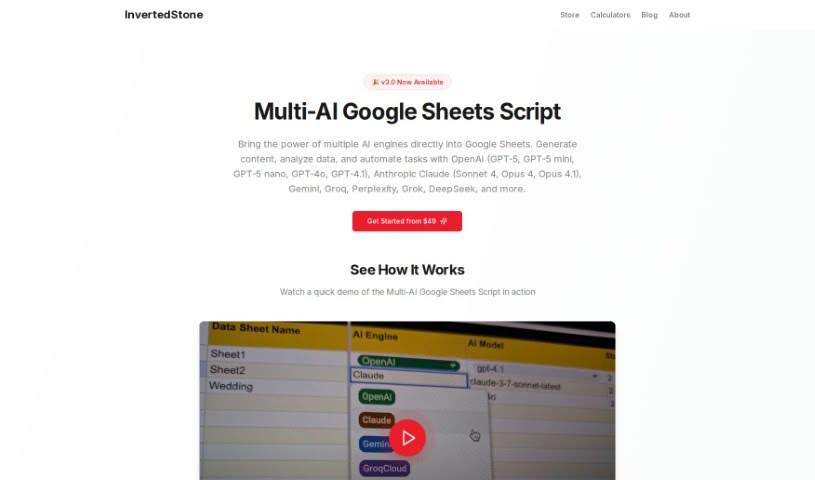
Discover what InvertedStone Google Sheets to OpenAI is and how it generates AI text and images across thousands of spreadsheet rows using your own OpenAI.
Google Sheets To OpenAI is a script that generates AI content for large numbers of rows in Google Sheets — hundreds or even thousands. It handles multiple columns for prompts and outputs, keeping everything organized. It works with a free Google account, so no separate subscription is required, though free accounts may time out after about 6 minutes while paid Google Workspace accounts allow around 30 minutes. You need your own OpenAI API key. The script supports text models like GPT-4o, GPT-4, and GPT-3.5, plus image models like DALL-E 3, so you can generate both text and images directly from your spreadsheet.
The specific creator isn’t stated, but the script is sold by Inverted Stone and provides a direct way to get text and image outputs from GPT and DALL-E models within Google Sheets, without needing intermediary services like Zapier or Make.
Once set up, you can process text analysis and content generation across your spreadsheet at scale.
Related
Discover more tools in similar categories
Weekly picks of the best AI tools we've researched and added — no spam, unsubscribe anytime.
Join 25,000+ AI enthusiasts. No spam, unsubscribe anytime.