AI Documentation Tools

AI Tools for Documentation

Discover the best Documentation AI tools to enhance your productivity and creativity.

Page 14 of 14 • 165 total tools
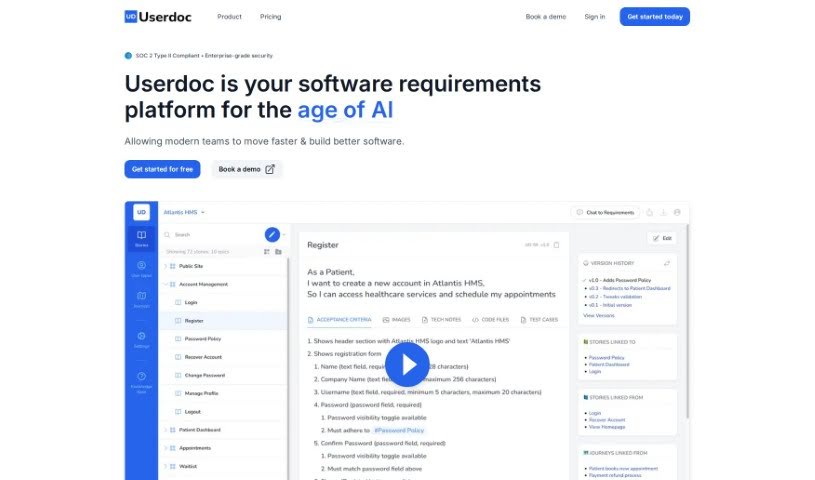
Screenshot of Userdoc

Userdoc

Freemium

Userdoc is a platform for managing software requirements. It includes an AI Scoping Copilot that helps you quickly define the scope of your features, and it can generate detailed user stories, acceptance criteria, personas, and user journeys. Requirements can be organized in one central place, synced with your project management tools, versioned, and exported in various formats. Userdoc is SOC2 Type 1 compliant, so your data is kept secure and private.

Documentation View Tool →
Screenshot of Vidura

Vidura

Freemium

Vidura is a prompt management system for generative AI tools, covering both text and image generation. It serves as a central hub for organizing, creating, and sharing prompts. The name "Vidura" comes from Sanskrit and means "wise, intelligent, clever, smart, skilled, or learned."

Documentation View Tool →
Screenshot of Workhub

Workhub

Freemium

Workhub is a central hub for an organization's knowledge and automated tasks. It consolidates different data sources into one platform to eliminate knowledge silos, with a strong emphasis on data privacy and security — you control who sees what and how data is handled.

Documentation View Tool →
Screenshot of Wov App

Wov App

Freemium

Wov App is a team communication and collaboration tool that acts as a central hub for your team's activities. It offers direct messaging, file sharing, task management, and connections to tools you may already use, such as your calendar. The goal is to boost productivity by keeping conversations and project tasks in one place, so you don't have to jump between different applications. Its straightforward interface and customizable settings help teams work together efficiently and manage projects better.

Documentation View Tool →
Screenshot of Wrapsody Cloud

Wrapsody Cloud

Freemium

Wrapsody Cloud is an Enterprise Content Management (ECM) platform for managing and virtualizing content. It eliminates duplicate files, keeps important documents from getting lost in storage, and applies virtualization technology to enterprise content. Every document is automatically virtualized, encrypted, and assigned a unique, permanent ID (PID).

Documentation View Tool →
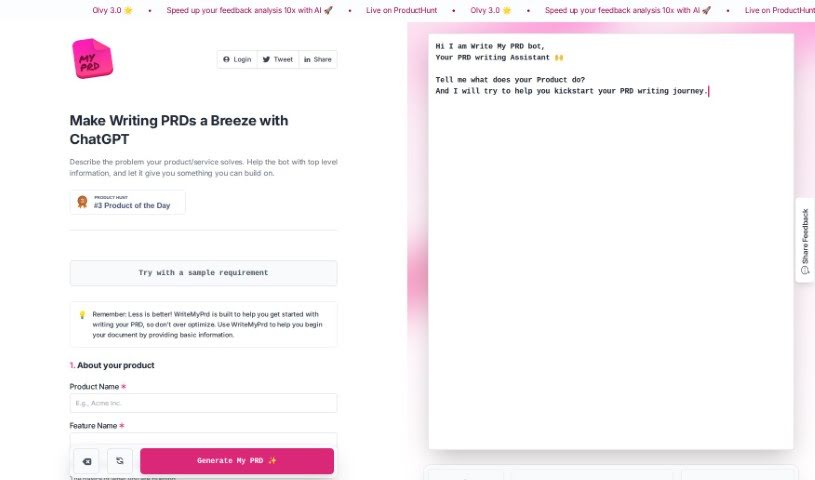
Screenshot of Writemyprd

Writemyprd

Freemium

WriteMyPrd is a platform built to simplify and speed up writing Product Requirements Documents (PRDs) for product managers and their teams. It offers an easy-to-use interface, a streamlined workflow, AI writing assistance powered by ChatGPT technology, the resources needed for a thorough PRD, and tools for creating clear product roadmaps.

Documentation View Tool →
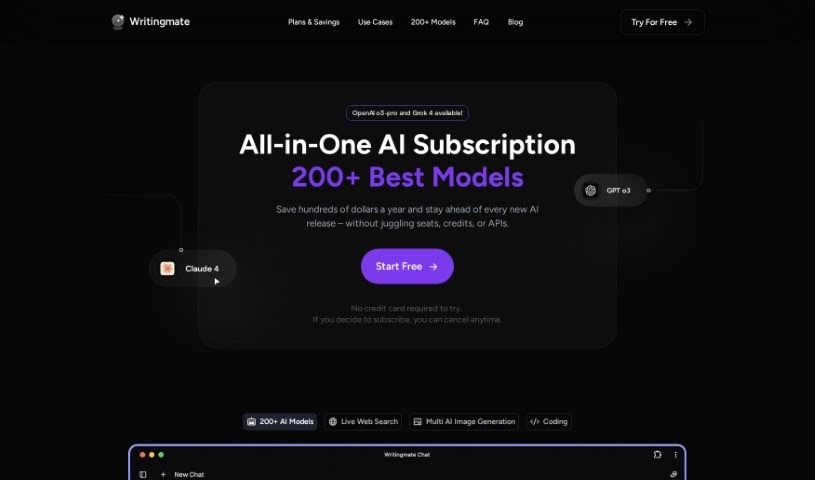
Screenshot of Writingmate.ai

Writingmate.ai

Freemium

Writingmate.ai is an AI copilot designed to make work in Google Docs, Sheets, and Slides smoother and faster, powered by GPT-4 technology. It acts as a writing assistant that helps you generate content, cutting down the time spent on writing tasks. The tool is easy to use and suits professionals across many fields, with privacy and security measures in place to keep your data safe. It is built for anyone who wants to speed up writing, come up with interview questions, or create marketing materials more efficiently.

Documentation View Tool →
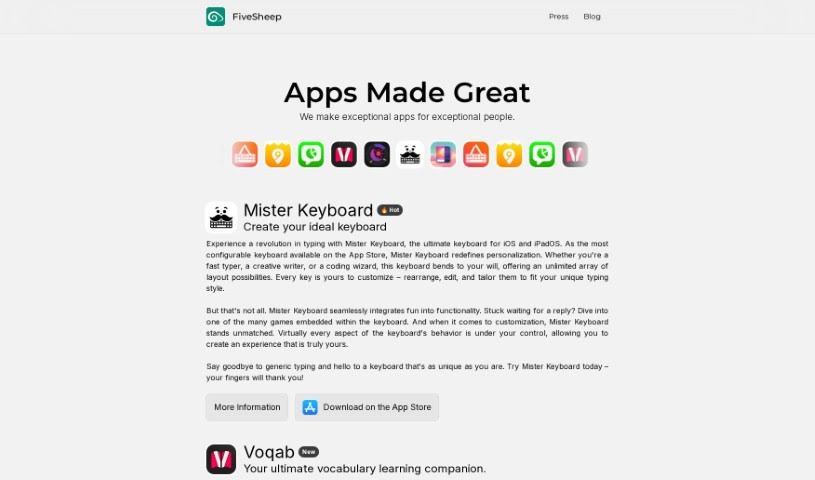
Screenshot of Zendiary

Zendiary

Freemium

Zendiary is a keyboard app on the App Store built around customization. It offers layouts designed for specific needs — fast typing, creative writing, or coding — and lets you change every key, so you can shape the typing experience to your preferences and style.

Documentation View Tool →
Screenshot of Zipx

Zipx

Freemium

Zipx is a file compression format that builds on the standard Zip format, offering better compression ratios and stronger encryption. You can create Zipx files with various software, and most standard Zip utilities can open them. It is useful for storing and sharing large files efficiently while keeping data secure.

Documentation View Tool →
Previous 14 of 14 Next

About Documentation tools

Writing technical documentation is often the last thing developers, product managers, or team leads want to tackle. After spending weeks building a feature or mapping out an internal process, writing user guides, API references, or wiki pages feels like a slog. Yet missing or outdated docs lead to confused users, onboarding bottlenecks, and endless support tickets.

Think of the platforms in this section as specialized technical writers. They don’t invent technical specs out of thin air, but they quickly turn raw code, screen recordings, and rough notes into clean, readable guides.

Automating Guides and Knowledge Bases

Generating technical guides straight from code repositories saves massive amounts of development time. Software engineers rarely want to pause their workflow to write comments or update API endpoints. Modern documentation assistants scan pull requests and codebases, generating clear, structured explanations of functions and endpoint changes automatically. Your technical references stay current without pulling developers away from writing code.

Creating standard operating procedures (SOPs) for internal workflows gets much faster, too. Instead of manually taking screenshots and writing step-by-step instructions for routine tasks, video-capture AI tools watch your screen while you work. They capture screenshots, write descriptive step titles, and build complete visual guides in minutes.

Keeping documentation updated is usually harder than writing it the first time. When a feature changes or a company policy updates, old docs become misleading. AI documentation platforms monitor your updated codebase or modified workflows, flagging outdated pages and suggesting quick revisions so your knowledge base remains accurate.

Useful Features for Teams:

  • Automated code parsing: Tools that read repositories and pull requests to generate API guides and technical references automatically.
  • Screen capture step building: Software that turns screen recordings into step-by-step visual guides with screenshots.
  • Knowledge base integration: Connectors that link directly to platforms like Notion, Confluence, or GitHub to keep docs updated across workspaces.
  • Multi-language translation: Features that translate user guides and help articles into dozens of languages while preserving formatting.
  • Natural language search: Search assistants that let users ask plain-English questions and get direct answers sourced straight from your docs.

Clear, helpful documentation will always depend on human context and real product understanding. While software parses code and captures screenshots, keeping guides intuitive for actual readers requires your direction.

Explore the documentation tools below to clean up your team’s knowledge base.

The Best AI Documentation Tools

  1. Tenorshare: Great for easily summarizing PDFs for research.
  2. Mermaid Chart: Perfect for creating code architecture diagrams.
  3. Git Book: A platform for editing documentation collaboratively.
  4. Craft Docs: Ideal for team collaboration and communication.
  5. Slite: Use it to centralize all your company’s knowledge.
  6. Macro.com: Helps you streamline document editing tasks.
  7. Supernormal: Makes meeting notes easy to access.
  8. Writingmate.ai: Offers automated documentation with AI help.
  9. Mentalyc: Provides seamless note-taking for therapists.
  10. Sembly AI: Generates meeting notes automatically.
  11. Document360: Helps create user-friendly product manuals.
  12. Mintlify: Streamlines the creation of developer documentation.
  13. Trickle AI: Manages project notes more efficiently.
  14. Single Store: For searching and analyzing documents in real-time.
  15. 20Paths: Creates how-to guides, interactive demos and synced help centres.
New tools, in your inbox.

Weekly picks of the best AI tools we've researched and added — no spam, unsubscribe anytime.

Join 25,000+ AI enthusiasts. No spam, unsubscribe anytime.