AI Creative Tools

AI Tools for Creative

Discover the best Creative AI tools to enhance your productivity and creativity.

Page 94 of 107 • 1276 total tools
Screenshot of SuperImage

SuperImage

Freemium

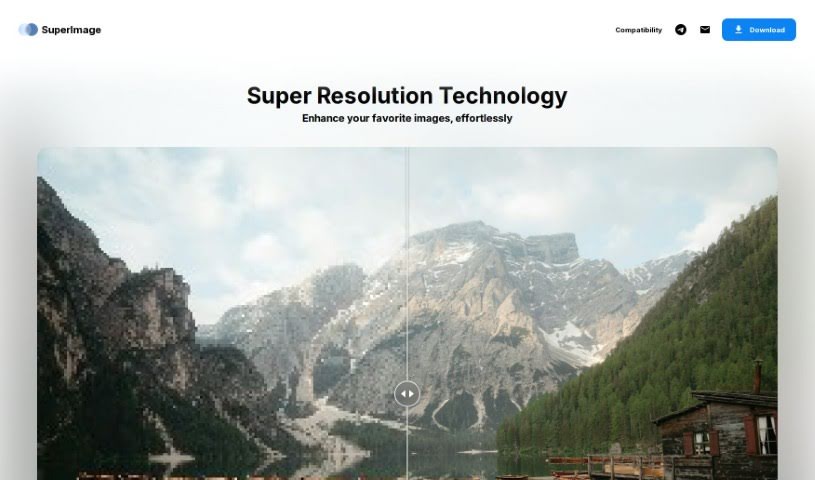
SuperImage is an AI tool for upscaling and enhancing low-resolution images. It uses neural networks built on the MNN deep learning framework and the Real-ESRGAN algorithm, running entirely on your computer's own GPU. All processing happens locally, so your images are never uploaded online and no internet connection is required.

Screenshot of Supermachine

Supermachine

Freemium

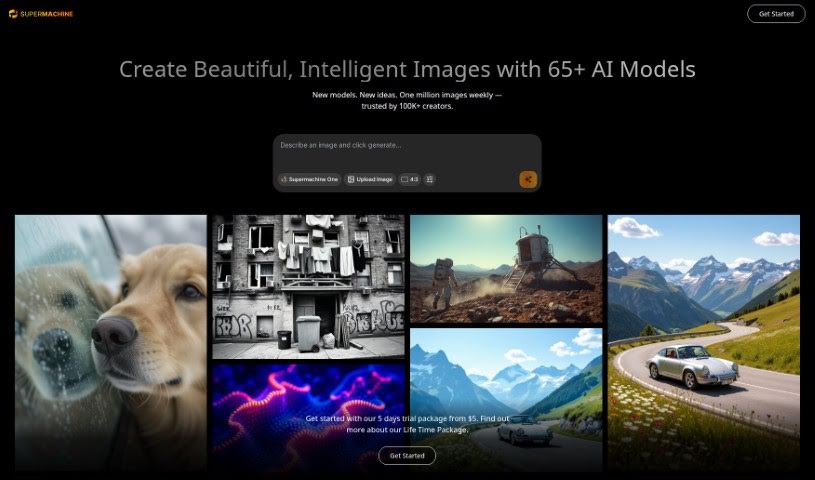
Supermachine is an AI image generator that turns text prompts into unique images in seconds. It can be used to create visuals for blog posts, YouTube thumbnails, NFT concepts, fashion design prototypes, and architectural ideas.

Screenshot of SUPIR - XPixel Group

SUPIR - XPixel Group

Freemium

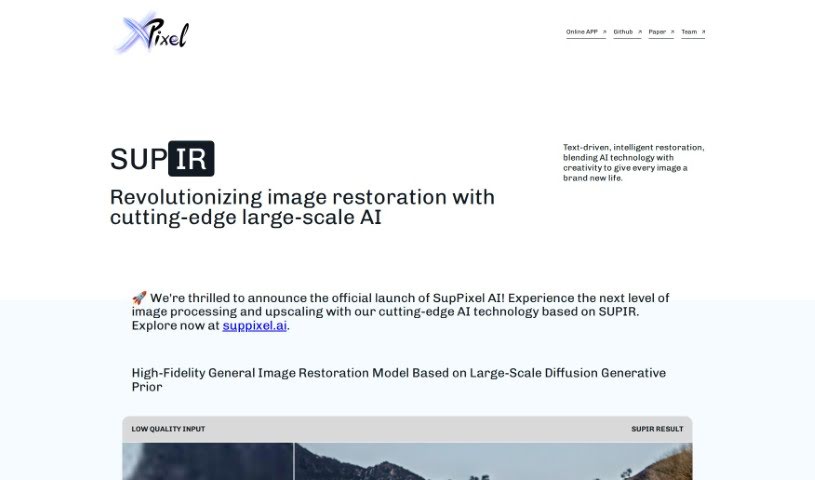
SUPIR, short for "SUPIR Intelligent Image Restoration," is an AI image restoration tool from the XPixel Group. It uses a large-scale generative AI model trained on massive generative data to improve image quality, bringing out finer details and increasing clarity.

Screenshot of Sus Technology

Sus Technology

Freemium

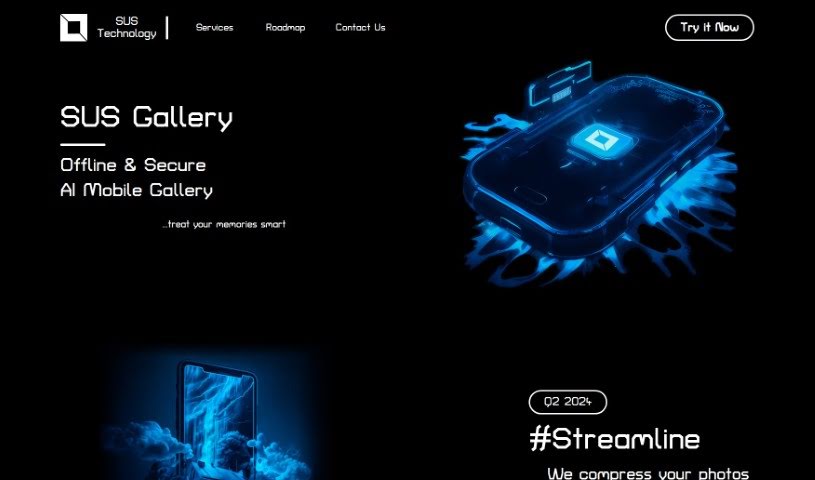
SUS Technology develops SUS Gallery, an AI-powered mobile gallery for managing and improving photo collections. It enhances photos, compresses them to free up storage, and simplifies editing. All AI processing runs directly on your phone, offline, so your photos and data stay on your device.

Screenshot of Svg.io

Svg.io

Freemium

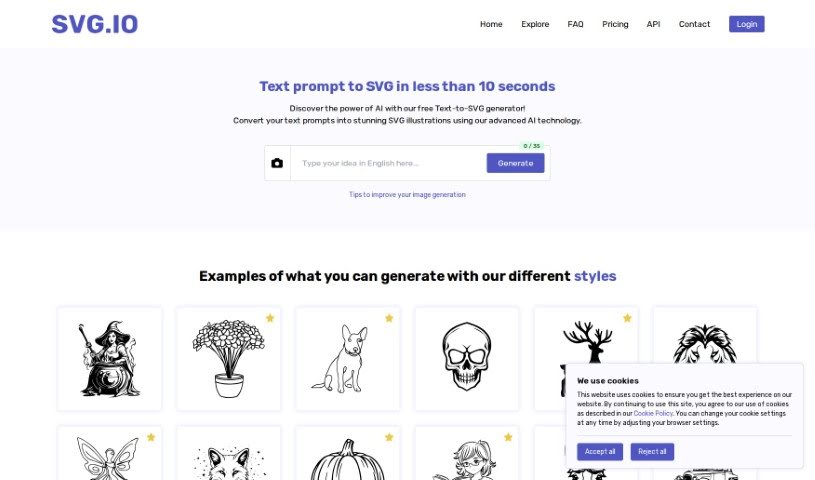
SVG.io is a free Text-to-SVG AI Generator that turns text prompts into scalable vector graphics (SVG). No signup or payment is required to use it, making it accessible to designers and anyone interested in graphics who wants to create custom SVG artwork quickly.

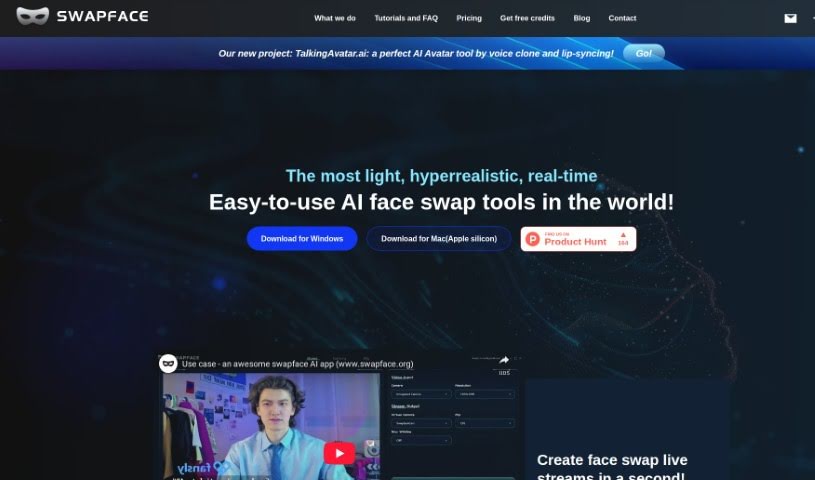
Screenshot of Swapface

Swapface

Freemium

Swapface is an app that performs ultra-realistic face swaps in real time. Using a single photo, you can instantly appear as someone else with no processing wait. It is designed to be easy to set up and is aimed at content creation and live streaming, using AI to swap faces seamlessly while you are live.

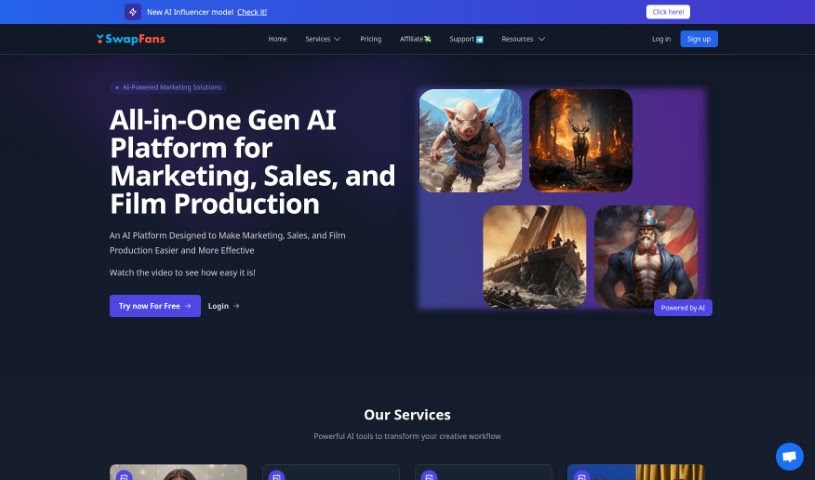
Screenshot of SwapFans AI

SwapFans AI

Freemium

SwapFans AI is an all-in-one generative AI platform built for marketing, sales, and film production. It offers tools for tasks like changing backgrounds, generating images, and faceswapping, giving users straightforward ways to modify and create visuals. New users receive free credits to generate and export edited images without watermarks, and VIP upgrades unlock additional features. The platform is designed to be user-friendly while providing capable AI tools for boosting marketing reach and sales performance.

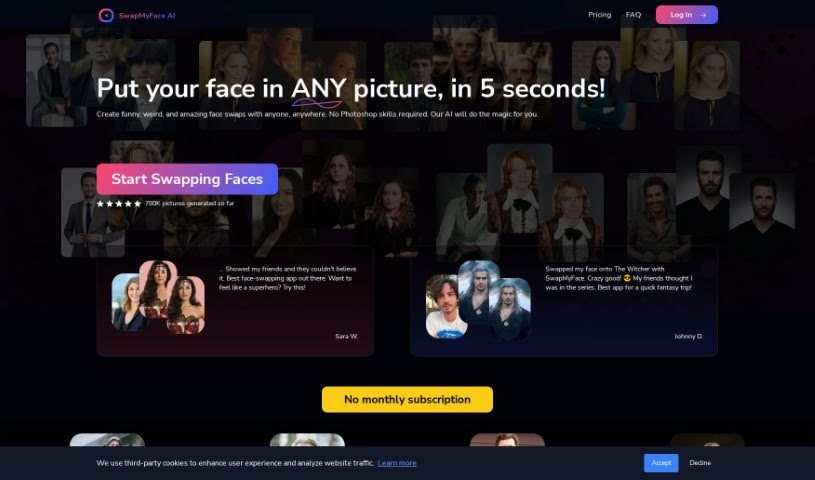
Screenshot of SwapMyFace

SwapMyFace

Freemium

SwapMyFace is an app for creating AI face swaps without Photoshop skills. Upload a photo of your face, choose a target image, and the AI merges the two in seconds — placing you into pictures of movie characters, historical figures, or famous paintings. A Chrome extension also lets you swap faces in any picture you find online directly from your browser.

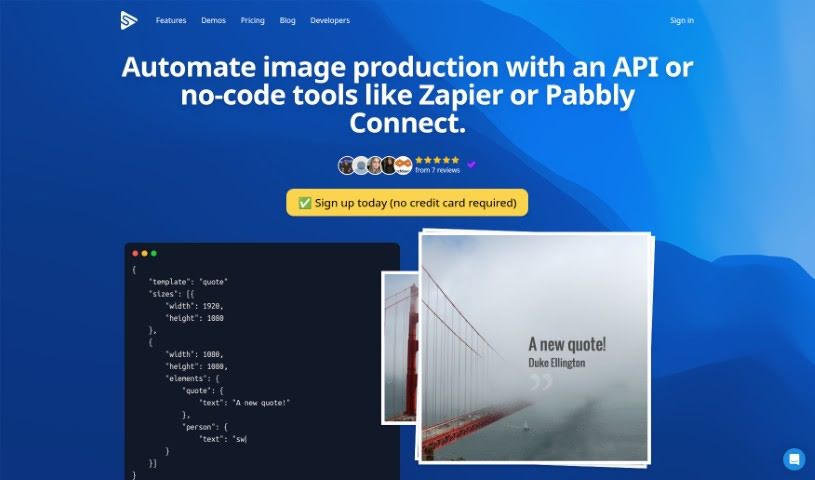
Screenshot of Switchboard Canvas

Switchboard Canvas

Freemium

Switchboard Canvas is an asset creation API built for automating image workflows. With a single API call, you can generate multiple images at once, set specific dimensions for each size, and overwrite template values per size. It also translates text into over 70 languages, so creating, resizing, and translating can all happen in one request. The API integrates with existing automation services or can be called directly.

Screenshot of Synthesia Custom Avatars

Synthesia Custom Avatars

Freemium

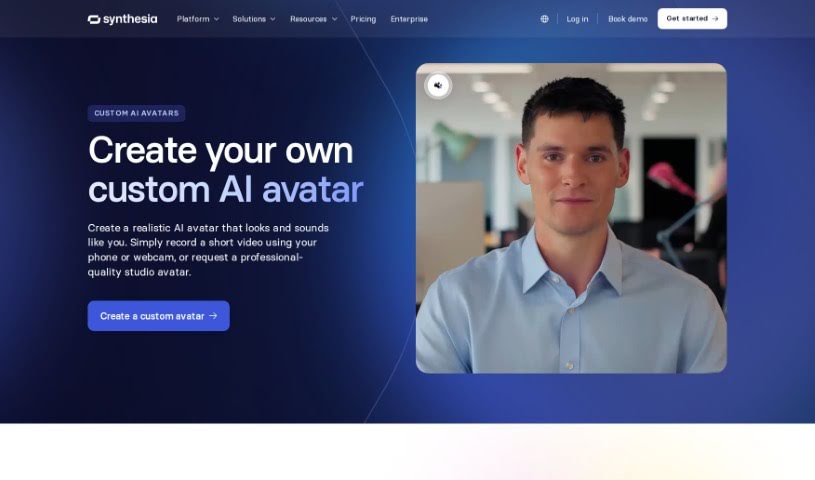
Synthesia Custom Avatars are personalized digital representations of real people, designed to look like you and used in AI-generated videos. Like Synthesia's stock avatars, they support video creation in more than 140 languages.

Screenshot of Synthesia Personal Avatars

Synthesia Personal Avatars

Freemium

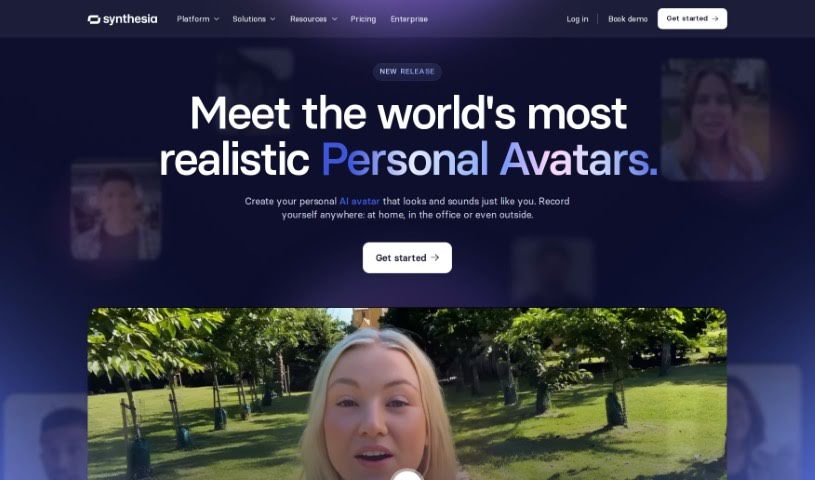
Personal Avatars are AI-powered creations that let you generate digital versions of yourself. They are designed to look and sound like you, offering a realistic portrayal you can use to add a personal touch to your content, especially videos. Your avatar captures your unique traits, giving you a new way to connect with your audience — whether for fun or for work.

Screenshot of Synthetik's Studio Artist

Synthetik's Studio Artist

Freemium

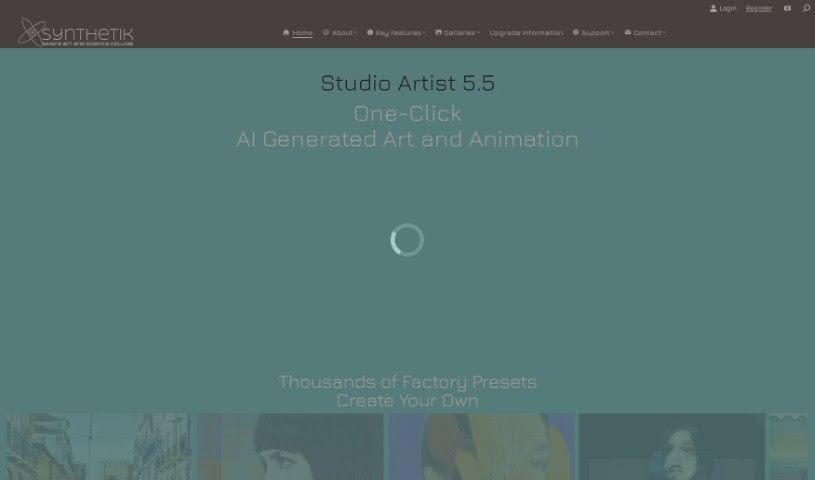
Synthetik's Studio Artist is an AI-powered digital canvas that can paint and draw automatically, helping you create visuals and animations. Its feature set includes automatic sketching, self-animating abstract effects, video-to-rotoscope conversion, automatic photo mosaics, instant photo-to-vector conversion, an interactive Spiro Art generator, a broad range of image effects, generative art with MSG, and interactive warping. Painting and drawing can be done manually, with assistance, or fully automatically.

About Creative tools

Bringing a creative vision to life takes stamina. Whether you’re working on visual art, video projects, sound design, or written work, the gap between a great idea and a finished piece is usually filled with hours of tedious setup. You spend time masking image layers, cutting out filler words from audio, or wrestling with software settings when you’d rather be making art.

The tools in this category handle repetitive technical tasks so you can keep your focus where it belongs: on creative direction and artistic choice.

Offloading Technical Setup to Focus on Art

Testing visual concepts gets much faster when you can prototype ideas instantly. Instead of spending hours building manual moodboards or sketching rough wireframes by hand, generative tools let you test lighting styles, color palettes, and compositions in seconds. You can explore dozens of creative paths before committing to a full production shoot or detailed illustration.

In video and audio editing, smart software handles the tedious mechanics. Automatically generating precise closed captions, reframing shots for vertical video formats, or isolating vocal tracks from ambient background noise used to take complex plugins and hours of manual editing. Modern creative tools process those heavy tasks in minutes, giving you back time to polish the story itself.

Maintaining visual consistency across large projects gets a major upgrade, too. Managing design elements, color palettes, and character references across a long series or multi-asset campaign often leads to small visual errors. Creative AI tools help enforce visual rules and match styles automatically, keeping your artwork, video sequences, or digital assets aligned from start to finish.

Key Capabilities for Creators:

  • Style and reference matching: Systems that analyze an artistic style or reference image and apply it across new graphic assets.
  • Generative canvas expansion: Tools that expand image borders, fill in background details, or remove unwanted objects cleanly.
  • Text-to-media rendering: Software that converts written prompts into high-resolution images, video clips, or sound textures for fast prototyping.
  • Non-destructive asset editing: Applications that adjust lighting, color tones, and individual layers without destroying original files.
  • Cross-format conversion: Features that automatically reformat visual assets and video projects for desktop, mobile, and print.

Technology can generate pixels and format files, but true artistic judgment, taste, and emotional expression still belong to you. Handing off routine file conversions, background cleanup, and quick concept testing simply gives you the freedom to focus on your craft.

Explore the tools below to upgrade your creative workspace.

The Best AI Creative Tools

  1. Canva: for designing social media posts
  2. Character AI: for brainstorming story ideas and concepts.
  3. Janitor AI: for quickly crafting unique story ideas.
  4. Remove.bg: for instantly removing backgrounds from design projects
  5. Leonardo AI: for generating dynamic artwork for designers
  6. Photopea: for designing stunning graphics and illustrations.
  7. Photoroom: for improving photos for creative projects
  8. Pixelcut: for designing eye-catching product ads
  9. Pixlr: for designing great graphics with ease
  10. Midjourney: for visual storytelling through art prompts.
  11. AI Face Swap: for creating unique memes for social media.
  12. Cutout.pro: for creating dynamic backgrounds for art
  13. Remaker: for AI-powered image creation for unique designs.
  14. Ideogram: for logo design and customization.
  15. Openart: for experimenting with unique artistic styles
New tools, in your inbox.

Weekly picks of the best AI tools we've researched and added — no spam, unsubscribe anytime.

Join 25,000+ AI enthusiasts. No spam, unsubscribe anytime.