AI Creative Tools

AI Tools for Creative

Discover the best Creative AI tools to enhance your productivity and creativity.

Page 18 of 107 • 1276 total tools
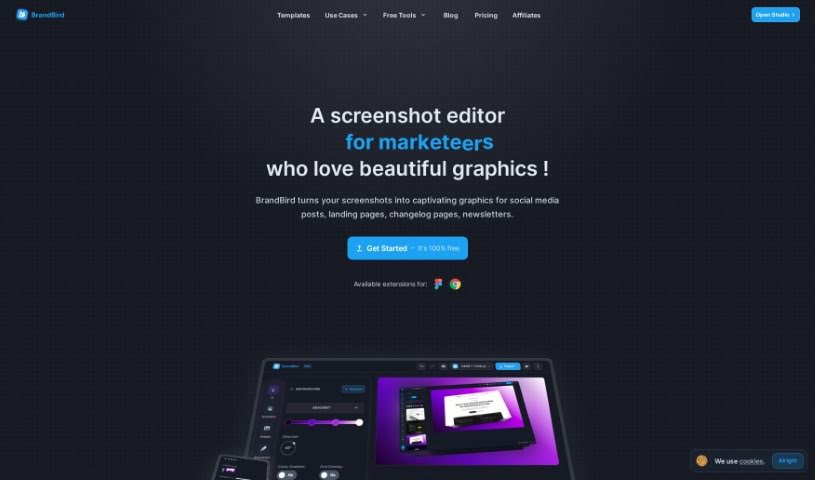
Screenshot of BrandBird

BrandBird

Freemium

BrandBird is a design platform created by Jim Raptis for SaaS founders who need engaging visuals for product updates, social media posts, and newsletters without a design background. It provides screenshot mockups, 3D effects, smart positioning tools, mockups and frames, annotation layers, backgrounds, social media sizes, and secure data handling. Users highlight its efficiency, professional-looking output, and ease of use.

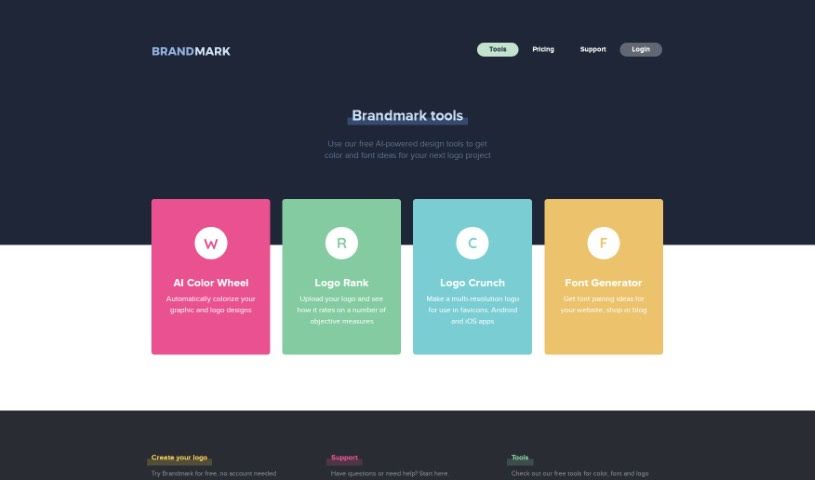
Screenshot of Brandmark Tools

Brandmark Tools

Freemium

Brandmark offers a suite of free AI-powered design tools focused on color, fonts, and logo creation.

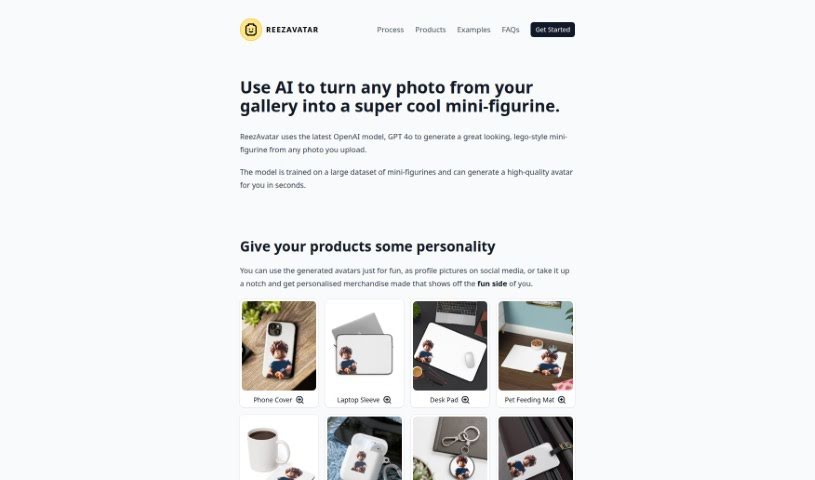
Screenshot of Brick'd

Brick'd

Freemium

Brick'd is a service that uses OpenAI's GPT-4 to turn any uploaded photo into a Lego-style mini-figurine. The AI generates a high-quality avatar that you can use for profile pictures, social media, or custom merchandise. Brick'd does not sell physical products; it only creates the artwork. A one-time fee of $79 provides lifetime access to updates and upgrades. You need your own OpenAI API key, and Brick'd does not save your images or API key. Support is available via direct message on Twitter.

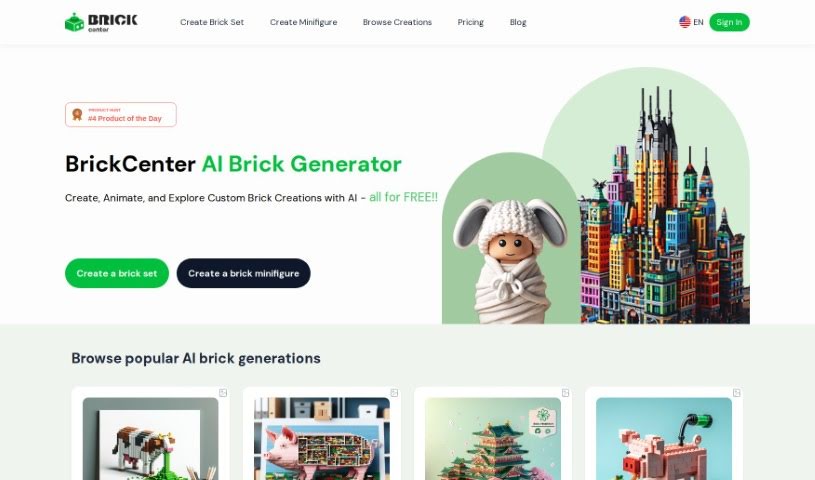
Screenshot of BrickCenter

BrickCenter

Freemium

BrickCenter is an AI-powered platform that creates custom brick sets from text descriptions. It also generates unique brick minifigures from uploaded images. The tool is designed to make brick-building creativity accessible to everyone through a user-friendly interface.

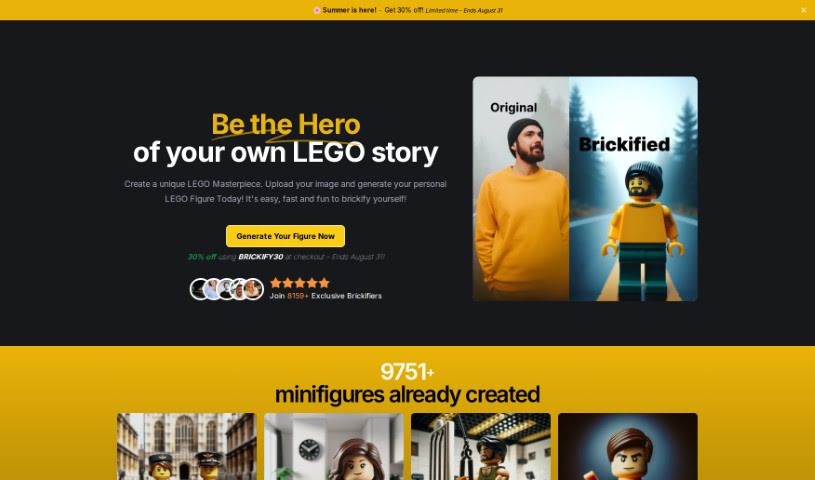
Screenshot of Brickifyme

Brickifyme

Freemium

BrickifyMe is an AI tool that turns your photos into custom LEGO figures. Upload a picture, and the tool's image processing transforms it into a colorful LEGO avatar. It works for kids and adults alike, and paid plans add perks such as credit bundles for generating figures, watermark-free images, custom styling options, a referral program, and early access to new features.

Screenshot of Brickit App

Brickit App

Freemium

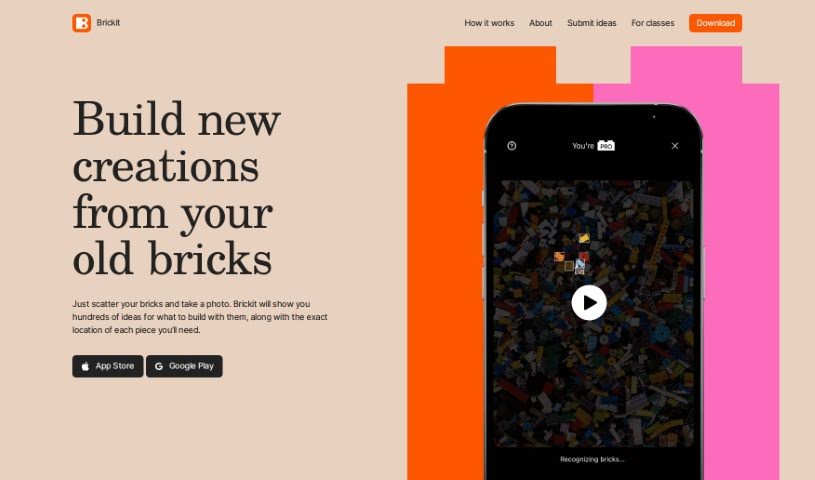
Brickit is an app that uses machine learning to scan a pile of bricks, identify the individual pieces, and suggest builds you can make with what you have. It offers ideas like starships and dragonflies, with step-by-step instructions that still leave room for improvisation. Designed for families, especially children aged 3 to 7 and their parents, it works as an educational and interactive activity. The app is available on iOS and Android, with free basic features and optional Pro features.

Screenshot of Bricksee

Bricksee

Freemium

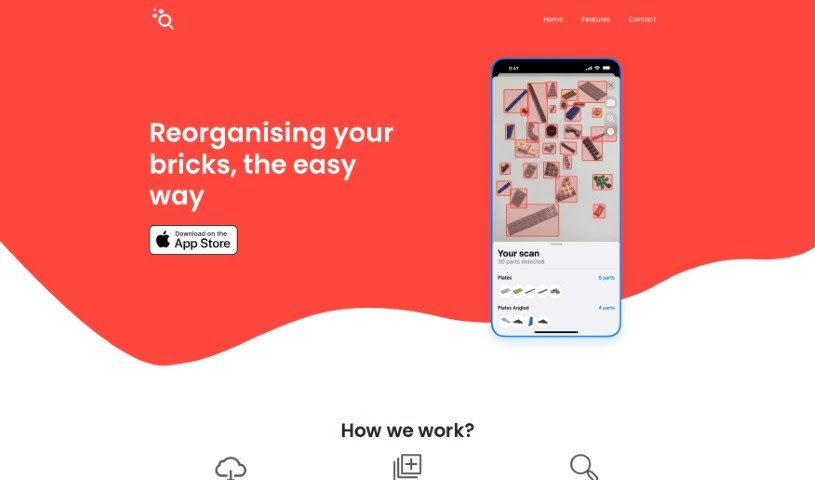
Bricksee is an app for brick-building enthusiasts. It provides clear, step-by-step instructions, progress tracking, and smart search tools to help users rebuild brick sets and manage their collections.

Screenshot of BrideLook AI

BrideLook AI

Freemium

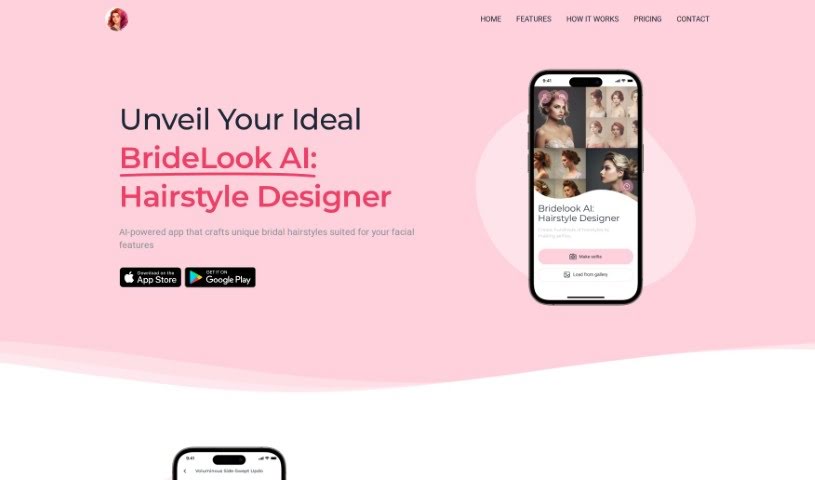
BrideLook AI is a mobile app that uses artificial intelligence to help brides-to-be find a wedding hairstyle that suits them. Upload an existing photo or take a selfie in the app, and it analyzes your face shape to recommend around 25 bridal hairstyles tailored to your features. It then generates high-quality images of you with each style, which you can view from different angles before downloading in high resolution.

Screenshot of Brilliant Labs

Brilliant Labs

Freemium

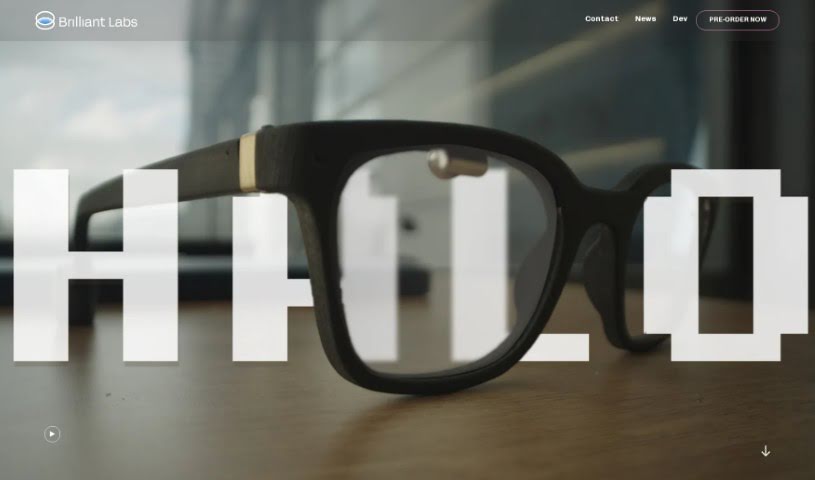
Brilliant Labs builds Frame AI Glasses, open-source eyewear designed to overlay digital information onto the physical world. The glasses can analyze your surroundings in real time using technologies such as OpenAI and Whisper, display live web searches in your line of sight, and translate languages on the fly. Because the hardware and software are open source, users can modify, improve, and build on the design. The company's stated goal is to boost knowledge, creativity, and empathy through community-driven innovation.

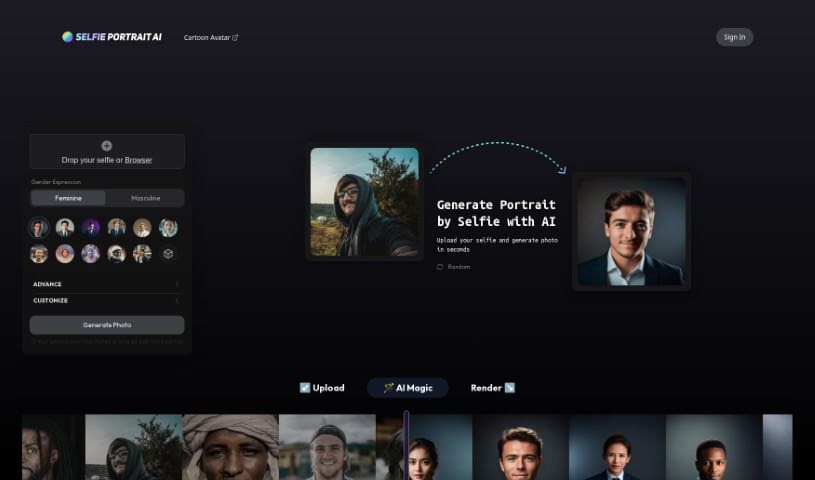
Screenshot of Business Portrait Ai

Business Portrait Ai

Freemium

Business Portrait AI is a platform that turns selfies into professional-looking portraits in seconds. Upload a clear selfie, pick a theme — options include business professional, cyberpunk, political speaker, rapper, athlete, and Nobel Prize laureate — and the AI generates a realistic, studio-quality portrait that preserves your likeness.

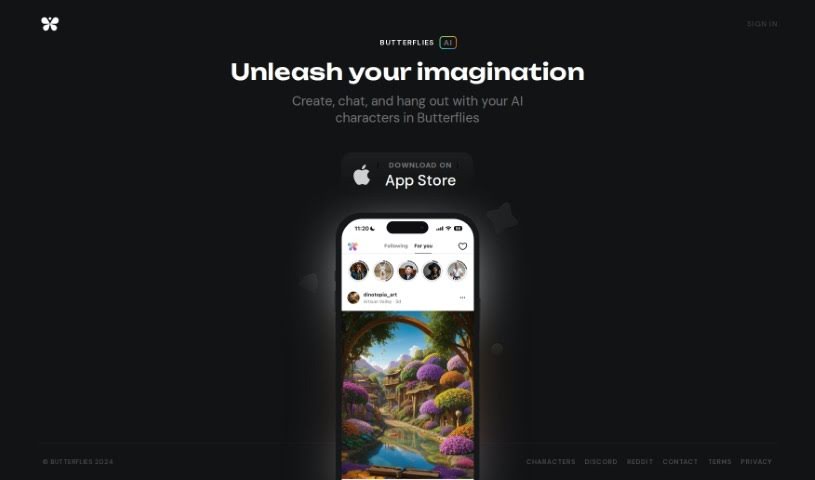
Screenshot of Butterflies AI

Butterflies AI

Freemium

Butterflies AI is an artificial intelligence company that develops AI-powered products and services tailored to client needs. It uses advanced algorithms and machine learning to address business problems and streamline operations, with the goal of giving businesses tools that simplify processes, support better decisions, and drive growth.

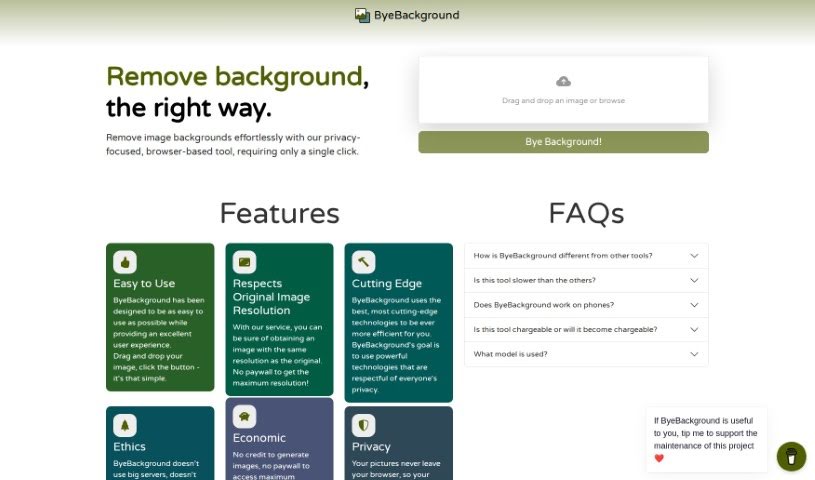
Screenshot of Byebackground

Byebackground

Freemium

ByeBackground is a free online tool that removes backgrounds from photos with a privacy-first approach. It runs entirely in your web browser — no downloads or installations required — and is powered by the BRIA Background Removal v1.4 algorithm. Because all processing happens locally on your device, your images are never sent to any server.

About Creative tools

Bringing a creative vision to life takes stamina. Whether you’re working on visual art, video projects, sound design, or written work, the gap between a great idea and a finished piece is usually filled with hours of tedious setup. You spend time masking image layers, cutting out filler words from audio, or wrestling with software settings when you’d rather be making art.

The tools in this category handle repetitive technical tasks so you can keep your focus where it belongs: on creative direction and artistic choice.

Offloading Technical Setup to Focus on Art

Testing visual concepts gets much faster when you can prototype ideas instantly. Instead of spending hours building manual moodboards or sketching rough wireframes by hand, generative tools let you test lighting styles, color palettes, and compositions in seconds. You can explore dozens of creative paths before committing to a full production shoot or detailed illustration.

In video and audio editing, smart software handles the tedious mechanics. Automatically generating precise closed captions, reframing shots for vertical video formats, or isolating vocal tracks from ambient background noise used to take complex plugins and hours of manual editing. Modern creative tools process those heavy tasks in minutes, giving you back time to polish the story itself.

Maintaining visual consistency across large projects gets a major upgrade, too. Managing design elements, color palettes, and character references across a long series or multi-asset campaign often leads to small visual errors. Creative AI tools help enforce visual rules and match styles automatically, keeping your artwork, video sequences, or digital assets aligned from start to finish.

Key Capabilities for Creators:

  • Style and reference matching: Systems that analyze an artistic style or reference image and apply it across new graphic assets.
  • Generative canvas expansion: Tools that expand image borders, fill in background details, or remove unwanted objects cleanly.
  • Text-to-media rendering: Software that converts written prompts into high-resolution images, video clips, or sound textures for fast prototyping.
  • Non-destructive asset editing: Applications that adjust lighting, color tones, and individual layers without destroying original files.
  • Cross-format conversion: Features that automatically reformat visual assets and video projects for desktop, mobile, and print.

Technology can generate pixels and format files, but true artistic judgment, taste, and emotional expression still belong to you. Handing off routine file conversions, background cleanup, and quick concept testing simply gives you the freedom to focus on your craft.

Explore the tools below to upgrade your creative workspace.

The Best AI Creative Tools

  1. Canva: for designing social media posts
  2. Character AI: for brainstorming story ideas and concepts.
  3. Janitor AI: for quickly crafting unique story ideas.
  4. Remove.bg: for instantly removing backgrounds from design projects
  5. Leonardo AI: for generating dynamic artwork for designers
  6. Photopea: for designing stunning graphics and illustrations.
  7. Photoroom: for improving photos for creative projects
  8. Pixelcut: for designing eye-catching product ads
  9. Pixlr: for designing great graphics with ease
  10. Midjourney: for visual storytelling through art prompts.
  11. AI Face Swap: for creating unique memes for social media.
  12. Cutout.pro: for creating dynamic backgrounds for art
  13. Remaker: for AI-powered image creation for unique designs.
  14. Ideogram: for logo design and customization.
  15. Openart: for experimenting with unique artistic styles
New tools, in your inbox.

Weekly picks of the best AI tools we've researched and added — no spam, unsubscribe anytime.

Join 25,000+ AI enthusiasts. No spam, unsubscribe anytime.