AI Tools for Creative

Discover the best Creative AI tools to enhance your productivity and creativity.

Page 17 of 114 • 1360 total tools

Creativity today is changing fast, and AI is becoming a super helpful partner. Whether it’s creating amazing visuals or writing music, AI creative tools are making the art process more accessible and exciting. But with so many options out there, finding the right one for your creative needs can feel a bit overwhelming.

Things have really changed in just a few years. AI tools aren’t just for special uses anymore; they’re smoothly fitting into our everyday creative work. These new technologies can make your projects better, save you time, and even lead you to explore artistic ideas you hadn’t considered before.

I’ve spent a good amount of time exploring the world of AI creative tools, looking into everything from graphic design apps to music software. Since I love seeing how technology and creativity come together, I wanted to share what I found about the best tools available right now.

So, whether you want to make eye-catching visuals or come up with fresh concepts, there’s a tool out there just for you. Let’s dive into the best AI creative tools that can take your artistic projects to the next level and change how you create.

The best AI Creative Tools

  1. Canva for designing social media posts
  2. Character AI for brainstorming story ideas and concepts.
  3. Janitor AI for quickly crafting unique story ideas.
  4. Remove.bg for instantly removing backgrounds from design projects
  5. Leonardo AI for generating dynamic artwork for designers
  6. Photopea for designing stunning graphics and illustrations.
  7. Photoroom for improving photos for creative projects
  8. Pixelcut for designing eye-catching product ads
  9. Pixlr for designing great graphics with ease
  10. Midjourney for visual storytelling through art prompts.
  11. AI Face Swap for creating unique memes for social media.
  12. Cutout.pro for creating dynamic backgrounds for art
  13. Remaker for AI-powered image creation for unique designs.
  14. Ideogram for logo design and customization.
  15. Openart for experimenting with unique artistic styles

How do AI creative tools work?

AI creative tools work by using advanced algorithms that learn from all sorts of data. They look at patterns in creative works—like art, music, or writing—which helps them copy styles and create new, original pieces. It’s a bit like how human artists get inspired by different things they see or hear.

At their core, these tools often use neural networks. These are specially built to understand and interpret human creativity. The networks are trained on huge amounts of data, including works from many different styles and formats, so they can learn and adapt to various approaches.

When you give a prompt—like a topic for a story, a theme for a painting, or a music genre—these AI tools use the patterns they’ve learned to generate fitting responses. They essentially guess which elements should go together to make content that feels cohesive and engaging.

What’s really interesting is that AI creative tools don’t just repeat what they’ve learned; they can actually be innovative. By blending styles or drawing from less common influences, they can produce work that surprises and inspires, offering a fresh take even on familiar subjects.

As technology keeps advancing, these creative tools are getting more capable. This means we can have richer interactions, with users and AI working together more smoothly. Often, this leads to amazing artistic creations that combine human ideas with computer power.

If you’re curious about the technical side of these tools, looking into neural networks and creative AI applications can offer more insight into how they bring artistic ideas to life.

Our best AI creative tools at a glance

RankNameBest forPlans and PricingRating
1CanvaSocial media post designN/A4.73 (11 reviews)
2Character AIGBrainstorming story ideas and concepts.N/A4.64 (11 reviews)
3JanitorAICrafting unique story ideas quickly.N/A0.00 (11 reviews)
4Remove.bgInstant background removal for design projectsPaid plans start at $0.2/image.4.82 (11 reviews)
5Leonardo AIDynamic artwork generation for designersPaid plans start at $9/month.4.73 (11 reviews)
6PhotopeaDesign stunning graphics and illustrations.N/A4.67 (12 reviews)
7PhotoroomEnhancing creative project photosPaid plans start at $7.50/month.4.74 (38 reviews)
8PixelcutDesigning eye-catching product adsN/A4.64 (11 reviews)
9PixlrDesigning stunning graphics effortlesslyPaid plans start at $0.99/month.4.73 (11 reviews)
10MidjourneyVisual storytelling through art prompts.N/A4.73 (11 reviews)
11AI Face SwapCrafting unique memes for social media.N/A4.70 (10 reviews)
12Cutout.proDynamic background creation for artistryN/A4.46 (13 reviews)
13RemakerAI-powered image creation for unique designs.N/A4.69 (13 reviews)
14IdeogramLogo design and customization.N/A4.85 (26 reviews)
15OpenartExperiment with unique artistic stylesPaid plans start at $84/year.4.25 (8 reviews)
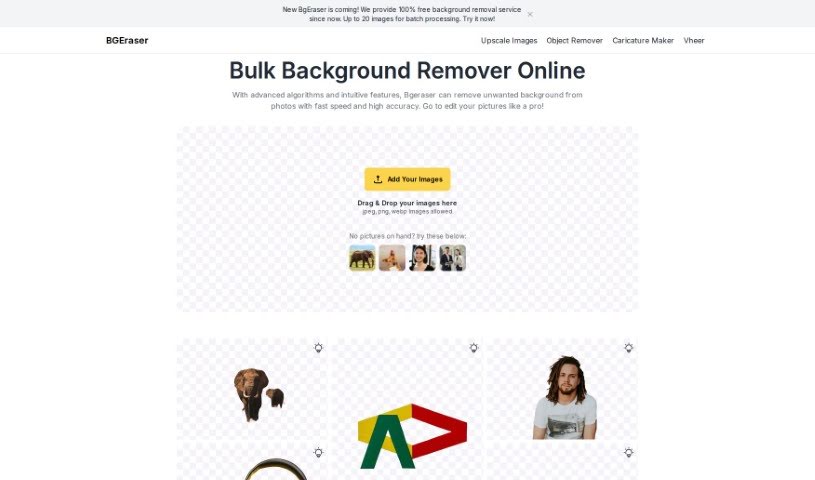
Screenshot of BGEraser

BGEraser

Freemium

BGEraser is a really smart tool that uses advanced algorithms and machine learning to accurately find and separate the main subject from tricky backgrounds in your photos. It's designed to be super precise, even with fine details like wisps of hair or the edges of clothing. For the best possible outcome, we recommend uploading high-resolution images. This gives BGEraser all the detail it needs to analyze everything thoroughly.

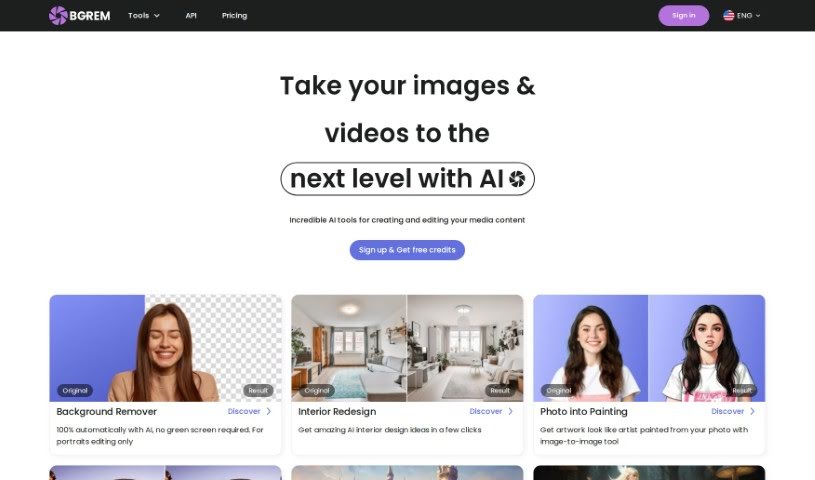
Screenshot of BgRem AI

BgRem AI

Freemium

BgRem AI is your go-to creative hub for making and tweaking images and videos, all powered by artificial intelligence. It really opens up a world of possibilities! You can generate all sorts of images in different styles, transform your own photos into characters from your favorite games or movies, completely redesign your room's interior, or even create one-of-a-kind illustrations for children's books. There are cool AI tools like AI Illustration and AI Image Generator that let you really let your creativity run wild. People all over the world have noticed BgRem AI for how easy it makes content creation, and many users love its fresh take on art and design.

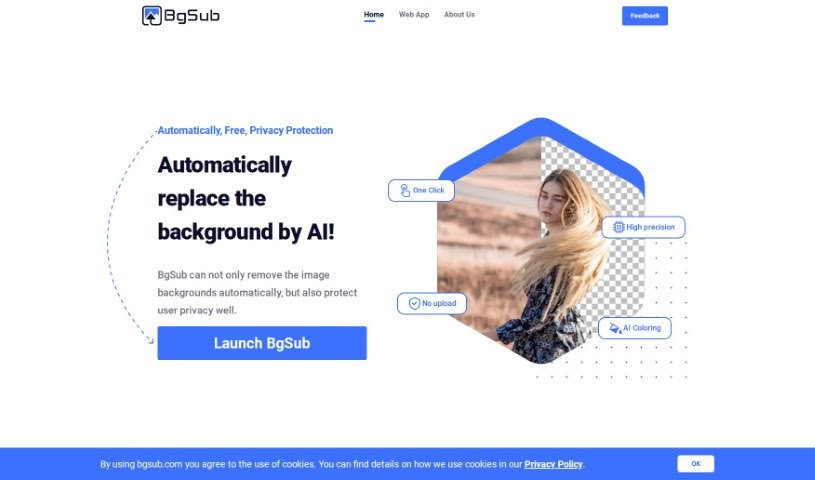
Screenshot of BgSub

BgSub

Freemium

BgSub is a handy web app that uses AI to quickly remove or swap out image backgrounds. It's pretty neat because it also offers a bunch of cool artistic effects. What's more, they really care about your privacy – they don't keep your uploaded images on their servers at all. You'll love how fast it processes images, and it's available for commercial use. Plus, it can handle really high resolutions, up to a massive 200 megapixels!

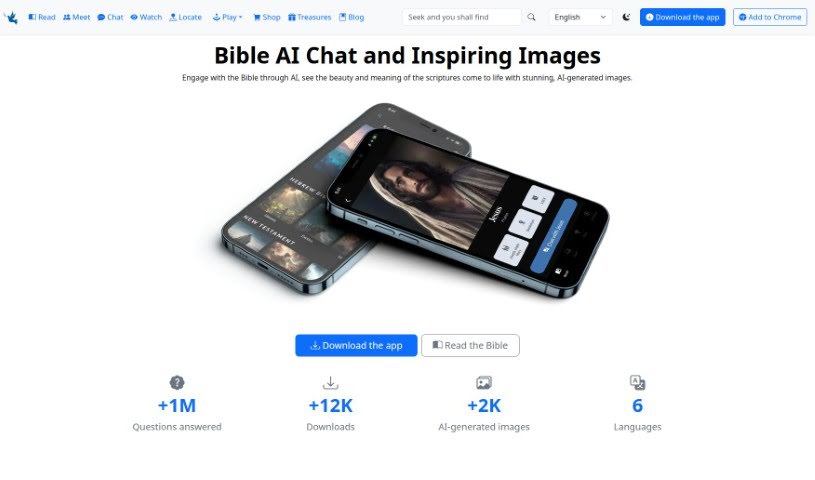
Screenshot of BiblePics

BiblePics

Freemium

BiblePics is an AI-powered tool that's really changing how people connect with and experience the Bible. It blends AI-generated images with interactive features, all designed to help you understand the scriptures better. The images it creates are based on keywords from the biblical text. Now, they aren't meant to be exact, literal pictures of events, but more like artistic interpretations meant to give you a feel for the scene and draw you into the text. BiblePics covers both the Old and New Testaments, offering insights into all sorts of religious themes, messages, and teachings. You can even interact with biblical characters, dive into specific passages, or test your knowledge with Bible trivia games right on the platform. It's a resource you can use for your personal studies or even for commercial projects, as long as you give credit to BiblePics.co and link back to their website.

Screenshot of Bigjpg

Bigjpg

Freemium

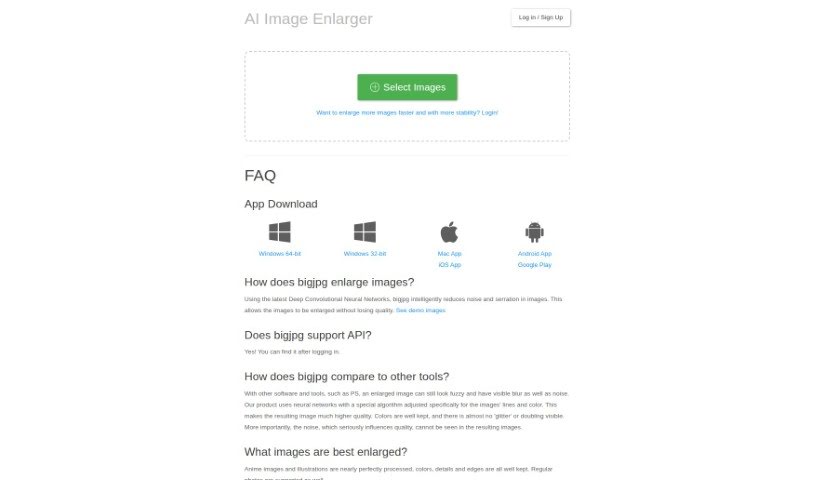
Bigjpg is a really neat tool for making images bigger, especially if you're working with Anime-style artwork or photos. It uses advanced Deep Convolutional Neural Networks, which sounds complicated, but basically, it's smart technology that helps enlarge your images without losing quality. It's particularly good at reducing any graininess or noise and keeping the image looking sharp and clear. Whether you're working with vibrant Anime scenes or everyday photos, Bigjpg aims to keep all the colors, fine details, and crisp edges just right. You can use it for free, or opt for their paid services if you need faster, more reliable enlargements. They also take your privacy seriously, using encrypted links and deleting your images automatically after 3 days. Plus, they offer API support and apps for your desktop and phone, making it super convenient to use wherever you are.

Screenshot of Bikinavatar

Bikinavatar

Freemium

Bikinavatar is an online platform packed with tools for creating AI-generated images. You can whip up Midjourney AI images, Stable Diffusion images in all sorts of styles, and even swap faces. What's cool is you can guide the AI by giving it sketches to work from. Plus, you only pay for what you use, so there are no long-term commitments, making it super flexible for any creative project. They also have a referral program where you earn a commission when friends you invite sign up and pay for services. Bikinavatar really champions limitless creativity, letting you explore all sorts of artistic and illustrative styles when you generate images.

Screenshot of Bing Image Creator

Bing Image Creator

Freemium

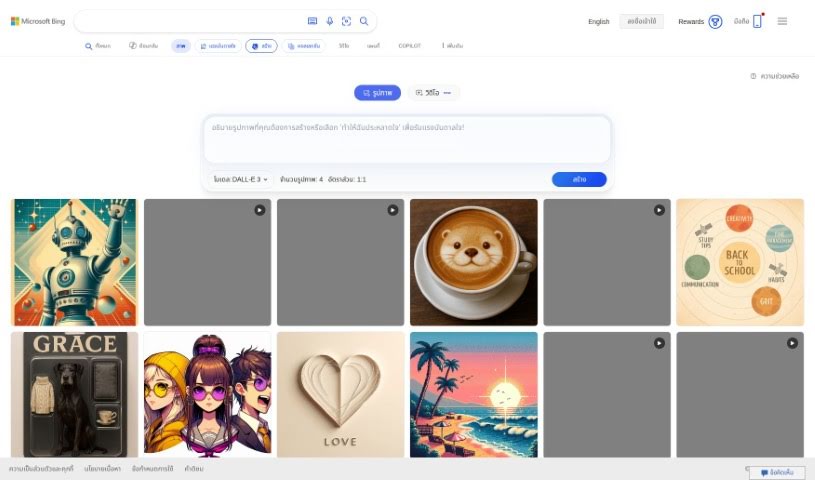
Image Creator is your go-to digital art studio. It's a tool designed to help you create and tweak images, all through a really easy-to-use interface. You can do all sorts of things with it, like resizing pictures, trimming them down, adding text, or even applying cool filters. Whether you're a pro designer or just want to make something fun for yourself, Image Creator is super handy. You can whip up graphics for your website, social media posts, presentations, or just for personal creative projects. It handles different file types and gives you the tools you need to make your images look exactly how you want them. Basically, it makes image editing and creation much simpler for everyone, no matter their skill level.

Screenshot of Birthdayai

Birthdayai

Freemium

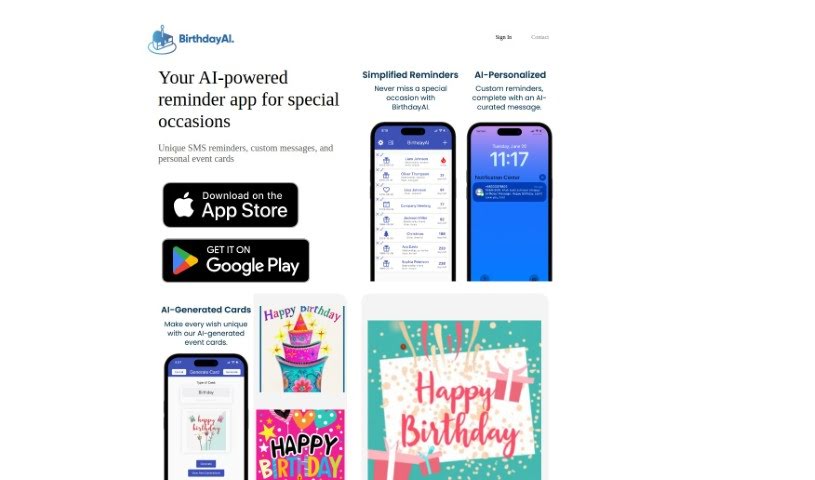
BirthdayAI is a really handy mobile app powered by AI. Its main job is to give you personalized birthday reminders for everyone you know – your family, friends, and all your contacts. Plus, it lets you create custom birthday and event cards using AI-generated designs. You can grab it on both Google Play and the App Store.

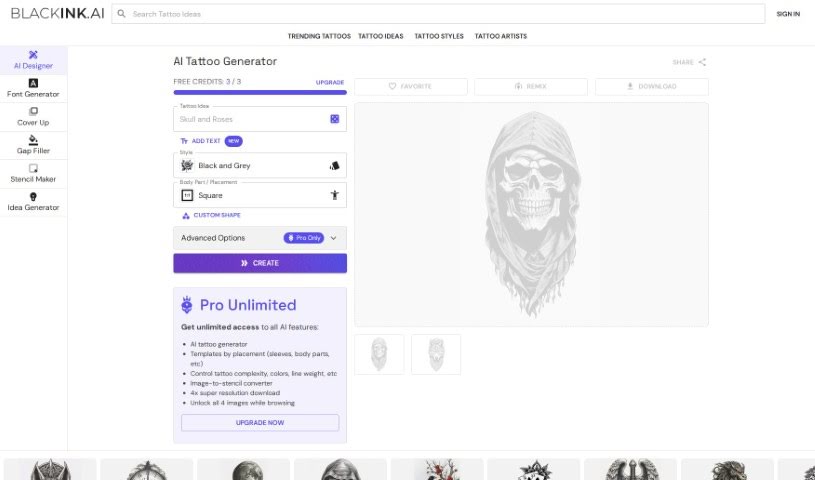
Screenshot of BlackInk AI

BlackInk AI

Freemium

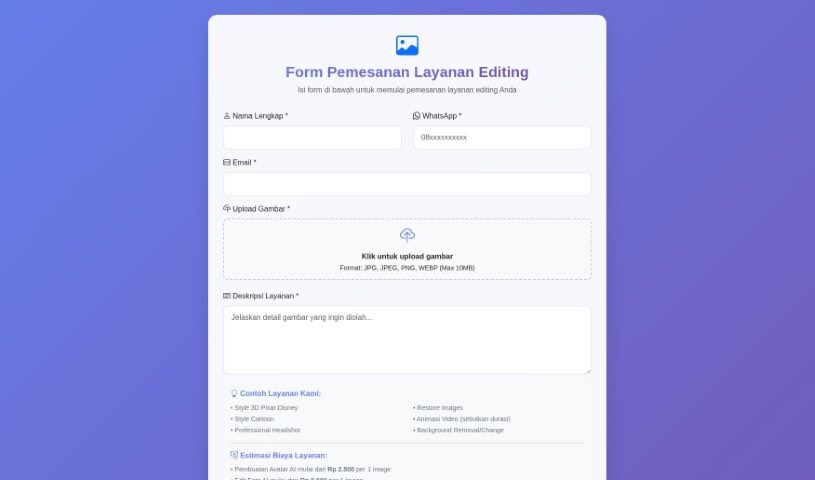
BlackInk is a really neat AI tool that creates original tattoo designs. You just give it your ideas and preferences, and it whips up a custom design for you. You can pick the tattoo style you're going for, type in what you're thinking, and the AI will generate a unique piece. It's a way to skip the usual, often lengthy and expensive, process of finding tattoos and discover cool, new designs super fast and easily.

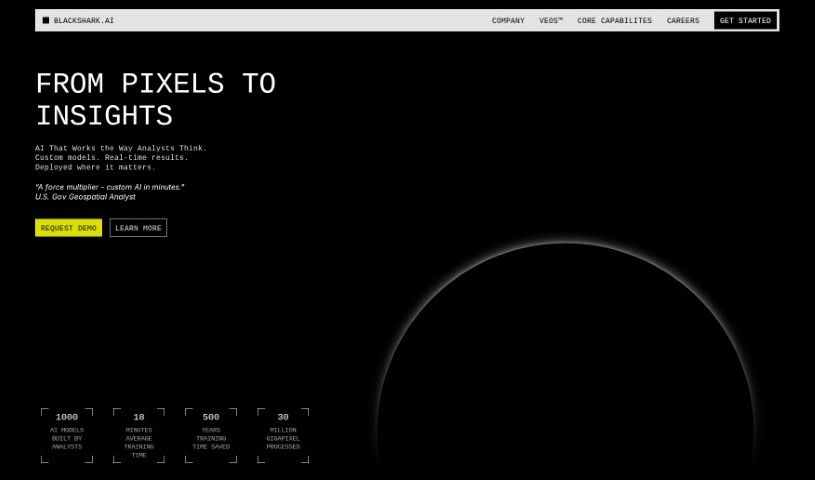
Screenshot of Blackshark

Blackshark

Freemium

Blackshark.ai is a powerful AI platform that builds a live, incredibly accurate, and super realistic 3D digital copy of our entire planet. It works by using satellite and aerial images, then applying artificial intelligence to pull out key details about the Earth's infrastructure. This AI enrichment creates incredibly detailed digital twins. You can use these twins for all sorts of things – visualizing data, running simulations, mapping, and even creating mixed reality experiences. Blackshark.ai is a game-changer for industries like aviation, urban planning, and insurance, offering solutions for better visualization, more realistic simulations, in-depth analysis, and improved training. The platform gives you detailed, region-specific views of the Earth's surface, showing everything from how high the land is, to buildings, how much green space there is, and all the infrastructure. Plus, Blackshark.ai offers cool features like SYNTH3D, which creates digital airports perfect for simulations, and it can even generate synthetic training data for machine learning projects.

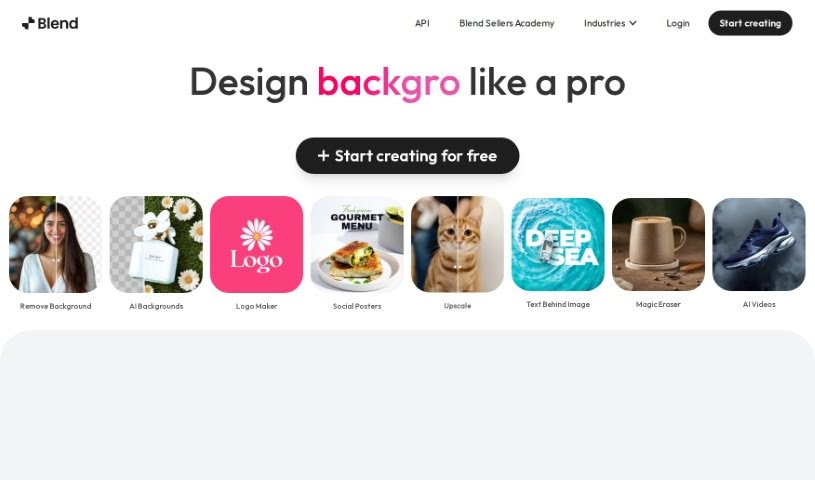
Screenshot of Blend

Blend

Freemium

Blend is a really neat tool that uses AI to quickly remove backgrounds from images and make your product photos look amazing. It's designed to make things easy for entrepreneurs who want to boost their sales and improve their online look with professional-quality visuals. You get automatic background removal, the ability to swap out backgrounds, tons of templates, and features specifically for social media graphics and product shots. Plus, it helps optimize your images for search engines, resizes them for different platforms, and even has a 'magic resize' feature.

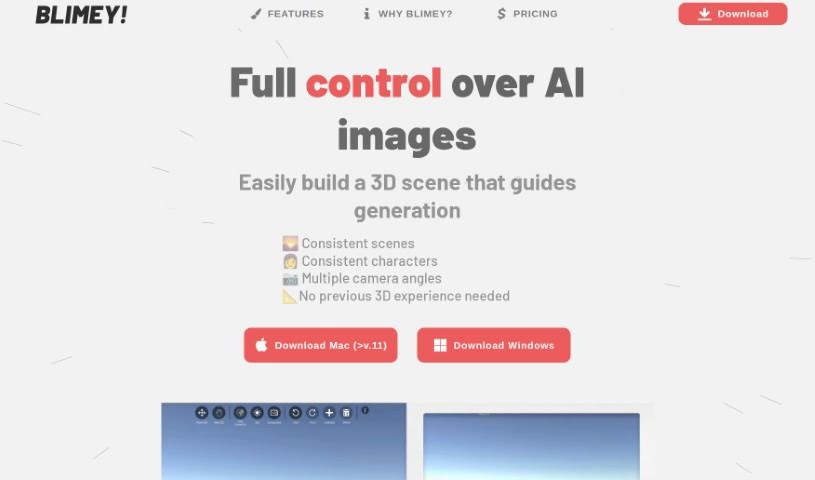
Screenshot of Blimey

Blimey

Freemium

Blimey is a really neat AI image generation tool, created by Markus. What's cool about it is that it gives you a lot of control over the images you create. You can easily guide things like the composition, the colors, the overall style, and so much more. Blimey offers some great features, including the ability to create high-quality images, customize colors precisely, manage the composition, generate images quickly, and even do 3D rendering. Essentially, you get full command over the AI-generated images because you build a 3D scene that acts as a blueprint for the whole process.

Stay Updated with AI Tools

Get weekly updates on the latest AI tools, trends, and insights delivered to your inbox

Join 25,000+ AI enthusiasts. No spam, unsubscribe anytime.