AI Creative Tools

AI Tools for Creative

Discover the best Creative AI tools to enhance your productivity and creativity.

Page 10 of 107 • 1276 total tools
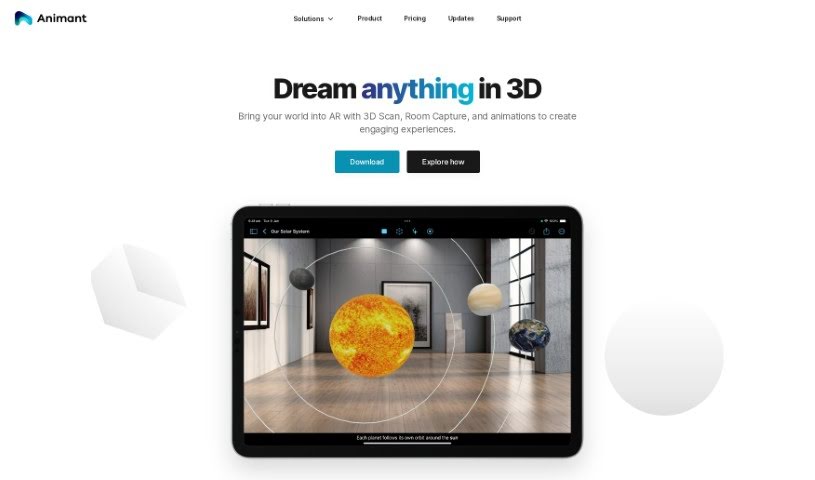
Screenshot of Animant

Animant

Freemium

Animant is an AI tool that turns written scenes into interactive 3D stories. It generates simple 3D objects from text without requiring prior 3D animation skills, and it blends 2D content such as photos, PDFs, and videos with 3D objects. Augmented reality (AR) features let you place and guide content in real space, and everything runs entirely on-device — the tool does not collect personally identifiable information.

Screenshot of Anime AI

Anime AI

Freemium

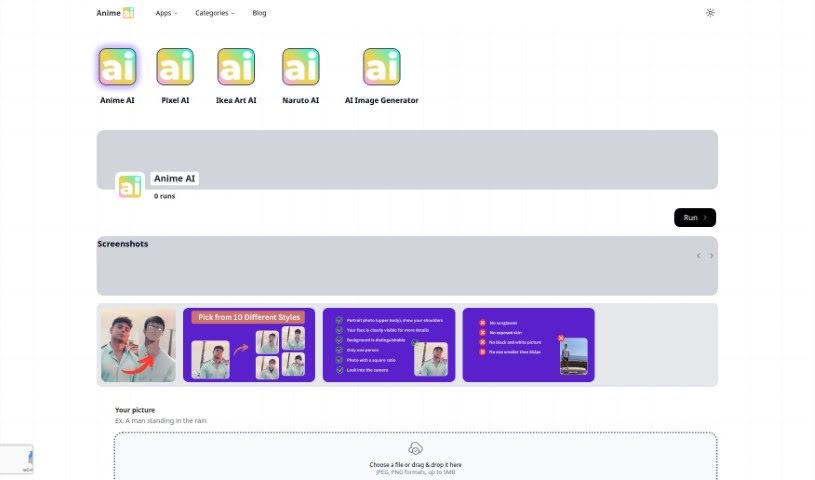
Anime AI is a free app that turns photos into anime avatars, with no sign-up required. Users pick from popular anime styles such as One Piece, Naruto, Webtoon, and Dragon Ball, and can select attributes like glasses or a cap to customize the result. Each request generates up to 100 images.

Screenshot of Anime AI Chat

Anime AI Chat

Freemium

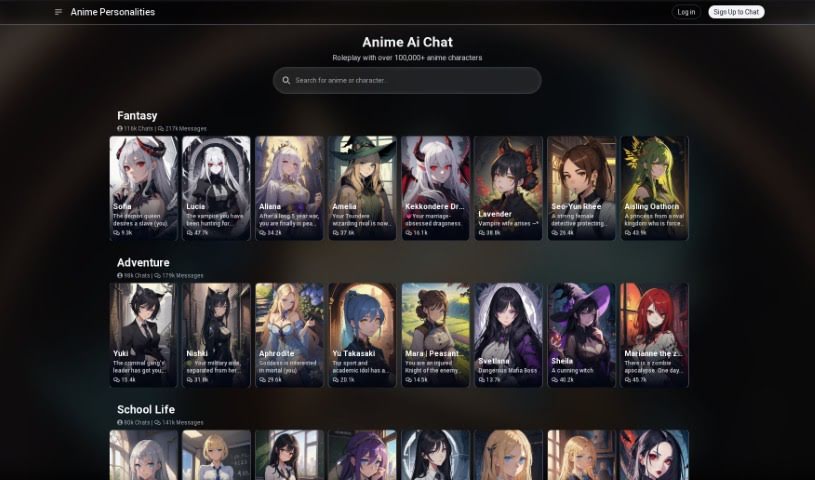
Anime AI Chat is a roleplaying platform where anime fans chat with AI versions of characters from popular series, including Attack on Titan, Death Note, Fullmetal Alchemist: Brotherhood, One Punch Man, Sword Art Online, My Hero Academia, and Demon Slayer: Kimetsu no Yaiba. The library includes over 100,000 characters, and conversations are designed to match each character's personality. Your inputs shape the narrative, so each session plays out differently, and new characters and series are added over time.

Screenshot of Anime Art Studio

Anime Art Studio

Freemium

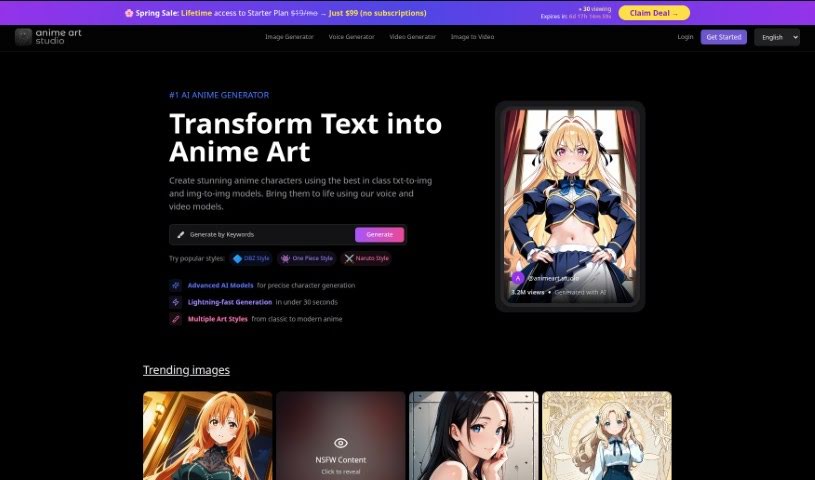
AnimeArt.Studio is an online platform for creating anime art—images, videos, and voices. It provides access to over 100 stable diffusion anime models, each pre-trained on a unique style and tested for quality and efficiency. You can run the same prompt across many models at once, get instant results, and compare styles side by side.

Screenshot of Anime Character Generator

Anime Character Generator

Freemium

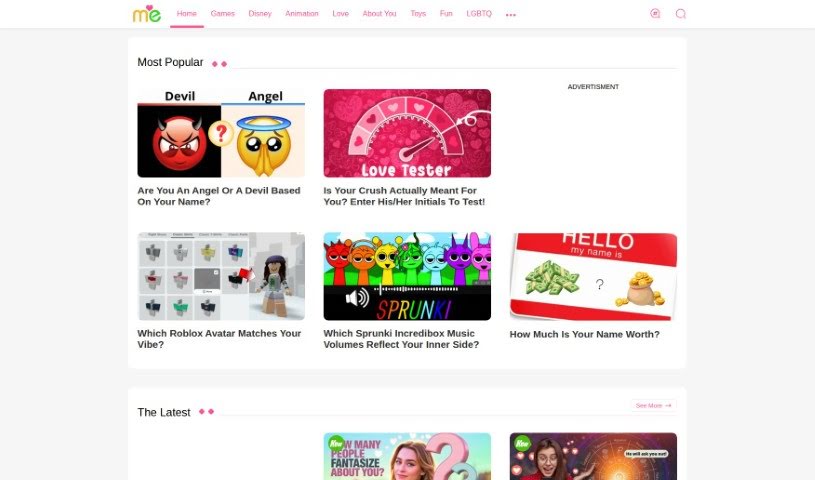
The Anime Character Generator on Testname.me creates a personalized anime character from a series of personality questions. Users choose preferences such as eye type and clothing style, and the platform generates an original character based on those answers. It's free, easy to use, and designed for entertainment with a side of self-reflection.

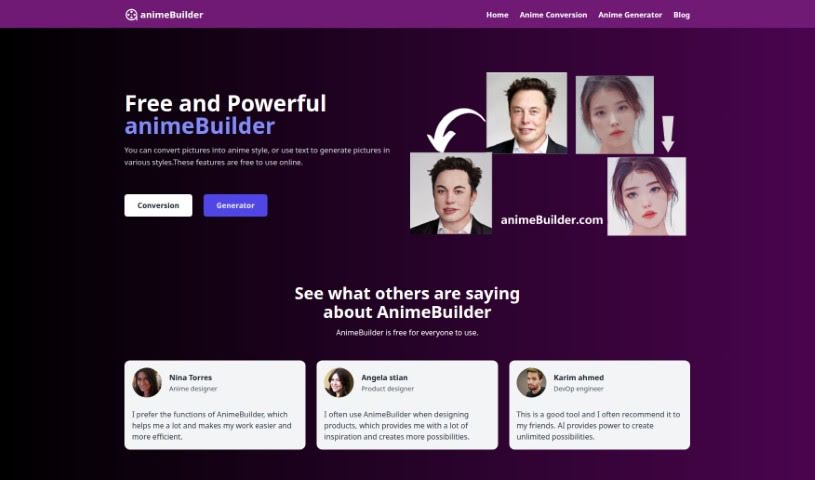
Screenshot of animeBuilder

animeBuilder

Freemium

animeBuilder is an online tool for creating anime-style artwork with AI. It requires no sign-up or download — visit animebuilder.com and start using it immediately. The platform can generate anime art from text descriptions or convert existing images into anime style, and it includes a dedicated Text-to-Art Generator. Privacy is a stated priority: no personal information is saved, and data is not stored. The team behind it was built around user privacy and data security, and continues to add features and improve the service.

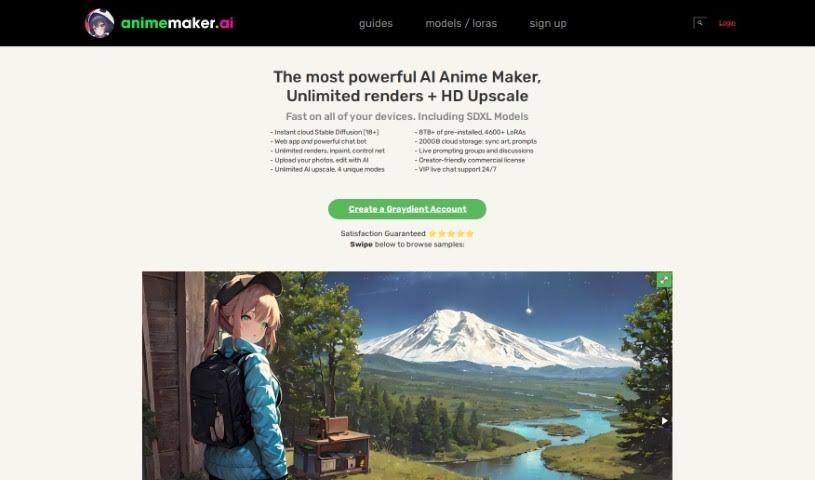
Screenshot of AnimeMaker AI

AnimeMaker AI

Freemium

AnimeMaker AI is a cloud-based tool for generating, editing, and upscaling anime-style images. It supports high-resolution rendering and advanced editing features such as inpaint and control net, and ships with a large library of pre-installed styles and models — over a terabyte of styles and resources. Everything runs in the cloud, so it works from any device without high-end hardware or significant local storage, with smooth switching between devices and 24/7 live chat support.

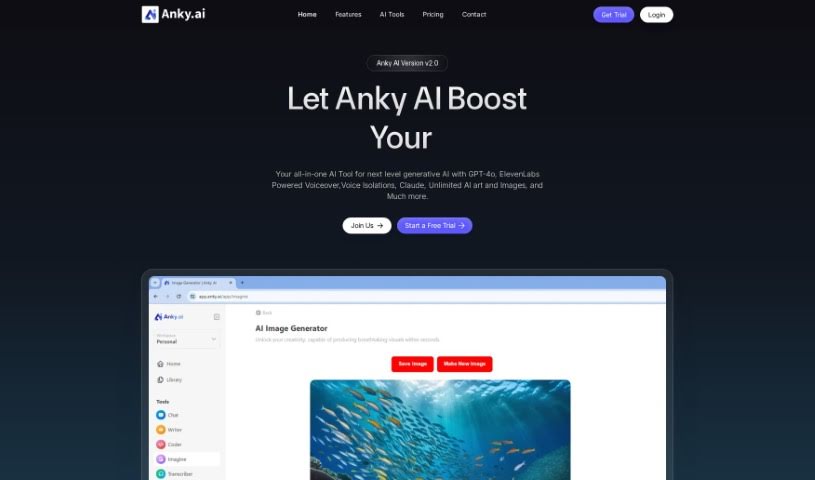
Screenshot of Anky AI

Anky AI

Freemium

Anky AI is a text-to-image platform that uses deep learning to turn text prompts into images. It is built to fit into existing workflows and includes design tools, a range of art styles, and historical design influences spanning Renaissance looks to Modernist minimalism.

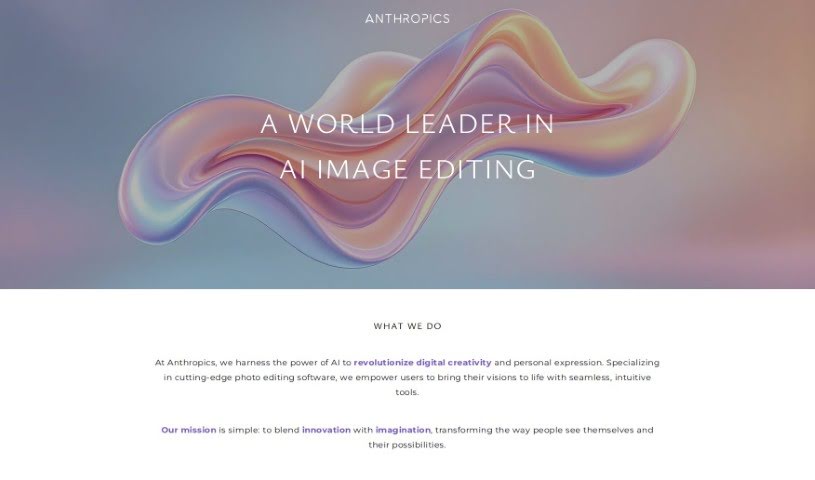
Screenshot of Anthropics

Anthropics

Freemium

Anthropics Technology Ltd., founded in 1998, develops AI-based image processing tools for businesses and photographers. Its main products are PortraitPro, PortraitPro Body, LandscapePro, and Smart Photo Editor, which help users achieve professional, natural-looking photo edits.

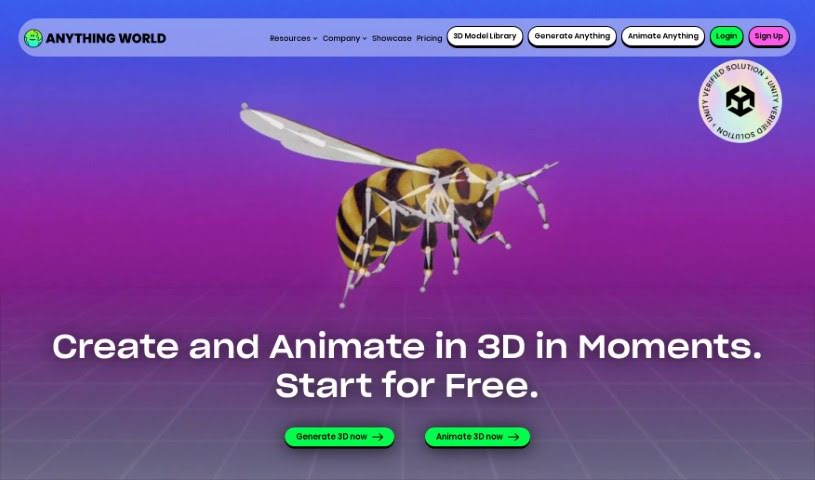
Screenshot of Anything World

Anything World

Freemium

Anything World is a platform that uses machine learning to automatically rig 3D models. It builds skeleton structures for characters and objects, enabling realistic movement and animation without manual rigging. Because rigging is normally a slow, technical process, automating it saves animators and developers significant time. The platform also includes a large library of 3D models, along with documentation, a user community, and a showcase of projects for inspiration.

Screenshot of api4ai

api4ai

Freemium

Api4ai is a cloud-based AI and computer vision service offering affordable, customizable solutions for businesses. Its image processing technologies include background removal, NSFW content detection, optical character recognition (OCR), image labeling, object detection, and face recognition. The service targets enterprises, startups, and individual developers who want to integrate machine learning into existing products.

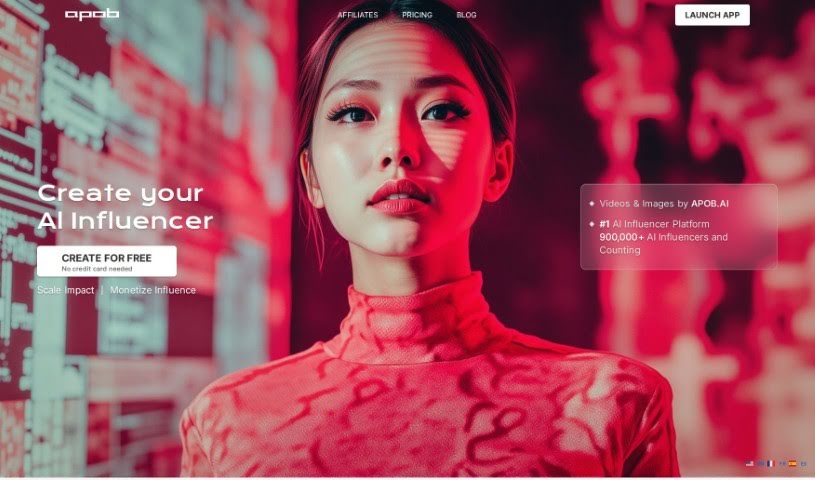
Screenshot of Apob AI

Apob AI

Freemium

Apob AI is an AI portrait generator that uses artificial intelligence and machine learning to create personalized, realistic portraits from photos or text descriptions. Trained on millions of images, it blends user input with its knowledge of faces, styles, and themes to produce portraits tailored to each request.

About Creative tools

Bringing a creative vision to life takes stamina. Whether you’re working on visual art, video projects, sound design, or written work, the gap between a great idea and a finished piece is usually filled with hours of tedious setup. You spend time masking image layers, cutting out filler words from audio, or wrestling with software settings when you’d rather be making art.

The tools in this category handle repetitive technical tasks so you can keep your focus where it belongs: on creative direction and artistic choice.

Offloading Technical Setup to Focus on Art

Testing visual concepts gets much faster when you can prototype ideas instantly. Instead of spending hours building manual moodboards or sketching rough wireframes by hand, generative tools let you test lighting styles, color palettes, and compositions in seconds. You can explore dozens of creative paths before committing to a full production shoot or detailed illustration.

In video and audio editing, smart software handles the tedious mechanics. Automatically generating precise closed captions, reframing shots for vertical video formats, or isolating vocal tracks from ambient background noise used to take complex plugins and hours of manual editing. Modern creative tools process those heavy tasks in minutes, giving you back time to polish the story itself.

Maintaining visual consistency across large projects gets a major upgrade, too. Managing design elements, color palettes, and character references across a long series or multi-asset campaign often leads to small visual errors. Creative AI tools help enforce visual rules and match styles automatically, keeping your artwork, video sequences, or digital assets aligned from start to finish.

Key Capabilities for Creators:

  • Style and reference matching: Systems that analyze an artistic style or reference image and apply it across new graphic assets.
  • Generative canvas expansion: Tools that expand image borders, fill in background details, or remove unwanted objects cleanly.
  • Text-to-media rendering: Software that converts written prompts into high-resolution images, video clips, or sound textures for fast prototyping.
  • Non-destructive asset editing: Applications that adjust lighting, color tones, and individual layers without destroying original files.
  • Cross-format conversion: Features that automatically reformat visual assets and video projects for desktop, mobile, and print.

Technology can generate pixels and format files, but true artistic judgment, taste, and emotional expression still belong to you. Handing off routine file conversions, background cleanup, and quick concept testing simply gives you the freedom to focus on your craft.

Explore the tools below to upgrade your creative workspace.

The Best AI Creative Tools

  1. Canva: for designing social media posts
  2. Character AI: for brainstorming story ideas and concepts.
  3. Janitor AI: for quickly crafting unique story ideas.
  4. Remove.bg: for instantly removing backgrounds from design projects
  5. Leonardo AI: for generating dynamic artwork for designers
  6. Photopea: for designing stunning graphics and illustrations.
  7. Photoroom: for improving photos for creative projects
  8. Pixelcut: for designing eye-catching product ads
  9. Pixlr: for designing great graphics with ease
  10. Midjourney: for visual storytelling through art prompts.
  11. AI Face Swap: for creating unique memes for social media.
  12. Cutout.pro: for creating dynamic backgrounds for art
  13. Remaker: for AI-powered image creation for unique designs.
  14. Ideogram: for logo design and customization.
  15. Openart: for experimenting with unique artistic styles
New tools, in your inbox.

Weekly picks of the best AI tools we've researched and added — no spam, unsubscribe anytime.

Join 25,000+ AI enthusiasts. No spam, unsubscribe anytime.