AI Tools for Creative

Discover the best Creative AI tools to enhance your productivity and creativity.

Page 9 of 114 • 1360 total tools

Creativity today is changing fast, and AI is becoming a super helpful partner. Whether it’s creating amazing visuals or writing music, AI creative tools are making the art process more accessible and exciting. But with so many options out there, finding the right one for your creative needs can feel a bit overwhelming.

Things have really changed in just a few years. AI tools aren’t just for special uses anymore; they’re smoothly fitting into our everyday creative work. These new technologies can make your projects better, save you time, and even lead you to explore artistic ideas you hadn’t considered before.

I’ve spent a good amount of time exploring the world of AI creative tools, looking into everything from graphic design apps to music software. Since I love seeing how technology and creativity come together, I wanted to share what I found about the best tools available right now.

So, whether you want to make eye-catching visuals or come up with fresh concepts, there’s a tool out there just for you. Let’s dive into the best AI creative tools that can take your artistic projects to the next level and change how you create.

The best AI Creative Tools

  1. Canva for designing social media posts
  2. Character AI for brainstorming story ideas and concepts.
  3. Janitor AI for quickly crafting unique story ideas.
  4. Remove.bg for instantly removing backgrounds from design projects
  5. Leonardo AI for generating dynamic artwork for designers
  6. Photopea for designing stunning graphics and illustrations.
  7. Photoroom for improving photos for creative projects
  8. Pixelcut for designing eye-catching product ads
  9. Pixlr for designing great graphics with ease
  10. Midjourney for visual storytelling through art prompts.
  11. AI Face Swap for creating unique memes for social media.
  12. Cutout.pro for creating dynamic backgrounds for art
  13. Remaker for AI-powered image creation for unique designs.
  14. Ideogram for logo design and customization.
  15. Openart for experimenting with unique artistic styles

How do AI creative tools work?

AI creative tools work by using advanced algorithms that learn from all sorts of data. They look at patterns in creative works—like art, music, or writing—which helps them copy styles and create new, original pieces. It’s a bit like how human artists get inspired by different things they see or hear.

At their core, these tools often use neural networks. These are specially built to understand and interpret human creativity. The networks are trained on huge amounts of data, including works from many different styles and formats, so they can learn and adapt to various approaches.

When you give a prompt—like a topic for a story, a theme for a painting, or a music genre—these AI tools use the patterns they’ve learned to generate fitting responses. They essentially guess which elements should go together to make content that feels cohesive and engaging.

What’s really interesting is that AI creative tools don’t just repeat what they’ve learned; they can actually be innovative. By blending styles or drawing from less common influences, they can produce work that surprises and inspires, offering a fresh take even on familiar subjects.

As technology keeps advancing, these creative tools are getting more capable. This means we can have richer interactions, with users and AI working together more smoothly. Often, this leads to amazing artistic creations that combine human ideas with computer power.

If you’re curious about the technical side of these tools, looking into neural networks and creative AI applications can offer more insight into how they bring artistic ideas to life.

Our best AI creative tools at a glance

RankNameBest forPlans and PricingRating
1CanvaSocial media post designN/A4.73 (11 reviews)
2Character AIGBrainstorming story ideas and concepts.N/A4.64 (11 reviews)
3JanitorAICrafting unique story ideas quickly.N/A0.00 (11 reviews)
4Remove.bgInstant background removal for design projectsPaid plans start at $0.2/image.4.82 (11 reviews)
5Leonardo AIDynamic artwork generation for designersPaid plans start at $9/month.4.73 (11 reviews)
6PhotopeaDesign stunning graphics and illustrations.N/A4.67 (12 reviews)
7PhotoroomEnhancing creative project photosPaid plans start at $7.50/month.4.74 (38 reviews)
8PixelcutDesigning eye-catching product adsN/A4.64 (11 reviews)
9PixlrDesigning stunning graphics effortlesslyPaid plans start at $0.99/month.4.73 (11 reviews)
10MidjourneyVisual storytelling through art prompts.N/A4.73 (11 reviews)
11AI Face SwapCrafting unique memes for social media.N/A4.70 (10 reviews)
12Cutout.proDynamic background creation for artistryN/A4.46 (13 reviews)
13RemakerAI-powered image creation for unique designs.N/A4.69 (13 reviews)
14IdeogramLogo design and customization.N/A4.85 (26 reviews)
15OpenartExperiment with unique artistic stylesPaid plans start at $84/year.4.25 (8 reviews)
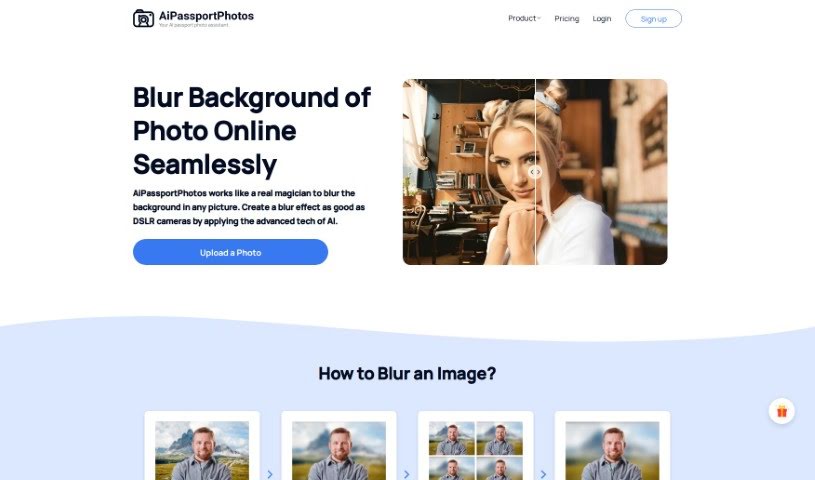
Screenshot of AiPassportPhotos Blur Background

AiPassportPhotos Blur Background

Freemium

A blurred background is a really common photography technique. It's used to create that smooth, out-of-focus look behind your main subject. When you blur the background, your subject really pops, naturally drawing the viewer's eye right to it. It's a go-to for portrait shots, product photos, and all sorts of visual content because it just makes the subject stand out so much better. You can get this effect with special camera lenses, by tweaking camera settings like aperture, or by using editing software like Photoshop after you've taken the picture. Essentially, a blurred background adds a sense of depth and makes your photo more visually interesting overall.

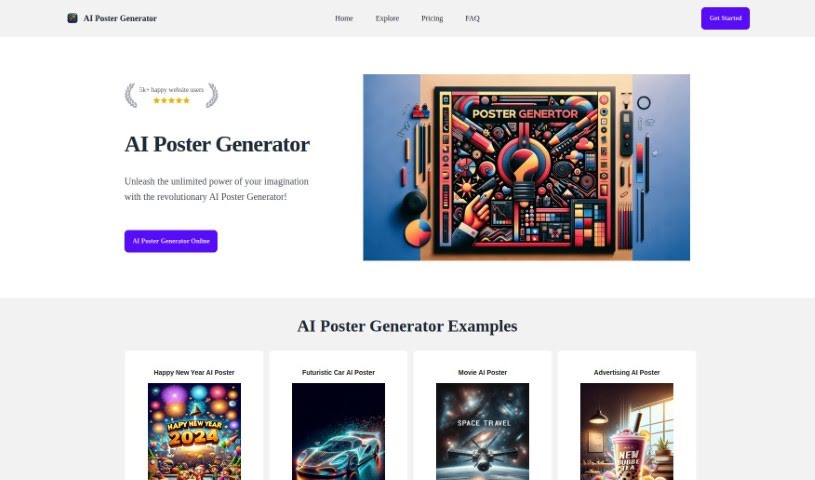
Screenshot of Aipostergenerator

Aipostergenerator

Freemium

AIPosterGenerator is a platform that uses the powerful DALLE-3 artificial intelligence model to help you create professional-looking posters just by typing in some words. It's designed to give you high-quality images and make poster creation super fast. You can customize your designs quite a bit, choosing from styles like Disney, Pixar, movie posters, or advertising. What's great is that it's really easy to use, even if you've never designed anything before. It's also budget-friendly, with a free plan to get you started and premium options if you need more. This tool really lets your creativity shine by offering a straightforward way to make eye-catching posters without needing any special design skills, thanks to its simple interface and plenty of design elements.

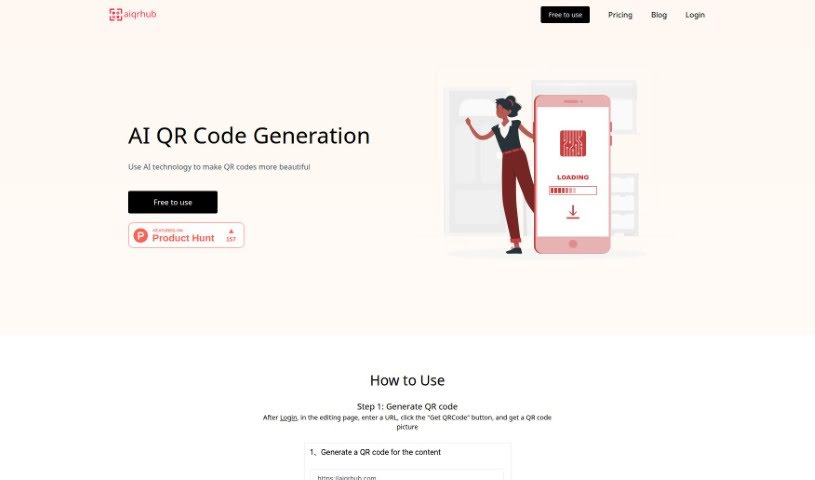
Screenshot of Aiqrhub

Aiqrhub

Freemium

Aiqrhub is an online tool that uses AI technology to create QR codes that are not only functional but also really attractive and artistic. The idea is to make them more appealing so people are more likely to share them. It's super easy to use; you just pick a style from their templates and, with a few clicks, you can generate beautiful, artistic QR codes. If you're new to Aiqrhub, you get 200 free diamonds to start creating these AI art QR codes. You can also buy more diamonds if you want more customization options. And here's a nice perk: Pro users can get a full refund if they've used less than 10% of their diamonds within 10 days of buying them. All in all, Aiqrhub is a handy way to make your QR codes stand out with AI-powered visual appeal.

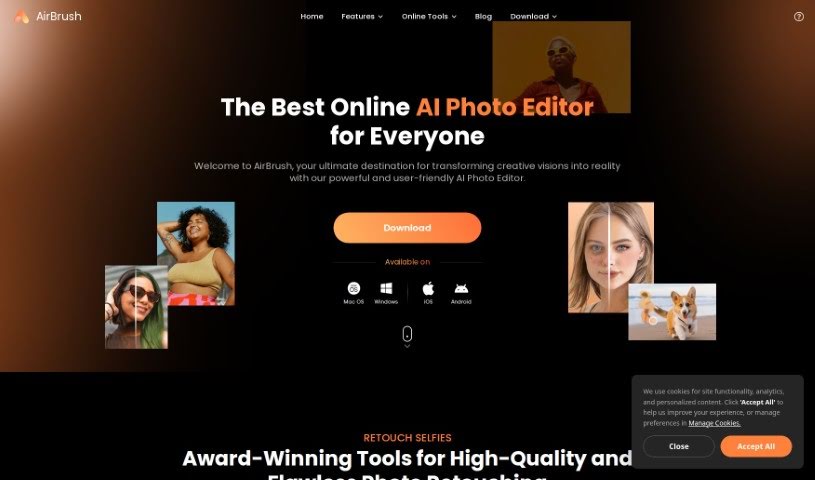
Screenshot of AirBrush

AirBrush

Freemium

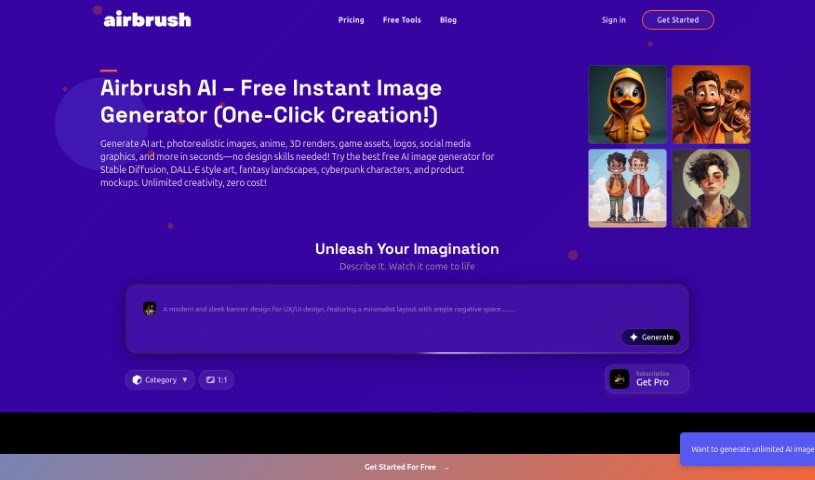
AirBrush has a cool feature called AI Headshots. It lets you take your regular selfies and turn them into all sorts of AI-generated avatars. Just upload a selfie, and you can create unique avatars perfect for platforms like Instagram or your favorite messaging apps. It's a super quick and easy way to give your online profiles a personal touch or just boost your digital look with a single click. Why not try out the AI Avatar Generator in the AirBrush app? It's a really fun tool for creative transformations.

Screenshot of Airbrush AI

Airbrush AI

Freemium

Airbrush AI is a really cool AI tool that totally changes how we create things. It uses advanced AI to help everyone – from pro photographers and digital artists to folks just wanting to make cool visuals – easily create amazing stock photos, unique NFTs, and mesmerizing artwork in just seconds. Because it uses artificial intelligence, Airbrush has a super simple and user-friendly interface. This makes the whole creative process smoother, so you don't have to worry about editing manually or starting from scratch. It's packed with automated tools and features that can enhance your images, add artistic flair, and really bring your ideas to life. What's more, Airbrush is fantastic for making stock photos. You can generate an endless supply of original stock photos that are exactly what you need, all with just a few clicks. It also taps into the growing NFT trend, making it simple to create unique digital assets you can sell on different NFT marketplaces. Beyond stock photos and NFTs, Airbrush offers a variety of artistic styles and filters. Whether you love the look of classic oil paintings, modern pop art, or something more avant-garde, you can express your unique vision.

Screenshot of AIShoot Img-Cut

AIShoot Img-Cut

Freemium

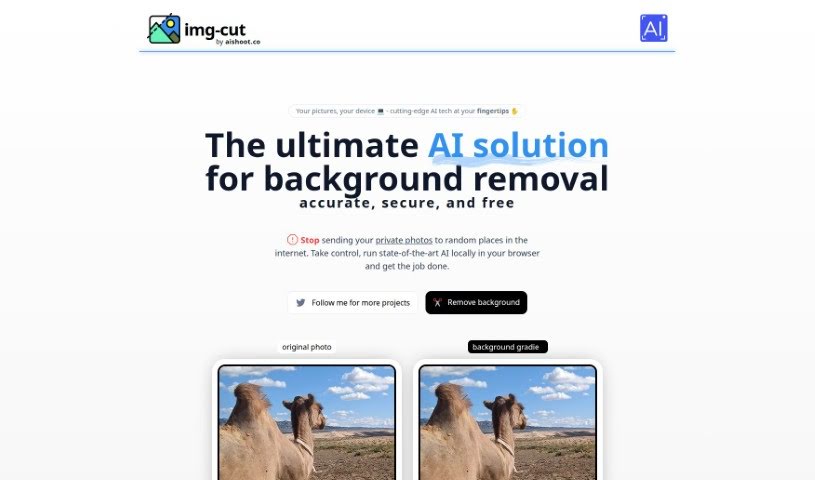
Img-Cut, brought to you by aishoot.co, is a really neat AI tool that completely changes how you remove backgrounds from your pictures. This smart technology lets you work with your photos securely and easily, right in your browser. That means you don't have to upload any sensitive images online. Thanks to its simple interface, Img-Cut makes it super easy for anyone to remove backgrounds from photos precisely and for free. It's perfect for design pros, photographers, or even just folks who enjoy editing images, all while keeping your privacy safe and delivering great results.

Screenshot of Aishots

Aishots

Freemium

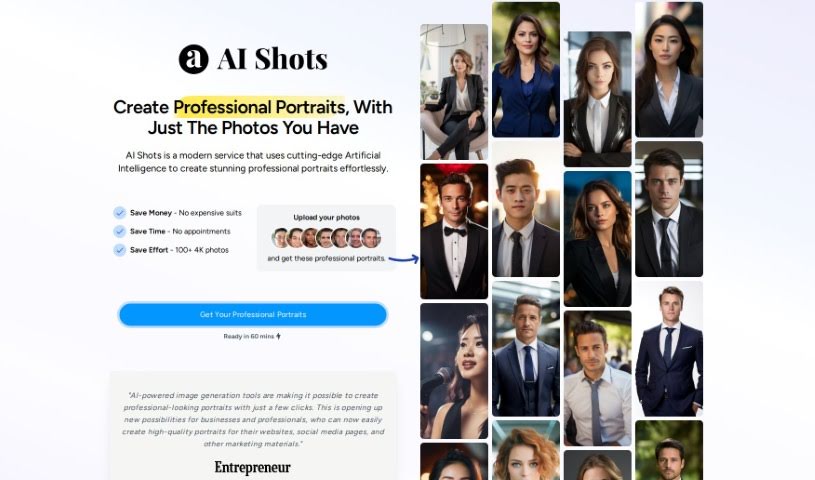
AI Shots is a modern service that uses really smart artificial intelligence to create professional-looking portraits quickly and easily. You just upload a few clear photos of yourself, and the AI learns your facial features. This allows it to generate high-quality portraits that look like they came straight from a professional studio. Plus, AI Shots offers a bunch of different portrait styles, and it's designed to save you money, time, and hassle compared to traditional photoshoots.

Screenshot of AISixteen

AISixteen

Freemium

AISixteen Studio is a really neat AI tool that helps you create images. It is a smart assistant for anyone working with visuals – especially digital marketers, graphic designers, and content creators. It lets you easily whip up high-quality images just by typing in a simple description of what you want. This is super handy for all sorts of things, like making website banners, eye-catching social media posts, professional-looking product photos, or even unique digital art. The platform is designed to be super user-friendly, and it uses advanced AI to make sure the images it generates are top-notch. It’s all about making your creative work faster and better, no matter what kind of graphics you need.

Screenshot of AISnap

AISnap

Freemium

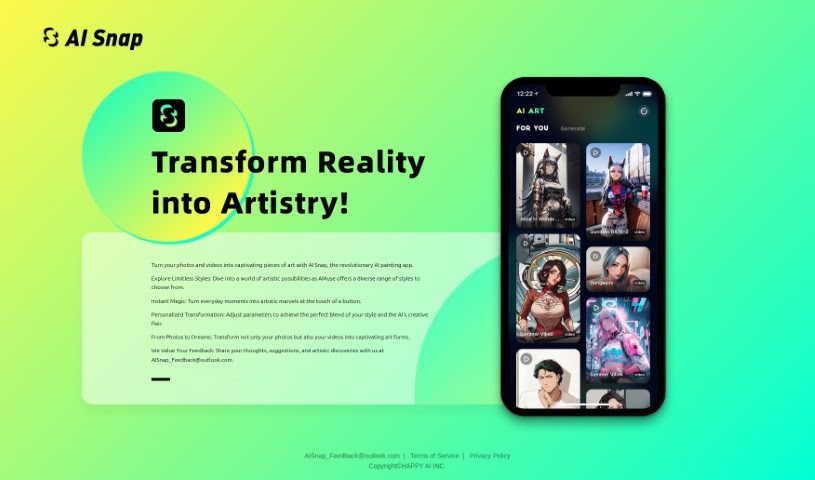
AISnap is a really neat app from HAPPY AI INC. that uses artificial intelligence to turn your photos and videos into all sorts of cool art styles. You can tweak settings to get the exact look you want, making each transformation uniquely yours. They're also big on listening to users, so your feedback really helps them make the app even better. What makes AISnap special is its ability to work with both still images and moving videos, letting you create expressive art from whatever you've got. They're always evolving the app based on what people like you discover and share.

Screenshot of Aispect

Aispect

Freemium

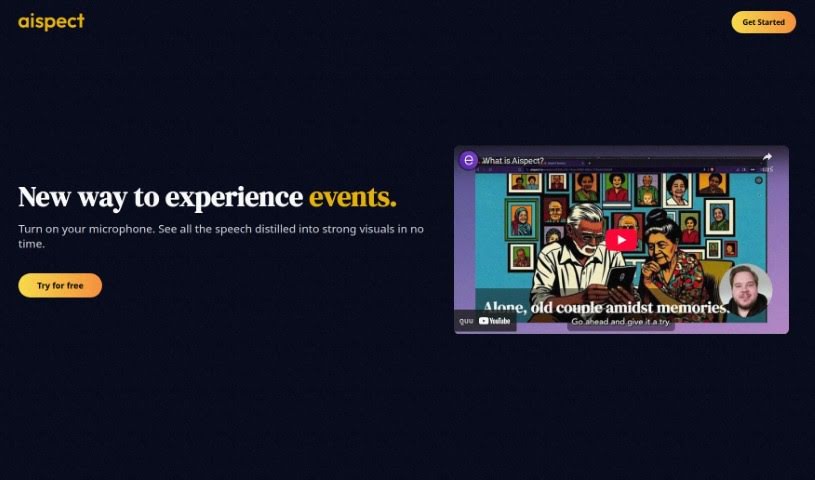
Aispect is a really neat tool that makes events more engaging by turning live audio into unique visual illustrations, all thanks to AI. It's especially handy for things like webinars, meetings, and news feeds. It is a way to capture the key points of a discussion and present them as eye-catching visuals. Aispect supports over 30 languages, uses a credit system for generating images, and has different subscription plans available. You can easily manage your subscription right from the dashboard, cancel whenever you need to, and rest assured that your payments are secure and your data is private. Aispect doesn't keep any recorded audio; it only stores the images you create, which you're free to use however you like.

Screenshot of Aitubo

Aitubo

Freemium

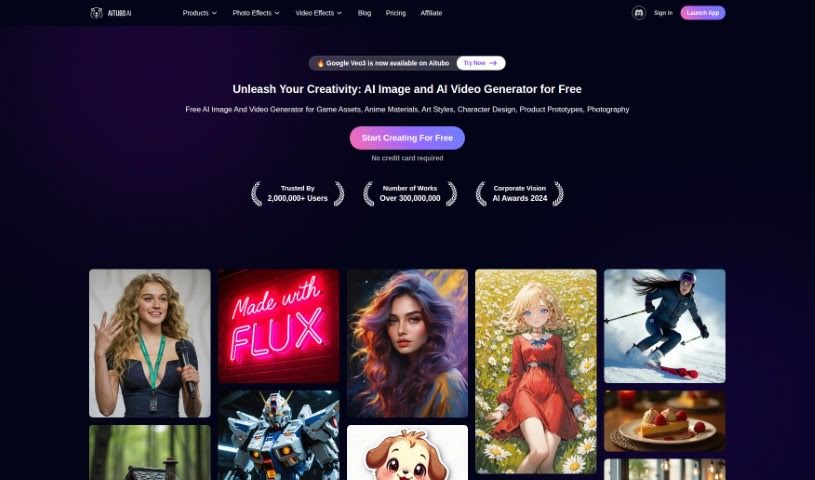
Aitubo is an AI art generator tool designed to help you create high-quality images from text and photo inputs, perfect for game design and other creative projects. It is a way to turn your sketches into polished masterpieces using AI. It's particularly great for efficiently creating game assets like characters and cartoons. Aitubo really shines with its key features: an AI generator that speeds up the creation of materials for building game worlds, an AI editor that gives you control over image editing, and a model library packed with various professional models ready for generating production-quality art assets. This tool is a game-changer for game design because it focuses on producing top-notch game assets, offers professional models for things like game characters, and brings truly transformative capabilities to game design. Plus, Aitubo can whip up all sorts of images – think game material pictures, architectural visualizations, character action shots, and even images with a 3D depth-of-field effect. Since it's web-based, you can easily access it online without needing to install any special software.

Screenshot of Aiwright

Aiwright

Freemium

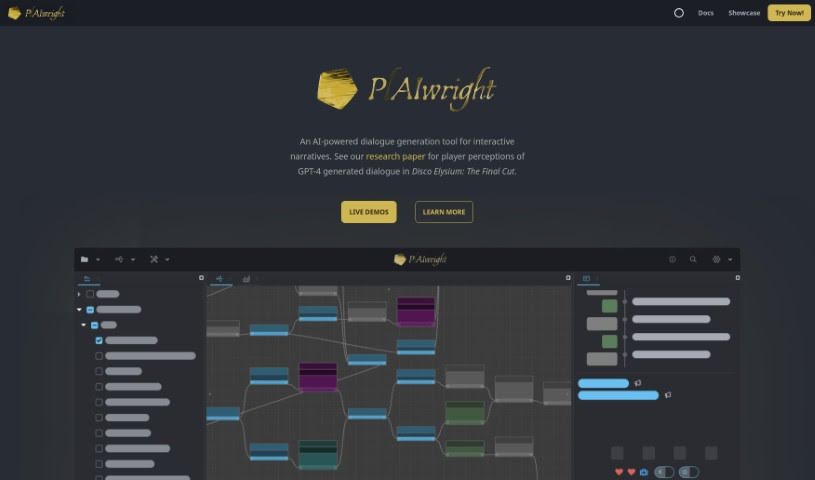
Aiwright is an AI tool specifically built for creating dialogue in interactive stories. It is a smart assistant for writers working on games or other narrative experiences. It can analyze dialogue content, group similar conversations together, and even generate new dialogue using a blend of code and natural language. Plus, it helps you test your dialogues, run experiments, and fine-tune them based on what players prefer. Essentially, Aiwright is all about making dialogue in interactive narratives more engaging and immersive.

Stay Updated with AI Tools

Get weekly updates on the latest AI tools, trends, and insights delivered to your inbox

Join 25,000+ AI enthusiasts. No spam, unsubscribe anytime.