Top AI Background Removers

AI Tools for Background Removal

Discover the best Background Removal AI tools to enhance your productivity and creativity.

Page 4 of 5 • 52 total tools
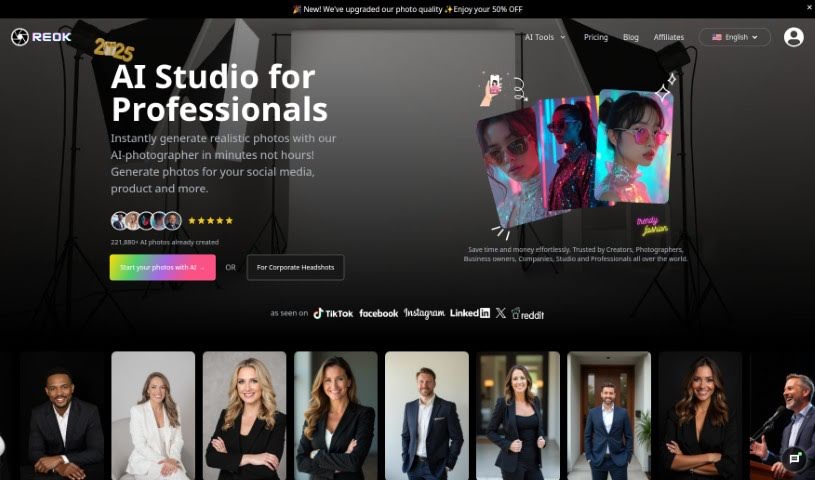
Screenshot of Reok Pro

Reok Pro

Freemium

Reok Pro is an online tool that uses AI to create professional headshots from a single selfie — no multiple photos or FaceID required. You can customize styles and backgrounds, remove backgrounds, and enhance photo quality before posting to platforms like Facebook, Instagram, and TikTok. It comes from a company offering AI-powered professional photo services.

Background Removal View Tool →
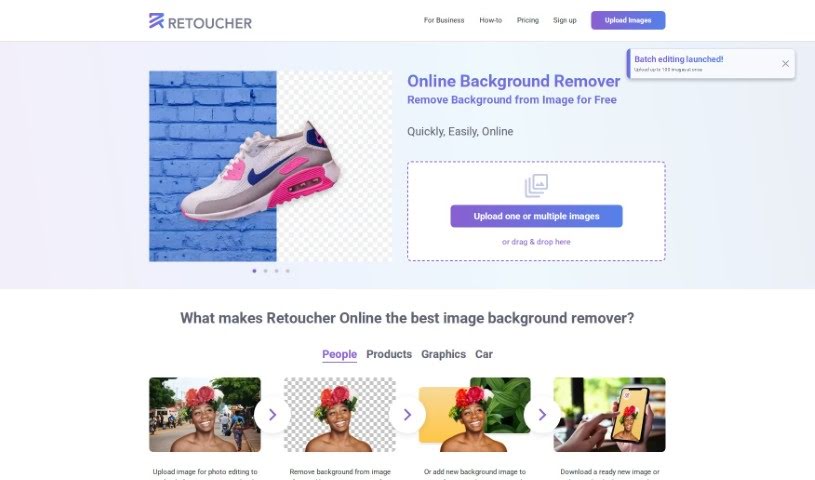
Screenshot of Retoucher

Retoucher

Freemium

Retoucher Online is an image editing tool focused on background removal. Upload a photo and it removes the background automatically while keeping the main subject intact. You can add a new background, create profile pictures, and download the result or continue editing in the built-in editor. Images can be prepared for social platforms like Instagram, Facebook, TikTok, and YouTube, or for passport photos.

Background Removal View Tool →
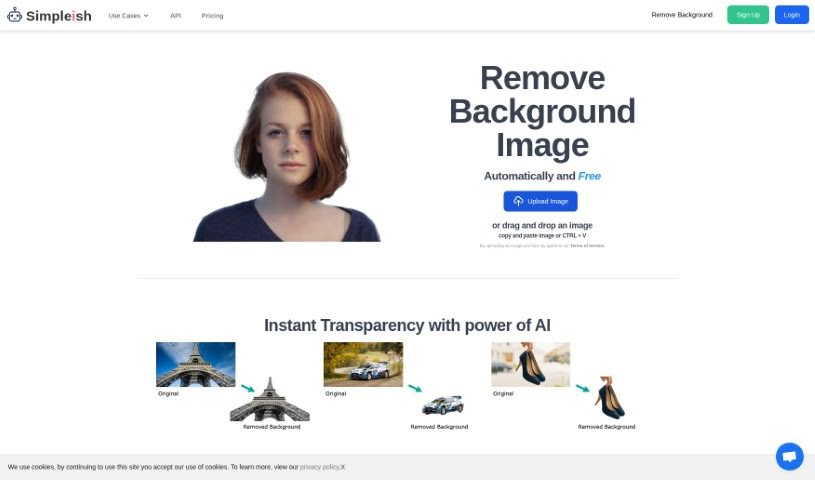
Screenshot of Simpleish

Simpleish

Freemium

Simpleish.io is an AI tool that removes backgrounds from photos. Upload or drag and drop an image, click once, and the AI identifies the subject to keep and removes the rest, producing a clean cutout. The tool emphasizes simplicity, time savings, and integration with existing software through its API, with pricing plans for individuals and businesses across several industries.

Background Removal View Tool →
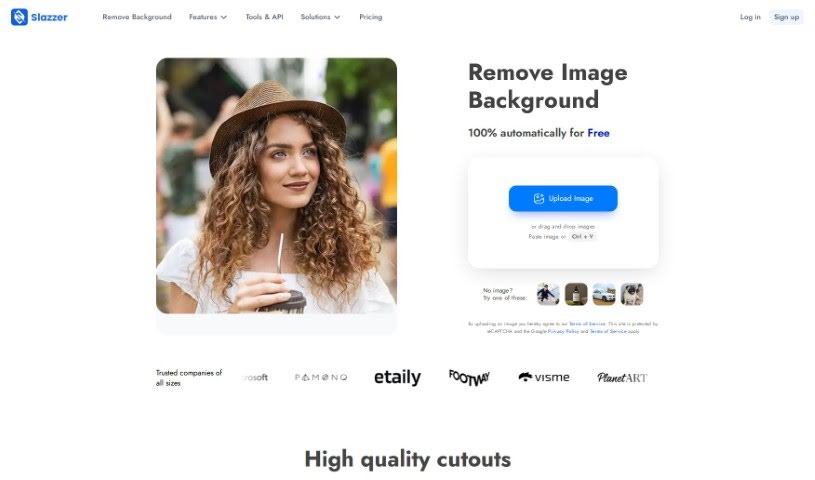
Screenshot of Slazzer

Slazzer

Freemium

Slazzer is an online tool that removes backgrounds from images automatically in about 5 seconds. It uses AI algorithms to detect and remove backgrounds from a variety of image types, eliminating the need for manual selections or complex editing software. It suits professional photographers, graphic designers, and anyone preparing photos for e-commerce, design projects, or social media.

Background Removal View Tool →
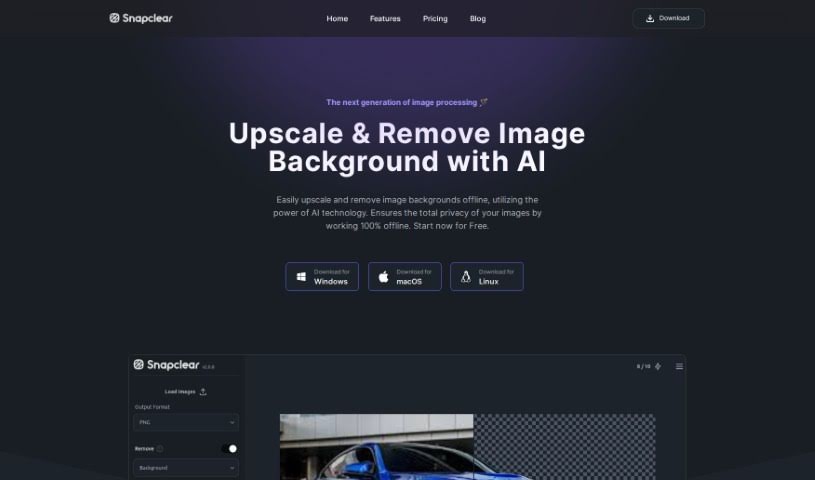
Screenshot of Snapclear

Snapclear

Freemium

Snapclear is a desktop application that removes image backgrounds automatically using AI, running entirely offline. Images never leave your computer, making it a privacy-focused option for photo editing.

Background Removal View Tool →
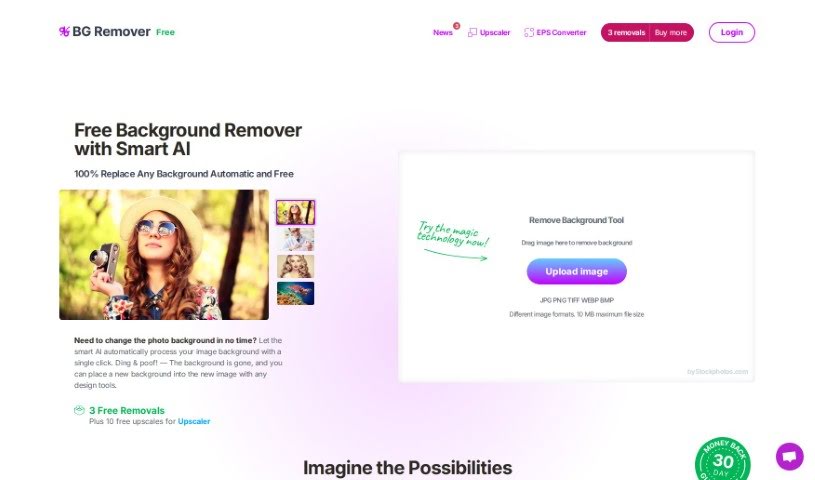
Screenshot of Stockphotos Bg Remover

Stockphotos Bg Remover

Freemium

The Background Remover is an AI-powered tool that automatically removes backgrounds from images. It identifies objects, smooths edges, and processes images quickly. It supports common formats including JPG, PNG (which preserves transparency), and BMP.

Background Removal View Tool →
Screenshot of Storia

Storia

Freemium

Storia is an AI-powered image editor for improving, changing, or transforming images. Users can remove or swap objects, backgrounds, and text, often with a single click or a short text description.

Background Removal View Tool →
Screenshot of Stylized

Stylized

Freemium

Stylized is an AI-powered photo studio that lets you create professional product photos using just your smartphone. It offers a free Basic plan and a Pro plan at $20 per month, with features including background removal, a virtual lightbox, and advanced 3D materials. You can also earn free credits by referring friends.

Background Removal View Tool →
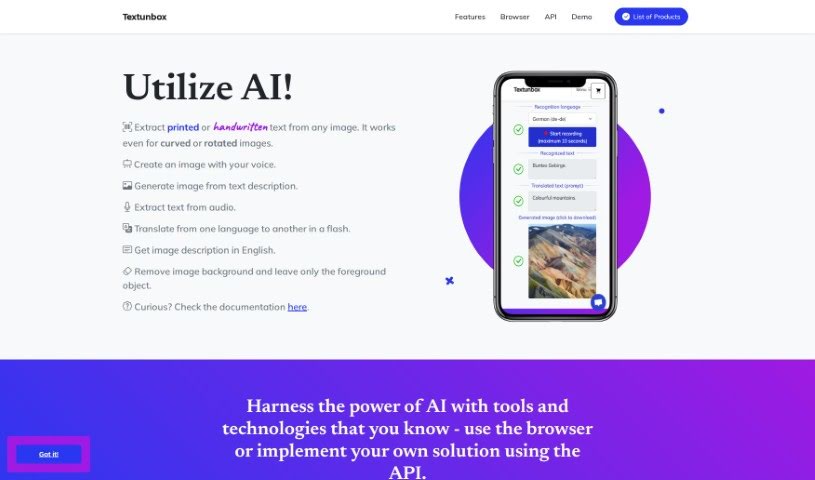
Screenshot of TextUnbox

TextUnbox

Freemium

TextUnbox is an AI-powered tool that combines several functions in one platform: extracting text from images (printed or handwritten), generating images from text descriptions, transcribing audio, translating languages, describing image contents, and removing image backgrounds.

Background Removal View Tool →
Screenshot of Thumbmachine

Thumbmachine

Freemium

Thumbmachine is an AI-powered tool built for creating video thumbnails and advertising creatives. It includes features such as Thumbnail Design, Text-to-Image, Background Remover, and an AI Image Creator, and works on virtually any device. The platform runs on servers, so there is nothing to download or install, and it provides access to a collection of free background images.

Background Removal View Tool →
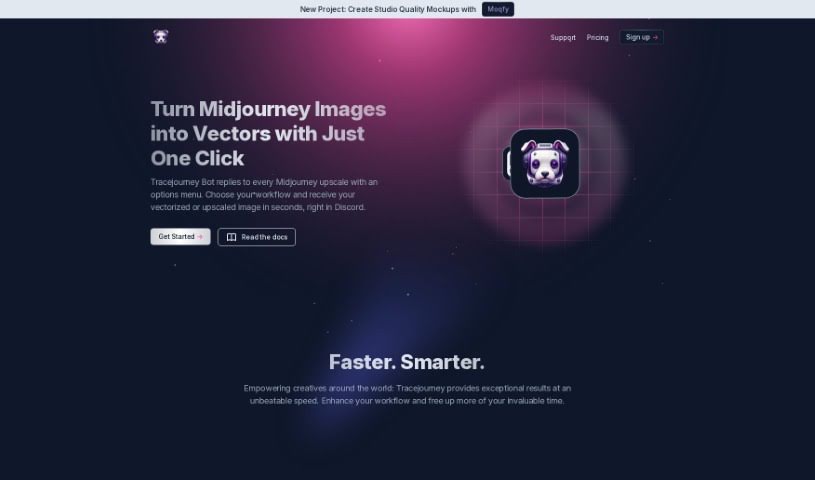
Screenshot of Tracejourney

Tracejourney

Freemium

Tracejourney is an AI-powered tool for upscaling and vectorizing images. It runs AI models on optimized GPU clusters to enlarge images by up to 8x while preserving fine details and reducing noise. The tool integrates with Discord and supports batch processing of up to 10 images at a time.

Background Removal View Tool →
Screenshot of Unfake

Unfake

Freemium

Unfake is an AI tool from Gaspard+Bruno that converts images with a fake transparency grid — checkerboard backgrounds that only look transparent — into genuine, background-less PNG files. The tool automatically removes the fake grid so images render accurately. Upload your image, let Unfake process it, and download the clean PNG. It is free to use, requires no sign-up, and supports uploads up to 200MB. It is powered by technology from VISIO Studio.

Background Removal View Tool →

About Background Removal tools

Anyone who’s ever tried to edit a photo knows how tedious cutting out a background manually can be. You sit there with a digital pen tool, carefully tracing around every stray hair, chair leg, or leaf pixel by pixel. One wrong click and you’re undoing your last ten moves. It takes forever, and the results don’t always look clean.

AI background removers turn that tedious chore into a simple one-click task. You don’t need to be a professional designer or know how to handle complex photo editing software. These applications analyze your image, figure out what belongs in the foreground, and erase the rest in seconds.

Where One-Click Erasers Save the Most Time

E-commerce store owners feel this pain more than anyone. When you have fifty new items to list on Shopify or Amazon, every single product needs a clean backdrop. Doing that manually across a whole catalog can take days. An automated background eraser processes those product shots in batches, dropping in pure white or transparent backdrops while you grab a cup of coffee.

Professional headshots and profile pictures are another great use case. Maybe you took a great photo of yourself, but the background shows a messy office or a distracting crowd. With a quick upload, you can strip away the clutter and replace it with a subtle studio gradient or solid color that makes your profile look sharp on LinkedIn.

Graphic designers and content creators rely on these platforms to build marketing materials quickly. When you want to drop a product cutout, a person, or a logo onto a new banner ad, you need clean edges without weird color halos. These tools generate transparent PNG files instantly, letting you layer graphics into your designs without awkward borders.

Of course, no software gets every single edge right on the first try. Photos with poor lighting, low contrast, or subject colors that blend directly into the backdrop can still trick the algorithms. That’s why the best platforms offer simple touch-up brushes so you can quickly restore or erase small spots manually.

Useful Capabilities to Look For

  • Hair and fine detail handling: Systems that cleanly separate fine strands of hair, animal fur, or transparent glass without leaving jagged edges.
  • Batch processing: Features that let you upload dozens or hundreds of photos at once to process entire image libraries in one go.
  • Manual touch-up tools: Simple erase and restore brushes for fine-tuning tricky edges or bringing back missed details.
  • High-resolution exports: Applications that let you download full-quality files without compressing your original image size.
  • Instant backdrop replacement: Built-in libraries that let you swap in solid colors, custom brand shades, or realistic background scenes immediately.

Removing backgrounds used to be one of the most frustrating parts of visual design. While tricky photos still benefit from a quick human touch, letting smart software handle the initial cutout frees up your time for actual creative work.

Browse our collection below to find the right background remover for your project.

The Best AI Background Removers

  1. Remove.bg: Great for quickly removing backgrounds for online stores.
  2. Remaker: Effortlessly eliminate unwanted backgrounds.
  3. Photoroom AI Background Remover: Perfect for making product photos look better.
  4. Canva AI Background Remover: Ideal for creating product images for online stores.
  5. Pixelcut AI Background Remover: Helps enhance e-commerce product images.
  6. Removal.ai: Instantly erase backgrounds from your images.
  7. Erase.bg: Also great for enhancing e-commerce product images.
  8. Pixlr AI Background Remover: Useful for creating product images for e-commerce.
  9. PFPMaker.com: Get clean profile pictures with background removal.
  10. Clipping Magic: Easily erase image backgrounds in bulk.
  11. Cutout.Pro Remove Background: Another excellent choice for e-commerce product image enhancement.
  12. Slazzer: Also a top pick for e-commerce product image enhancement.
  13. Background Remover Ai: Removes backgrounds from images and videos.
  14. Retoucher: Makes it easy to edit product images for e-commerce.
  15. Headshot Pro: For seamless adjustments to your headshot backgrounds.
New tools, in your inbox.

Weekly picks of the best AI tools we've researched and added — no spam, unsubscribe anytime.

Join 25,000+ AI enthusiasts. No spam, unsubscribe anytime.