AI Automation Tools: Top Picks & How They Work

AI Tools for Automation

Discover the best Automation AI tools to enhance your productivity and creativity.

Page 6 of 39 • 461 total tools
Screenshot of BoltAI

BoltAI

Freemium

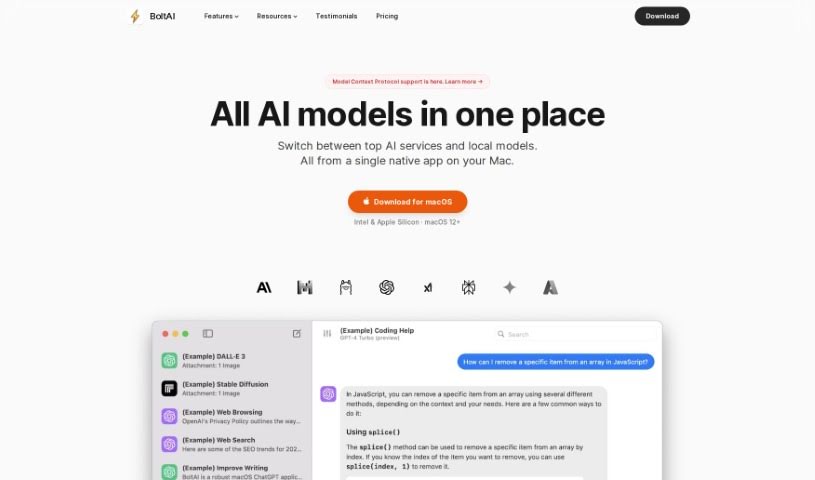
BoltAI is a native Mac application that brings ChatGPT into your daily workflow. It offers a chat interface, a library of AI commands and prompts, and the ability to create custom AI assistants tailored to specific tasks or roles. Security is a priority: API keys are stored in your Apple Keychain, and sensitive data is automatically redacted.

Automation View Tool →
Screenshot of Bot Butcher

Bot Butcher

Freemium

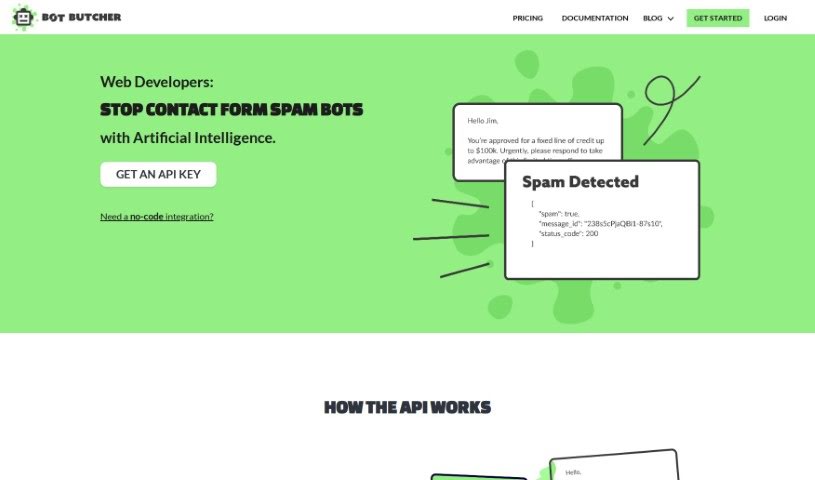
Bot Butcher is an API that filters spam submitted through website contact forms. A language model classifies each incoming message as spam or legitimate, and the tool returns the result as JSON. The workflow has four steps: a message arrives via a contact form, it is sent to Bot Butcher for analysis, Bot Butcher returns a JSON response indicating whether the message is spam, and past messages can be looked up by their unique ID.

Automation View Tool →
Screenshot of Botx

Botx

Freemium

BotX is a low-code AI development platform that helps businesses build custom AI applications without requiring deep coding expertise. It uses visual tools and configurations instead of extensive code, cutting development time from months to weeks. This faster pace helps businesses see a quicker return on investment, simplifies bringing AI into operations, and supports enterprise-level results with a focus on security and transparency. BotX is suitable for companies without in-house AI experts and integrates with Cookiebot for data security.

Automation View Tool →
Screenshot of BragHumble

BragHumble

Freemium

BragHumble is a fitness platform for people new to exercise or anyone who wants a clearer picture of their fitness capabilities. Every exercise comes with a demo, audio cues, and timers to guide you through your workout. The platform emphasizes repetitions as the main way to measure effort and track progress: it uses your front camera and artificial intelligence to count reps automatically.

Automation View Tool →
Screenshot of Breezemail

Breezemail

Freemium

Breezemail is an AI-powered email management tool that automatically sorts and categorizes incoming messages. It prioritizes important emails and uses AI to classify the rest. You can create custom categories using natural language, or use built-in categories such as Newsletters, Purchases, Social, Promotions, and Travel. Breezemail works with Gmail and Outlook, and costs $12 per month after a 7-day free trial.

Automation View Tool →
Screenshot of Bringtable

Bringtable

Freemium

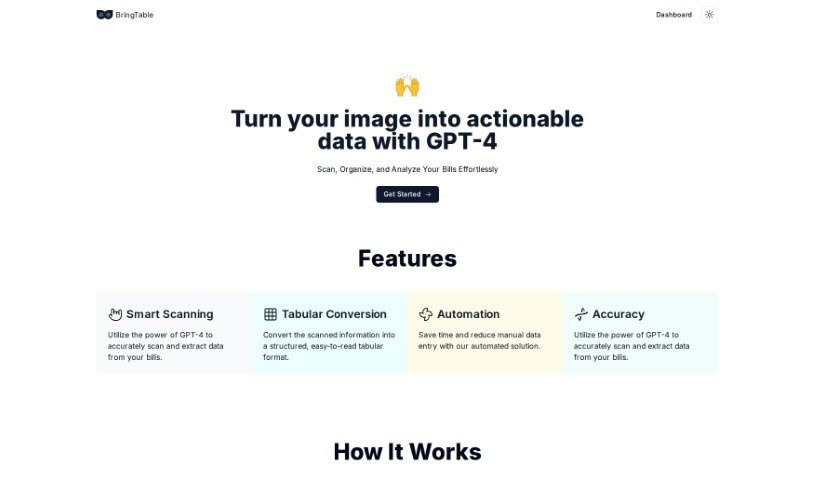
BringTable is a platform for managing bills. It uses GPT-4 to scan bills, extract the important details, and convert them into clear, organized tables — eliminating manual data entry. The Beta version is available for free.

Automation View Tool →
Screenshot of Broadcast

Broadcast

Freemium

Broadcast is a platform that uses AI and automation to make sending weekly updates simpler. It connects with tools like Slack, Email, JIRA, Looker, GitHub, and Linear, gathering and sharing project information so teams don't have to compile updates manually. The platform was built to make communication clear, concise, and consistent across an organization.

Automation View Tool →
Screenshot of BrowseGPT

BrowseGPT

Freemium

BrowseGPT is an AI browser automation tool that executes your instructions directly in a web browser. Describe a task — click a button, fill in a form field, open a page — and it carries out the steps for you. The tool is available at [browsegpt.ai](https://browsegpt.ai/).

Automation View Tool →
Screenshot of Browserbear

Browserbear

Freemium

Browserbear is a no-code platform for automating browser tasks and scraping websites. Its AI Web Scraper lets you set up custom tasks, extract data from websites, and automate testing processes without writing code. It connects to other apps through integrations like Custom Feeds, Zapier, Make.com, and Integromat, and includes interactive demos, tutorials, and an API reference to help you get started.

Automation View Tool →
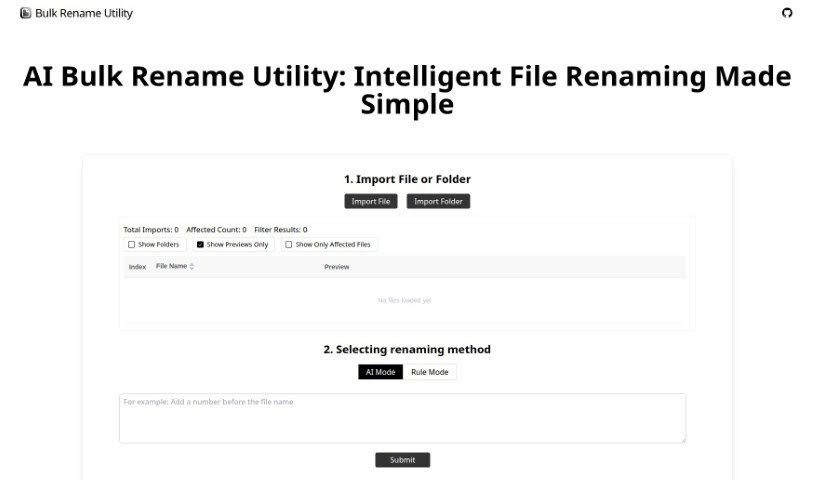
Screenshot of Bulk Rename Utility

Bulk Rename Utility

Freemium

Bulk Rename Utility is a free online tool for renaming files in batches. Nothing is uploaded and no software needs to be installed — everything runs in your browser. It offers two renaming modes:

Automation View Tool →
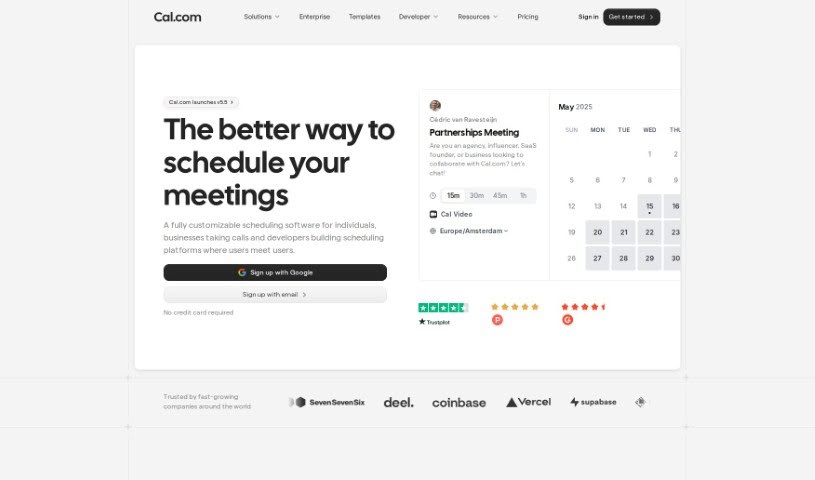
Screenshot of Cal.ai

Cal.ai

Freemium

Cal.ai is an AI scheduling assistant from the Cal.com family of tools. You send commands over email, and the assistant handles the booking: scheduling meetings, rescheduling when plans change, and finding times that work for everyone. You can also forward scheduling emails to it to book events automatically, and it produces transcriptions and summaries of Cal video meetings. It suits individuals who want to spend less time scheduling, as well as teams and organizations coordinating meetings.

Automation View Tool →
Screenshot of Calendarscan

Calendarscan

Freemium

CalendarScan is an AI tool that digitizes calendars and schedules. Snap a photo of a paper calendar, schedule, or event details, and the AI interprets the information in the image, then imports it directly into your phone's calendar — no manual data entry required.

Automation View Tool →

About Automation tools

We’ve all got daily chores that make us feel like human copy-paste machines. Transferring numbers from a PDF invoice into a spreadsheet, sending repetitive follow-up emails, or copying lead details from a web form into a database can eat up half your workday. It’s boring work, and one tiny distraction means you accidentally paste the wrong phone number into the wrong field.

Smart automation platforms go far beyond traditional software rules that only follow rigid “if this happens, then do that” triggers. Instead, AI tools can read unstructured information, understand what needs to happen next, and execute multi-step tasks across all your favorite applications.

Building Smarter Workflows

Older automation tools required every single step to be perfectly predictable. If an incoming email didn’t match an exact format, the whole system broke down. AI tools change that by understanding context. For instance, if a customer emails your support team with a mixed request about a delayed shipment and a billing question, an AI assistant can read the message, extract the order number, categorize the issue, and open the correct ticket in your help desk automatically.

Data entry and document cleanup get a massive speed boost, too. Instead of spending hours typing details from receipts, contracts, or paper forms into your system, intelligent scanning software extracts names, dates, and line items instantly. It structures messy text, flags unusual errors for your review, and pushes clean information straight into your accounting software.

Connecting different applications is another major time saver. Rather than jumping across ten browser tabs to update project statuses, send team messages, and reschedule calendar invites, you can build smooth pipelines. When a new sales lead books a meeting, the system can automatically create a client record, generate a custom proposal draft, and set a reminder for your sales rep.

Key Features to Look For:

  • Natural language workflow builders: Systems that let you describe an automated sequence in plain English rather than building complex logic chains.
  • Unstructured data extraction: Software capable of reading receipts, PDFs, and casual emails to pull out accurate numbers and details.
  • Multi-app connectivity: Tools that link smoothly with your existing stack, from spreadsheets and email to project boards and CRMs.
  • Conditional decision making: Engines that evaluate incoming information and choose the best next step based on custom rules.
  • Human-in-the-loop checks: Safety features that pause an automated task to request your approval before taking major actions, like sending an external email or processing a payment.

While smart software handles routine mechanics, human oversight and strategy still matter most. Automation takes care of the background work so you can give your full attention to solving real problems and serving your clients.

Check out the selection below to find the right automation setup for your daily routine.

The Best AI Automation Tools

  1. Databricks: Great for automating data pipeline workflows.
  2. Cal.ai: Makes scheduling tasks easy.
  3. UiPath: Automates invoice processing.
  4. Glean: Automates insights with custom AI bots.
  5. Kaiber: Streamlines video editing.
  6. Text Blaze: Helps you breeze through repetitive tasks.
  7. Phantom Buster: Automates LinkedIn outreach campaigns.
  8. God of Prompt: Streamlines repetitive tasks effectively.
  9. MyMind: Automates capturing and organizing notes.
  10. SlidesGPT.com: Automates presentation creation.
  11. Carepatron: Streamlines medical documentation.
  12. HiPDF: Automates splitting PDFs by page ranges.
  13. HARPA AI: Automates email replies and notifications.
  14. Fibery: Streamlines task workflows efficiently.
  15. Addoobot: Hub for robot comparisons, job listings and community events.
New tools, in your inbox.

Weekly picks of the best AI tools we've researched and added — no spam, unsubscribe anytime.

Join 25,000+ AI enthusiasts. No spam, unsubscribe anytime.