AI Tools for Automation

Discover the best Automation AI tools to enhance your productivity and creativity.

Page 35 of 40 • 478 total tools

Automation isn’t just a trendy term anymore; it’s fundamentally changing how we work digitally. As businesses and individuals look for ways to be more efficient, the demand for solid automation tools has exploded. These tools promise to transform our operations, from simplifying workflows to cutting down on repetitive tasks.

Just a few years back, automation felt like something only tech experts could handle. But now, there’s a whole host of easy-to-use AI-powered options available. Not only do these tools save you time, but they can also improve the quality of your work by reducing mistakes that humans sometimes make.

As I looked into the best AI automation tools, I explored many different options that fit various needs and situations. Whether you’re running a small business or just a busy professional, there’s definitely a tool out there to make your life simpler.

The world of automation is always changing, so keeping up is key. Here’s a list I’ve put together of some of the most effective AI automation tools you can find right now. They’ll help you work smarter, not just harder. Let’s dive into these game-changers.

The Best AI Automation Tools

  1. Databricks: Great for automating data pipeline workflows.
  2. Cal.ai: Makes scheduling tasks easy.
  3. UiPath: Automates invoice processing.
  4. Glean: Automates insights with custom AI bots.
  5. Kaiber: Streamlines video editing.
  6. Text Blaze: Helps you breeze through repetitive tasks.
  7. Phantom Buster: Automates LinkedIn outreach campaigns.
  8. God of Prompt: Streamlines repetitive tasks effectively.
  9. MyMind: Automates capturing and organizing notes.
  10. SlidesGPT.com: Automates presentation creation.
  11. Carepatron: Streamlines medical documentation.
  12. HiPDF: Automates splitting PDFs by page ranges.
  13. HARPA AI: Automates email replies and notifications.
  14. Fibery: Streamlines task workflows efficiently.
  15. Tome: Streamlines reporting workflows efficiently.

How Do AI Automation Tools Work?

AI automation tools make tasks easier by essentially copying how humans make decisions, using algorithms and machine learning. At their heart, these tools look at data, learn from patterns they see, and then take action based on specific rules you set. You can set them up to handle repetitive jobs that would normally need someone to do them, which really boosts efficiency and productivity.

The technology behind these tools often involves connecting different kinds of data. They can link up with APIs, databases, and various software platforms to grab information and start workflows. This connection allows information to flow smoothly between systems, cutting down the time you’d spend manually entering data or managing processes.

Machine learning is a big part of making automation better. As these tools work with more data, they fine-tune their algorithms, getting smarter and more adaptable over time. For example, they can improve marketing campaigns, manage inventory, or analyze customer feedback with more and more detailed accuracy.

Developers often use platforms like Zapier or Microsoft Power Automate to build custom automations without needing to write a lot of code. By setting up specific triggers and actions, users can automate tasks across different apps and services. This makes complicated workflows manageable and efficient.

Ultimately, AI automation tools save businesses time and money while also reducing human errors. As they keep developing, their uses are growing, making them essential for companies today that want to stay competitive in this fast-paced world.

Our Top AI Automation Tools at a Glance

RankNameBest ForPlans and PricingRating
1DatabricksAutomating data pipeline workflowsN/A4.82 (11 reviews)
2Cal.aiAutomating scheduling tasks effortlesslyPaid plans start at $15/month.4.33 (6 reviews)
3UiPathInvoice processing automation systemN/A4.00 (18 reviews)
4GleanAutomating insights with tailored AI botsN/A4.33 (12 reviews)
5KaiberStreamlining video editing processesPaid plans start at $5/month.4.62 (13 reviews)
6Text BlazeStreamlining repetitive tasks effortlesslyN/A4.76 (25 reviews)
7PhantomBusterAutomating LinkedIn outreach campaignsN/A3.80 (5 reviews)
8God of PromptStreamlining repetitive tasks effectivelyN/A4.00 (11 reviews)
9MyMindAutomating note capturing and organizationPaid plans start at $6.99/month4.69 (39 reviews)
10SlidesGPT.comAutomating presentation creation tasksN/A4.72 (25 reviews)
11CarepatronStreamlined medical documentation processPaid plans start at $12/Month4.78 (81 reviews)
12HiPDFAutomating PDF splitting by page rangesN/A4.73 (22 reviews)
13HARPA AIAutomating email replies and notificationsPaid plans start at $12/month4.27 (11 reviews)
14FiberyStreamlining task workflows efficientlyN/A4.64 (11 reviews)
15TomeStreamlining reporting workflows efficientlyN/A4.82 (11 reviews)
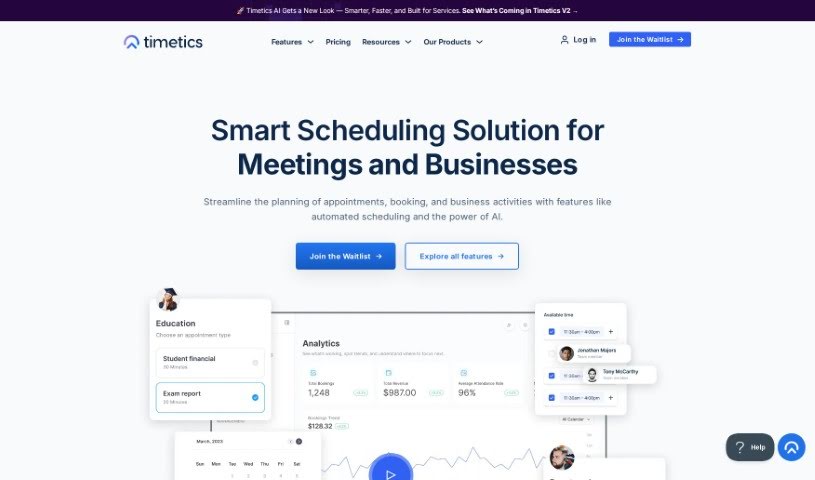
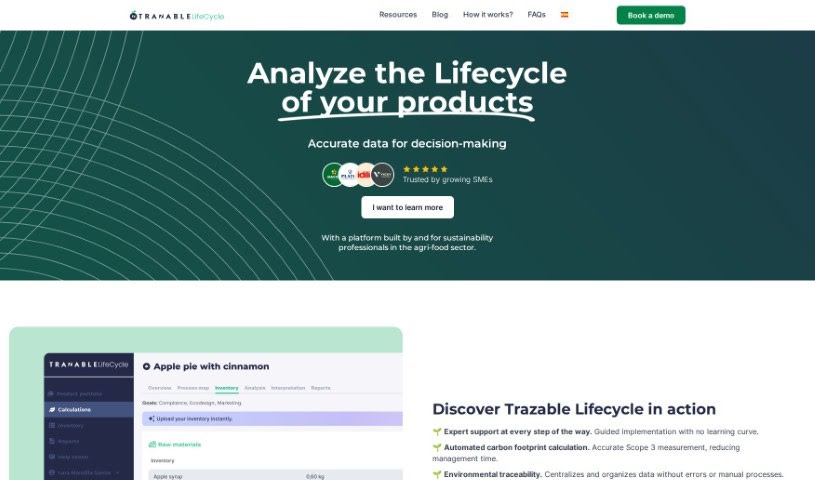
Screenshot of TalkForm AI

TalkForm AI

Freemium

TalkForm AI is a pretty neat AI tool that completely changes how we create and fill out forms. Instead of wrestling with traditional form builders, you can just chat with it! The AI is smart enough to figure out what kind of information you need for each field – like whether it's a name, an email, or a date. This means you can build forms simply by having a conversation. When people fill out your form, the AI handles all the tricky bits like checking if the answers are valid, cleaning them up, organizing them, and putting them in the right spots. It keeps all your form responses neatly structured, making them super easy to analyze later. Plus, you can set up your own specific validation rules and even complex conditional logic if your form needs it. TalkForm AI is really flexible, perfect for things like getting people on a startup waitlist or setting up those informal VC coffee chats. It just makes getting structured responses quick and efficient.

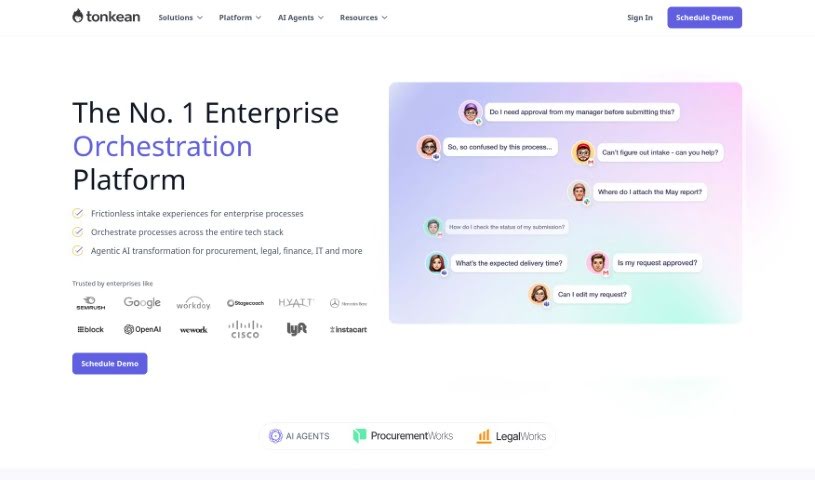
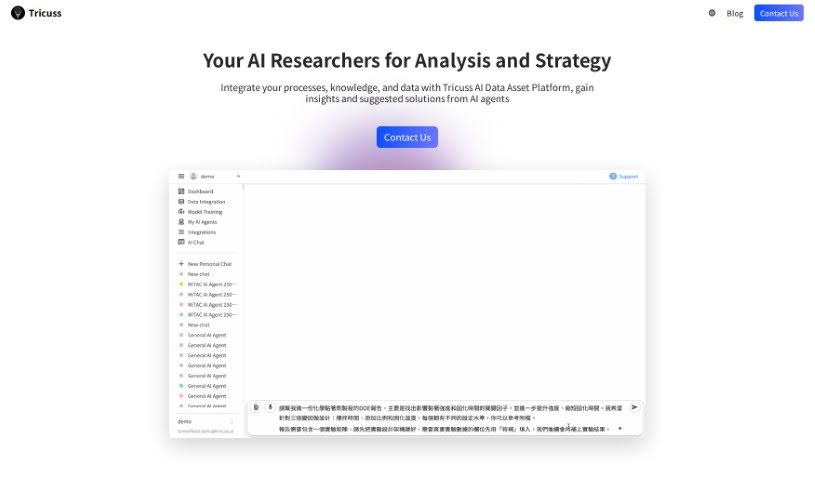
Screenshot of Taskagi

Taskagi

Freemium

Taskagi is an AI automation solution designed to bring the latest AI technologies into your work and business. It's built to automate a variety of tasks, offering a secure platform that integrates smoothly with other tools. Think custom APIs, or connections to popular platforms like WordPress and Shopify. With Taskagi, you can count on reliable results day and night, boosting your efficiency through AI solutions that work consistently and always keep security and compliance in mind.

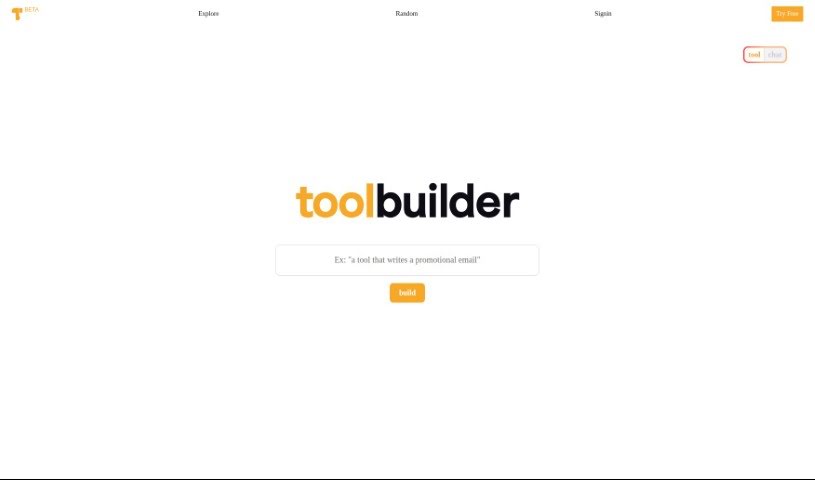
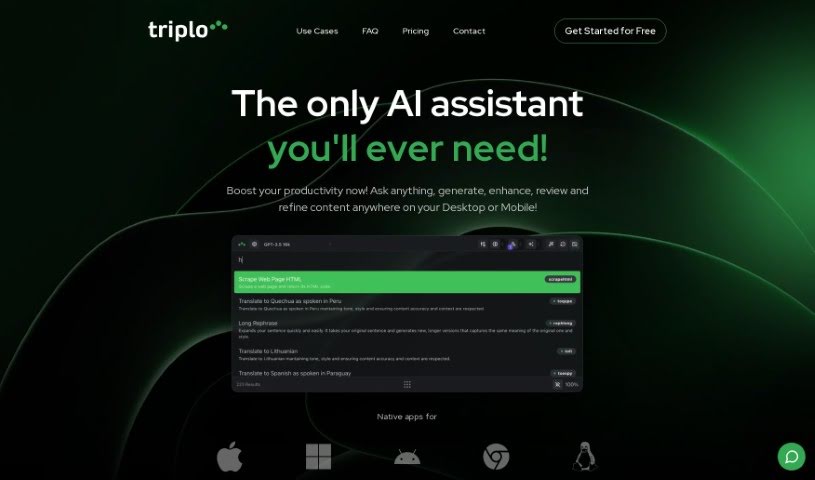
Screenshot of Taskmole

Taskmole

Freemium

Taskmole is your business's personal AI Doctor. It's designed to make your operations smoother and more automated. How? By bringing together task mining, process mapping, and smart automation suggestions all in one easy-to-use place. What really sets Taskmole apart is its ability to watch and record what you do on your computer every day, in real-time. This makes it super simple to map out your processes and figure out how to make things more efficient. Plus, Taskmole takes data security seriously. It uses encryption and works directly from your desktop, meaning you stay in control of your sensitive information. It also plays nicely with a lot of popular apps you might already use, like Zapier, Make, and n8n, as well as diagramming tools such as MS Visio, Miro, and Lucidchart. This makes it a really well-rounded solution for anyone looking to automate and improve their business processes.

Screenshot of Tavrn

Tavrn

Freemium

Tavrn is an AI work assistant developed by the company Tavrn. It's designed to work smoothly with tools you probably already use, like Google Drive and Notion. It is your smart helper for tasks like answering questions, boiling down long documents into summaries, and even helping you write emails. What's really great is how seriously Tavrn takes security and compliance. They use SOC 2 compliant data centers, and all your data is encrypted, both when it's stored and when it's being sent. You've got options when it comes to pricing, too: there's a free trial to get you started, a Plus plan that gives you unlimited messages, and an Enterprise plan for bigger teams that need extra integrations and custom workflows built just for them.

Screenshot of Taylor AI

Taylor AI

Freemium

Taylor AI is a sophisticated data engine built specifically for working with unstructured natural language data. It like BigQuery or Athena, but with a special focus on handling content that isn't neatly organized. Data engineers can use Taylor AI to build data pipelines that pull out valuable information from messy cloud file systems. This keeps your datasets clean and ready to go. What's really neat is that Taylor AI is dynamic; it adjusts to your daily data needs, so your pipelines can change and grow is you do. Plus, you can train AI models using Taylor AI's own AI Toolkit. This lets you classify text data right when it comes in, incorporating things like text embedding and classification directly into your data pipeline. It’s a great way to structure data, understand what users are saying, and even figure out their likelihood to buy something based on their messages.

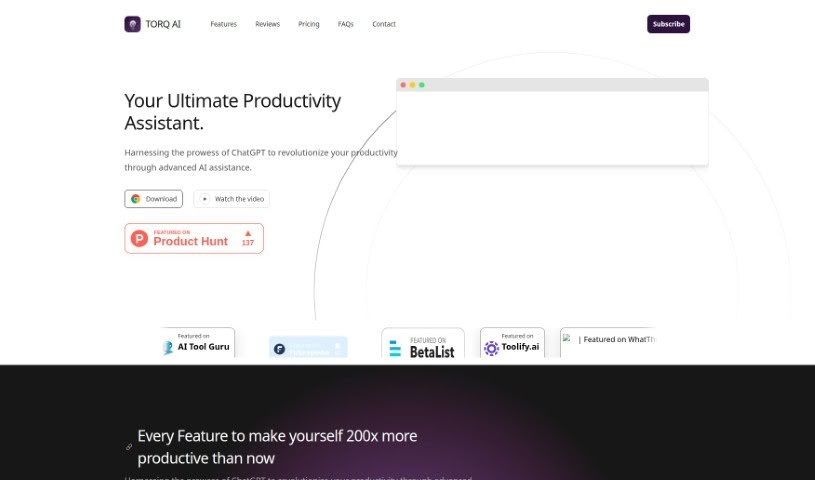
Screenshot of TeamSmart AI

TeamSmart AI

Freemium

TeamSmart AI is a handy Chrome extension developed by TeamSmart AI, packed with a whole bunch of AI assistants designed to seriously boost your productivity. This clever tool aims to save you over 10 hours every single week. How? By giving you instant, one-click access to more than 25 AI assistants, each specialized for different marketing tasks. You can use it for things like getting code reviews, summarizing long documents, or even getting help with creative writing. It fits right into your Chrome browser with an easy-to-use interface, and it keeps your data stored locally, which is great for privacy. Whether you're a marketer, a developer, a writer, or just someone who wants to make daily tasks smoother, TeamSmart AI is a great fit. If you want even more features and access to all the assistants, there's a Premium version available. The best part? You don't need to juggle a bunch of expensive subscriptions; it all comes in one neat package.

Screenshot of TekMatix

TekMatix

Freemium

TekMatix is a comprehensive business platform designed to simplify your operations and speed up growth. It is a single, integrated solution that replaces multiple tech subscriptions you might be using. It's built with ease of use in mind, offers 24/7 support, and packs in features like course creation, custom white-labelled websites, membership areas, communities, marketing automations, and even AI tools for creating content and planning your social media. Essentially, TekMatix wants to be your go-to hub for all your business tech needs, making everything smoother and more enjoyable to use.

Screenshot of Template Prompts

Template Prompts

Freemium

Template Prompts is a smart AI tool that helps you create, organize, and save your AI prompts. It is your personal prompt manager. It lets you build custom prompts for machine learning, then save them as templates so you can easily reuse them with different AI tools or in various situations. This really boosts your productivity by keeping your prompts neat and tailored to your needs. You can even plug your own variables right into the prompts, copy them to your AI tools with just one click, and sort everything by the tools you use or by tags. It's got a private library too, so your prompts are safe and sound. Plus, you can tweak, copy, and change prompts to fit different data sets or contexts. Template Prompts even helps you build specialized AI tools, like a copywriting assistant, thanks to its flexible prompt customization.

Screenshot of Templatesgo

Templatesgo

Freemium

Templatesgo is a really neat tool that makes document automation simple. It helps you turn your existing documents into forms that people can actually fill out. Think contracts, proposals, or even business letters – you can create all sorts of forms that are easy to reuse and tweak. With Templatesgo, you can speed up how you create documents, share forms easily, and make closing deals a smoother process. It means no more tedious manual editing or filling out the same info over and over. You can design one form and use it again and again, and you don't need to know any coding to do it. Templatesgo makes creating custom forms quick and painless.

Screenshot of Text Blaze

Text Blaze

Freemium

Text Blaze is a handy Chrome extension designed to help you automate typing tasks by creating your own text shortcuts. It lets you keep your custom text "snippets" synced across all your devices and platforms, which really boosts your productivity. You just set up shortcut phrases, and then you can pop in common phrases or longer pieces of text with just a few keystrokes. It's super versatile, working smoothly with things like Gmail, Google Docs, Office 365, Salesforce, and lots of other places, so your typing feels consistent everywhere. Plus, it has shared snippet folders, which is great for teams to make sure everyone's using the same, up-to-date messages. Lots of people trust Text Blaze because it genuinely saves time and makes them more productive.

Screenshot of Texts

Texts

Freemium

From what I can gather, Texts is a messaging platform designed to bring all your conversations together. It lets you send and receive messages across major platforms like iMessage, WhatsApp, Telegram, Signal, and many others. What's really cool is how it handles privacy: your messages never actually touch Texts' servers. Instead, they're encrypted and sent straight to the messaging platforms themselves. Texts offers a bunch of handy features, too. You can get automated summaries of your chats, use AI to help draft responses, translate messages, search your message history, archive chats, and even read messages without the sender knowing you've seen them (that's the 'stealth mode'). Plus, you can schedule messages, snooze them for later replies, and customize the look with dark and light modes. It all runs on a monthly subscription, and they promise not to use your data to make money.

Screenshot of Thatch

Thatch

Freemium

Thatch is a smart, AI-powered Virtual Mailbox Service that really helps individuals and businesses get a handle on their mail. It is your digital mail assistant. It opens, scans, and then summarizes your incoming mail using the latest ChatGPT technology, which means you can organize your day much more efficiently. It's designed to boost team collaboration, improve efficiency, keep everyone in sync, and make your organization more responsive, especially with features like Mailbox Zero. Plus, it really supports a remote work lifestyle by letting you know about important mail and even forwarding it anywhere in the world. Thatch also takes your privacy and security seriously. You get a real business street address, which keeps your personal information confidential. They also handle your business correspondence with HIPAA-compliant care. You can also search your entire mail history with full text search, have mail securely shredded or recycled, and they maintain a clear chain of custody for all mail, backed by top-notch security. If you're curious, you can try it out with a free trial to see how it can upgrade the way your business handles mail.

Stay Updated with AI Tools

Get weekly updates on the latest AI tools, trends, and insights delivered to your inbox

Join 25,000+ AI enthusiasts. No spam, unsubscribe anytime.