AI Automation Tools: Top Picks & How They Work

AI Tools for Automation

Discover the best Automation AI tools to enhance your productivity and creativity.

Page 10 of 39 • 461 total tools
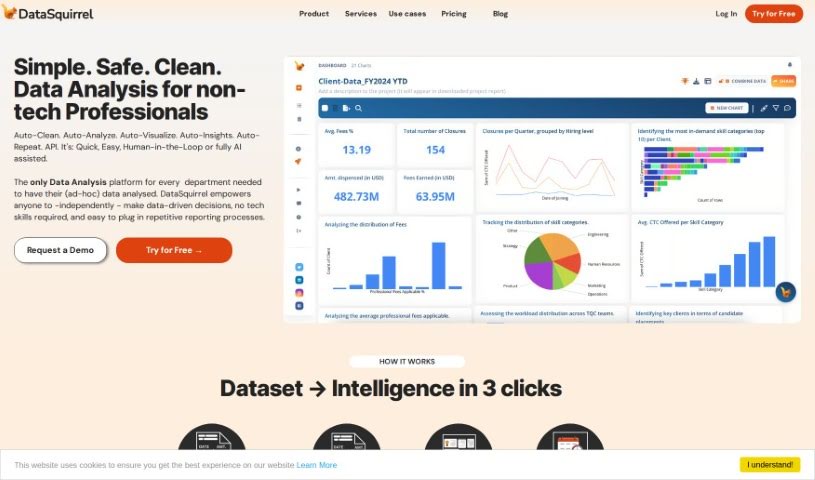
Screenshot of Datasquirrel

Datasquirrel

Freemium

Datasquirrel is an AI-powered data analytics tool that automatically cleans data and creates clear visualizations. It fixes common data problems such as input errors, blank values, inconsistent date formats, and typos, and it provides automatic analysis, interactive dashboards, and secure data handling.

Automation View Tool →
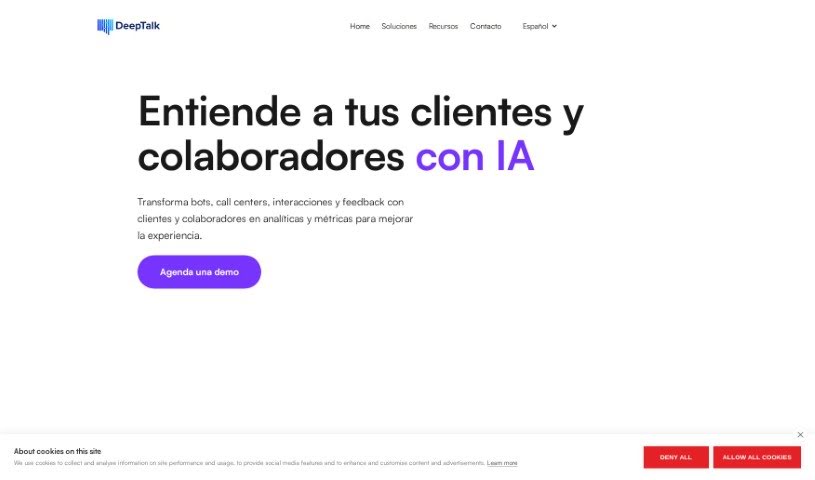
Screenshot of Deep-Talk.ai

Deep-Talk.ai

Freemium

Deep-Talk.ai is an AI Consultant from Deep Talk that lets you chat with your data. It uses Large Language Models (LLMs) to analyze large volumes of information — such as survey results and customer feedback — with high accuracy, and it can summarize customer issues efficiently. Analysis that would take a person significant time and effort can be completed in minutes.

Automation View Tool →
Screenshot of Dewey

Dewey

Freemium

Dewey is a personal AI accountability buddy that works through simple SMS text messages. It helps you stay organized and focused on your goals by sending reminders, tracking your progress, adjusting to your schedule, and providing motivational nudges when you need them.

Automation View Tool →
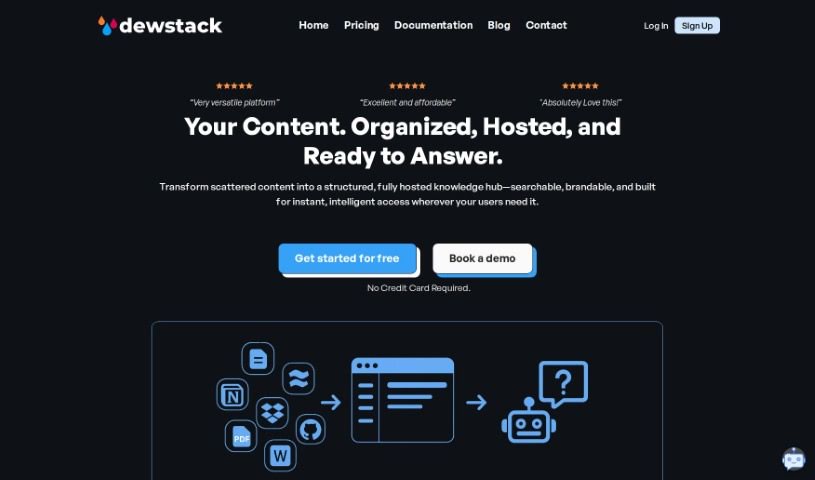
Screenshot of Dewstack

Dewstack

Freemium

Dewstack is an AI-powered documentation platform for creating and managing content. Its "Page Assist" feature helps improve your writing by clarifying text, adjusting tone, translating into different languages, and optimizing for SEO. Dewstack also provides instant answers to user questions through its "Ask a Question" feature, lets you add chatbots for support, automatically generates documentation from PDF and DOCX files, and supports custom templates. Various pricing plans are available for different needs and team sizes.

Automation View Tool →
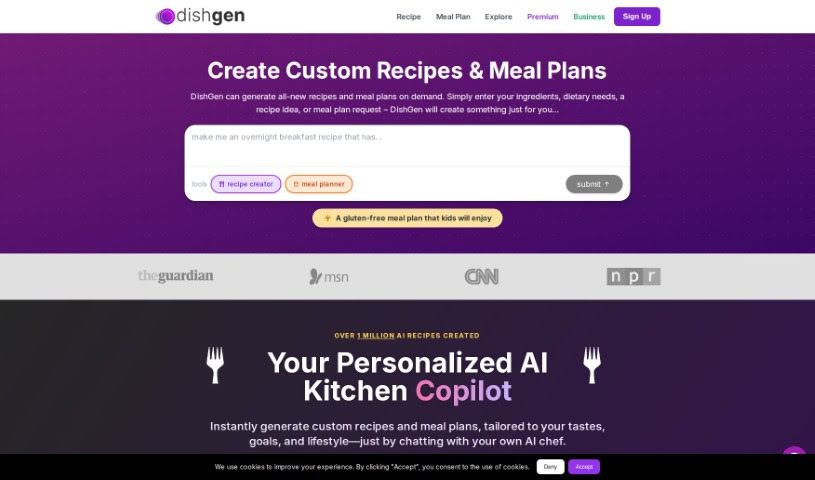
Screenshot of Dishgen

Dishgen

Freemium

Dishgen is an AI tool that creates unique recipes instantly. You tell it what ingredients you have, what kind of recipe you're thinking of, or any dietary needs, and it generates a new recipe. It's aimed at anyone who wants to try something new at home or cut down on food waste and save money. Features include an "Idea Generator" and the ability to tweak recipes as you go. You can sign up for a free account to start generating recipes, or choose a premium option for an ad-free experience with more customization.

Automation View Tool →
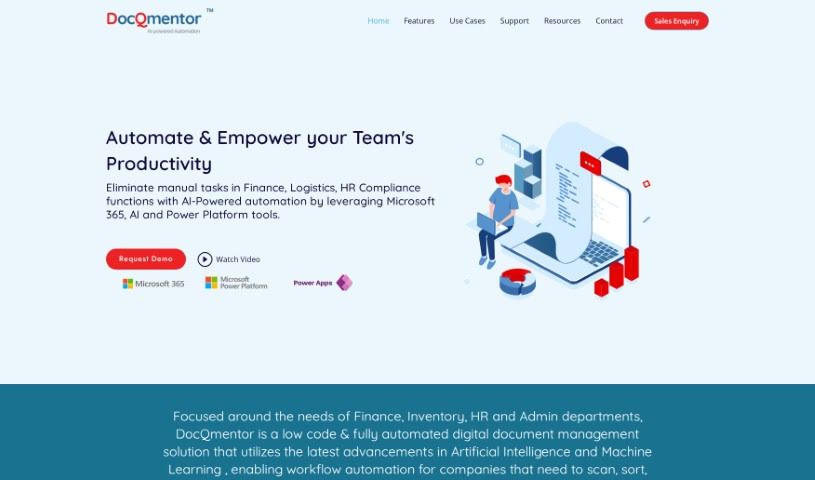
Screenshot of DocQmentor

DocQmentor

Freemium

DocQmentor is a low-code document management system that uses AI and machine learning to fully automate document workflows across departments such as Finance, Inventory, HR, and Admin. You drop files into a designated folder, and DocQmentor scans them, extracts key data, renames the files, adds metadata, and stores them securely in Microsoft 365. It also assigns confidence scores to processed forms so you can monitor data accuracy, and it connects with other major business applications.

Automation View Tool →
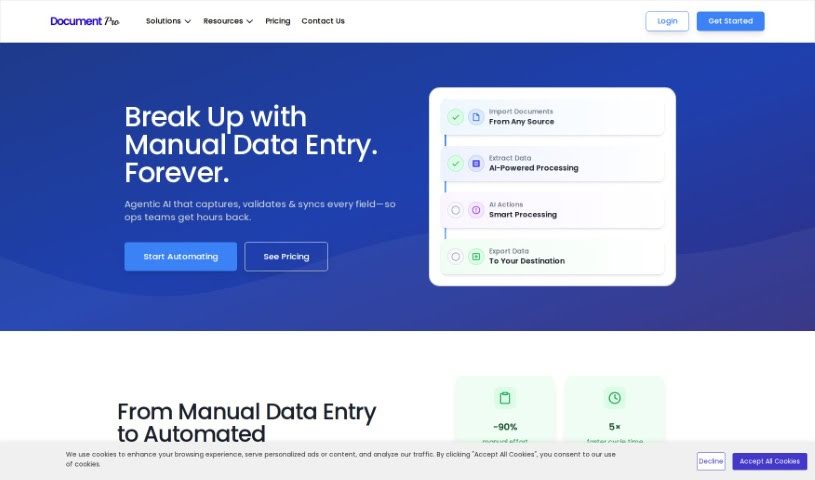
Screenshot of DocumentPro

DocumentPro

Freemium

DocumentPro is a cloud-based document processing tool for small and medium-sized businesses. It uses AI to extract data from invoices, resumes, contracts, and other documents and export it to structured formats like CSV. The drag-and-drop interface supports PDF, PNG, and JPG files, with batch processing for multiple documents at once. Compared to traditional OCR, it delivers higher accuracy and reduces the time and errors associated with manual data entry. It suits industries such as business services, logistics, transportation, and retail, and includes upload guidance and sample invoices for reference.

Automation View Tool →
Screenshot of Doo

Doo

Freemium

Doo is a platform that provides AI-powered teammates, called AI Mates. These AI collaborators are designed to fit into your workflow and make your team more efficient and creative. Doo offers 40 different AI Mates, each trained with specific skills, so you can match the right expertise to your project's needs. You can also customize AI Mates to align with your team's culture and working style. Doo's goal is to combine AI capabilities with human creativity to improve collaboration and deliver results quickly.

Automation View Tool →
Screenshot of Dot by New Computer

Dot by New Computer

Freemium

Dot by New Computer is an AI personal assistant that helps you organize, navigate, and remember the moving parts of your daily life. It combines context awareness, a dynamic interface, and proactive agency to adapt to your circumstances and interests.

Automation View Tool →
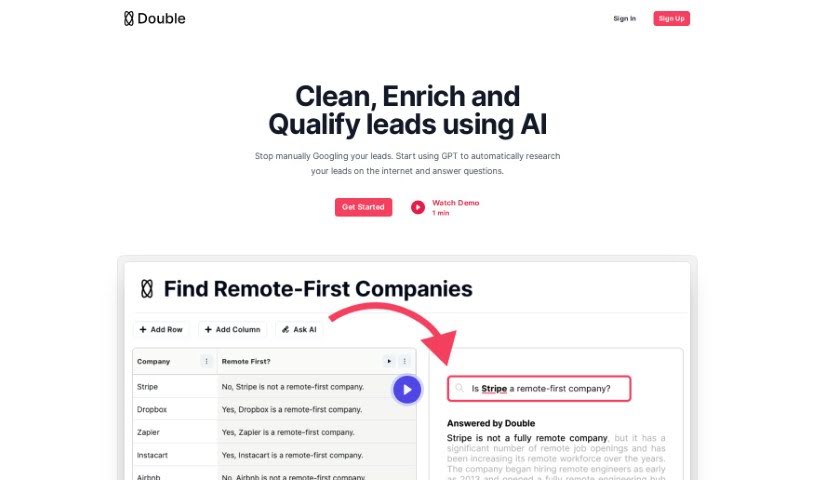
Screenshot of Double

Double

Freemium

Double is a GPT bot that can connect to the internet, making it useful for automating repetitive tasks such as pulling data from websites, cleaning up messy datasets, and running many Google searches at once. It falls under the Automation category and is available on a freemium model. Members of the World of AI community can share their reviews of Double there.

Automation View Tool →
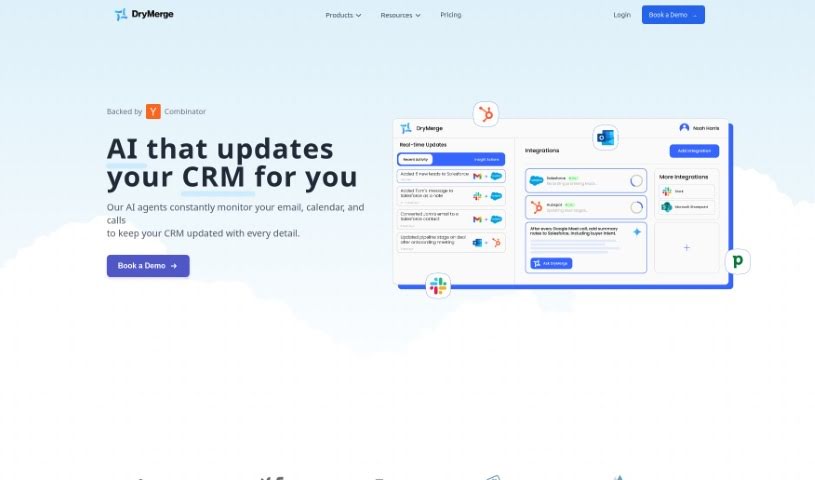
Screenshot of DryMerge

DryMerge

Freemium

DryMerge automates team workflows from plain English descriptions. You describe what needs to happen, and it works out how to do it — no developer or code required. Teams in operations, sales, and support can set up automations without engineering help.

Automation View Tool →
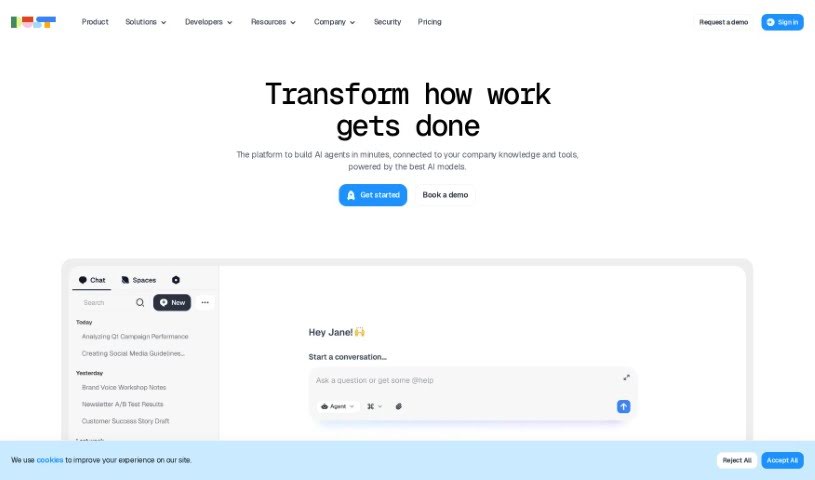
Screenshot of Dust

Dust

Freemium

Dust is a team AI assistant built to be flexible and secure. It connects advanced AI models, such as GPT-4 and Claude, to your company's information—whether that lives in Notion, Slack, GitHub, or Google Drive. Dust gives you detailed control over who can access what data, making it suitable for privacy- and security-conscious teams. It is also modular, so you can create custom AI assistants tailored to your team's specific needs.

Automation View Tool →

About Automation tools

We’ve all got daily chores that make us feel like human copy-paste machines. Transferring numbers from a PDF invoice into a spreadsheet, sending repetitive follow-up emails, or copying lead details from a web form into a database can eat up half your workday. It’s boring work, and one tiny distraction means you accidentally paste the wrong phone number into the wrong field.

Smart automation platforms go far beyond traditional software rules that only follow rigid “if this happens, then do that” triggers. Instead, AI tools can read unstructured information, understand what needs to happen next, and execute multi-step tasks across all your favorite applications.

Building Smarter Workflows

Older automation tools required every single step to be perfectly predictable. If an incoming email didn’t match an exact format, the whole system broke down. AI tools change that by understanding context. For instance, if a customer emails your support team with a mixed request about a delayed shipment and a billing question, an AI assistant can read the message, extract the order number, categorize the issue, and open the correct ticket in your help desk automatically.

Data entry and document cleanup get a massive speed boost, too. Instead of spending hours typing details from receipts, contracts, or paper forms into your system, intelligent scanning software extracts names, dates, and line items instantly. It structures messy text, flags unusual errors for your review, and pushes clean information straight into your accounting software.

Connecting different applications is another major time saver. Rather than jumping across ten browser tabs to update project statuses, send team messages, and reschedule calendar invites, you can build smooth pipelines. When a new sales lead books a meeting, the system can automatically create a client record, generate a custom proposal draft, and set a reminder for your sales rep.

Key Features to Look For:

  • Natural language workflow builders: Systems that let you describe an automated sequence in plain English rather than building complex logic chains.
  • Unstructured data extraction: Software capable of reading receipts, PDFs, and casual emails to pull out accurate numbers and details.
  • Multi-app connectivity: Tools that link smoothly with your existing stack, from spreadsheets and email to project boards and CRMs.
  • Conditional decision making: Engines that evaluate incoming information and choose the best next step based on custom rules.
  • Human-in-the-loop checks: Safety features that pause an automated task to request your approval before taking major actions, like sending an external email or processing a payment.

While smart software handles routine mechanics, human oversight and strategy still matter most. Automation takes care of the background work so you can give your full attention to solving real problems and serving your clients.

Check out the selection below to find the right automation setup for your daily routine.

The Best AI Automation Tools

  1. Databricks: Great for automating data pipeline workflows.
  2. Cal.ai: Makes scheduling tasks easy.
  3. UiPath: Automates invoice processing.
  4. Glean: Automates insights with custom AI bots.
  5. Kaiber: Streamlines video editing.
  6. Text Blaze: Helps you breeze through repetitive tasks.
  7. Phantom Buster: Automates LinkedIn outreach campaigns.
  8. God of Prompt: Streamlines repetitive tasks effectively.
  9. MyMind: Automates capturing and organizing notes.
  10. SlidesGPT.com: Automates presentation creation.
  11. Carepatron: Streamlines medical documentation.
  12. HiPDF: Automates splitting PDFs by page ranges.
  13. HARPA AI: Automates email replies and notifications.
  14. Fibery: Streamlines task workflows efficiently.
  15. Addoobot: Hub for robot comparisons, job listings and community events.
New tools, in your inbox.

Weekly picks of the best AI tools we've researched and added — no spam, unsubscribe anytime.

Join 25,000+ AI enthusiasts. No spam, unsubscribe anytime.