AI Tools for Automation

Discover the best Automation AI tools to enhance your productivity and creativity.

Page 11 of 40 • 478 total tools

Automation isn’t just a trendy term anymore; it’s fundamentally changing how we work digitally. As businesses and individuals look for ways to be more efficient, the demand for solid automation tools has exploded. These tools promise to transform our operations, from simplifying workflows to cutting down on repetitive tasks.

Just a few years back, automation felt like something only tech experts could handle. But now, there’s a whole host of easy-to-use AI-powered options available. Not only do these tools save you time, but they can also improve the quality of your work by reducing mistakes that humans sometimes make.

As I looked into the best AI automation tools, I explored many different options that fit various needs and situations. Whether you’re running a small business or just a busy professional, there’s definitely a tool out there to make your life simpler.

The world of automation is always changing, so keeping up is key. Here’s a list I’ve put together of some of the most effective AI automation tools you can find right now. They’ll help you work smarter, not just harder. Let’s dive into these game-changers.

The Best AI Automation Tools

  1. Databricks: Great for automating data pipeline workflows.
  2. Cal.ai: Makes scheduling tasks easy.
  3. UiPath: Automates invoice processing.
  4. Glean: Automates insights with custom AI bots.
  5. Kaiber: Streamlines video editing.
  6. Text Blaze: Helps you breeze through repetitive tasks.
  7. Phantom Buster: Automates LinkedIn outreach campaigns.
  8. God of Prompt: Streamlines repetitive tasks effectively.
  9. MyMind: Automates capturing and organizing notes.
  10. SlidesGPT.com: Automates presentation creation.
  11. Carepatron: Streamlines medical documentation.
  12. HiPDF: Automates splitting PDFs by page ranges.
  13. HARPA AI: Automates email replies and notifications.
  14. Fibery: Streamlines task workflows efficiently.
  15. Tome: Streamlines reporting workflows efficiently.

How Do AI Automation Tools Work?

AI automation tools make tasks easier by essentially copying how humans make decisions, using algorithms and machine learning. At their heart, these tools look at data, learn from patterns they see, and then take action based on specific rules you set. You can set them up to handle repetitive jobs that would normally need someone to do them, which really boosts efficiency and productivity.

The technology behind these tools often involves connecting different kinds of data. They can link up with APIs, databases, and various software platforms to grab information and start workflows. This connection allows information to flow smoothly between systems, cutting down the time you’d spend manually entering data or managing processes.

Machine learning is a big part of making automation better. As these tools work with more data, they fine-tune their algorithms, getting smarter and more adaptable over time. For example, they can improve marketing campaigns, manage inventory, or analyze customer feedback with more and more detailed accuracy.

Developers often use platforms like Zapier or Microsoft Power Automate to build custom automations without needing to write a lot of code. By setting up specific triggers and actions, users can automate tasks across different apps and services. This makes complicated workflows manageable and efficient.

Ultimately, AI automation tools save businesses time and money while also reducing human errors. As they keep developing, their uses are growing, making them essential for companies today that want to stay competitive in this fast-paced world.

Our Top AI Automation Tools at a Glance

RankNameBest ForPlans and PricingRating
1DatabricksAutomating data pipeline workflowsN/A4.82 (11 reviews)
2Cal.aiAutomating scheduling tasks effortlesslyPaid plans start at $15/month.4.33 (6 reviews)
3UiPathInvoice processing automation systemN/A4.00 (18 reviews)
4GleanAutomating insights with tailored AI botsN/A4.33 (12 reviews)
5KaiberStreamlining video editing processesPaid plans start at $5/month.4.62 (13 reviews)
6Text BlazeStreamlining repetitive tasks effortlesslyN/A4.76 (25 reviews)
7PhantomBusterAutomating LinkedIn outreach campaignsN/A3.80 (5 reviews)
8God of PromptStreamlining repetitive tasks effectivelyN/A4.00 (11 reviews)
9MyMindAutomating note capturing and organizationPaid plans start at $6.99/month4.69 (39 reviews)
10SlidesGPT.comAutomating presentation creation tasksN/A4.72 (25 reviews)
11CarepatronStreamlined medical documentation processPaid plans start at $12/Month4.78 (81 reviews)
12HiPDFAutomating PDF splitting by page rangesN/A4.73 (22 reviews)
13HARPA AIAutomating email replies and notificationsPaid plans start at $12/month4.27 (11 reviews)
14FiberyStreamlining task workflows efficientlyN/A4.64 (11 reviews)
15TomeStreamlining reporting workflows efficientlyN/A4.82 (11 reviews)
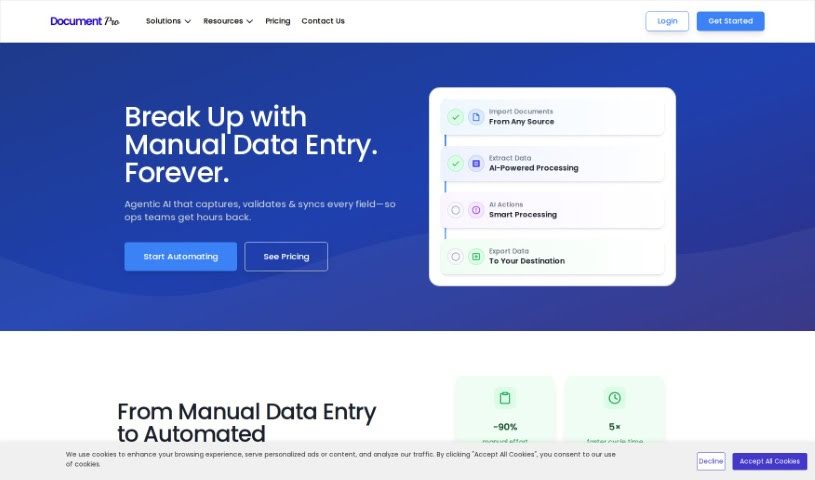
Screenshot of DocumentPro

DocumentPro

Freemium

DocumentPro is a cloud-based tool designed specifically for small and medium-sized businesses. It uses AI to pull invoice data directly from images and PDFs. Once it extracts the information, it can export it all to a CSV file. You'll find it really easy to use, thanks to its drag-and-drop interface, which makes uploading invoices a breeze. Compared to older OCR methods, DocumentPro is much more accurate. It handles various file types like PDF, PNG, and JPG, and you can even process several invoices at the same time. This makes it a great fit for industries such as business services, logistics, transportation, and retail. The tool works quickly, offers helpful tips for uploading your files, and even provides sample invoices if you need a reference. Simply put, using DocumentPro cuts down on the time you'd normally spend on data entry and reduces the chances of making mistakes.

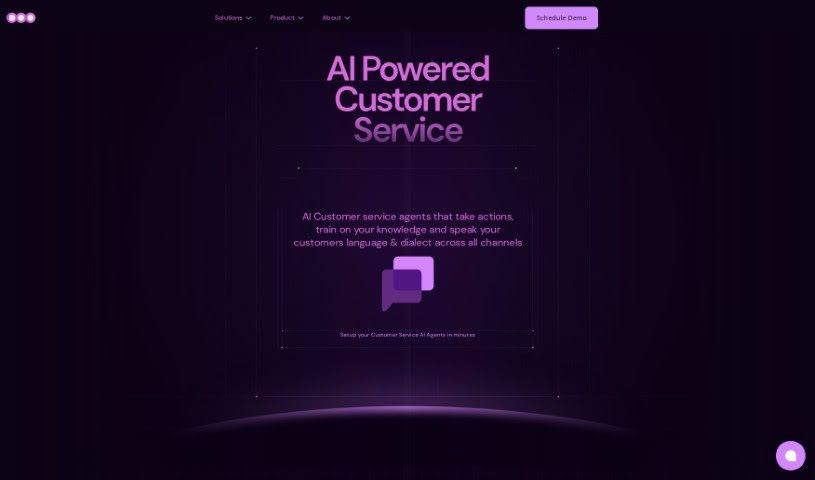
Screenshot of Doo

Doo

Freemium

Doo is a platform that gives you AI-Powered Teammates, which we call AI Mates. They are skilled AI collaborators designed to make your team more efficient and creative. They fit right into your workflow. Doo has 40 different AI Mates, all trained very carefully, so you can find just the right skills for whatever your project needs. This really helps boost productivity. Plus, you can customize these AI Mates to match your team's unique culture and style. This makes working together much smoother. Ultimately, Doo wants to change how we work by mixing AI smarts with human creativity. This creates amazing collaboration experiences and helps you get real results, often in just minutes.

Screenshot of Dot by New Computer

Dot by New Computer

Freemium

Dot by New Computer is an AI-powered tool designed to help you manage your life. It is your personal assistant for organizing, navigating, and remembering all sorts of things. It's packed with smart features like Context Awareness, a Dynamic UI, Proactive Agency, and personalized recommendations. With Dot, you can easily schedule tasks and routines, and get a clear, connected overview of everything you're doing thanks to its 'Connecting the Dots' function. It's built to adapt to your surroundings and interests, offering helpful information and suggestions tailored just for you. Plus, its Proactive Agency feature helps you get ready for important events or tasks. The team is actively developing Dot, with plans to release it on iOS and the web soon.

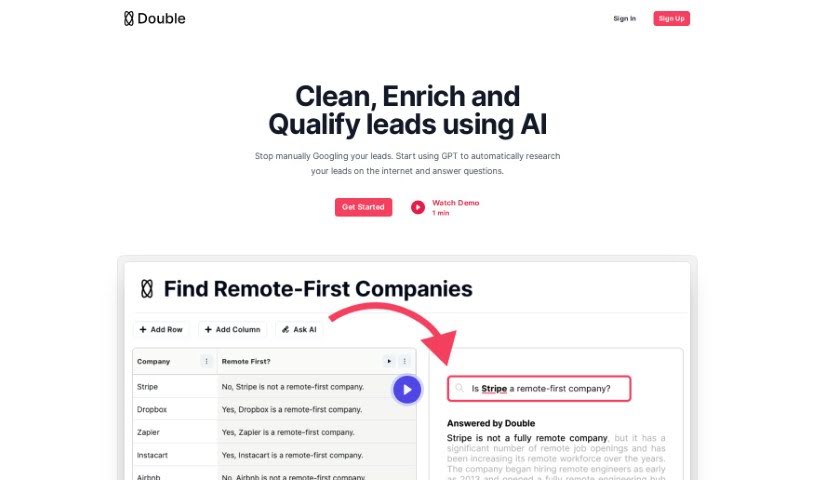
Screenshot of Double

Double

Freemium

Double is a smart GPT bot that can connect to the internet, making it super handy for automating all sorts of repetitive jobs. Think of things like pulling data from websites, tidying up messy datasets, or running lots of Google searches all at once. It fits right into the Automation category, and you can try it out with its freemium model. If you're part of the World of AI community, you can share your thoughts and reviews about Double there.

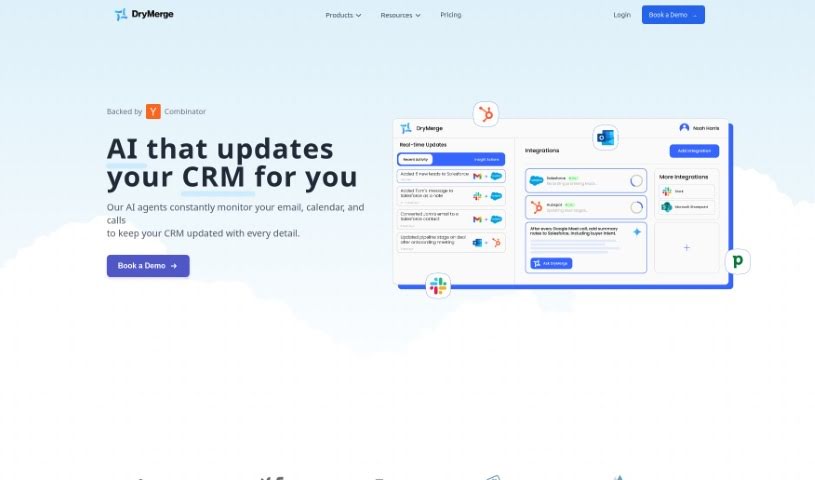
Screenshot of DryMerge

DryMerge

Freemium

DryMerge is a really neat tool that helps automate your team's workflows just by using plain English descriptions. It is a way to tell your computer what you need done, and it figures out how to do it. This means teams in operations, sales, and support can automate tasks without needing a developer to write any code. It's pretty clever! The tool has a built-in chatbot that can handle connecting to different services (APIs) and setting up the logic for your automations. It works smoothly with tools you probably already use, like Slack, Gmail, and Notion, thanks to its easy software integrations. DryMerge uses natural language processing, which is a fancy way of saying it's good at understanding the nuances of how people describe their workflows. Plus, it uses AI to get better at automating things over time, and it even gives you notifications if something goes wrong or if an automation is taking a while.

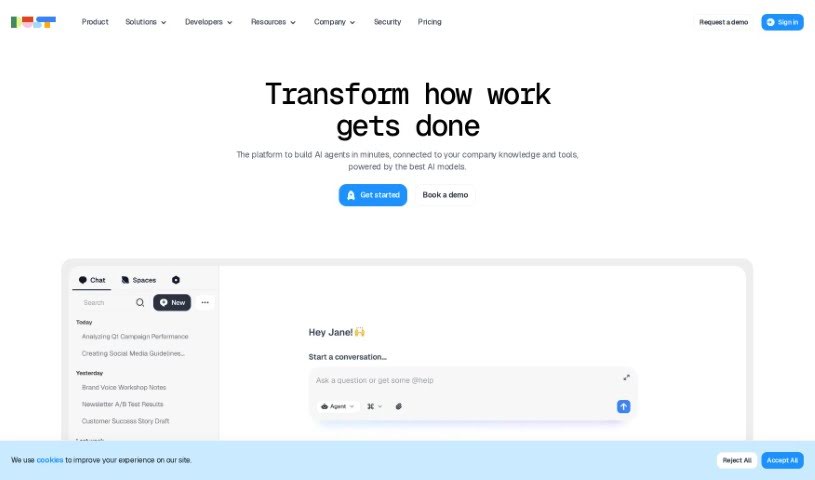
Screenshot of Dust

Dust

Freemium

Dust is your team's own AI assistant, built to be flexible and secure. It lets you bring the power of advanced AI, like GPT-4 and Claude, right into your daily work. What's really neat is how it connects these powerful models to your own company's information – whether that's in Notion, Slack, GitHub, or Google Drive. Dust puts you in charge of your data, offering detailed control over who sees what, which is great for privacy and security. Plus, it's designed to be super adaptable, so you can create custom AI assistants that fit exactly what your team needs. It also plays nicely with all sorts of platforms, making sure your knowledge stays connected and secure, with robust security measures to manage who can access what.

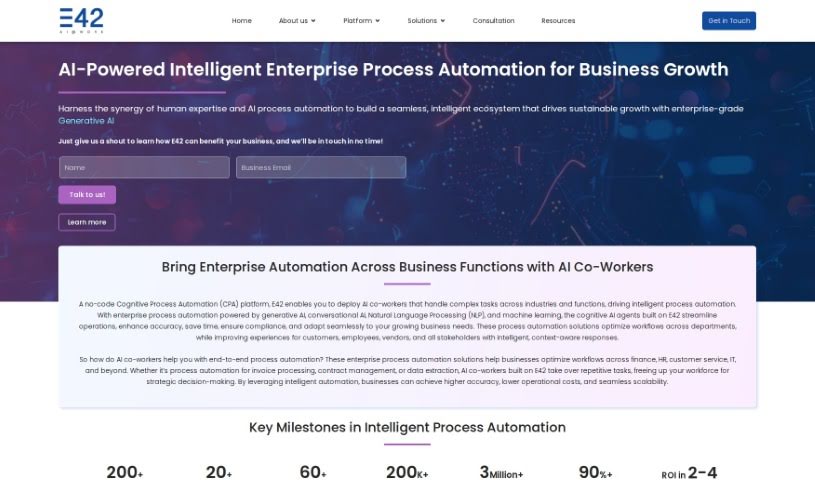
Screenshot of E42

E42

Freemium

E42 is a smart platform for automating tasks using AI and Natural Language Processing (NLP). It's designed to give businesses their own AI "co-workers" that can handle processes across different departments. The great thing is, it's really user-friendly. You can easily set up and manage these AI co-workers so they can team up with your human employees. This means better productivity, a smoother employee experience, and lower costs. E42's goal is to make organizations more efficient, improve how they interact with customers, and help them grow sustainably, all thanks to its advanced AI and how well it fits into existing systems.

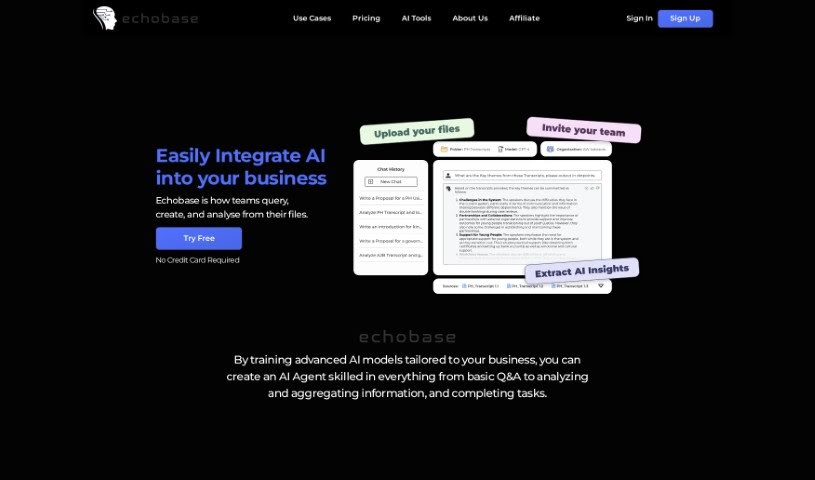
Screenshot of Echobase

Echobase

Freemium

Echobase is a really advanced platform built to smoothly bring artificial intelligence into how businesses operate. It lets your team ask questions, create content, and dig into data, all straight from your files. The best part? You don't need to know any code or use extra tools. Echobase's AI Agents are custom-trained, meaning organizations can use powerful AI models that are specifically set up for their unique needs. Whether you need simple Q&A, deep dives into data, or help with tricky tasks, Echobase has you covered. It's designed to be super easy to use, keeps your data safe with encryption, and makes teamwork better by giving everyone a central place to interact in real-time. Some of the standout features include these custom-trained AI agents, easy file integration, deploying AI without code, strong data protection, and tools that help teams work together.

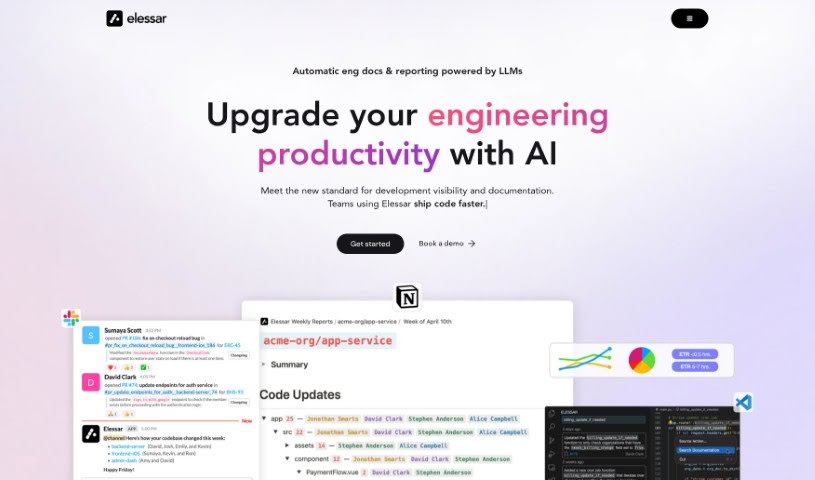
Screenshot of Elessar

Elessar

Freemium

Elessar is a handy tool that connects with a bunch of platforms you probably already use, like GitHub, Notion, Linear, Slack, and even your email. It gives you access to pull requests and issues, but don't worry, it can't see your company's actual code. Elessar takes data privacy and security really seriously. It's built using SOC II compliant policies and infrastructure, which means it has top-notch security measures in place, the kind you'd expect for enterprise-level use. Plus, because it works with OpenAI, all the processing is strictly inference-based. This is a big deal because it means your data isn't used for training anything, nor is it stored. If you want to dive deeper into Elessar's security details, feel free to reach out to [[email protected]](/cdn-cgi/l/email-protection#73000603031c010733141607161f16000012015d101c1e).

Screenshot of Ema

Ema

Freemium

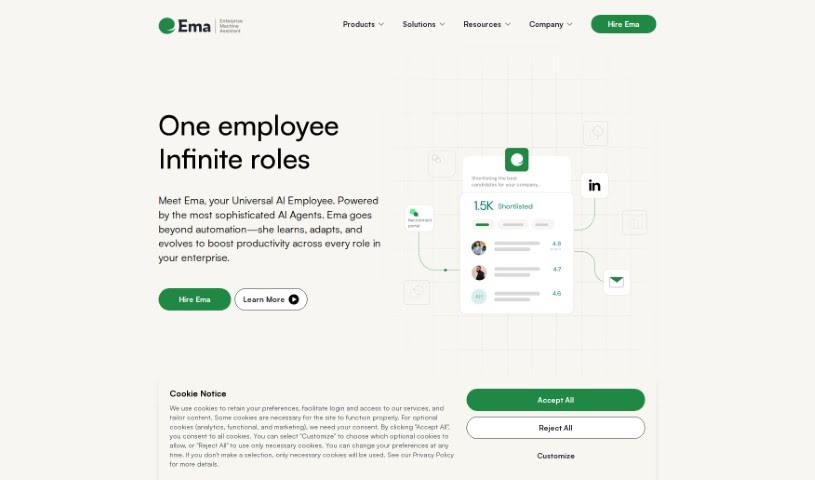
Ema is your company's universal AI employee. Its main goal is to help everyone in the organization be more productive by automating tricky workflows. How does it do this? Simply by having conversations with different AI agents. Ema was built to tackle common problems like slow or complicated Gen AI tool chains, the risks that come with data security, and the often disappointing return on investment from solutions you might already have. Ema offers some really great features, like fitting right into your existing enterprise applications, strong data governance to keep sensitive information safe, and impressive accuracy thanks to a smart mix of public and private AI models. You'll find Ema comes with ready-made Personas for common jobs – think Customer Support, Sales, HR, and Data roles. Plus, you can create new, specialized Personas instantly. When you use Ema, your organization can expect things to run more smoothly and accurately, whether it's handling customer tickets, getting clear insights, or making sure everything is compliant.

Screenshot of Embed Generator

Embed Generator

Freemium

The Embed Generator is a really handy tool that lets you easily create custom, interactive messages for your Discord servers. You can add cool things like buttons and select menus to your embeds, personalize them with your own branding, and even set up custom commands with special logic and responses for your server members. Plus, there's an AI assistant built-in to help you draft new messages faster and spark your creativity. Just a heads-up, this tool isn't officially connected to or endorsed by Discord Inc., but it offers a user-friendly and efficient way to make your messaging stand out.

Screenshot of Embra

Embra

Freemium

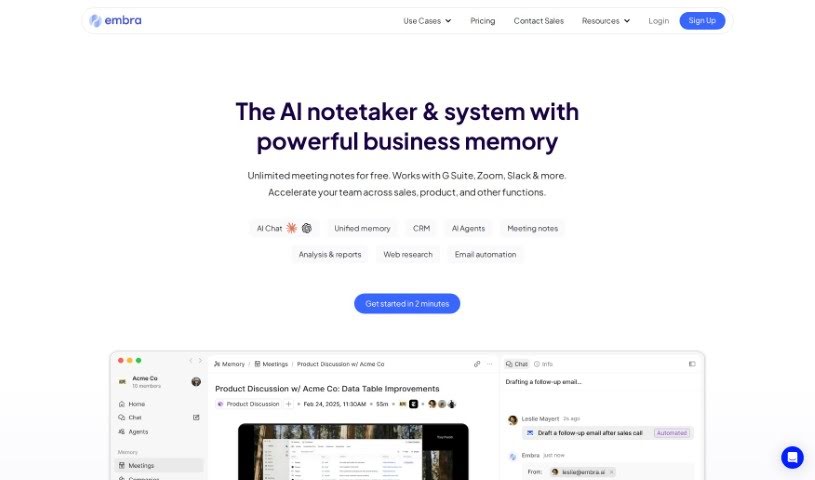
Embra is a really fast AI assistant built for professionals. It is your go-to helper for all sorts of tasks. It can automate your emails, whip up summaries from your meetings, help you find information buried in your internal documents, create content, do research, and summarize articles. What really sets Embra apart are its quick commands, its ability to learn your personal automation needs, its collaboration features, and how well it plays with other apps like Chrome, Gmail, and Zoom. Essentially, Embra is designed to make your work smoother, save you precious time, and boost how much you get done, whether you're working solo or as part of a team in any professional field. People like Andre Pennecooke, who's the VP of Design at Dave, and Brian Cometa, the Owner at $300 Data Recovery, have both said great things about how efficient and easy to use Embra is.

Stay Updated with AI Tools

Get weekly updates on the latest AI tools, trends, and insights delivered to your inbox

Join 25,000+ AI enthusiasts. No spam, unsubscribe anytime.