AI Tools for Audio

Discover the best Audio AI tools to enhance your productivity and creativity.

Page 35 of 40 • 471 total tools

We’re really entering a new age for creating and changing audio, thanks to AI. You know, those days of needing tons of skills and pricey gear for good audio are pretty much over. Now, with smart AI audio tools, anyone can make professional-sounding audio for podcasts, music, or any cool audio project.

These tools aren’t just for making music; they can create voiceovers, improve sound quality, and even help with sound design. It’s amazing how much AI is changing the audio world, and the ways we can use it are endless.

After spending a lot of time trying out different platforms and features, I’ve put together a list of the top AI audio tools out there. Whether you’re just starting out and need something simple, or you’re a pro looking for powerful options, there’s definitely something here to help you make your audio sound even better.

So, if you’re ready to see what AI can do for sound, let’s jump into the best tools that will totally change how you work with audio.

The Best AI Audio Tools

  1. ElevenLabs: Great for making multilingual video voiceovers if you’re a creator.
  2. Suno: Perfect for creating custom soundscapes to help you relax.
  3. BandLab: Lets you mix and master tracks smoothly.
  4. TurboScribe: Helps improve audio for clearer transcriptions.
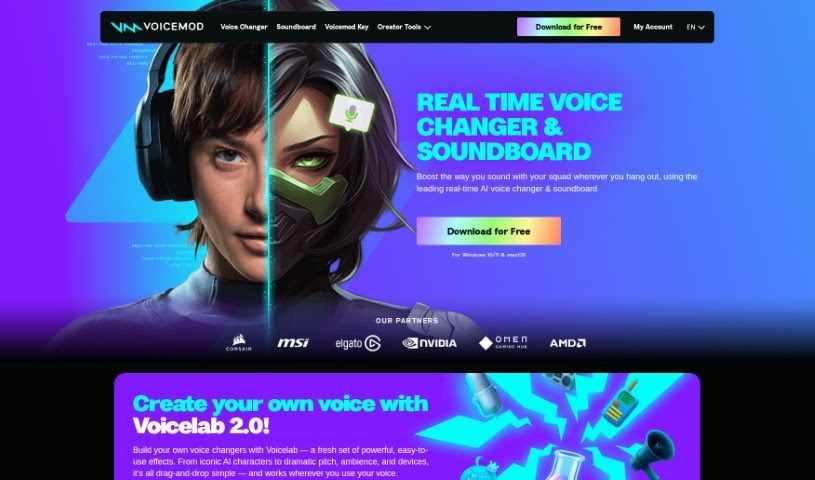
  5. Voicemod: Lets you change your voice for creative projects.
  6. Adobe Podcast: Enhances audio with simple, one-click AI tools.
  7. Transkriptor: An automated tool for transcribing lectures.
  8. Speechify: Makes it easy to listen to articles and documents.
  9. NaturalReader: Good for creating voiceovers for your video content.
  10. Riffusion: Offers real-time audio manipulation for creators.
  11. Narakeet: Converts subtitles into synchronized audio.
  12. PlayHT: Useful for voiceovers in audio editing.
  13. Lalal.ai: Lets you remove vocals seamlessly for remixes.
  14. Ttsmaker: Effortlessly create voiceovers for videos.
  15. Udio: Craft unique sounds using its audio tools.
How Do AI Audio Tools Work?

AI audio tools work a lot like AI writing software. They use advanced models that have been trained on huge amounts of data. Many of these tools use deep learning to analyze and create sound patterns, which lets them generate or change audio. You’ll often see them used for making speech, composing music, and sound design, all thanks to the vast libraries of audio samples and language data they learn from.

Basically, these tools use neural networks that are designed to process sound much like we do. They look at audio input, find patterns, and then predict the best sound to produce based on what they’ve learned. This means they can create a wide range of outputs, from voices that sound really real to music that feels both familiar and new.

When it comes to making voices, the process usually involves feeding a neural network thousands of hours of spoken audio. This teaches it subtle things like intonation and how to vary speech. Then, when you type something in, the model uses its training to create speech that matches the tone and context you’re going for. The result? Voices that sound lifelike and can deliver text with emotion and clarity.

In a similar way, AI music tools study huge collections of music to understand what makes a good hook, rhythm, or harmony. By breaking down existing songs, these models learn how to create new music that sounds like popular styles or even comes up with completely new soundscapes. You can tell the AI what genre or mood you want, and it’ll tailor the results to your taste.

Beyond just creating content, AI audio tools can also improve existing sounds. Things like reducing noise, fixing pitch, and adding effects are all powered by algorithms that have learned from the details in audio files. This lets you make your recordings sound better or create entirely new sound experiences without much effort.

If you’re curious about the technical side, there are plenty of resources that explain how audio processing and machine learning work in sound. All in all, AI audio tools are really changing how we create and interact with sound, opening up amazing possibilities for musicians, podcasters, and audio engineers.

Our Best AI Audio Tools at a Glance

RankNameBest ForPlans and PricingRating
1ElevenLabsMultilingual video voiceovers for creatorsN/A4.83 (29 reviews)
2SunoCreate custom soundscapes for relaxationN/A4.82 (11 reviews)
3BandLabMix and master tracks seamlessly.N/A4.75 (44 reviews)
4TurboScribeEnhance audio for clear transcriptionPaid plans start at $10/month.4.80 (5 reviews)
5VoicemodTransform your voice for creative projectsN/A4.78 (27 reviews)
6Adobe PodcastEnhance audio with one-click AI toolsN/A4.67 (12 reviews)
7TranskriptorAutomated lecture transcription tool.N/A.4.31 (13 reviews)
8SpeechifyListen to articles and documents.N/A4.80 (54 reviews)
9NaturalReaderCreate voiceovers for video contentN/A4.75 (44 reviews)
10RiffusionReal-time audio manipulation for creatorsN/A4.18 (11 reviews)
11NarakeetConvert subtitles to synchronized audioN/A4.72 (18 reviews)
12PlayHTVoice over for audio editingN/A4.59 (27 reviews)
13Lalal.aiSeamless vocal removal for remixesN/A4.64 (11 reviews)
14TtsmakerCreate voiceovers for videos effortlessly.N/A4.60 (5 reviews)
15UdioCraft unique sounds with audio toolsN/A4.18 (11 reviews)
Screenshot of Unidub

Unidub

Freemium

UniDub is a really neat platform that lets you dub videos into more than 40 languages using AI. It's not just about translating, though; it also lets you add emotions, specific styles, and even background music to make your videos much more engaging. It is a way to make your content more impactful without all the usual hassle. It's a cost-effective solution that cuts down on the time and money you'd normally spend on manual dubbing. Plus, it can handle multiple emotions in a single video, which really brings the content to life. You can even create your own custom voices, turn storybooks into videos with distinct voices for each character, and reach a much wider audience by making your content available in so many different languages.

Screenshot of Unmixr

Unmixr

Freemium

UnmixrAI is a really comprehensive suite of AI tools. It is a one-stop shop for creators, offering AI Voiceover, Audio/Video Dubbing, AI Chat, and Copywriting tools all in one place. What's cool is you can customize speaking styles, adjust pitch, and tweak the speaking rate to get just the right sound. It even offers emotion-based AI text-to-speech, giving you a massive selection of 1,000 unique AI voices across 104 languages and 155 accents. Plus, its transcription accuracy is super high, around 99%, which is pretty impressive.

Screenshot of Unreal Speech

Unreal Speech

Freemium

Unreal Speech is a text-to-speech API solution that really stands out for being affordable. Compared to big names like Eleven Labs, Play.ht, Amazon, Microsoft, and Google, it offers a much better price point. You can convert up to 500,000 characters – that’s about 10 hours of audio – in just 15 minutes. Plus, they make it easy to manage your subscription, join their affiliate program, and use the audio you create for commercial purposes. They have different plans that adjust based on how many characters you need and how much audio you want to generate. Basically, Unreal Speech is known for delivering quality and being a budget-friendly way to get text-to-speech.

Screenshot of VEED AI Voice Cloning

VEED AI Voice Cloning

Freemium

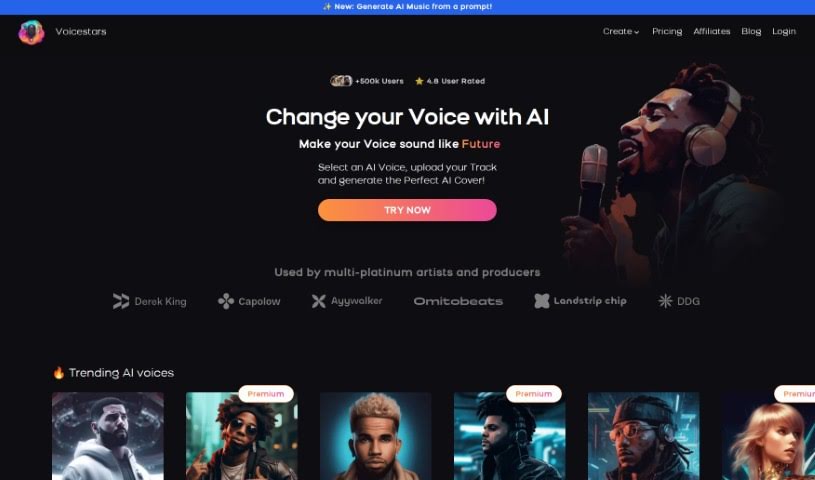
AI Voice Cloning is a pretty amazing technology that lets you copy your own voice using smart artificial intelligence. You record your voice just once, and then you can use that recording to create a unique voice profile. This profile then works with text-to-speech software, making it super easy to generate voiceovers. The tech is designed to perfectly mimic your voice, opening up lots of creative and professional possibilities. Tools like VEED's AI Voice Cloning also give you simple ways to tweak your voice for different projects, really changing how you can use your voice and making content creation much smoother.

Screenshot of Vemo AI

Vemo AI

Freemium

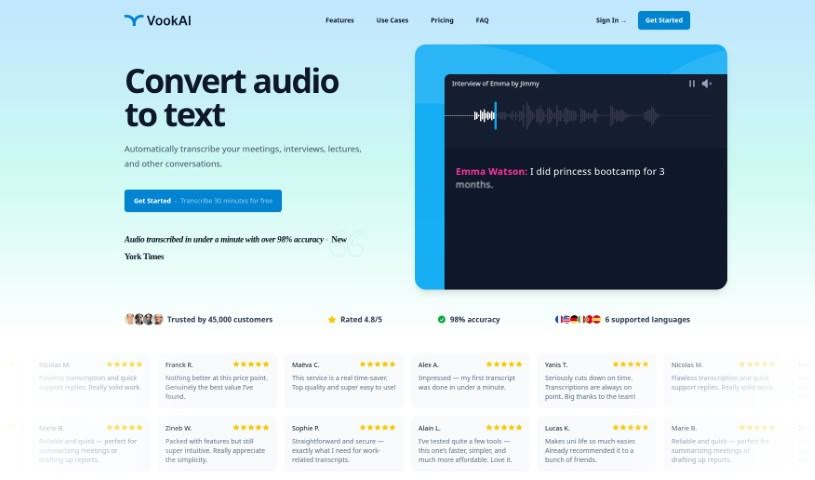
Vemo AI is a really neat app that turns spoken words into written text, and it does it super smoothly using the latest GPT-4 technology. You can record your voice, pick a style you like, and then tweak the transcribed text to make it just right for whatever you need. People who use it absolutely rave about how accurate it is and how versatile it is for transcribing all sorts of things, from personal journal entries to blog posts and so much more. Vemo AI offers a few different plans, including one that's completely free forever, plus premium options for those who need a bit more. It’s definitely shaking things up in the world of AI transcription services.

Screenshot of Venice Music

Venice Music

Freemium

Venice Music's Co-Manager Beta is essentially an AI assistant built to help musicians with all sorts of things in their careers. It is a smart helper that uses machine learning to give you personalized advice, insights, and strategies. It's like having top artist managers and marketers in your corner, guiding you on everything from planning your releases and growing your fanbase to boosting your streams and promoting your songs. Importantly, it works alongside human expertise, not replacing it.

Screenshot of Verbatik

Verbatik

Freemium

Verbatik is a sophisticated AI platform that specializes in text-to-speech and voice cloning. It's pretty impressive, offering voice generation in 142 different languages. You get access to over 300 incredibly realistic text-to-speech voices, which means you can create top-notch AI voiceovers for all sorts of projects. The platform is designed to be super user-friendly, making text-to-voice conversion a breeze. You can easily customize voices by picking characteristics like gender and age, and you have fine-grained control over pacing, tone, and even emphasis. Want to add a bit more flair? Verbatik lets you layer in background music and ambient sound effects to really make your audio pop. This makes it a fantastic choice for a wide range of applications across many different industries. Plus, they're always adding new voices to their library, so you're sure to find options that are accurate, sound natural, and flow smoothly – the result? Voiceovers that sound remarkably human.

Screenshot of Veritone Voice

Veritone Voice

Freemium

Veritone Voice is a sophisticated AI solution designed to create and manage incredibly realistic synthetic voices. It is a powerful tool for generating voice content, whether you're turning text into speech or even transforming one voice into another. It does this by building custom voice models, essentially teaching the AI to mimic specific vocal characteristics. This means you can clone voices – even those of well-known figures like celebrities, provided you have their consent, of course – and then use them to create content whenever you need it, in all sorts of languages.

Screenshot of Vid2Txt

Vid2Txt

Freemium

Vid2Txt is a neat little app that transcribes video and audio files right on your computer – no internet needed! You just drag and drop your files into the app, and it gets to work. What's really great is that it's fast, accurate, and won't cost you an arm and a leg. Plus, there are no subscriptions or data sharing involved. You can transcribe as much as you want with a single purchase, so you don't have to worry about quotas or hidden charges. It's designed to be super simple, focused, and efficient, making it a fantastic tool for all sorts of people, whether you're a content creator, journalist, student, business pro, someone who's hearing impaired, or a researcher.

Screenshot of Vidds AI AI Video Translator

Vidds AI AI Video Translator

Freemium

Vidds AI Video Translator is a really neat tool that's changing how we translate videos, all thanks to its AI smarts. It makes translating your videos into different languages super easy, accurate, and fast. You get free, quick, and precise translations, which means you can skip the expensive human translators and those long waits. Beyond just translating voices and subtitles, Vidds AI Video Translator also has this cool AI voice cloning tech. This lets you create synthetic versions of the original voices. Basically, it simplifies the whole video translation process, giving you professional-quality results without the hefty price tag.

Screenshot of Video Highlight

Video Highlight

Freemium

A video highlight is essentially a short clip pulled from a longer video. It is the "greatest hits" reel, capturing the most interesting or important moments. You'll see these used everywhere – in sports to show the winning goals, in marketing to tease a new product, or in entertainment to give you a taste of a movie. The main idea is to quickly grab your attention, give you a clear idea of what the full video is about, and make you want to see more. In today's world, where everyone's attention spans are short, these little snippets are super important for keeping people engaged.

Screenshot of Videototextai

Videototextai

Freemium

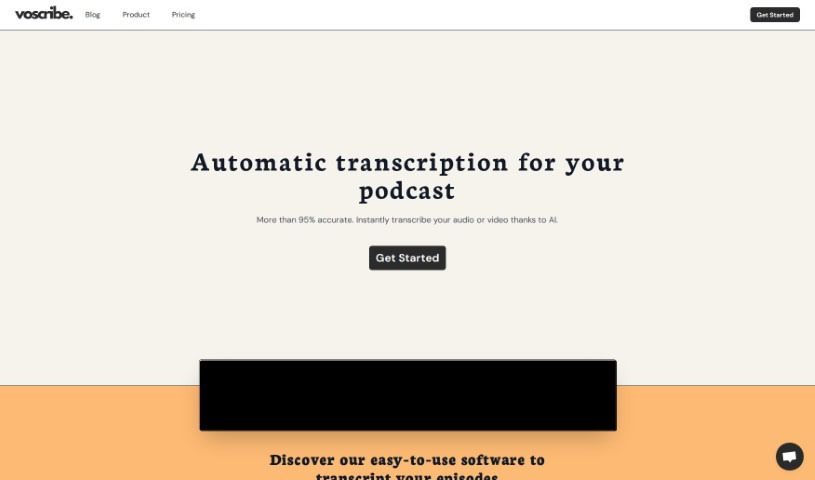
VideoToTextAI is a service that converts video content into text. It is a smart way to make your videos searchable and easy to edit. It was founded back in 2023, with the main goal of using artificial intelligence to make transcribing videos much simpler. They focus on providing high-quality transcriptions, supporting many languages, getting them done quickly, keeping your data safe, storing it reliably, and offering customer support 24/7, all through a platform that's easy to use. Lots of different fields use VideoToTextAI, like education, media, law, and healthcare, whether it's for individuals or businesses needing transcriptions.

Stay Updated with AI Tools

Get weekly updates on the latest AI tools, trends, and insights delivered to your inbox

Join 25,000+ AI enthusiasts. No spam, unsubscribe anytime.