008 Agent
Audio Transcription
Learn more
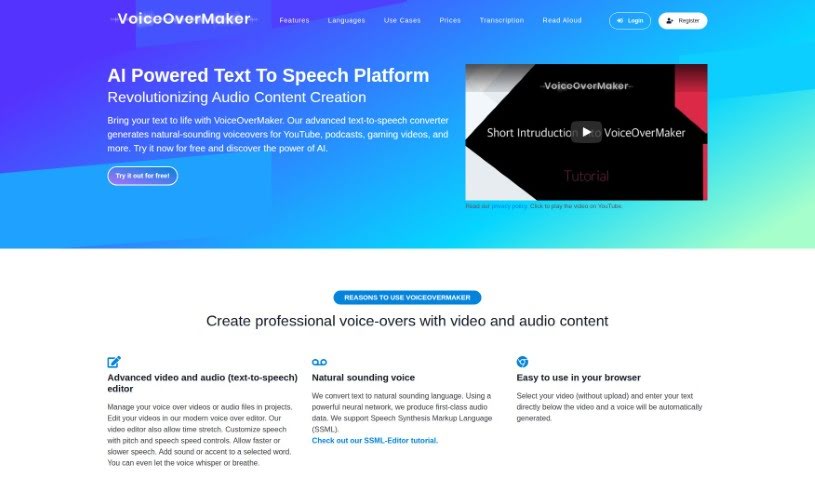
Discover VoiceOverMaker, a text-to-speech tool for creating natural-sounding voiceovers with 600+ voices in over 30 languages.
VoiceOverMaker is a text-to-speech tool for creating voiceovers. It generates natural-sounding speech and lets you adjust voice tone, word pronunciation, and speaking speed. It suits content creators, marketers, and businesses that need professional narration without hiring voice actors or buying recording equipment.
The company behind it focuses on AI-driven voiceovers and uses WaveNet technology to produce natural-sounding voices in more than 30 languages and their variations. The platform reports over 100,000 users, 3,100+ companies, and more than 2.9 million generated voices. Use cases include YouTube videos, podcasts, and gaming. It works as both a text-to-speech converter and an editor.
A free trial gives you up to 800 characters; additional characters can be purchased.
Related
Discover more tools in similar categories
Weekly picks of the best AI tools we've researched and added — no spam, unsubscribe anytime.
Join 25,000+ AI enthusiasts. No spam, unsubscribe anytime.