AI Web Development Tools

AI Tools for Web Development

Discover the best Web Development AI tools to enhance your productivity and creativity.

Page 26 of 55 • 655 total tools
Screenshot of KeepHQ

KeepHQ

Freemium

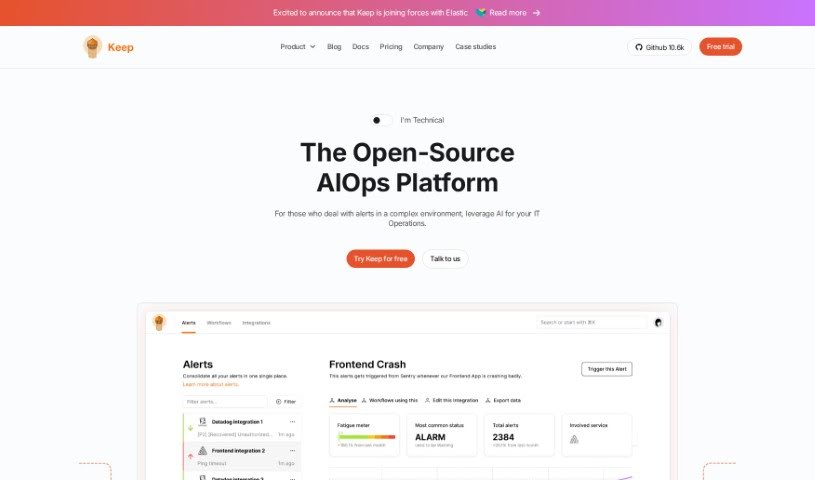
KeepHQ is an open-source alert management tool built for software developers. It uses AI to cut through alert noise, helping teams focus on the notifications that actually impact their business. Alerts can be set up in about five minutes using the open-source examples provided on the platform.

Web Development View Tool →
Screenshot of Keploy

Keploy

Freemium

Keploy is an open-source tool that automatically generates API test cases and data mocks. It captures how your application communicates with other services and converts those interactions into ready-to-use test cases and data stubs. Its stated goal is to help developers reach 90% test coverage in minutes, addressing common pain points like writing manual tests, managing complex dependencies, and reproducing tricky production issues for debugging.

Web Development View Tool →
Screenshot of Keywords AI

Keywords AI

Freemium

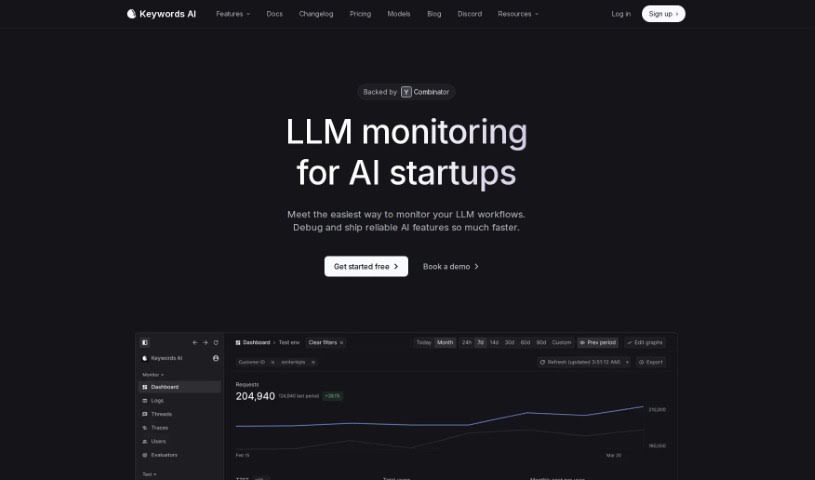
Keywords AI is a DevOps platform for developers building applications with large language models (LLMs). It is designed to get LLM applications production-ready with as little as two lines of code, speeding up deployment and providing monitoring for AI applications once they are live.

Web Development View Tool →
Screenshot of Kleap

Kleap

Freemium

Kleap is an all-in-one website building and management platform for people who want to create websites quickly without coding experience. Rather than juggling separate tools for hosting, WordPress, and Mailchimp, it combines building and managing your online presence in a single package.

Web Development View Tool →
Screenshot of Kodezi

Kodezi

Freemium

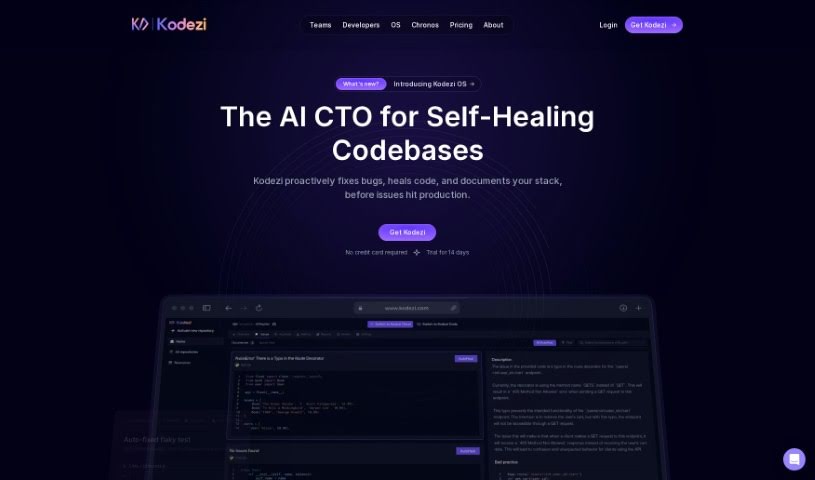
Kodezi is an AI coding assistant, often called "Grammarly for programmers." It helps developers fix code and squash bugs so they can focus on the bigger, more creative parts of their work. Users report that Kodezi helps them find and fix bugs faster than they could on their own, with its code commenting and bug correction features frequently highlighted. Many say it has boosted their productivity through code correction, optimization, and debugging help.

Web Development View Tool →
Screenshot of Kognitium

Kognitium

Freemium

Kognitium is an AI platform built by a team of experienced professionals. It delivers reliable, practical, and personalized answers across a wide range of subjects, including current events, science, history, philosophy, and linguistics. Where typical AI chatbots prioritize quick replies, Kognitium emphasizes precision and thoroughness, aiming to help users learn more and find information faster.

Web Development View Tool →
Screenshot of Kombai

Kombai

Freemium

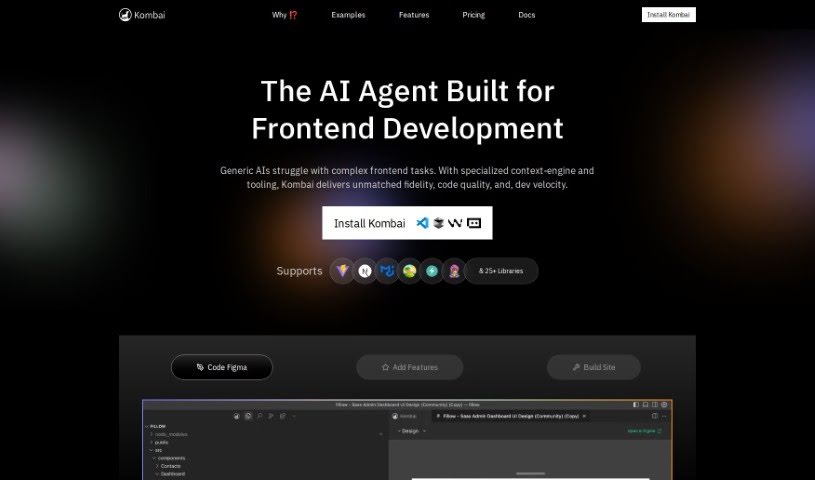
Kombai is an AI tool that turns Figma designs into code. Rather than pulling code directly from Figma, it uses models built specifically for this task to understand your UI designs and generate code. Kombai outputs code for React and HTML with CSS, letting you choose between plain CSS or Tailwind. It can also work with other frameworks like Vue, Svelte, Angular, and Django.

Web Development View Tool →
Screenshot of Korbit AI

Korbit AI

Freemium

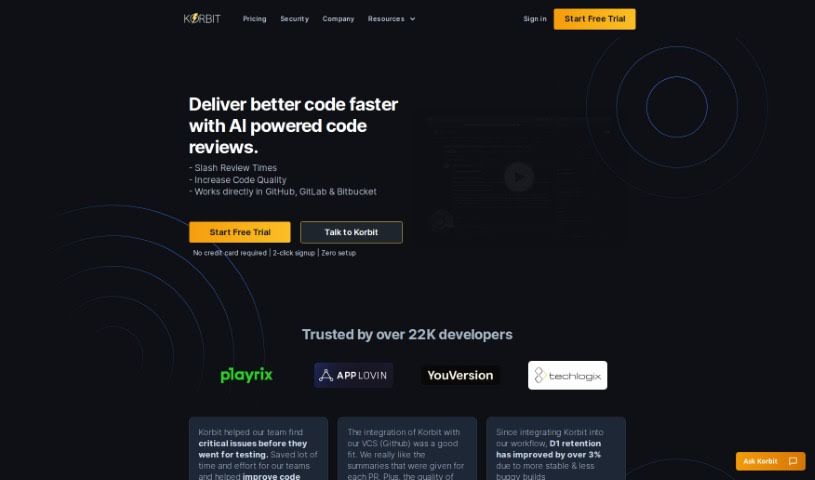
Korbit AI is a code review tool that integrates with GitHub and acts as a fast, automated reviewer. It reviews pull requests (PRs) instantly, identifies potential problems early, and suggests how to fix them. Beyond the review itself, Korbit offers interactive explanations inside PRs so developers learn as they resolve issues, and it produces reports on project status, code quality, and team performance to help keep schedules and budgets on track.

Web Development View Tool →
Screenshot of Krecicki

Krecicki

Freemium

Krecicki is a website maintenance company based in Las Vegas with 11 years of experience. It offers two main service paths: minor updates (such as text changes, image swaps, and contact info updates) for a flat fee of $75 per request, and larger work — redesigning page layouts, adding new pages, or integrating forms and galleries — starting at $200. The company also builds new websites from scratch, handling design, system updates, backups, and security monitoring, with packages starting at $225 per month (including $40 worth of minor updates).

Web Development View Tool →
Screenshot of Kudra

Kudra

Freemium

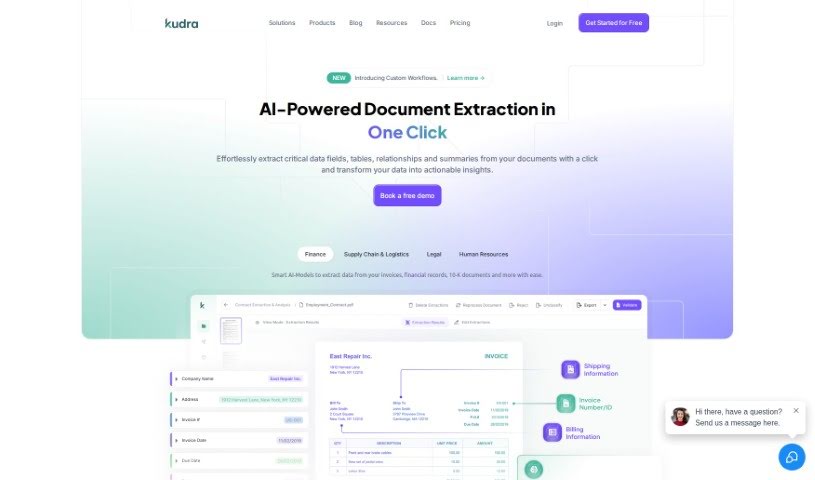
Kudra is an AI-powered document processing tool that extracts key information from invoices, receipts, bills, contracts, reports, and court documents. Its AI models handle unstructured documents and adapt to the needs of a specific industry or business, reducing time spent on manual data entry.

Web Development View Tool →
Screenshot of La Terminal

La Terminal

Freemium

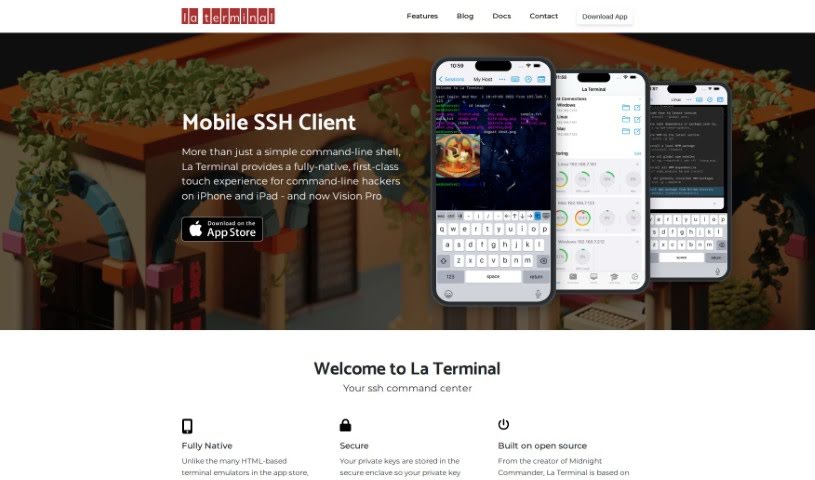
La Terminal is an SSH client built specifically for iOS, offering a touch-optimized way to work with the command line on iPhone and iPad. Unlike terminal emulators built on web technology, it uses a fully native interface, making it smooth and responsive when typing commands.

Web Development View Tool →
Screenshot of Lakera AI

Lakera AI

Freemium

Lakera AI is a security platform for applications powered by Large Language Models (LLMs). It protects against prompt injection attacks, hallucinations, data leakage, and toxic language.

Web Development View Tool →

About Web Development tools

Struggling with cryptic error messages, writing repetitive boilerplate code, or debugging complex API integrations can slow down even the most experienced developers. Whether you’re building full-stack web applications, maintaining backend databases, or configuring deployment pipelines, turning technical requirements into functional code takes significant time. It’s easy to spend hours hunting down missing syntax or setting up project configurations before writing core logic.

Built for web developers and software engineers, these tools act as intelligent coding partners. They autocomplete functions, speed up routine boilerplate creation, and catch subtle bugs before you commit your code.

Inline Completion, Error Debugging, and Test Generation

Generating routine code structures and API endpoints used to require typing out repetitive boilerplate line by line. Smart coding assistants analyze your project context and comments to suggest full function blocks, database schemas, and API handlers in real time. Instead of searching documentation for basic syntax or setup code, you get inline code completion right in your editor to keep you in flow.

Debugging complex logic and fixing broken build pipelines becomes far less frustrating, as well. Tracking down memory leaks, asynchronous execution issues, or obscure framework errors can burn hours of development time. Modern developer tools analyze stack traces and source code to identify root causes, suggest precise bug fixes, and explain complicated error messages in plain language.

Maintaining legacy codebases and writing comprehensive test suites also gets much simpler. Creating unit tests and writing inline documentation often gets pushed aside when project deadlines are tight. AI development platforms scan your code to auto-generate unit tests, create clear README files, and help refactor outdated code to modern standards without breaking existing application features.

Useful Capabilities for Developers:

  • Real-time inline code completion: Systems that suggest accurate code snippets, functions, and line completions inside your code editor as you type.
  • Automated bug detection and debugging: Features that analyze error logs and source files to pinpoint bugs and offer quick-fix solutions.
  • Test suite generation: Tools that automatically write comprehensive unit, integration, and end-to-end tests based on your codebase.
  • Code refactoring and modernization: Settings that clean up legacy code, convert syntax between programming languages, and apply best practices.
  • Documentation generation: Capabilities that automatically create clear inline comments, function docstrings, and project documentation from source code.

Building high-performing, secure web applications will always depend on your logical reasoning, system design, and software architecture skills. Software cannot replace critical thinking or design scalable system architectures for you. But letting smart tools handle routine boilerplate, test generation, and bug hunting gives you back the focus needed to solve tough engineering challenges.

Explore the web development tools below to upgrade your stack.

The Best AI Web Development Tools

  1. Lovable: Great for making frontend design work smoother.
  2. Cursor: Helps with real-time code collaboration.
  3. Replit AI: Generates code snippets for web apps.
  4. Supabase: For teams to manage databases together.
  5. v0 by Vercel: Quickly creates UI kits for web projects.
  6. Replicate AI: Automates code generation for web apps.
  7. Carrd: Perfect for a single-page site to promote an event.
  8. AI Dungeon: Lets you create interactive web stories with code.
  9. Ollama: For quickly building early versions of web interfaces.
  10. Jimdo: Makes building and managing websites easy.
  11. Code Sandbox: Simplifies CSS preprocessor workflows.
  12. Tilda: Lets you create websites easily without coding.
  13. Bubble: A drag-and-drop tool for building web applications.
  14. Weights & Biases: Streamlines integrating ML models into web apps.
  15. Warp Terminal: Helps deploy web apps quickly.
New tools, in your inbox.

Weekly picks of the best AI tools we've researched and added — no spam, unsubscribe anytime.

Join 25,000+ AI enthusiasts. No spam, unsubscribe anytime.