AI Web Development Tools

AI Tools for Web Development

Discover the best Web Development AI tools to enhance your productivity and creativity.

Page 19 of 55 • 655 total tools
Screenshot of Formx.ai

Formx.ai

Freemium

FormX.ai is an AI-powered tool for extracting data from documents such as receipts, invoices, and ID cards. It combines OCR (Optical Character Recognition), Regex, and AI to turn information from physical documents into organized digital data.

Web Development View Tool →
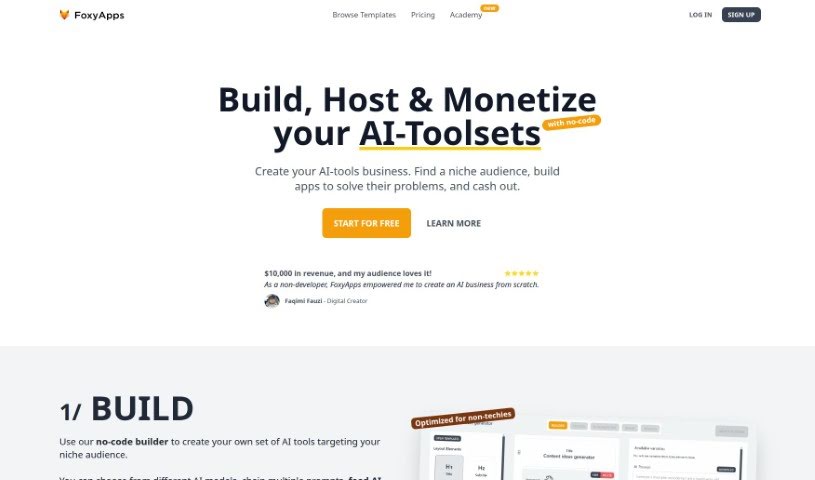
Screenshot of FoxyApps

FoxyApps

Freemium

FoxyApps is a no-code app builder that lets anyone — including prompt writers — create AI-powered applications without coding. It connects with ChatGPT technology, so you can build forms, write prompts, and customize how the AI's output looks.

Web Development View Tool →
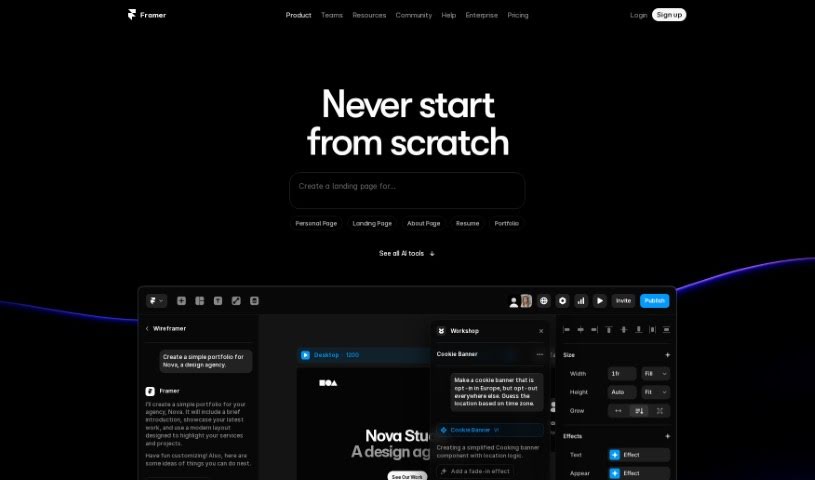
Screenshot of Framer

Framer

Freemium

Framer is an AI-powered website builder that turns a basic idea into a live webpage in seconds. You control how your site looks: adjust layouts, styles, and copy, with a built-in AI copywriter to write and rewrite text. Publishing is free, AI designs are unlimited, and you can choose from a range of themes. A community with tutorials is available for support.

Web Development View Tool →
Screenshot of Friends & Fables

Friends & Fables

Freemium

Friends & Fables is a dynamic text RPG that combines elements from text-based RPGs, MUDs, and tabletop RPGs (ttRPGs). It uses AI to understand what the player describes, allowing free-form actions similar to a verbal tabletop session with friends — while the game automatically tracks the game state. The project is built by Will & David, two indie developers who work on it in their evenings and weekends. Friends & Fables is not affiliated with Dungeons & Dragons or Wizards of the Coast.

Web Development View Tool →
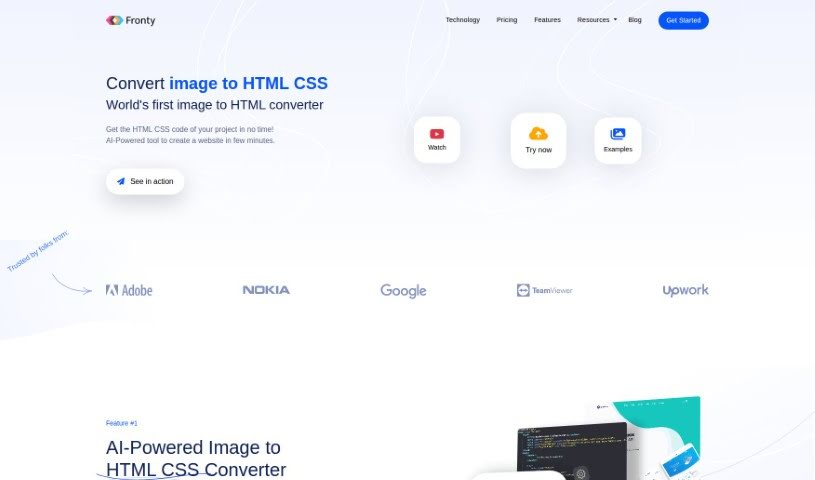
Screenshot of Fronty

Fronty

Freemium

Fronty is an AI-powered tool that converts image files into responsive HTML and CSS code. It generates clean, optimized code that works with all modern web browsers, and you can edit the output to match your design. Fronty provides a real-time preview of the code and lets you customize colors, sizes, and fonts.

Web Development View Tool →
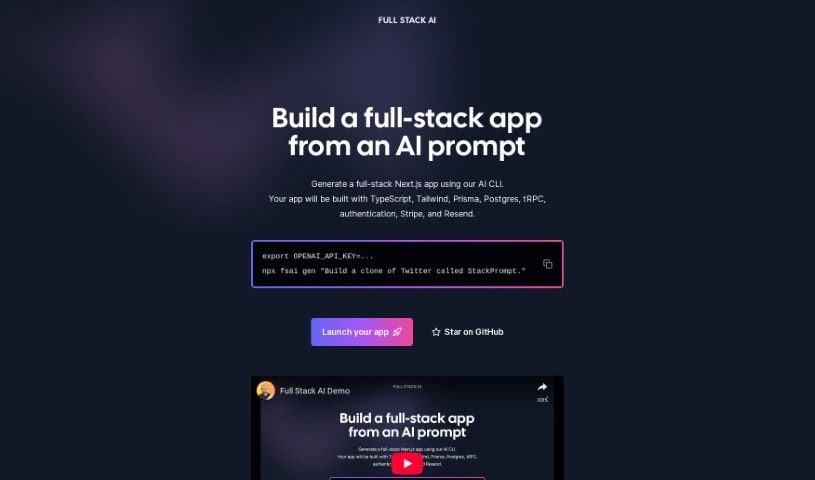
Screenshot of Full Stack Ai

Full Stack Ai

Freemium

Full Stack AI is a command-line interface (CLI) tool that generates full-stack Next.js applications from an AI prompt. Each generated app comes with a complete tech stack already built in: TypeScript, Tailwind CSS for styling, Prisma for database management, Postgres as the database, tRPC for end-to-end APIs, authentication, Stripe for payments, and Resend for email.

Web Development View Tool →
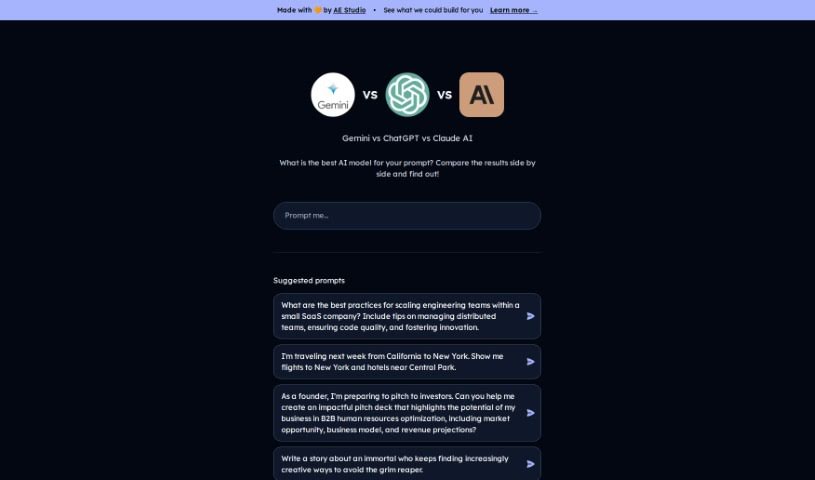
Screenshot of Gemini Pro Vs Chat Gpt

Gemini Pro Vs Chat Gpt

Freemium

Gemini Pro vs. ChatGPT is a comparison tool that lets you enter a prompt and see responses from both Gemini Pro and ChatGPT at the same time. It also shows performance metrics for each model's answer, making it easy to evaluate how the two leading AI models handle the same request.

Web Development View Tool →
Screenshot of Genia

Genia

Freemium

Genia is a platform founded by Miten Jain. The company focuses on giving healthcare professionals clear, actionable insights for precision medicine, using smart algorithms and advanced bioinformatic solutions. Its goal is to enable personalized treatments based on the analysis of genetic data.

Web Development View Tool →
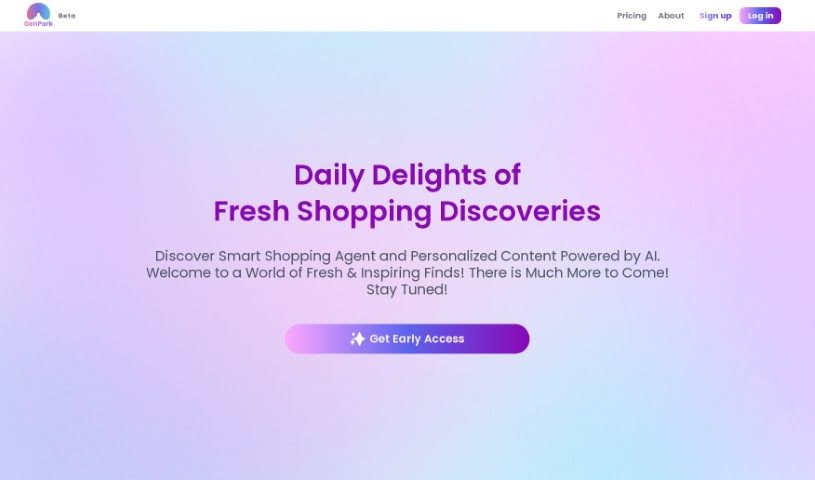
Screenshot of Genpark

Genpark

Freemium

GenPark JSON is a lightweight data-interchange format that is easy for humans to read and write, while remaining simple for machines to parse and generate. It is built on a core part of JavaScript but is not tied to any single programming language, making it compatible with many languages, especially those in the C family.

Web Development View Tool →
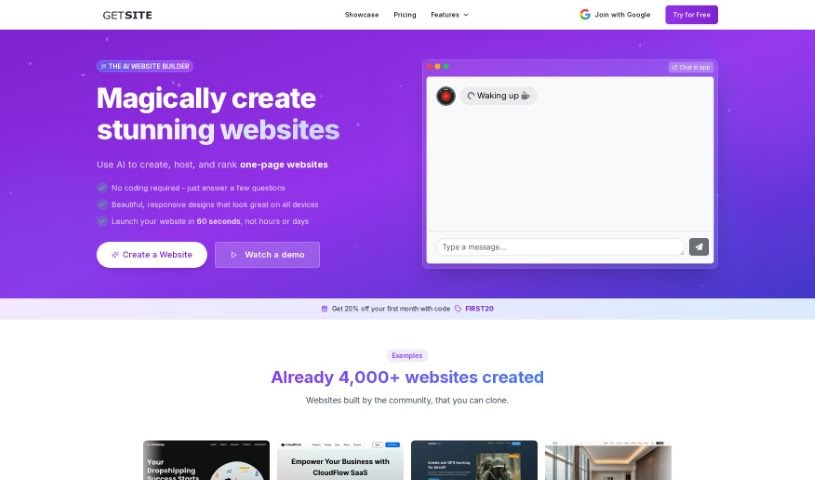
Screenshot of GetSite AI

GetSite AI

Freemium

GetSite is a tool for getting a professional-looking microsite online quickly, aimed at consultants, freelancers, and small businesses. It uses OpenAI models to generate the code, images, and text for your microsite, so no coding skills or designer are needed.

Web Development View Tool →
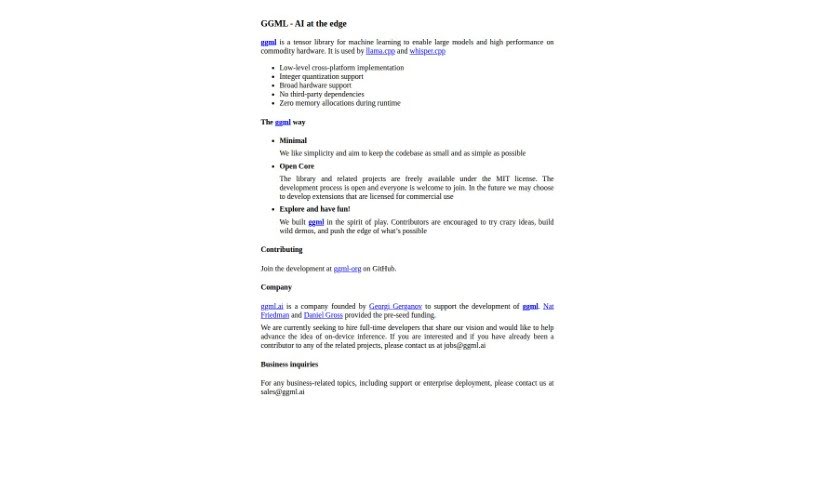
Screenshot of Ggml.ai

Ggml.ai

Freemium

GGML.ai is a C-based tensor library for machine learning that makes it possible to run large AI models on regular hardware, without specialized equipment. It supports 16-bit float and integer quantization for more efficient model execution, along with automatic differentiation and optimization tools like ADAM and L-BFGS.

Web Development View Tool →
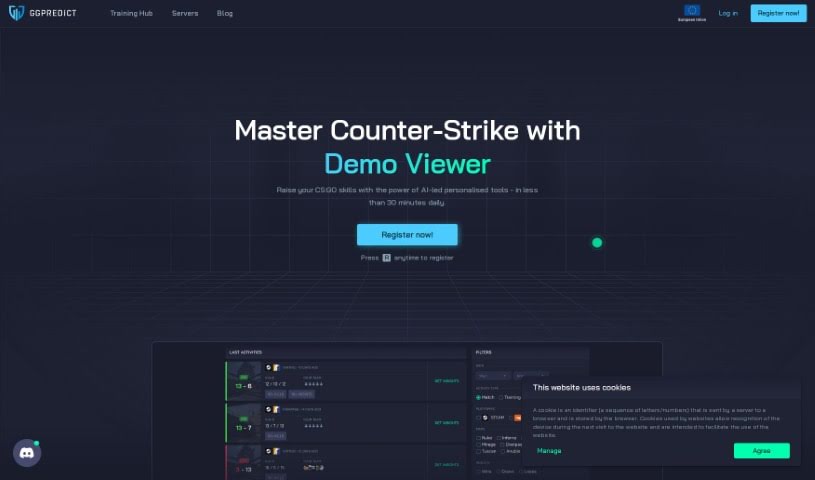
Screenshot of Ggpredict.io

Ggpredict.io

Freemium

GGPredict.io is an eSports analytics and predictions platform for players and fans of competitive gaming. It provides insights, training modules covering a range of eSports topics, and a prediction engine that uses machine learning algorithms to forecast the outcomes of eSports events such as Dota 2 and League of Legends tournaments. It also functions as a community where gamers can connect, share experiences, and learn from one another.

Web Development View Tool →

About Web Development tools

Struggling with cryptic error messages, writing repetitive boilerplate code, or debugging complex API integrations can slow down even the most experienced developers. Whether you’re building full-stack web applications, maintaining backend databases, or configuring deployment pipelines, turning technical requirements into functional code takes significant time. It’s easy to spend hours hunting down missing syntax or setting up project configurations before writing core logic.

Built for web developers and software engineers, these tools act as intelligent coding partners. They autocomplete functions, speed up routine boilerplate creation, and catch subtle bugs before you commit your code.

Inline Completion, Error Debugging, and Test Generation

Generating routine code structures and API endpoints used to require typing out repetitive boilerplate line by line. Smart coding assistants analyze your project context and comments to suggest full function blocks, database schemas, and API handlers in real time. Instead of searching documentation for basic syntax or setup code, you get inline code completion right in your editor to keep you in flow.

Debugging complex logic and fixing broken build pipelines becomes far less frustrating, as well. Tracking down memory leaks, asynchronous execution issues, or obscure framework errors can burn hours of development time. Modern developer tools analyze stack traces and source code to identify root causes, suggest precise bug fixes, and explain complicated error messages in plain language.

Maintaining legacy codebases and writing comprehensive test suites also gets much simpler. Creating unit tests and writing inline documentation often gets pushed aside when project deadlines are tight. AI development platforms scan your code to auto-generate unit tests, create clear README files, and help refactor outdated code to modern standards without breaking existing application features.

Useful Capabilities for Developers:

  • Real-time inline code completion: Systems that suggest accurate code snippets, functions, and line completions inside your code editor as you type.
  • Automated bug detection and debugging: Features that analyze error logs and source files to pinpoint bugs and offer quick-fix solutions.
  • Test suite generation: Tools that automatically write comprehensive unit, integration, and end-to-end tests based on your codebase.
  • Code refactoring and modernization: Settings that clean up legacy code, convert syntax between programming languages, and apply best practices.
  • Documentation generation: Capabilities that automatically create clear inline comments, function docstrings, and project documentation from source code.

Building high-performing, secure web applications will always depend on your logical reasoning, system design, and software architecture skills. Software cannot replace critical thinking or design scalable system architectures for you. But letting smart tools handle routine boilerplate, test generation, and bug hunting gives you back the focus needed to solve tough engineering challenges.

Explore the web development tools below to upgrade your stack.

The Best AI Web Development Tools

  1. Lovable: Great for making frontend design work smoother.
  2. Cursor: Helps with real-time code collaboration.
  3. Replit AI: Generates code snippets for web apps.
  4. Supabase: For teams to manage databases together.
  5. v0 by Vercel: Quickly creates UI kits for web projects.
  6. Replicate AI: Automates code generation for web apps.
  7. Carrd: Perfect for a single-page site to promote an event.
  8. AI Dungeon: Lets you create interactive web stories with code.
  9. Ollama: For quickly building early versions of web interfaces.
  10. Jimdo: Makes building and managing websites easy.
  11. Code Sandbox: Simplifies CSS preprocessor workflows.
  12. Tilda: Lets you create websites easily without coding.
  13. Bubble: A drag-and-drop tool for building web applications.
  14. Weights & Biases: Streamlines integrating ML models into web apps.
  15. Warp Terminal: Helps deploy web apps quickly.

New tools, in your inbox.

Weekly picks of the best AI tools we've researched and added — no spam, unsubscribe anytime.

Join 25,000+ AI enthusiasts. No spam, unsubscribe anytime.