AI Tools for Web Development

Discover the best Web Development AI tools to enhance your productivity and creativity.

Page 20 of 58 • 694 total tools

Web development has really changed lately, and AI tools are a big part of that. What used to take a lot of coding and design skill can now be made much simpler with smart programs that speed things up. Today, AI-assisted development tools are changing how we build websites, making it easier for newcomers and more efficient for experienced pros.

These tools offer everything from easy design features to help with writing code, letting you create great-looking, functional sites more quickly. Developers don’t have to start from scratch or fix every single line of code manually anymore. Instead, AI can offer suggestions and even create whole parts of a website based on what you need.

Having worked in web development for years, I’ve seen firsthand how AI can make tasks simpler and more efficient. But with so many options out there, picking the right tool can feel overwhelming.

In this article, I’ll share the best AI web development tools you can find right now. Whether you want to improve your coding, automate routine jobs, or make your design process better, there’s something here for you. Let’s explore the tools that can really change your web development experience.

The best AI Web Development Tools

  1. Lovable: Great for making frontend design work smoother.
  2. Cursor: Helps with real-time code collaboration.
  3. Replit AI: Generates code snippets for web apps.
  4. Supabase: For teams to manage databases together.
  5. v0 by Vercel: Quickly creates UI kits for web projects.
  6. Replicate AI: Automates code generation for web apps.
  7. Carrd: Perfect for a single-page site to promote an event.
  8. AI Dungeon: Lets you create interactive web stories with code.
  9. Ollama: For quickly building early versions of web interfaces.
  10. Jimdo: Makes building and managing websites easy.
  11. Code Sandbox: Simplifies CSS preprocessor workflows.
  12. Tilda: Lets you create websites easily without coding.
  13. Bubble: A drag-and-drop tool for building web applications.
  14. Weights & Biases: Streamlines integrating ML models into web apps.
  15. Warp Terminal: Helps deploy web apps quickly.

How do AI web development tools work?

AI web development tools use smart algorithms to handle different parts of designing and building websites. These tools often use large language models, much like AI writing software, to look at coding patterns and make things more efficient. They offer suggestions, code pieces, or even build whole sections of code based on what you tell them.

Basically, these tools understand what you’re asking for, so you can describe what you want in simple terms. For example, you could say, “Create a navigation bar,” and the AI will generate the HTML, CSS, or JavaScript code needed. This makes web development more accessible, even if you don’t have a lot of programming experience.

Many AI web development platforms connect with popular coding environments and content management systems. This means they can improve tools like WordPress, Wix, or GitHub by offering smart code completions or finding errors as you type. With these connections, users can really smooth out their development process.

The data these AI systems learn from usually includes tons of source code, guides, and content created by users on sites like GitHub. This helps them learn different coding styles and the best ways to do things. Their effectiveness comes from spotting patterns and suggesting the best solutions based on what the user needs.

In short, AI web development tools make coding simpler, letting developers focus on creativity and solving problems instead of getting stuck on syntax. As technology keeps changing, these tools are expected to get even better, likely changing how web developers work.

Our best AI web development tools at a glance

RankNameBest forPlans and PricingRating
1LovableMaking frontend design work smoother.N/A4.84 (43 reviews)
2CursorReal-time collaboration on code projects.Paid plans start at $20/Month.4.83 (6 reviews)
3Replit AIGenerating code snippets for web apps.N/A4.70 (44 reviews)
4SupabaseCollaborative database management for dev teamsN/A5.00 (32 reviews)
5v0 by VercelQuickly creating UI kits for web projects.N/A4.73 (11 reviews)
6Replicate AIAutomating code generation for web apps.N/A4.82 (11 reviews)
7CarrdA single-page site for event promotion.Paid plans start at $19/year.4.72 (29 reviews)
8AI DungeonCreating interactive web story experiences.N/A4.54 (39 reviews)
9OllamaRapid prototyping of web interfaces.N/A4.63 (8 reviews)
10JimdoBuilding and maintaining websites easily.N/A4.64 (11 reviews)
11CodeSandboxSimplifying CSS preprocessor workflows.N/A4.45 (11 reviews)
12TildaEffortless website creation without coding.N/A4.75 (20 reviews)
13BubbleA drag-and-drop web applications builder.N/A4.73 (11 reviews)
14Weights & BiasesStreamlining ML model integration in web apps.N/A4.50 (12 reviews)
15Warp TerminalDeploying web apps swiftly.N/A4.79 (28 reviews)
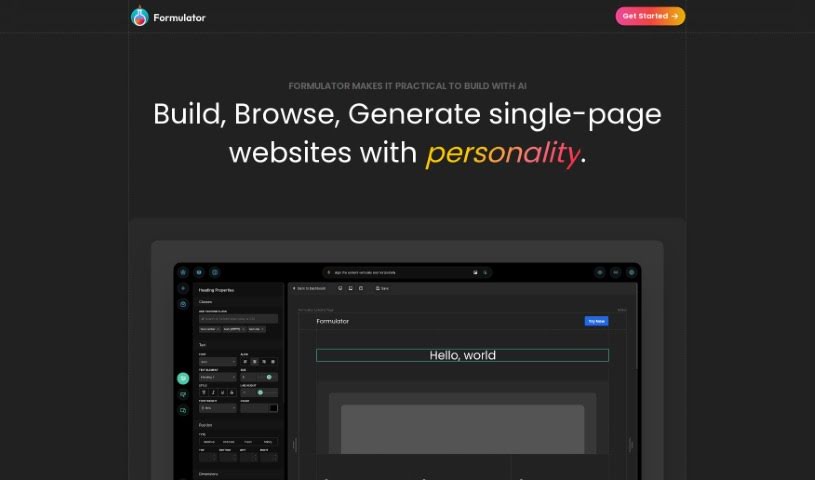
Screenshot of Formulator

Formulator

Freemium

Formulator.app is a platform that helps you build user interface (UI) components, making the process of creating web applications much faster. It's got this neat drag-and-drop interface, so you can actually build components without needing to write any code at all. Plus, it uses AI to whip up components really quickly just from your descriptions. You can also dive into a huge library packed with ready-made components and UI kits, which you can easily tweak to fit your needs. When you're done, you can export the HTML and CSS code for your components without any hassle, making it super simple to plug them into your current projects.

Web Development View Tool →
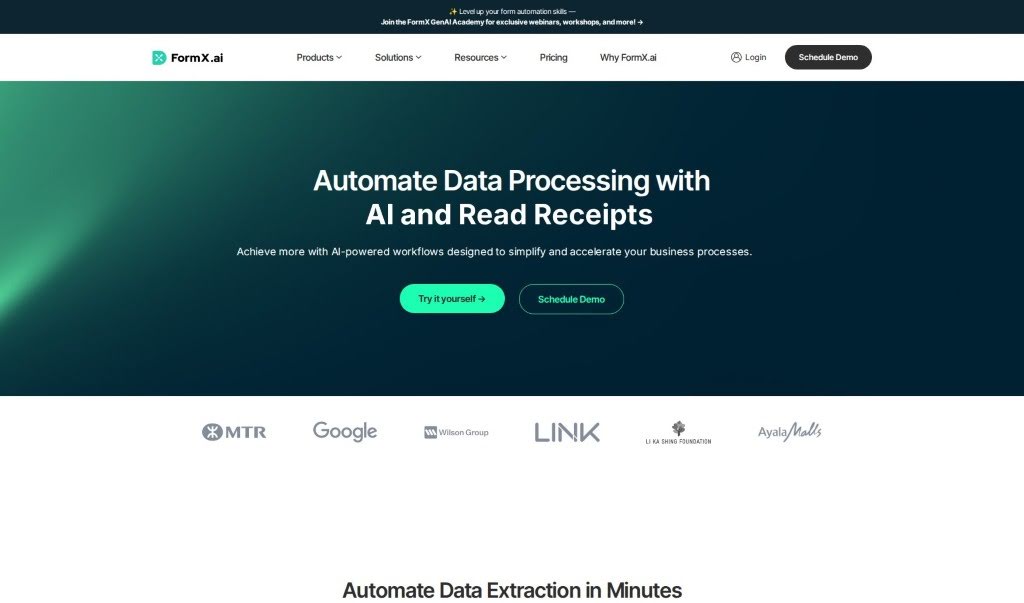
Screenshot of Formx.ai

Formx.ai

Freemium

FormX.ai is an AI-powered solution designed to make pulling data from different kinds of documents, like receipts, invoices, and ID cards, much simpler. It uses advanced technologies such as OCR (Optical Character Recognition), Regex (regular expressions), and AI to quickly turn information from physical documents into organized digital data. You get a user-friendly platform with a low-code or no-code interface, making it easy to set up how data is extracted and to connect it with your existing software using an API. The tool provides extraction results in JSON format, which is super handy for all sorts of business applications. FormX.ai runs on GCP and Azure cloud platforms, so your data processing is secure. When it comes to receipts, the accuracy can vary depending on the image quality, but for common fields like the date, time, and amount, you can expect over 90% accuracy with good quality images. Processing a receipt usually takes about 4 to 8 seconds, not counting the time it takes to upload the image. FormX.ai also offers special plans for larger companies, including discounts for bulk usage and different service level agreements (SLAs).

Web Development View Tool →
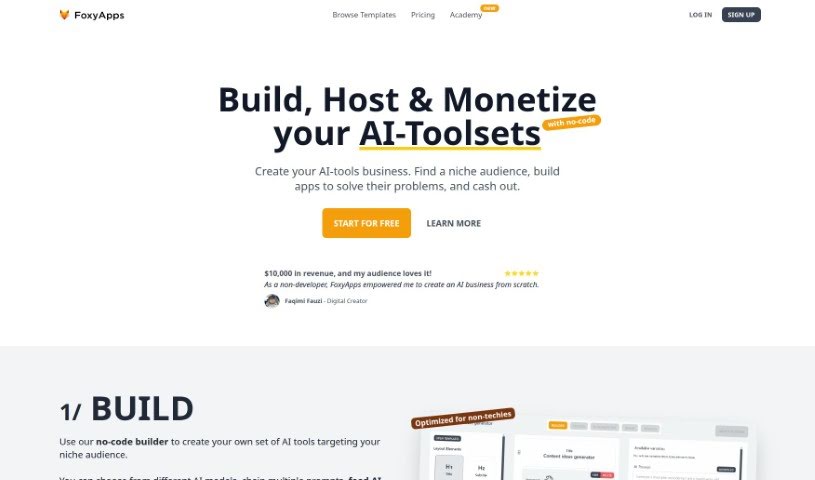
Screenshot of FoxyApps

FoxyApps

Freemium

FoxyApps is a really neat no-code app builder. It lets anyone, even prompt writers, create AI-powered applications without needing to code. It is a user-friendly way to bring your AI ideas to life. It works by connecting with ChatGPT technology, so you can easily build forms, write prompts, and even tweak how the AI's output looks. The whole process is broken down into five simple steps: first, you design a form with the inputs your app will need; second, you write a prompt that uses those inputs; third, you style the AI's response to make it look just right; fourth, you add all the necessary app information like its description and icon; and finally, you publish and share your app once it's approved. Lots of different professionals are finding FoxyApps super useful. Developers, marketing agencies, SEO pros, business consultants, content marketers, and sales strategists are all using it to build apps that can actually make money, streamline their tasks, and save them valuable time and resources. Plus, you can even monetize your creations directly through FoxyApps by earning money each time someone uses your app!

Web Development View Tool →
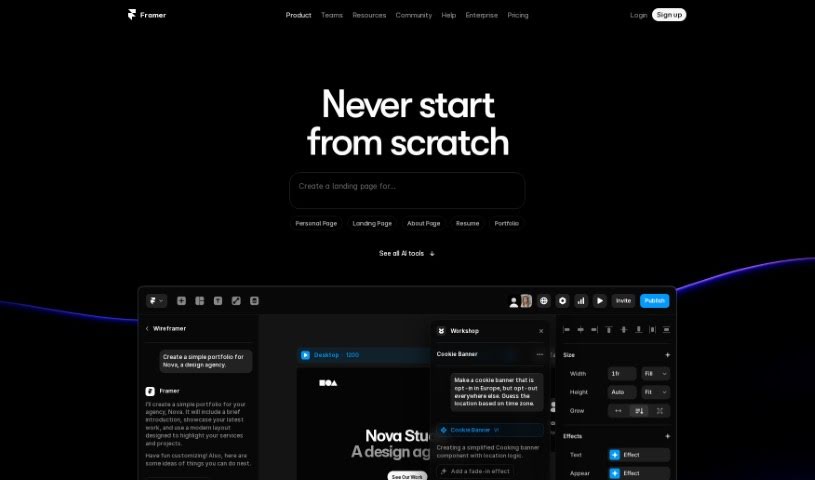
Screenshot of Framer

Framer

Freemium

Framer AI is a really neat tool that uses artificial intelligence to help you build and publish websites super fast. Imagine taking a basic idea and turning it into a live webpage in just seconds! It gives you lots of control over how your site looks, letting you tweak layouts, styles, and even use a built-in copywriter to make your website's text shine. Whether you're a tech whiz or just starting out, Framer AI has something for you. Plus, you can publish your website for free, generate as many AI designs as you need, pick from different themes, and join a community that’s always ready to help with tutorials.

Web Development View Tool →
Screenshot of Freeplay

Freeplay

Freemium

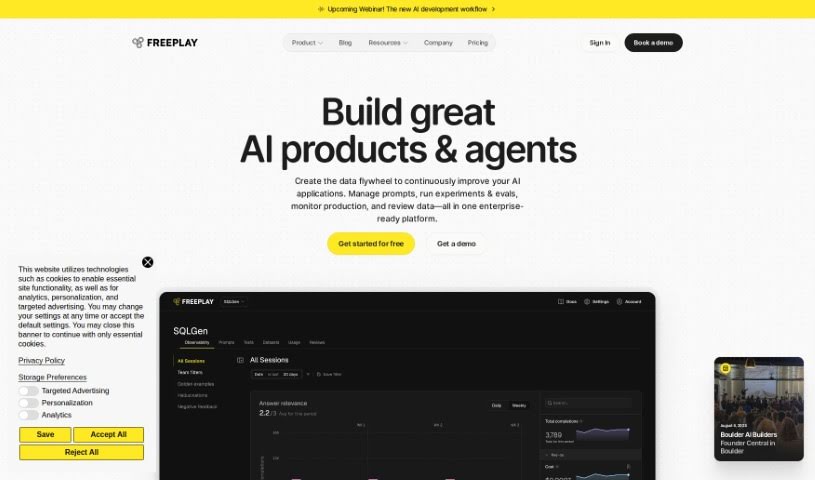
From what I've gathered in the "freeplay.pdf" document, Freeplay is a platform designed to make it super simple to add Large Language Models (LLMs) to your applications. The best part? You don't need to write any code yourself. You can build, test, and then launch apps that use the latest text-generating models. It's as easy as dragging and dropping components, tweaking settings, and watching the results happen in real-time. Freeplay also handles all the tricky stuff like security, making sure your app can scale up, and keeping performance high when using LLMs. This means you can create all sorts of apps, like chatbots that chat naturally, tools that generate content, or even ones that summarize long texts. Plus, Freeplay makes it a breeze to try out different LLMs, play around with their settings, and compare what they produce. It really makes integrating LLMs straightforward and efficient, especially for product teams and developers who want to harness the power of generative AI.

Web Development View Tool →
Screenshot of Fronty

Fronty

Freemium

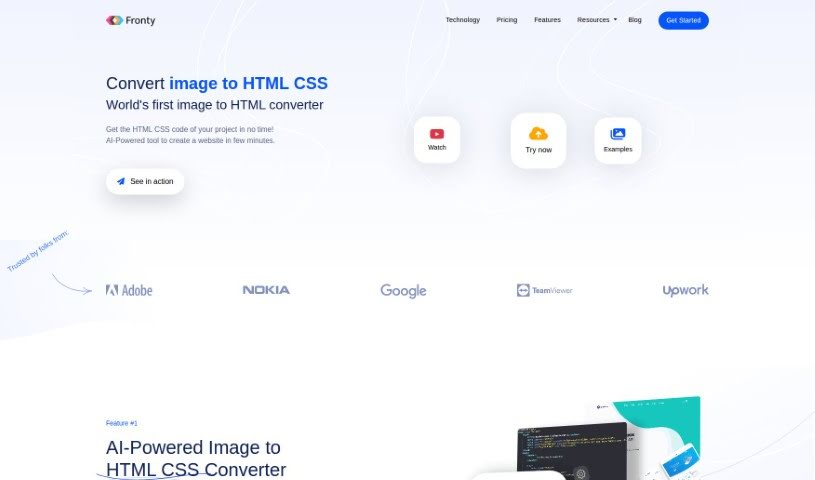
Fronty is an AI-powered tool that turns your image files into responsive, professional-looking HTML and CSS code. It is a smart converter that takes your visuals and generates clean, optimized code, saving you a ton of time and effort on web development projects. The code it produces works perfectly with all modern web browsers and you can tweak it to match your exact design vision. Plus, Fronty gives you a real-time preview of the code as you work, lets you customize colors, sizes, and fonts, and its AI conversion process ensures you get high-quality results. It's a really useful tool, whether you're a seasoned web developer or just starting out and want to build great-looking websites.

Web Development View Tool →
Screenshot of Full Stack Ai

Full Stack Ai

Freemium

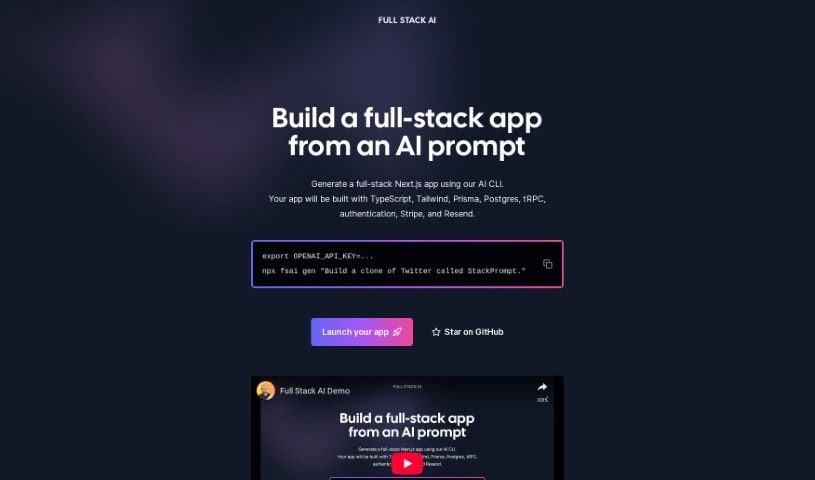
Full Stack AI is a really cool new technology that gives developers a command-line interface (CLI) tool. It makes it super easy to build full-stack Next.js applications just by using an AI prompt. This tool really simplifies the whole development process. You can generate applications that already have a complete tech stack built-in. This includes things like TypeScript, Tailwind CSS for styling, Prisma for managing your database, Postgres as the database system itself, tRPC for end-to-end APIs, solid authentication, Stripe for handling payments, and Resend for sending emails efficiently. When you use Full Stack AI, you can get your projects launched much faster and cut down on all those tricky configuration tasks. Getting started is as simple as setting your OpenAI API key, running one command, and letting the AI do the heavy lifting to create complex apps – think of building something like a "clone of Twitter called StackPrompt." Plus, you can get involved directly! You can contribute to the project and keep an eye on its progress over on GitHub.

Web Development View Tool →
Screenshot of Gemini Pro Vs Chat Gpt

Gemini Pro Vs Chat Gpt

Freemium

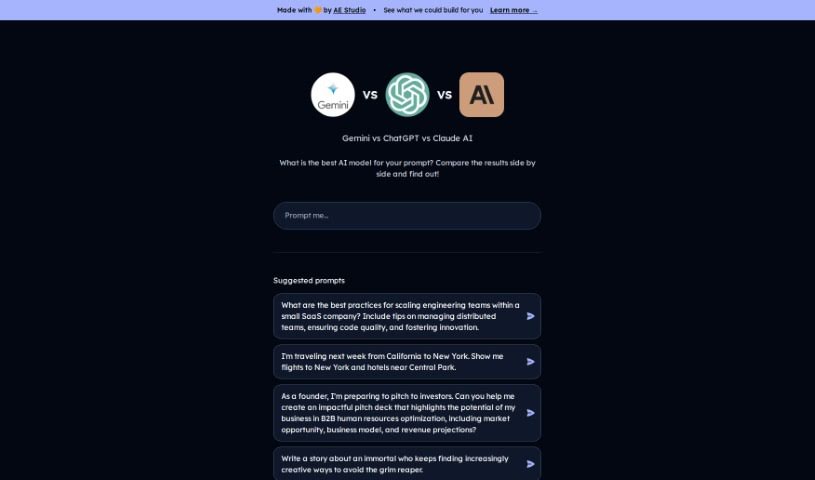
Gemini Pro and ChatGPT is two top-tier AI models you can put head-to-head. What's neat about Gemini Pro is that it lets you type in a prompt and see what both it and ChatGPT come up with, all at the same time. Plus, you can check out how they performed. This is super handy if you're into tech or work in a field where you need to quickly compare what the best AI models are saying.

Web Development View Tool →
Screenshot of Genia

Genia

Freemium

"Genia" is a term mentioned within a document called "genia.pdf." Unfortunately, I can't tell you more about Genia right now because I don't have access to the document's content. If you have the document handy, that's your best bet for finding out more details.

Web Development View Tool →
Screenshot of Genpark

Genpark

Freemium

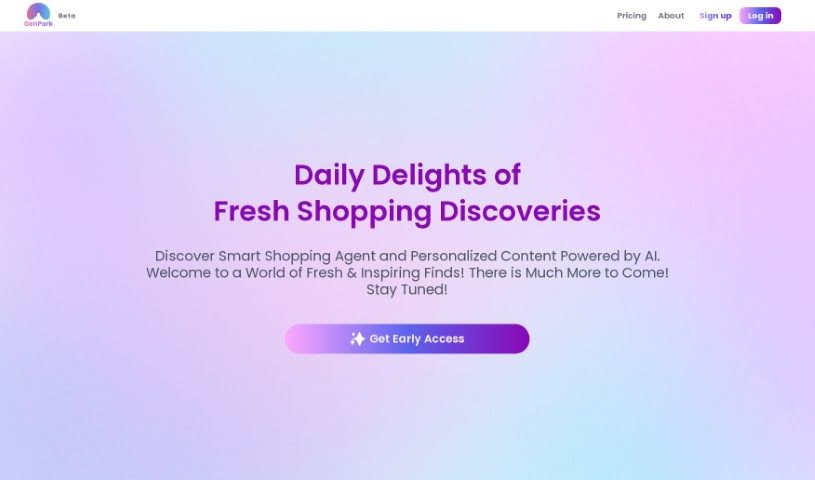
GenPark JSON is a pretty neat, lightweight format for exchanging data. It is a way to make information easy for people to read and write, but also simple for computers to understand and create. It's built on a core part of JavaScript, which means it doesn't tie you to one specific programming language. This makes it super compatible with lots of languages, especially those in the C family. Because it's so light and easy for machines to process, GenPark JSON is a popular choice for sending data back and forth between servers and web applications. The way it's structured, using key-value pairs, keeps everything organized and makes accessing data straightforward. This human-readable way of organizing information really helps developers and engineers when they're building applications or trying to fix problems – debugging becomes much simpler.

Web Development View Tool →
Screenshot of GenWorlds

GenWorlds

Freemium

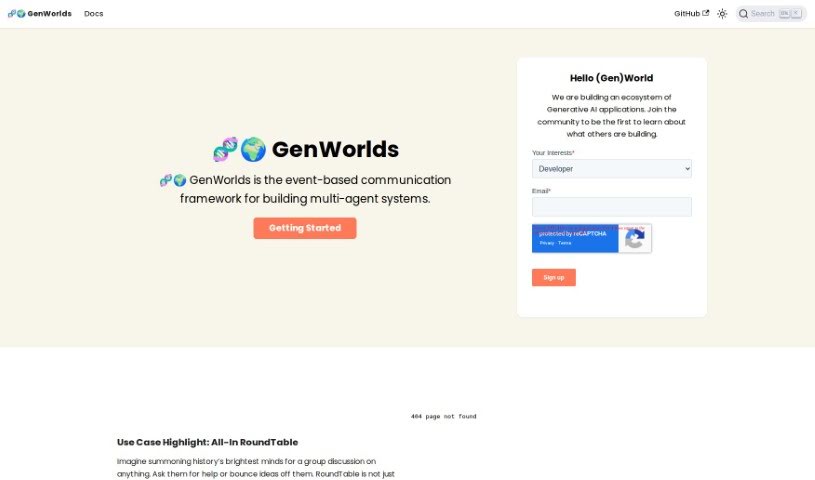
GenWorlds is a really neat platform for building and managing complex multi-agent systems. It uses an event-based communication framework, which is pretty cool. It's designed for developers and anyone interested in AI, giving them the tools they need to bring Generative AI applications to life. You can customize your environments, use a scalable architecture, and even pick specific cognitive processes to shape your AI agents' personalities, memories, and expertise. The whole idea behind GenWorlds is to make agent interaction and task execution smooth and efficient. It also lets you connect with other agents and worlds through 3rd party integrations, so you can really expand what your creations can do. Whether you're a seasoned AI pro or just starting out, GenWorlds is a great place to explore the cutting edge of AI innovation.

Web Development View Tool →

Stay Updated with AI Tools

Get weekly updates on the latest AI tools, trends, and insights delivered to your inbox

Join 25,000+ AI enthusiasts. No spam, unsubscribe anytime.