AI Tools for Web Development

Discover the best Web Development AI tools to enhance your productivity and creativity.

Page 19 of 58 • 694 total tools

Web development has really changed lately, and AI tools are a big part of that. What used to take a lot of coding and design skill can now be made much simpler with smart programs that speed things up. Today, AI-assisted development tools are changing how we build websites, making it easier for newcomers and more efficient for experienced pros.

These tools offer everything from easy design features to help with writing code, letting you create great-looking, functional sites more quickly. Developers don’t have to start from scratch or fix every single line of code manually anymore. Instead, AI can offer suggestions and even create whole parts of a website based on what you need.

Having worked in web development for years, I’ve seen firsthand how AI can make tasks simpler and more efficient. But with so many options out there, picking the right tool can feel overwhelming.

In this article, I’ll share the best AI web development tools you can find right now. Whether you want to improve your coding, automate routine jobs, or make your design process better, there’s something here for you. Let’s explore the tools that can really change your web development experience.

The best AI Web Development Tools

  1. Lovable: Great for making frontend design work smoother.
  2. Cursor: Helps with real-time code collaboration.
  3. Replit AI: Generates code snippets for web apps.
  4. Supabase: For teams to manage databases together.
  5. v0 by Vercel: Quickly creates UI kits for web projects.
  6. Replicate AI: Automates code generation for web apps.
  7. Carrd: Perfect for a single-page site to promote an event.
  8. AI Dungeon: Lets you create interactive web stories with code.
  9. Ollama: For quickly building early versions of web interfaces.
  10. Jimdo: Makes building and managing websites easy.
  11. Code Sandbox: Simplifies CSS preprocessor workflows.
  12. Tilda: Lets you create websites easily without coding.
  13. Bubble: A drag-and-drop tool for building web applications.
  14. Weights & Biases: Streamlines integrating ML models into web apps.
  15. Warp Terminal: Helps deploy web apps quickly.

How do AI web development tools work?

AI web development tools use smart algorithms to handle different parts of designing and building websites. These tools often use large language models, much like AI writing software, to look at coding patterns and make things more efficient. They offer suggestions, code pieces, or even build whole sections of code based on what you tell them.

Basically, these tools understand what you’re asking for, so you can describe what you want in simple terms. For example, you could say, “Create a navigation bar,” and the AI will generate the HTML, CSS, or JavaScript code needed. This makes web development more accessible, even if you don’t have a lot of programming experience.

Many AI web development platforms connect with popular coding environments and content management systems. This means they can improve tools like WordPress, Wix, or GitHub by offering smart code completions or finding errors as you type. With these connections, users can really smooth out their development process.

The data these AI systems learn from usually includes tons of source code, guides, and content created by users on sites like GitHub. This helps them learn different coding styles and the best ways to do things. Their effectiveness comes from spotting patterns and suggesting the best solutions based on what the user needs.

In short, AI web development tools make coding simpler, letting developers focus on creativity and solving problems instead of getting stuck on syntax. As technology keeps changing, these tools are expected to get even better, likely changing how web developers work.

Our best AI web development tools at a glance

RankNameBest forPlans and PricingRating
1LovableMaking frontend design work smoother.N/A4.84 (43 reviews)
2CursorReal-time collaboration on code projects.Paid plans start at $20/Month.4.83 (6 reviews)
3Replit AIGenerating code snippets for web apps.N/A4.70 (44 reviews)
4SupabaseCollaborative database management for dev teamsN/A5.00 (32 reviews)
5v0 by VercelQuickly creating UI kits for web projects.N/A4.73 (11 reviews)
6Replicate AIAutomating code generation for web apps.N/A4.82 (11 reviews)
7CarrdA single-page site for event promotion.Paid plans start at $19/year.4.72 (29 reviews)
8AI DungeonCreating interactive web story experiences.N/A4.54 (39 reviews)
9OllamaRapid prototyping of web interfaces.N/A4.63 (8 reviews)
10JimdoBuilding and maintaining websites easily.N/A4.64 (11 reviews)
11CodeSandboxSimplifying CSS preprocessor workflows.N/A4.45 (11 reviews)
12TildaEffortless website creation without coding.N/A4.75 (20 reviews)
13BubbleA drag-and-drop web applications builder.N/A4.73 (11 reviews)
14Weights & BiasesStreamlining ML model integration in web apps.N/A4.50 (12 reviews)
15Warp TerminalDeploying web apps swiftly.N/A4.79 (28 reviews)
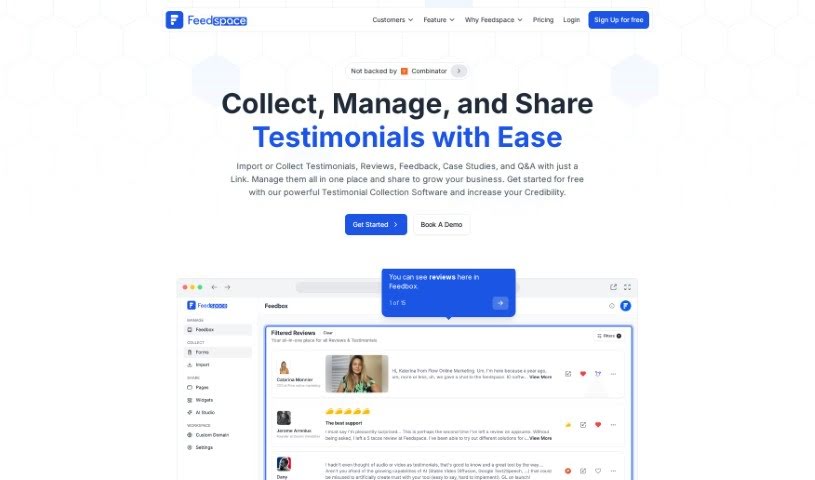
Screenshot of Feedspace

Feedspace

Freemium

Feedspace's UI Auditor AI Tool is designed to make improving user satisfaction simple. It helps you optimize your app's designs with automated edits. All you need to do is upload a screenshot of your app's UI or share a direct URL. Then, the UI Auditor Tool will offer guidance on how to make your user experience even better. Essentially, this tool aims to boost the design quality of your apps and websites, leading to smoother user interactions and happier users.

Web Development View Tool →
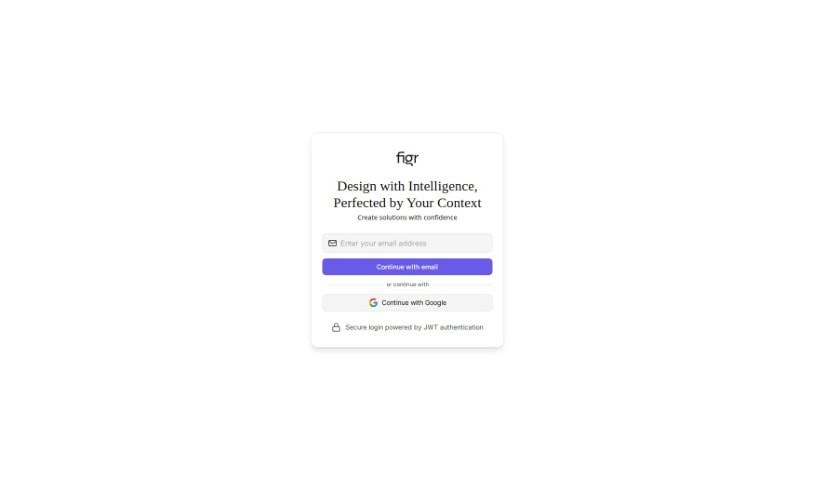
Screenshot of Figr Design

Figr Design

Freemium

Figr Design is an AI-powered tool built to help you with the initial stages of project development: brainstorming ideas, creating wireframes, and bringing your design concepts to life. It is a collaborative partner that works alongside you. It helps you brainstorm, then generates wireframes based on the details you provide about your project. What's really neat is how it directly incorporates your design ideas as it builds. The whole goal is to make the design process smoother by letting you easily feed your feedback and concepts right into the project's development. Right now, it's in an 'Early Preview' phase, which means it's still being refined and will likely change and improve as users provide feedback and as the technology advances. It really promotes a collaborative way of designing, where your input is key, and it can be a great asset for anyone working on web or app projects.

Web Development View Tool →
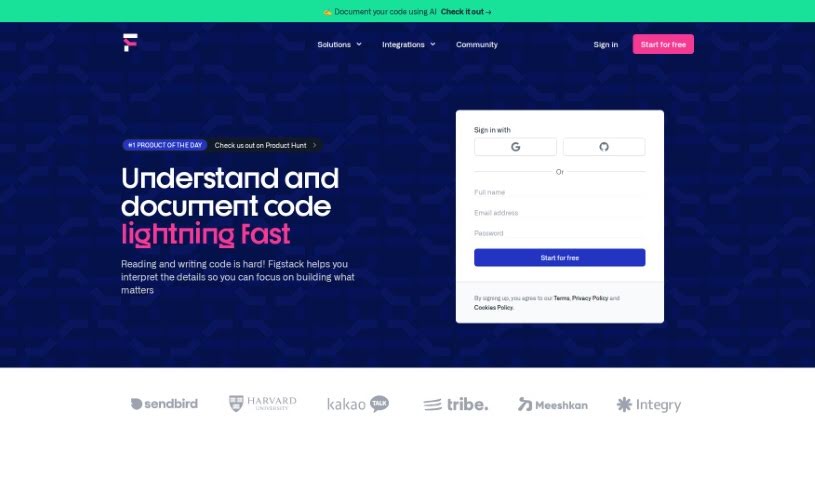
Screenshot of Figstack

Figstack

Freemium

Figstack is a really neat AI tool designed to make web development and design much smoother and quicker. It is a smart assistant that helps you build websites. It comes with a drag-and-drop interface, which means you can easily move and change website layouts and elements around without needing to write any code. Plus, there's a whole library of ready-made templates for different types of businesses and styles, making it super easy to get started. If you're working with a team, Figstack has built-in tools that let everyone collaborate smoothly on web projects. It also helps make sure your websites load fast, look good on any device, and are friendly to search engines like Google.

Web Development View Tool →
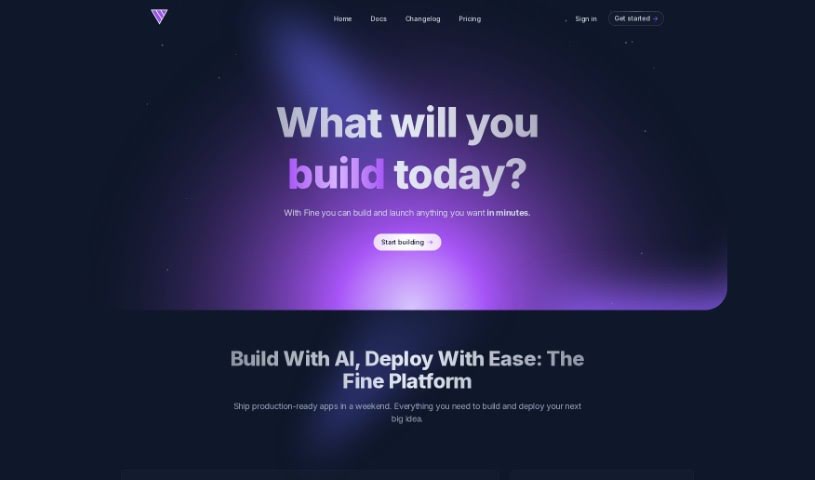
Screenshot of Fine

Fine

Freemium

Based on the details in the "fine.pdf" document, Fine is an AI software development platform packed with features designed to make coding smoother for teams.

Web Development View Tool →
Screenshot of Flatlogic

Flatlogic

Freemium

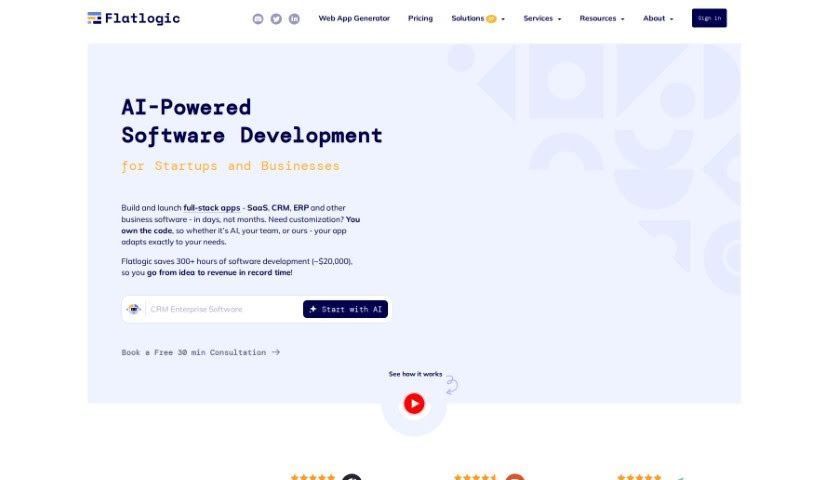
Flatlogic is a platform that puts you in the driver's seat of your software. When you build something here, you own it completely, keeping all your intellectual property rights without being tied down by platform restrictions. Unlike many low-code platforms, Flatlogic gives you the keys to the kingdom by providing full access to the source code. This means you can tweak and change the code whenever you need to, perfectly tailoring it to your specific requirements. It's a pretty neat safety net, too – your business can keep running smoothly even if Flatlogic were to ever stop its services. Once your applications are ready, they're hosted securely on Flatlogic's infrastructure right away, so you don't have to worry about setting up servers yourself. Plus, with their premium plans, you can even connect your own custom domain names directly to the apps you create through the platform.

Web Development View Tool →
Screenshot of Flawless.is

Flawless.is

Freemium

Flawless.is is a really neat service that uses advanced AI vision technology, specifically GPT-4 Vision, to take a close look at your website's landing pages. It then gives you practical, easy-to-understand feedback on how to make them better. It is a smart assistant that checks your layout, design, how clear your message is, and how well your call-to-action works. It’s designed to be helpful for anyone working on a website, no matter their experience level. You get instant audits, super-fast results, and you can pay just once for each landing page you want analyzed.

Web Development View Tool →
Screenshot of Fliplet

Fliplet

Freemium

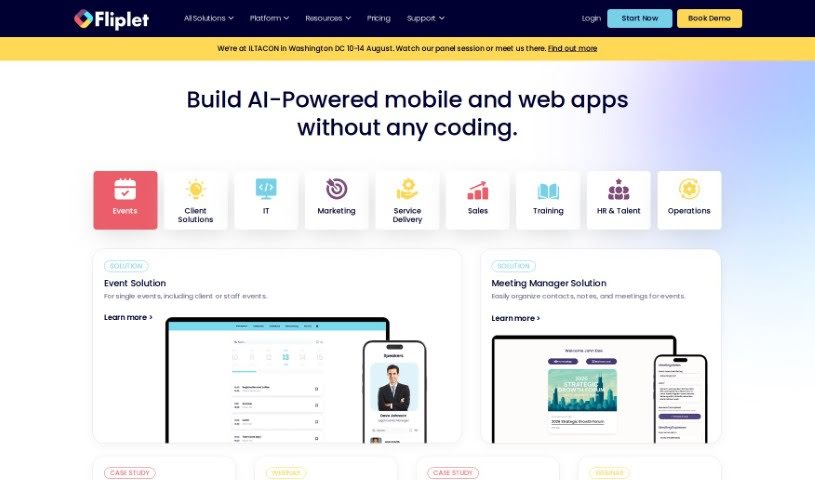
Fliplet is a no-code/low-code enterprise App Builder that helps businesses quickly create mobile and web apps. It is a way to build apps without needing to be a coding expert. It offers ready-made solutions that you can easily customize and brand, adding your own unique features. Fliplet covers a lot of ground, with solutions for many different industries. This includes things like managing events, handling emergencies, communicating within communities, capturing data, managing projects, running e-commerce, providing learning resources, creating directories, and fostering innovation.

Web Development View Tool →
Screenshot of Float16

Float16

Freemium

Float16.cloud is a platform that makes AI accessible as a service. It offers a range of AI models, including SeaLLM-7b-v2, Typhoon-7b, OpenThaiGPT-13b, and the upcoming SQLCoder-7b-2. These models are great for tasks like chatting, generating text completions, analyzing sentiment, recognizing named entities (NER), and even for something called 'RAG'. What's really nice about Float16 is that it works across different platforms, it's more affordable than using OpenAI, and it doesn't tie you down to one specific provider, so you have a lot of flexibility.

Web Development View Tool →
Screenshot of Flowise

Flowise

Freemium

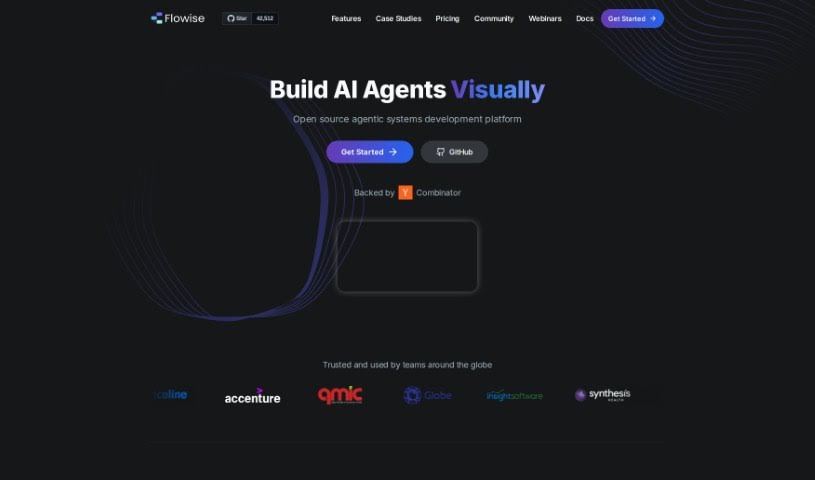
FlowiseAI is a fantastic open-source tool that gives you a visual way to build your own Language Learning Models (LLMs) using LangchainJS. It is a user-friendly interface that makes creating custom LLM models much simpler. You can easily combine different components, like prompt templates and LLM models, to build all sorts of LLM flows. This means you can go from testing an idea to having it ready for production really quickly.

Web Development View Tool →
Screenshot of FlutterFlow

FlutterFlow

Freemium

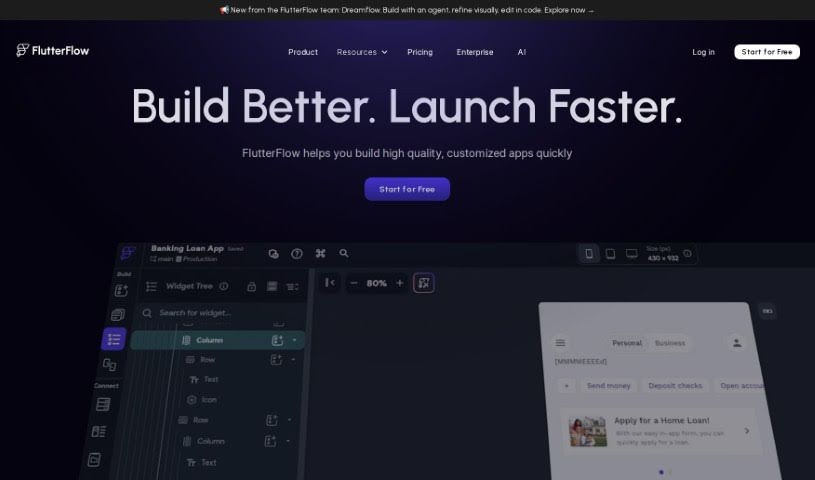
FlutterFlow is a platform that really makes building mobile apps much simpler, especially for designers, developers, and entrepreneurs. It was actually started by some former Google engineers who wanted to streamline the process. It is a visual builder with a drag-and-drop interface – it lets you create fully working apps pretty quickly. What's cool is that it includes things like a visual logic builder, state management, and even GitHub integration, which are all super helpful for app development. Plus, they've got this AI tool called FlutterFlow 4.0. It's designed to make building apps even better by using AI to help generate code styles, set up database schemas, and even suggest page types that fit specific app categories, like banking or e-commerce. You can also find tons of helpful documentation and expert advice, and you can even start building your app for free.

Web Development View Tool →
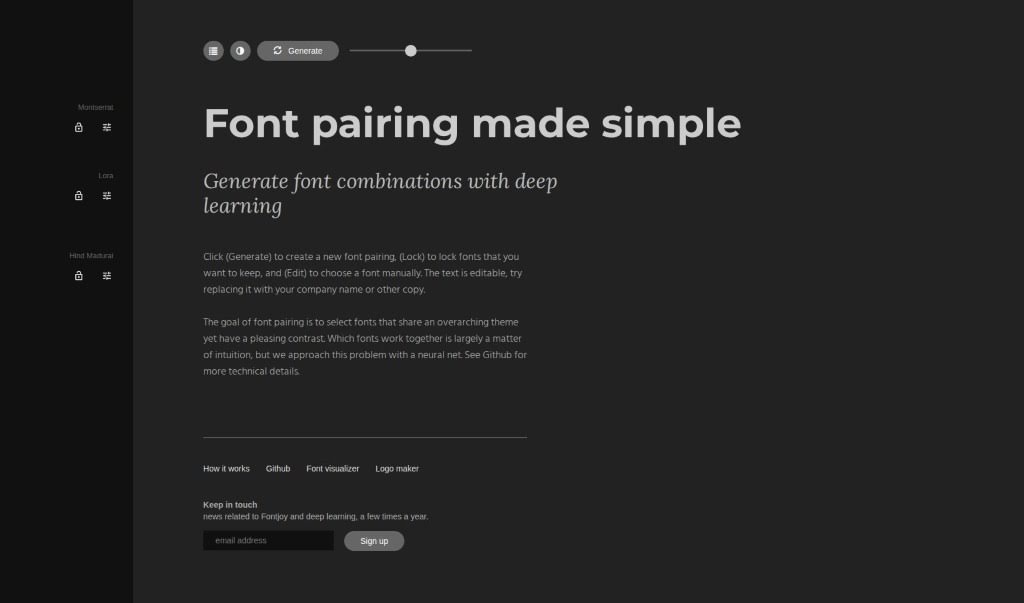
Screenshot of Fontjoy

Fontjoy

Freemium

Fontjoy is a really neat website that makes picking font combinations super easy. It uses deep learning, which is a type of AI, to suggest font pairings that go well together based on a general theme you're going for, while also making sure they have enough contrast to look good. The goal is to help you find that perfect font duo without all the guesswork. You can generate new pairings, lock in a font you really like so it stays put, or even pick fonts yourself if you have something specific in mind. Plus, Fontjoy throws in a font visualizer and a logo maker, which are pretty handy additions. What really makes it stand out is how simple it is to use, its smart AI technology, all the ways you can customize your choices, and those extra tools like the visualizer and logo maker.

Web Development View Tool →
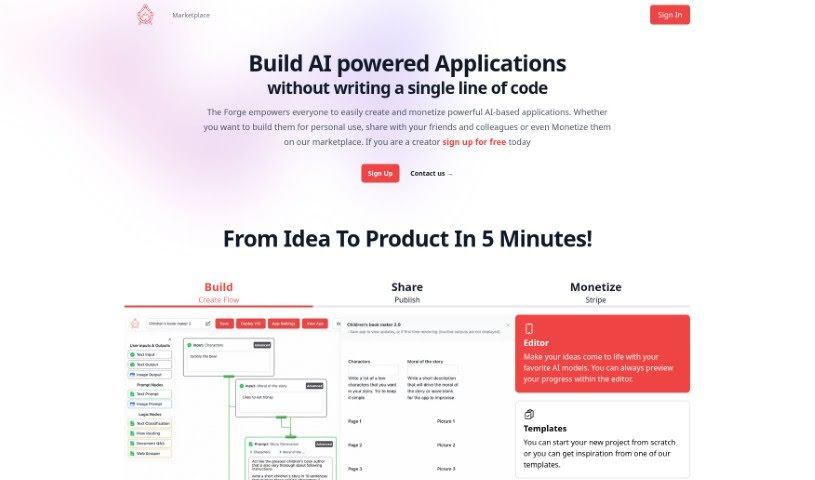
Screenshot of Forge AI

Forge AI

Freemium

Forge AI is a platform designed to make building, sharing, and selling AI-powered applications super accessible. You don't need any coding skills to use it! It offers a really friendly interface, helpful templates, and ways to handle payments for your creations. It is a toolkit that lets you bring your AI ideas to life. You can build projects using various AI models and templates, see how they're coming along with a preview, connect your apps to other products using APIs, and easily share what you've made. There's even a marketplace where you can buy and sell these AI applications.

Web Development View Tool →

Stay Updated with AI Tools

Get weekly updates on the latest AI tools, trends, and insights delivered to your inbox

Join 25,000+ AI enthusiasts. No spam, unsubscribe anytime.