S
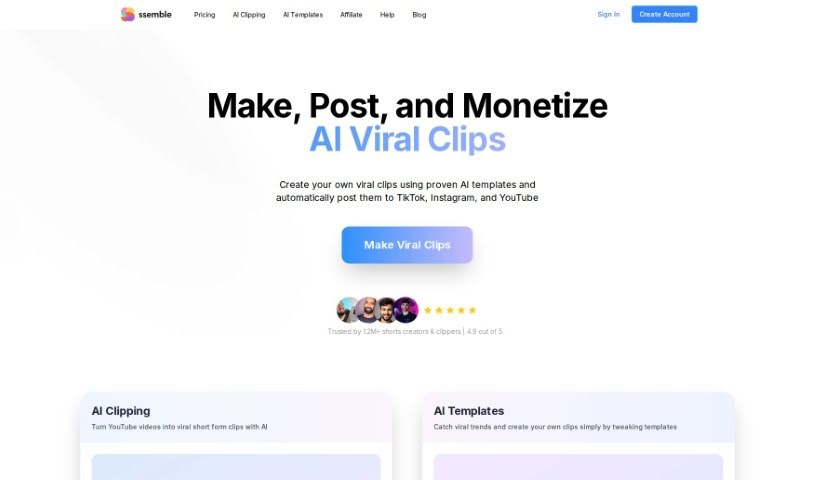
Ssemble
FreemiumSsemble is an AI-powered tool that converts original videos into short clips, automating much of the editing work:
Video Generation
View Tool →
Discover the best Video Generation AI tools to enhance your productivity and creativity.
Ssemble is an AI-powered tool that converts original videos into short clips, automating much of the editing work:

Stability AI's Stable Animation SDK turns text into animations. It is built on the company's Stable Diffusion models and supports three creation modes: a text prompt alone, a source image combined with a text prompt, or a source video combined with text input. Starting from an image or video gives more control over the results.
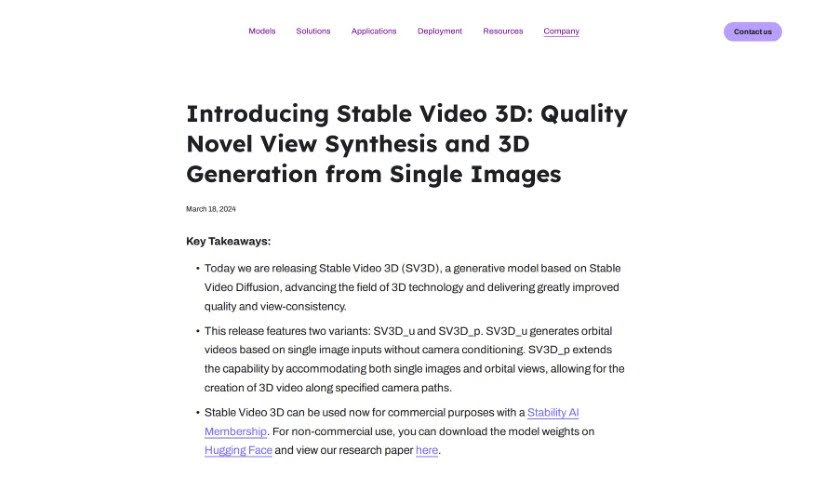
Stability AI Stable Video 3D is a generative model that produces high-quality videos showing an object or scene from multiple viewpoints. It outperforms related models such as Stable Zero123 and Zero123-XL.
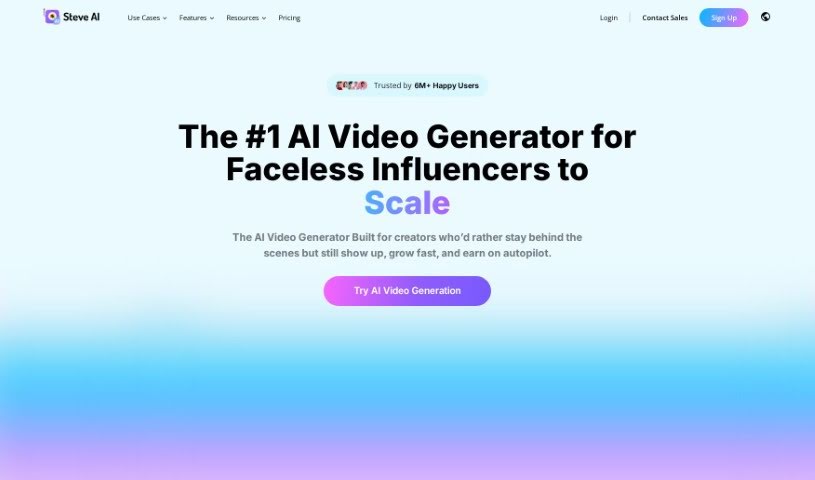
Steve.ai is an AI-powered tool that creates professional animation videos from typed input. It automatically selects the best assets for your videos, so you can produce high-quality content quickly. Features include an AI Text to Video Converter, a way to turn blog posts into videos, and an AI Voice to Video Generator. It is built for users of all skill levels and is trusted by big brands worldwide.
Steve.ai is an AI-powered tool that creates professional animation videos from text. The AI selects suitable assets for your videos automatically, so you can produce high-quality content quickly. Features include an AI Text to Video Converter, a blog-to-video converter, and an AI Voice to Video Generator. It is designed for users of all skill levels, and many large brands use it for its straightforward video creation process.
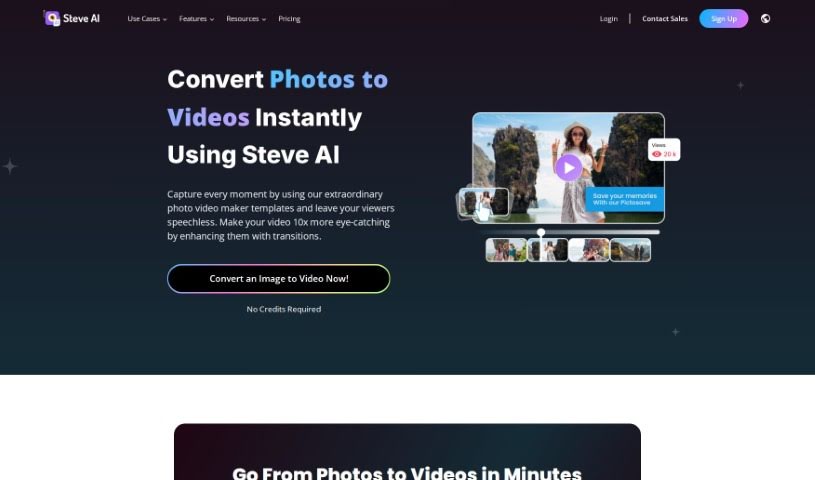
Steve.ai Photo Video Maker is a tool for turning photos into videos. Its advertised capabilities include 4K rendering, access to media libraries, and animation features.
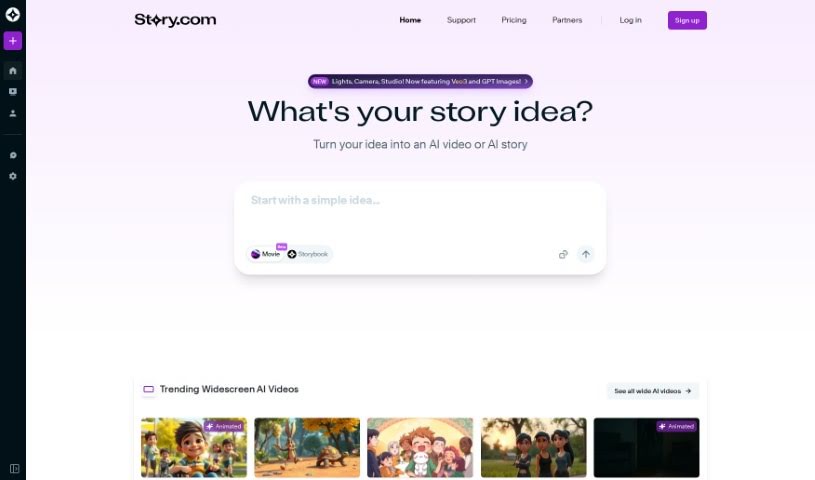
Story.com is an AI platform for digital storytellers, authors, writers, influencers, animators, and video professionals. It generates short, coherent mini-stories and 60-second AI videos while giving users real-time creative control: plotlines can be rewritten, characters reshaped, and entire scenes restyled with built-in editing tools.

StoryboardHero is an AI-powered platform built to help video agencies speed up pre-production. It reduces the time and cost of getting concepts, scripts, and storyboards ready. You can generate concepts and scripts, organize them into a storyboard, and create AI images for each scene. If the AI images aren't quite right, you can request hand-drawn images from the team's storyboard sketch artists. Finished storyboards can be exported as branded PDFs.
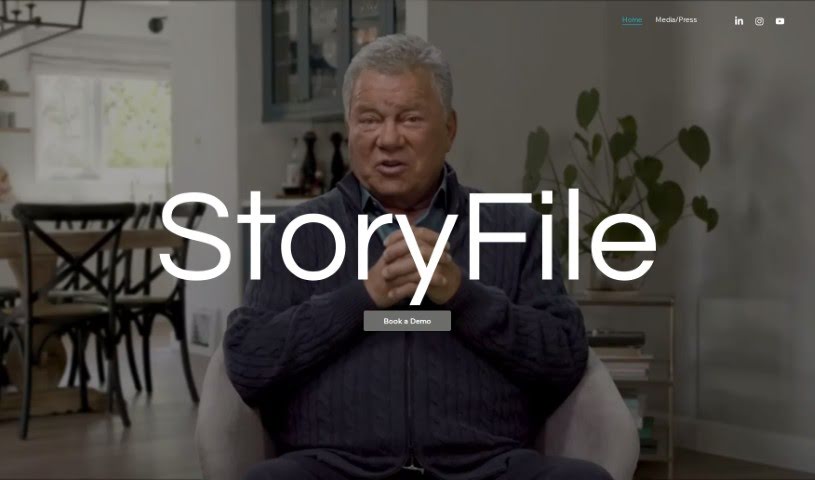
StoryFile is a company that uses Conversational Video AI to create interactive videos capable of holding simulated conversations. Its platform, Conversa, lets you gather and build video content that can respond to people in real time, using AI to mimic human-like dialogue. These videos, called "storyfiles," are used across industries to make communication more engaging and personal.
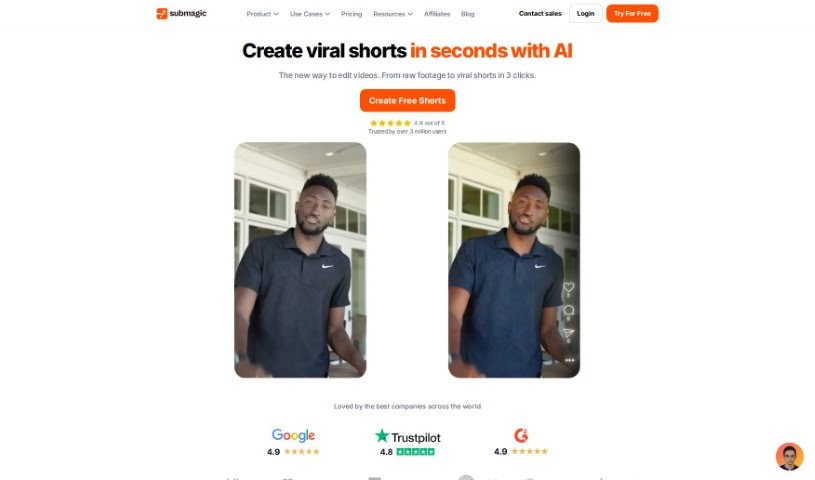
Submagic is an AI-powered video editing platform for producing short-form content quickly. Its features include auto-accurate captions in 48 languages, trendy templates and emojis, B-rolls and transitions, auto-zooms, automatic sound effects, and AI-generated descriptions with hashtags. It is built for creators, teams, and agencies who want to produce professional, engaging videos efficiently.
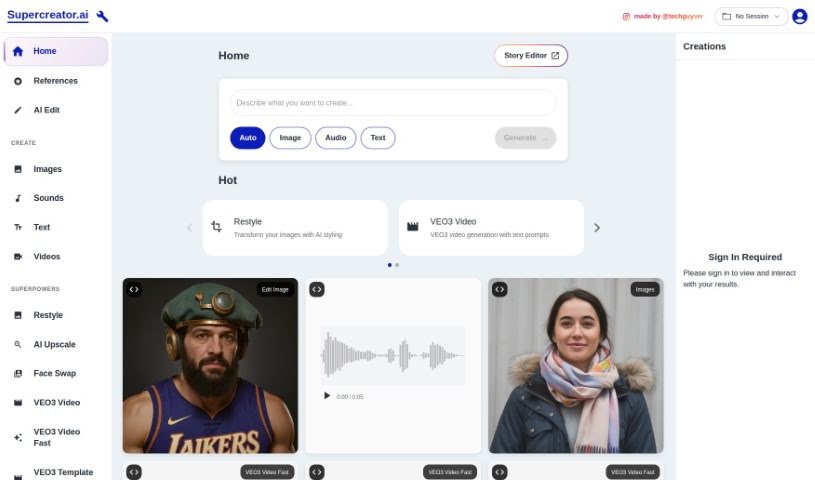
Supercreator Ai is a mobile app designed to make creating original short videos for platforms like TikTok, Reels, and Shorts simpler and faster. It uses artificial intelligence to handle over 100 different tasks that would otherwise take significant time, all within a single app. Users report improved productivity, faster content creation, and better-quality videos. Features include script generation, green screen backgrounds, and a streamlined video creation workflow.
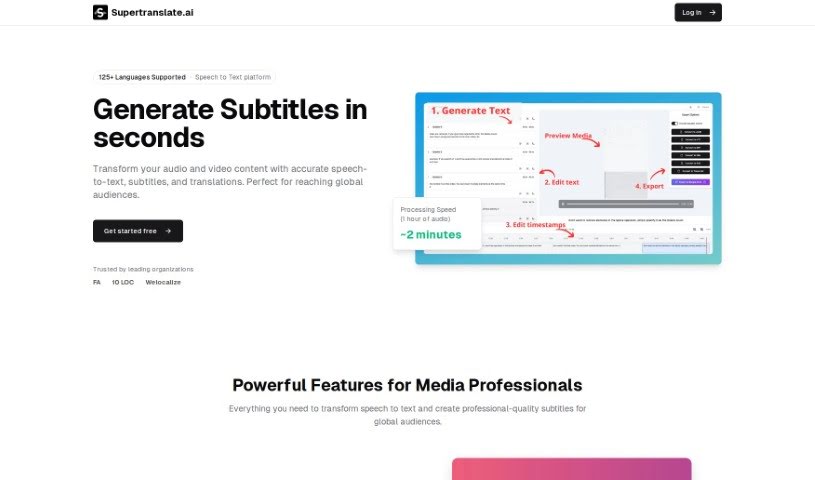
Supertranslate is a platform for adding English subtitles to videos. Upload a video in any language, and the system automatically generates English subtitles using OpenAI's Whisper technology. A built-in subtitle editor lets you split, merge, and adjust subtitle timing.
Setting up physical camera rigs, arranging scene lighting, hiring actors, and waiting for long video renders can make video production an expensive, time-consuming effort. Whether you need custom visual clips for a marketing campaign, animated scenes for a digital story, or background b-roll for a presentation, turning abstract ideas into moving images takes serious work. It’s easy to stall creative projects when traditional video shoots require big budgets and full production crews.
These generative video platforms act as capable creative partners. They convert written prompts and reference images into fluid video scenes, helping you test visual directions faster and produce high-quality video content without a full crew.
Creating custom video scenes without a physical camera crew used to be nearly impossible for small teams. Generative video tools take descriptive text prompts, script outlines, or static images and turn them into realistic motion clips, digital animations, and cinematic sequences in seconds. Instead of starting with a blank project timeline or searching through generic stock libraries, you get custom video drafts ready to edit, polish, and include in your final export.
Maintaining visual consistency across multiple shots and scenes gets much easier, as well. Early generative video tools often suffered from sudden visual shifts between clips, making long-form content feel disjointed. Advanced video platforms allow you to lock in character appearances, lighting conditions, and art styles across sequential generations, helping you build coherent multi-shot stories or product showcases that keep a unified visual identity.
Prototyping visual ideas and producing custom b-roll also becomes far more practical. Developing storyboards or testing different aesthetic styles for a commercial project used to take extensive pre-production work. AI video platforms let you quickly generate dozens of concept clips, experiment with dynamic camera angles, and build interactive visual previews before spending time on full-scale edits.
Practical Features to Look For:
- Text-to-video rendering: Systems that convert written prompts and script outlines into realistic video clips and animated scenes.
- Image-to-video animation: Tools that take static photos, artwork, or product shots and add realistic camera motion and subject movement.
- Style and camera movement controls: Settings that let you specify camera angles, movement speed, lighting styles, and visual aesthetics.
- Character and visual consistency: Features that preserve key subject traits, facial features, and clothing across multiple generated clips.
- Multi-format aspect ratio exports: Options for generating footage sized specifically for widescreen displays, square social posts, or vertical mobile feeds.
Creating high-impact video content will always depend on your imagination, emotional intuition, and director’s eye. Software can’t replace original human vision or an understanding of what moves an audience, but handing off initial scene rendering and rapid video drafting gives you back the time needed to shape a great story.
Take a look through the video generation tools below to turn your written ideas into dynamic video clips.
Weekly picks of the best AI tools we've researched and added — no spam, unsubscribe anytime.
Join 25,000+ AI enthusiasts. No spam, unsubscribe anytime.