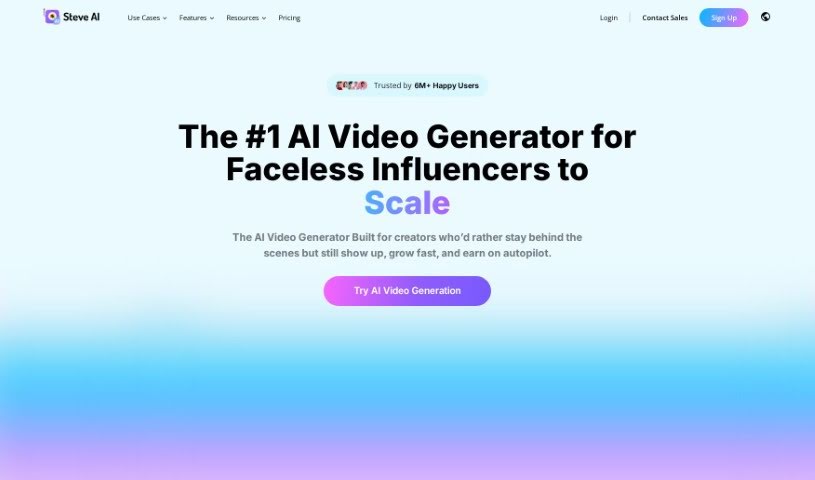
What is Steve.ai?
Steve.ai is a really neat tool that uses AI to help you easily create professional animation videos just by typing. It’s pretty smart, actually – it picks out the best assets for your videos automatically, so you can whip up high-quality content super fast. It is having a video creation assistant! Steve.ai offers cool features like an AI Text to Video Converter, a way to turn your blog posts into videos with AI, and an AI Voice to Video Generator, among others. It’s built for everyone, no matter your skill level, and it’s all about making video creation a smoother, more enjoyable experience. Plus, big brands around the world trust it, which says a lot about how seamless and efficient it is.
Who created Steve.ai?
Steve.ai was brought to life by a development team led by Vempali Pawan Kumar. The company behind it offers an AI-powered video production solution that really simplifies making professional videos and animations. The tool’s AI technology automatically turns your scripts into videos in just minutes, making it super user-friendly whether you’re a beginner or a seasoned pro. Steve.ai is designed to help a wide range of people, from content marketers to educators. It includes features like turning text into video, repurposing blog content, and generating video from AI voice. Essentially, the company’s goal is to give users a smooth and efficient way to create videos.
What is Steve.ai used for?
Steve.ai is incredibly versatile and can be a game-changer for many different groups:
- L&D Teams: You can create learning videos and interactive content at scale, making communication much better.
- Human Resources (HR): It’s great for making onboarding videos and policy training content that encourages employee involvement.
- Content Marketers: Produce short, engaging videos perfect for social media to boost engagement.
- Educational Professionals: Simplify complex topics by turning them into easy-to-digest videos for students.
- Everyone Else: Get creative with personalized videos for things like birthday wishes, wedding invitations, or even your resume!
- Social Events & Activities: Make fun videos to capture memories or invite people.
Beyond these groups, Steve.ai offers specific functions:
- AI Text to Video Converter: This feature automatically generates videos straight from your text scripts.
- Repurpose Blog to Video with AI: Easily convert your blog posts into videos that you can share across different platforms.
- AI Voice to Video Generator: Turn your audio files into captivating videos.
- Super Intent: This helps the AI accurately choose the right assets for your videos by understanding your keywords.
- AI Talking Head Videos: Create animated videos featuring AI avatars and a variety of templates.
Who is Steve.ai for?
Steve.ai is a fantastic tool for:
- Learning & Development (L&D) Teams
- Human Resources (HR) professionals
- Content marketers
- Educational professionals
- And really, anyone else who wants to make videos!
How to use Steve.ai?
Creating professional animation videos with Steve.AI’s technology is pretty straightforward. Just follow these simple steps:
- Get Started with Steve.AI: Head over to the Steve.AI website and sign up for an account. It’s your first step to unlocking its potential.
- Pick Your Video Style: You’ll have several options for how you want to generate your video. Choose from Text to Video, Text to Generative AI Video, or AI Voice to Video.
- Add Your Content: If you’re using Text to Video, just paste your script into the editor. If you’re going with AI Voice to Video, upload your audio files.
- Make It Yours: Get creative with features like AI Talking Head Videos. You can pick from a wide range of AI avatars and templates to match your style.
- Let the AI Work: Now, let the AI technology do its thing! It’ll transform your scripts or audio into engaging videos in just minutes.
- Access a World of Assets: You’ve got millions of assets to play with – both human-created and AI-generated – to make your content really pop.
- Dive into Advanced Editing: Want to fine-tune things? The Advanced AI Video Editor comes with over 40 tools to help you enhance your creations.
- Use Extra Features: Don’t forget about helpful tools like super intent, which ensures the AI picks the most accurate assets, and the AI subtitle generator.
- Collaborate Seamlessly: If you’re working with a team, you can collaborate, manage your brand’s look, and share projects easily right on the platform.
- Export and Share: Once you’re happy, download your finished videos. You can get them in different formats, like 2K or 4K, ready to share or edit further.
By following these steps, you can really use Steve.AI’s power to effortlessly create professional-grade videos. Whether it’s for marketing, training, education, or just for fun on social media, this AI technology makes it accessible for everyone.