AI Transcription Tools: What They Are & How They Work

AI Tools for Transcription

Discover the best Transcription AI tools to enhance your productivity and creativity.

Page 10 of 11 • 127 total tools
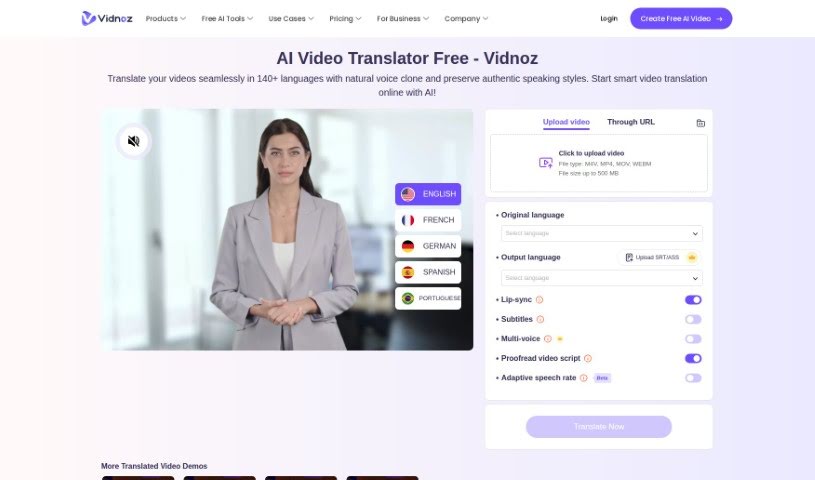
Screenshot of Vidds AI AI Video Translator

Vidds AI AI Video Translator

Freemium

Vidds AI Video Translator is an AI-powered tool for translating videos into different languages. It offers free, fast, and accurate translations of both voice and subtitles, letting you avoid the cost of human translators and long turnaround times. The tool also includes AI voice cloning technology, which creates synthetic versions of the original speaker's voice so translations sound natural. The goal is professional-quality video translation at a lower price.

Transcription View Tool →
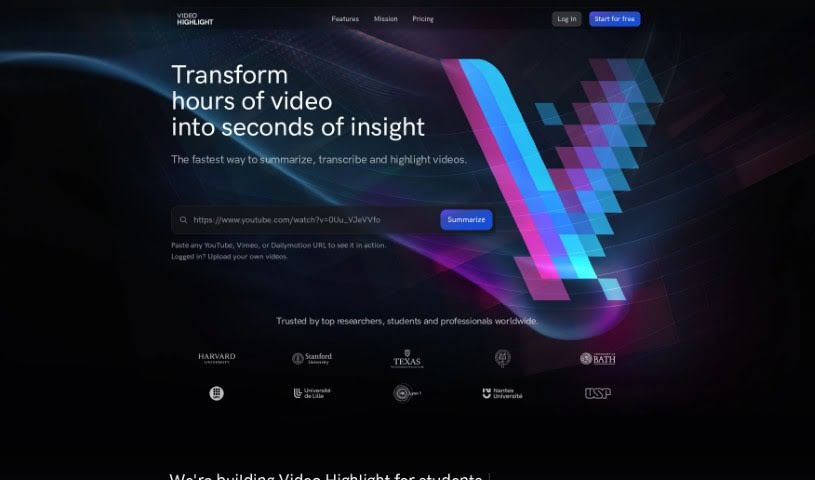
Screenshot of Video Highlight

Video Highlight

Freemium

Video Highlight is an AI-powered tool that summarizes videos and generates transcripts, letting you work with video content as if it were text. Instead of pausing and rewinding, you can scan a transcript, jump to specific moments with timestamps, and pull out the key points in a fraction of the time.

Transcription View Tool →
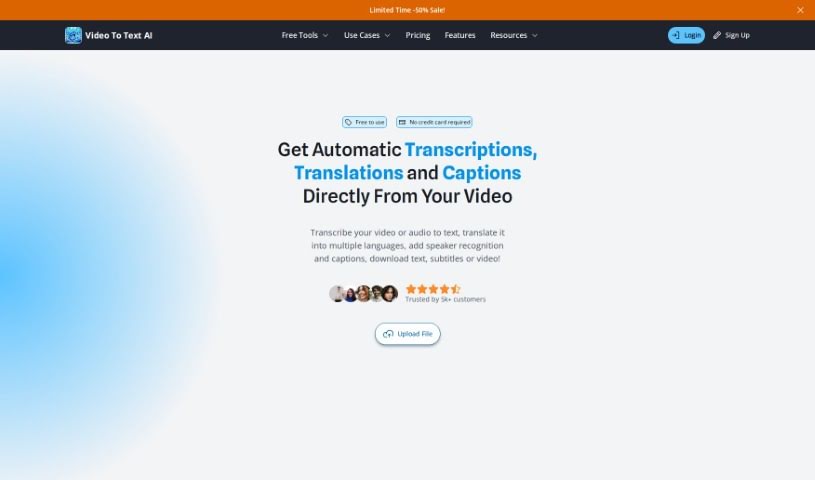
Screenshot of Videototextai

Videototextai

Freemium

VideoToTextAI is a transcription service that converts video and audio content into searchable, editable text. The platform offers high-quality transcriptions with support for multiple languages, fast turnaround, data security, and reliable storage through an easy-to-use interface.

Transcription View Tool →
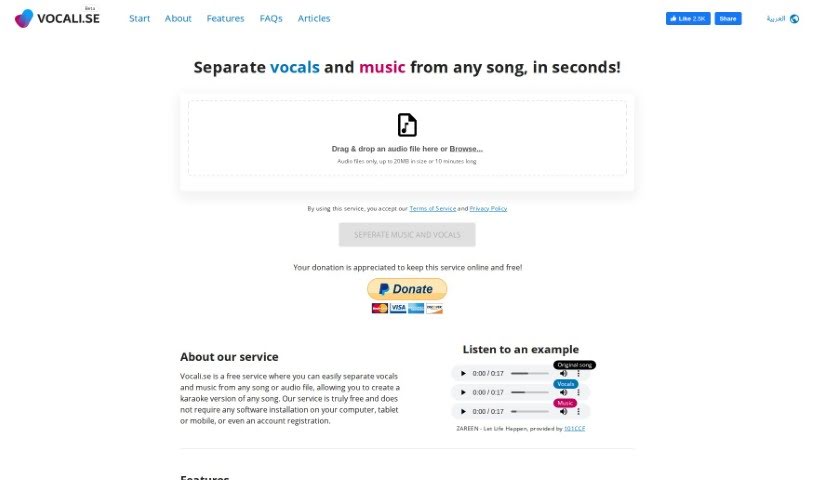
Screenshot of Vocali.se

Vocali.se

Freemium

Vocali.se is a free online tool that splits vocals and music from any song or audio file, making it easy to create your own karaoke versions of tracks. It uses a machine learning and AI engine called Spleeter, which is known for reliable audio source separation.

Transcription View Tool →
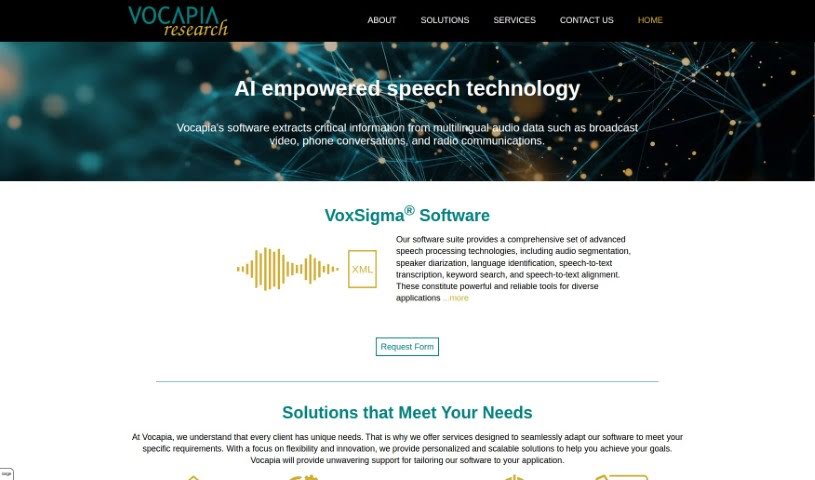
Screenshot of Vocapia

Vocapia

Freemium

Vocapia specializes in speech processing, focusing on large vocabulary continuous speech recognition and transcription services in many languages. Its main product, VoxSigma™, is a software suite that uses AI and machine learning for speech recognition and transcription. It processes audio data automatically, performing audio segmentation, speaker diarization, and conversion into structured, searchable XML documents. Vocapia also customizes its models to fit specific client needs for improved accuracy.

Transcription View Tool →
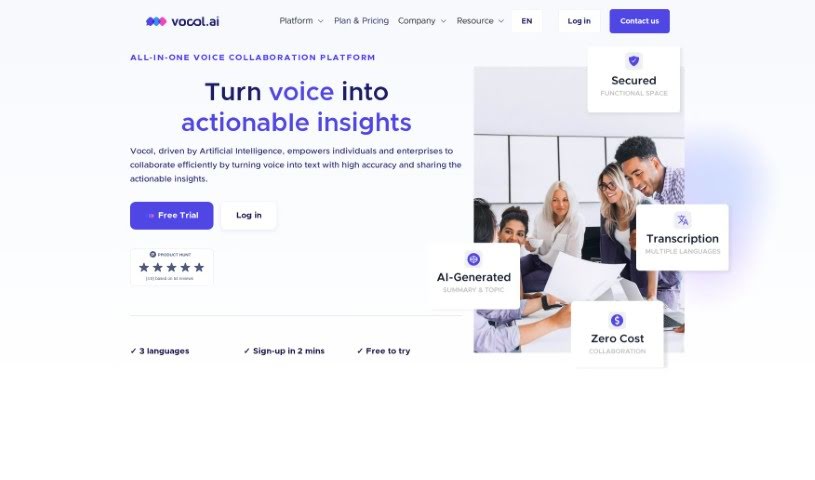
Screenshot of Vocol AI

Vocol AI

Freemium

Vocol.AI is a voice collaboration platform that uses speech and Natural Language Processing (NLP) technologies to turn voice recordings and data into summaries, transcriptions, and actionable insights. It supports transcription in multiple languages, including Chinese, Japanese, and English, and integrates with your existing tools and workflows.

Transcription View Tool →
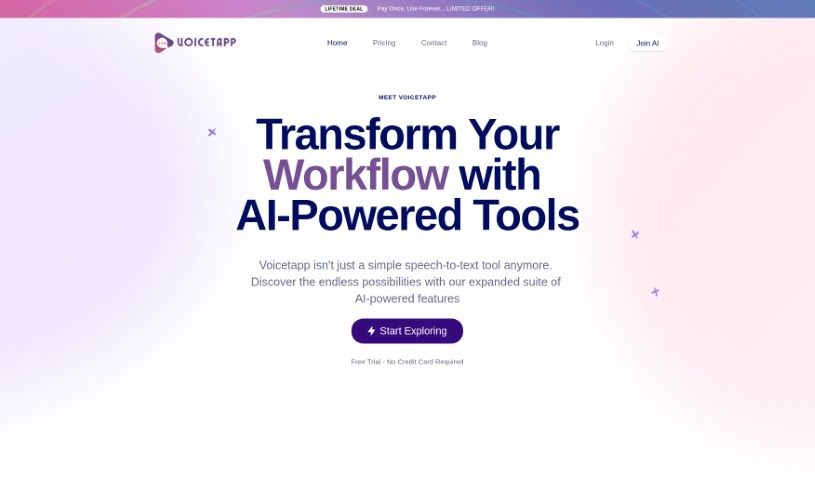
Screenshot of Voicetapp

Voicetapp

Freemium

Voicetapp is a cloud-based AI software for speech-to-text transcription. It converts voice, audio, and video into text using speech recognition technology, supporting over 170 languages and dialects. A standout feature is speaker identification, which can distinguish up to 5 different speakers in an audio file. It also offers live transcription for real-time text in 12 languages, and accepts audio files in MP3, OGG, WAV, WEBM, MP4, and FLAC formats. You can try it for free to test its transcription accuracy before committing.

Transcription View Tool →
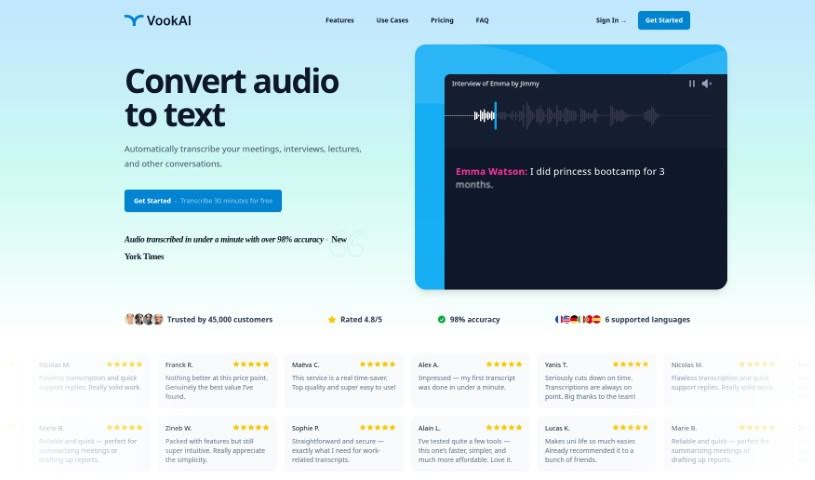
Screenshot of Vook.ai

Vook.ai

Freemium

Vook.ai is an audio-to-text transcription tool that automatically converts spoken content into written text. It handles meetings, presentations, interviews, and casual conversations, with an average accuracy of about 90%. All files and transcripts are encrypted to protect user privacy.

Transcription View Tool →
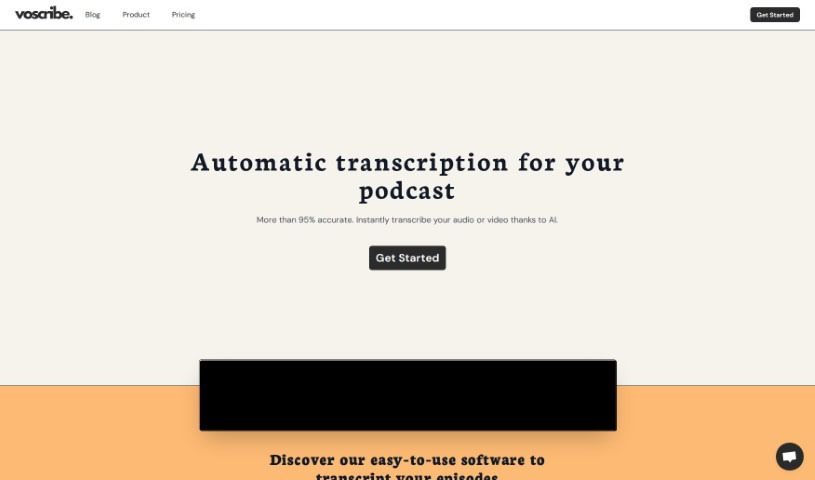
Screenshot of Voscribe

Voscribe

Freemium

Voscribe is an automatic transcription service built for podcast and video creators. It uses machine learning algorithms to transcribe audio and video with accuracy typically above 95%, processing roughly 15 minutes of audio in about one minute. The workflow: upload a file, let Voscribe transcribe it, correct the transcript in the built-in Editor, then export it in SubRip (SRT) format for subtitles or repurposing.

Transcription View Tool →
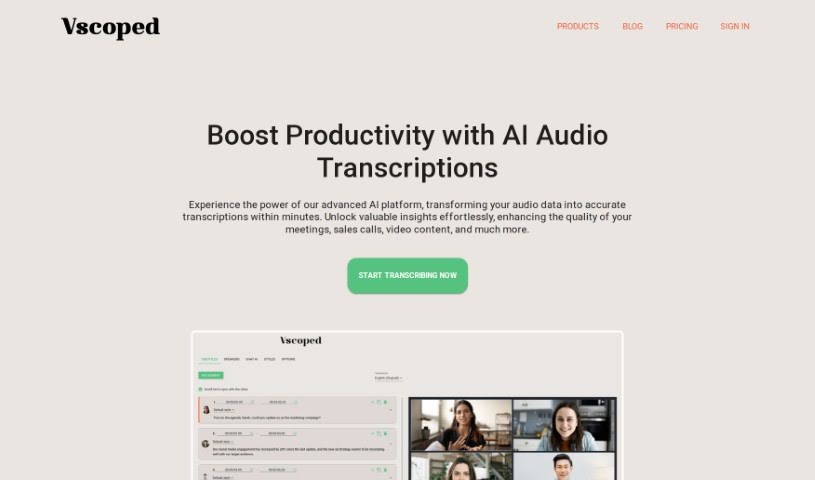
Screenshot of Vscoped

Vscoped

Freemium

Vscoped is an AI-powered service that turns audio and video into text transcripts quickly. It supports over 90 languages and delivers results in minutes. Its Chat AI feature lets you extract key insights from transcripts, making it easier to produce meeting minutes, summaries, or study notes. Vscoped can also translate content into more than 130 languages and export videos with subtitles embedded. It suits use cases ranging from business meetings and sales calls to making video content more accessible.

Transcription View Tool →
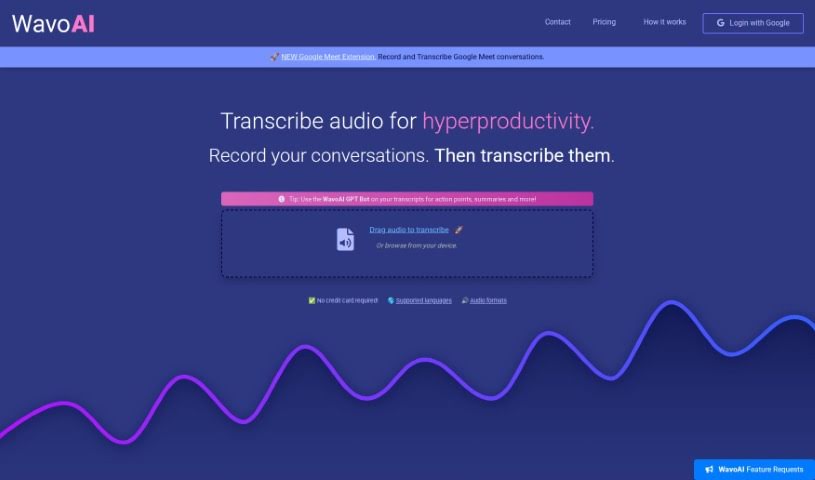
Screenshot of WavoAI

WavoAI

Freemium

WavoAI is an AI-powered audio transcription tool that converts audio into readable, analyzable text. Beyond basic transcription, it offers interactive summaries, speaker identification, transcript annotations, and AI-driven analysis directly from your transcripts.

Transcription View Tool →
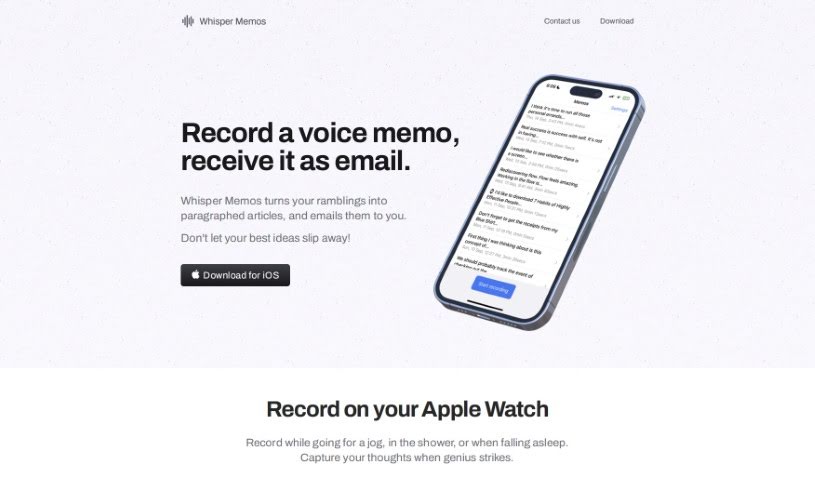
Screenshot of Whisper Memos

Whisper Memos

Freemium

Whisper Memos is a voice-to-text service that lets you record voice memos and receive them as transcribed text, usually sent straight to your email. It uses GPT-4 to turn what you say into structured, readable text that reads like a newspaper article. Recording starts with a button press or a double-tap, and transcripts are automatically broken into paragraphs for easy reading.

Transcription View Tool →

About Transcription tools

Straining to catch every word of a recorded interview, pausing every few seconds to type, and rewinding messy audio over and over makes manual transcription feel like a tedious grind. Whether you’re transcribing team syncs, lectures, podcast episodes, or legal depositions, turning hours of spoken audio into text eats up your workday.

These AI tools act as specialized audio assistants. They don’t replace human listening or the need for a final review, but they handle automatic speech recognition, separate speakers, and turn hours of recordings into clean, structured text in minutes.

Speech Recognition, Speaker Diarization, and Timestamps

Converting long audio and video recordings into readable documents used to take three to four times the original recording length. Smart speech-to-text assistants analyze spoken context, sentence structure, and varied accents to generate fast, accurate transcripts for meetings and interviews. Instead of spending your evening rewinding audio files, you get instant text drafts ready for review.

Handling multi-speaker conversations and noisy background environments gets much easier, too. Advanced transcription platforms use speaker diarization to automatically detect and label who is speaking throughout a discussion. They can also learn custom vocabulary like technical jargon, brand names, and industry acronyms, ensuring unique terms are transcribed accurately.

Turning lengthy transcripts into useful summaries and searchable notes becomes far simpler. Beyond generating raw text, AI transcription tools extract key takeaways, organize action items, and generate searchable timestamps. You can search across hours of audio by keyword, jump straight to a specific moment in the track, or send a concise meeting recap to your team without reading through pages of dialogue.

Key Features to Look For:

  • Automated speech-to-text: Systems that convert live speech or pre-recorded audio and video files into accurate written text in real time or batch runs.
  • Speaker diarization: Features that identify, separate, and label individual speakers throughout multi-person meetings, interviews, or panel discussions.
  • Custom vocabulary support: Settings that let you train the system on specialized industry jargon, technical acronyms, and brand names for higher accuracy.
  • Automated summaries and action items: Tools that extract core takeaways, highlight decision points, and draft concise recaps from long transcripts.
  • Searchable timestamps and caption exports: Capabilities for jumping to specific moments in synced audio and exporting transcripts in caption formats like SRT or VTT.

Capturing reliable notes will always depend on your subject matter knowledge, attention to detail, and final review. Software can’t verify sensitive quotes or understand subtle conversational context for you, but letting smart tools handle repetitive typing and speaker identification gives you back the time needed for your core projects.

Check out the transcription tools below to convert your audio into clear, searchable text.

The Best AI Transcription Tools

  1. Turbo Scribe: for efficient podcast transcription
  2. 008 Agent: Transcribes VoIP calls with call summaries and CRM integration.
  3. Transkriptor: for automating lecture notes for students
  4. Screen App: for documenting meeting notes and action items
  5. Acallrecorder: Call recording and transcription with speaker separation and timestamps.
  6. Speechnotes: for easy note-taking from recordings
  7. Transcribe Me: for efficient lecture transcription
  8. Assembly AI: for accurate meeting transcripts
  9. Sonix: for easy audio-to-text transcription
  10. Deepgram: for podcast transcription
  11. Actual Chat: Real-time audio with live transcription and AI assistance.
  12. Cleanvoice AI: for accurate podcast episode transcriptions
  13. Good Tape: for effortless audio-to-text conversion
  14. Trint: for real-time meeting transcription
  15. Openai Whisper: for real-time meeting transcription
New tools, in your inbox.

Weekly picks of the best AI tools we've researched and added — no spam, unsubscribe anytime.

Join 25,000+ AI enthusiasts. No spam, unsubscribe anytime.