AI Text Generation Tools

AI Tools for Text Generation

Discover the best Text Generation AI tools to enhance your productivity and creativity.

Page 54 of 84 • 998 total tools
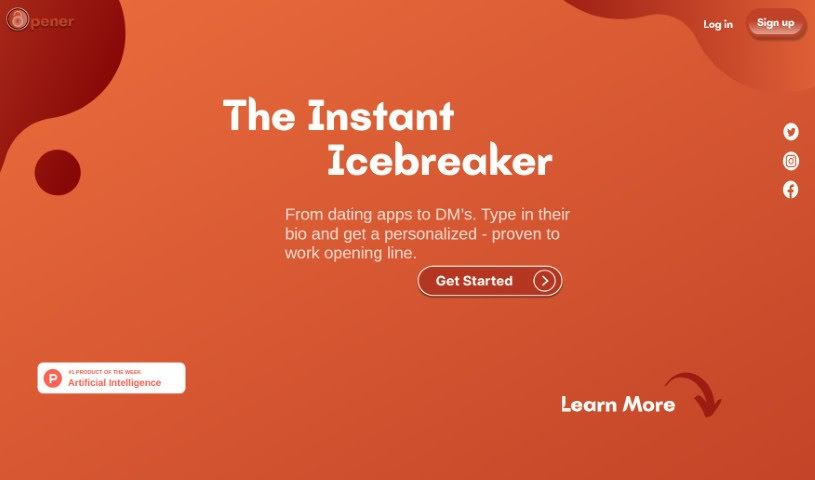
Screenshot of Opener.chat

Opener.chat

Freemium

Opener.chat is a platform that helps you start conversations with people you're interested in by generating personalized opening lines based on their bio. It's aimed at networking, dating, and making new friends, and it provides strategies, tips, and real-world examples for breaking the ice.

Text Generation View Tool →
Screenshot of OpenExO

OpenExO

Freemium

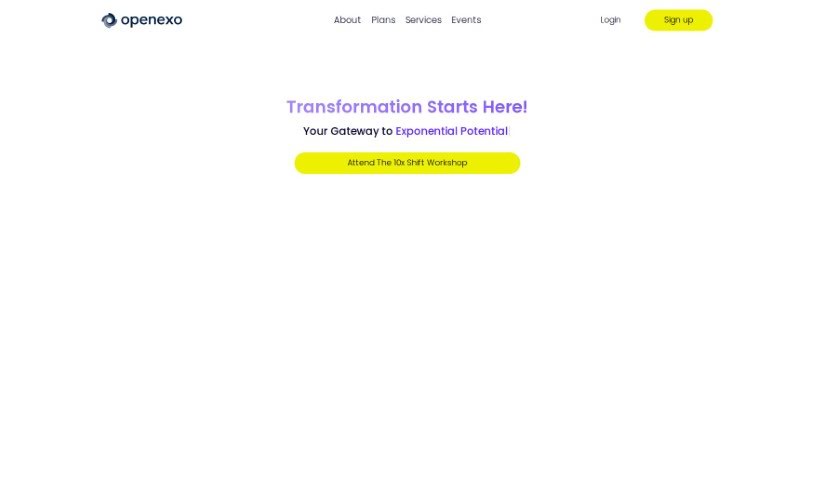
OpenExO's ExO Bot is an AI chatbot that acts as a virtual assistant on the OpenExO platform. It helps users understand and navigate OpenExO's ExO attributes and algorithms, offering real-time help, simplified learning, and advice on implementing ExO — particularly for companies practicing Kaizen.

Text Generation View Tool →
Screenshot of Opengrant

Opengrant

Freemium

OpenGrant is an AI tool built to simplify grant writing. It provides a platform for creating and submitting grant applications more efficiently, offering suggestions to improve the content, structure, and overall quality of proposals. By automating parts of the process, OpenGrant can speed up application completion — potentially reducing the time required by up to ten times compared to traditional methods.

Text Generation View Tool →
Screenshot of OpenL

OpenL

Freemium

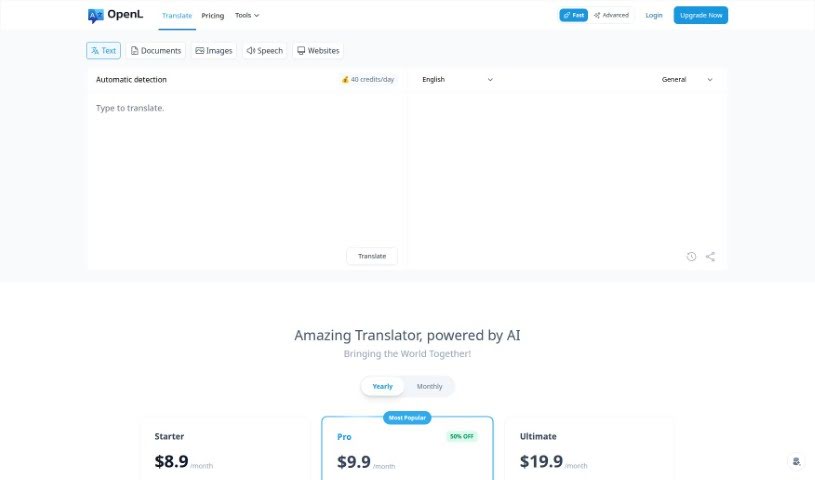
OpenL Translate is an AI-powered translation tool that supports more than 100 languages, from widely spoken ones like English, Spanish, and French to less common dialects. It uses AI technology to capture nuance and cultural context, aiming for native-level accuracy. Beyond translation, OpenL includes a Grammar Fix tool to improve writing and a Learn function to support language study.

Text Generation View Tool →
Screenshot of OpenRead

OpenRead

Freemium

OpenRead is an AI-powered platform for organizing, interacting with, and analyzing research papers and journals. Users can ask questions directly about a paper and receive quick answers. The Paper Espresso feature generates literature reviews, while a notes system with backlinks keeps research organized. LaTeX writing is supported, and NLP technology speeds up reading by extracting figures, formulas, and tables. OpenRead also hosts seminar series and collaborates with university alliances to support a global research community.

Text Generation View Tool →
Screenshot of Orchard

Orchard

Freemium

Orchard was a writing app designed to help writers generate ideas, refine their work, and write with AI assistance. The team behind it announced the app's closure, explaining that they lacked the attention and resources to develop it into the writing tool they envisioned. Logins were disabled ahead of the final shutdown, and users were given the opportunity to export their data before the service ended.

Text Generation View Tool →
Screenshot of Otomatic

Otomatic

Freemium

Otomatic is an AI content generation tool for WordPress. It uses AI models like GPT-4, Mistral medium, and others to create content, and includes an RSS autopilot that automatically pulls in news, a glossary style for consistent terminology, and theme customization to match your site's look. Content can be generated in many languages, and you can create your own templates to share.

Text Generation View Tool →
Screenshot of Outline

Outline

Freemium

Outline is a collaborative document editor powered by AI. It helps with ideation, task completion, and editing through AI commands and built-in tools. You can use it to generate detailed outlines, optimize content for SEO, and get recommendations for what to write next based on your habits and preferences. It also includes grammar checkers, plagiarism detectors, and social media integrations to streamline content creation.

Text Generation View Tool →
Screenshot of Overflowai

Overflowai

Freemium

OverflowAI is a suite of AI-powered tools and features rolling out across Stack Overflow's public platform and its Stack Overflow for Teams offering. It applies AI — such as semantic search and natural language processing — to improve the developer experience while keeping the Stack Overflow community at the heart of it all.

Text Generation View Tool →
Screenshot of Owlbot

Owlbot

Freemium

Owlbot is an AI-powered chatbot tool designed to help you get more value from your data. It includes its own chatbot assistant, can pull information from a variety of sources, and helps analyze that data. You can chat with it to get quick answers drawn from multiple sources at once.

Text Generation View Tool →
Screenshot of Ownai

Ownai

Freemium

OwnAI is an artificial intelligence tool built to improve interactions by constantly learning and adjusting. It is a chat companion that evolves with you: every conversation makes it smarter, delivering a more personal and dynamic experience over time. It uses smart technology to interpret what you're saying and how you prefer things done, aligning with your goals.

Text Generation View Tool →
Screenshot of PageBrain

PageBrain

Freemium

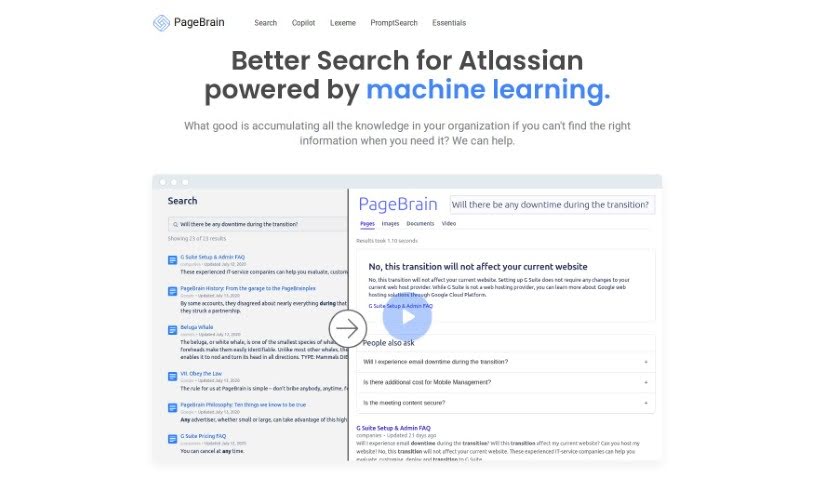
PageBrain is an open-source chat text editor built for writing rather than databases, with a layout inspired by SQL Workbench. Brainstorming, writing, and rewriting happen in a single window, with ChatGPT integrated as a copilot alongside your text. You select text to rewrite, set a preferred writing style, and use built-in prompts for common writing tasks — no copying and pasting into a separate chat window.

Text Generation View Tool →

About Text Generation tools

Staring at a blinking cursor while trying to draft marketing copy, outline a blog post, or clear out an inbox can quickly drain your creative energy. Whether you’re scaling up content for a business, drafting social posts across multiple platforms, or summarizing dense reports, putting thoughts into polished words takes hours of focused effort. It’s easy to waste time wrestling with sentence structure and writer’s block when deadlines loom.

These text generation tools act as flexible writing partners. They don’t replace human creativity or pump out generic filler, but they help you draft initial ideas faster, rephrase existing copy, and maintain a consistent voice across all your written work.

Drafting Outlines, Content Repurposing, and Tone Tweaks

Starting a new project from scratch is often the slowest part of any writing task. Smart text generators take brief prompts or rough notes and build structured outlines, introductory paragraphs, or complete section drafts in seconds. Instead of staring at an empty page, you get a working draft that gives you something concrete to edit and refine.

Converting one piece of content into multiple formats becomes far simpler, as well. AI text tools allow you to quickly turn a long-form article into catchy social media snippets, email newsletter updates, or brief summaries. You can easily adjust length and formatting to fit different platforms without rewriting the core message from scratch every time.

Refining tone and keeping your style consistent across projects gets much easier, too. Matching the right tone for different audiences can be tricky when managing multiple brands or client accounts. Modern text assistants let you adjust text to sound formal, casual, persuasive, or authoritative with quick prompts—helping clean up awkward phrasing and keeping messaging clear.

Key Capabilities to Look For:

  • Tone and style controls: Settings that let you adjust casual, formal, or persuasive writing tones to match your brand voice.
  • Multi-format templates: Pre-built frameworks designed for specific content types like blog outlines, ad copy, emails, and social posts.
  • Long-form context retention: Features that allow tools to maintain consistent logic and context across longer articles and reports.
  • Summarization and rewriting: Tools that help shorten long documents, expand bullet points, or rephrase paragraphs while keeping the original meaning intact.
  • Multi-language generation: Software that can write, translate, and adapt content across several languages without losing nuance.

Great writing will always depend on your personal perspective, critical thinking, and unique voice. Software cannot replicate true human empathy or replace your subject matter expertise. But letting smart tools handle routine drafting, rephrasing, and formatting gives you back the time and mental energy needed to sharpen your core message.

Explore the text generation tools below to find the right assistant for your writing workflow.

The Best AI Text Generators

  1. ChatGPT: Great for creative writing prompts.
  2. Google Translate: Useful for quickly translating generated text snippets.
  3. DeepSeek: Good for generating creative content for writers.
  4. Gemini: Helps with original story creation for writers.
  5. Claude: Excellent for creative writing and content generation.
  6. Grok: Ideal for generating creative storytelling prompts.
  7. Microsoft Copilot: Helps create engaging marketing content.
  8. DeepL Translate: Offers seamless content translation and generation.
  9. DeepAI: Lets you create custom content from prompts.
  10. Meta AI: Provides creative story prompts for writers.
  11. Chat Blackbox: Helps craft creative content quickly.
  12. Monica: Makes creating engaging blog posts easy.
  13. Papago: Acts as a creative content generation assistant.
  14. Sider: Offers professional content creation assistance.
  15. Humanize AI: Helps you craft engaging content effortlessly.
New tools, in your inbox.

Weekly picks of the best AI tools we've researched and added — no spam, unsubscribe anytime.

Join 25,000+ AI enthusiasts. No spam, unsubscribe anytime.